

Favicon Helper - Easy Online Favicon Generator and Converter Tool
Favicon Helper is a free web tool that allows you to generate and convert favicons in multiple formats like ICO, PNG, GIF, and JPG quickly and without registration.
- Best for
- Generate Favicons
- Key capability
- Multi-format Support
Save Favicon Helper, follow its updates and vote on it — everything stays in your account.
Sign in or create a free account
What is Favicon Helper?
Favicon Helper is a free online tool designed to help users generate and convert favicons easily. Favicons are small icons associated with a website, displayed in browser tabs, bookmarks, and shortcuts. This tool simplifies creating favicons from images or converting existing favicon files into different formats without requiring graphic design software.
Key features of Favicon Helper
Favicon Helper offers a straightforward interface to upload images and generate favicons in multiple formats. It supports conversion between ICO, PNG, GIF, and JPG formats, enabling compatibility across browsers and devices. The tool is web-based, requires no installation, and provides instant downloads.
Multi-format Support
Supports favicon generation and conversion in ICO, PNG, GIF, and JPG formats.
No Registration Required
Use the tool instantly without creating an account or providing personal information.
Fast Processing
Quickly generates or converts favicons with minimal wait time.
Simple User Interface
Clean and intuitive design makes favicon creation accessible to all skill levels.
Pros and cons of Favicon Helper
Pros
- Completely free to use with no sign-up required
- Supports multiple favicon formats for broad compatibility
- Simple and fast favicon generation and conversion
- Web-based with no software installation needed
Cons
- Limited to favicon-related functions only
- No advanced editing or customization features
- No mobile app or offline version available
Key use cases for Favicon Helper
Generate Favicons
Create favicons from images in various formats suitable for websites and apps.
Convert Favicon Formats
Convert existing favicon files between formats like ICO, PNG, GIF, and JPG.
Download Favicons
Download generated or converted favicons instantly for use on websites.
Optimize Website Branding
Enhance website identity by creating consistent and compatible favicons.
How Favicon Helper works
- 1
Upload Image or Favicon
Select an image file or existing favicon from your device to start.
- 2
Choose Output Format
Pick the desired favicon format such as ICO, PNG, GIF, or JPG.
- 3
Generate or Convert
The tool processes the file and creates the favicon in the chosen format.
- 4
Download Favicon
Download the generated favicon file to use on your website.
Who is using Favicon Helper
Favicon Helper pricing
Free
$0
Full access to favicon generation and conversion features without cost.
Plans and prices are as published by the vendor and can change. Check the official site before you buy. Open the pricing page (opens in a new tab)
Frequently asked questions about Favicon Helper
You can upload common image formats such as PNG, JPG, GIF, and ICO files.
No, the tool is completely free and does not require registration.
Yes, Favicon Helper supports converting favicons between ICO, PNG, GIF, and JPG formats.
The website does not specify a strict limit, but very large files may not upload successfully.
It depends on your specific needs and how you plan to use the tool. The official website and documentation are the best sources for the latest details.
This tool is designed to help users accomplish its core tasks more efficiently. It is typically used by individuals or teams looking to improve productivity and workflow.
Yes, it can help with that use case depending on how you configure it and what features are available. You’ll get the best results with clear inputs and a defined goal.
Some tools offer a free plan or trial with limited features. Availability can vary, so confirm on the official website.
Conclusion
Favicons are the small icons shown in browser tabs, bookmarks and shortcuts, and this site creates them from an image or converts an existing favicon file. After upload, the desired favicon format is picked, the tool processes the file, and the generated favicon is downloaded for use on a website. Generation and conversion work across several favicon formats.
Everything is free, needs no registration and runs on the web without software installation. It targets web developers, bloggers and website administrators who want favicons without requiring graphic design software.
Sources
Sign in to review this tool.
Sign In to ReviewNo reviews yet
Be the first to share how this tool worked for you.
Ask about pricing, limits, or how it compares — or answer someone else.
Sign In to AskNo questions yet
Have a question about using or paying for this tool? Be the first to ask.
Featured on TiorAI



Alternative Tools
Explore similar AI tools that might fit your needs
Favicon.cc
Favicon.cc is a free web-based pixel editor that allows users to create and animate favicons easily without installing software.
More AI Background Generator tools
Other tools in the same category, for when this one is not quite the fit.

Patterninja
Patterninja is a free web-based tool for creating seamless, repeatable patterns and backgrounds with an easy drag-and-drop interface and export options in PNG and SVG.

Cool Backgrounds
Cool Backgrounds is a free web tool that uses AI to generate customizable gradients, patterns, and abstract backgrounds for websites and social media.
Little Author
Little Author is an app from Blue Giraffe Labs that builds children's stories with AI from the 5Ws questions.

Wallhaven
Wallhaven is a free online platform offering a vast collection of high-quality HD and 4K wallpapers for desktops and mobile devices, featuring advanced search filters and community uploads.

Get Waves
Get Waves is a free online tool that generates customizable SVG wave backgrounds for web and graphic design, allowing users to adjust wave complexity, colors, and orientation with real-time preview and export options.
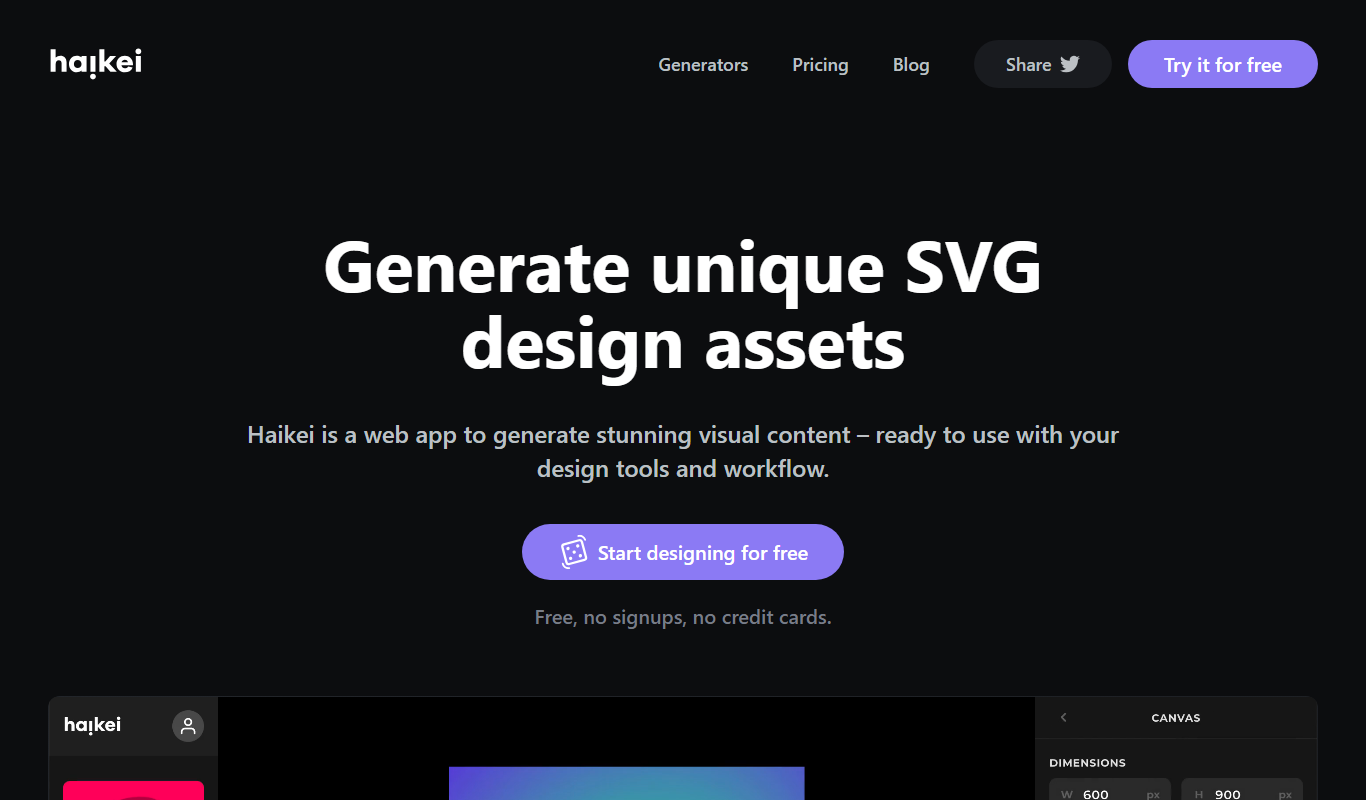
Haikei
Haikei is a free web-based generator of random SVG shapes and backgrounds built from adjustable parameters, with unlimited downloads.
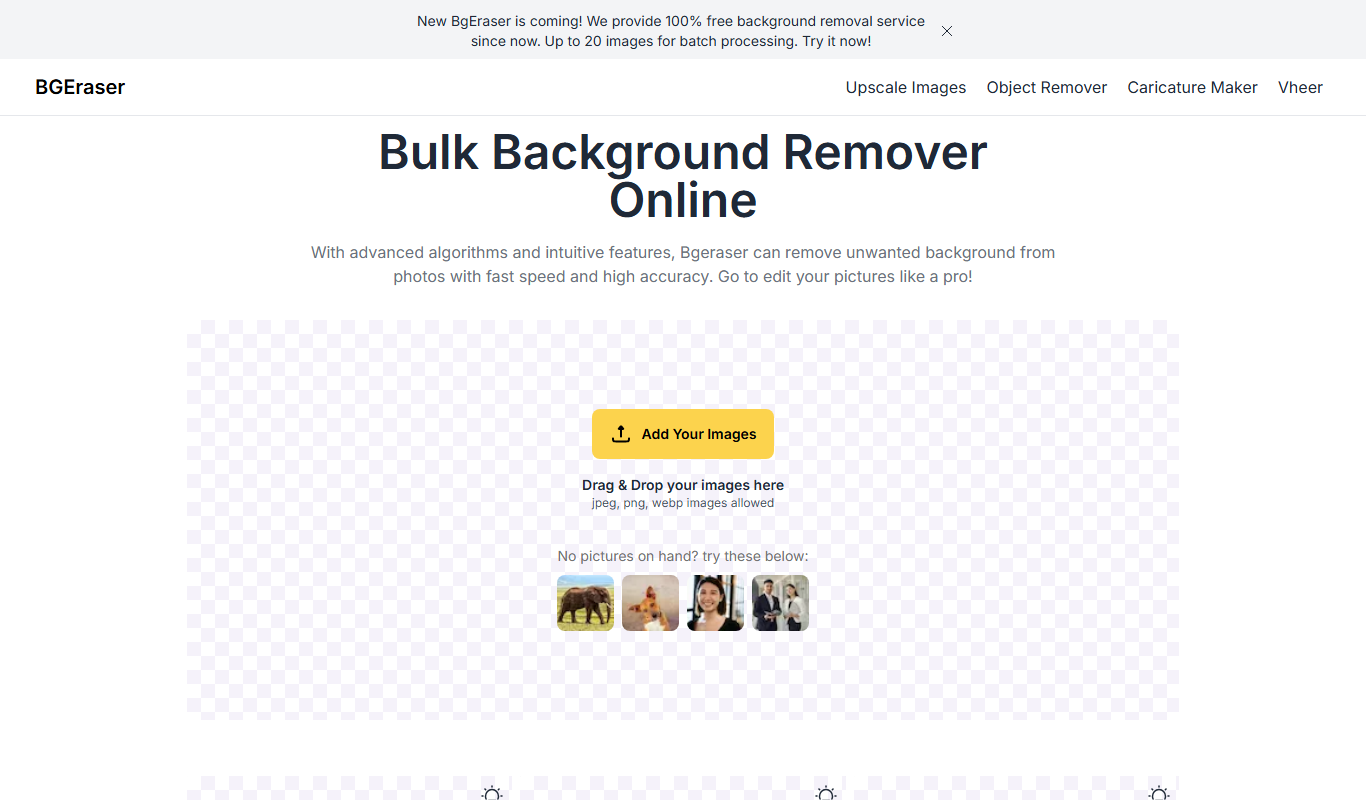
Bg.Eraser
Bg.Eraser is an AI-based online tool that automatically removes backgrounds from images, providing transparent PNG outputs suitable for e-commerce, design, and content creation.
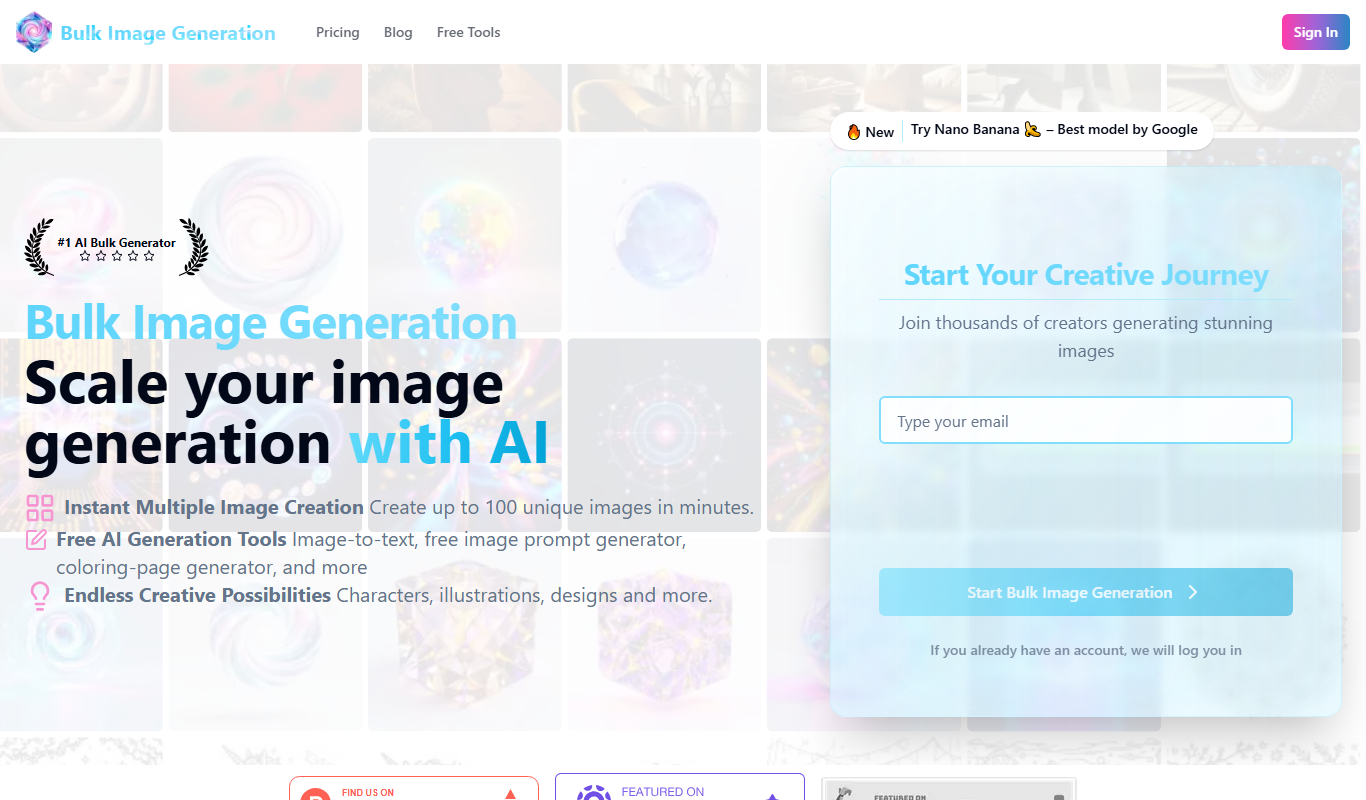
Bulk Image Generation
Bulk Image Generation is an AI tool that allows users to create large batches of images from text prompts quickly, with options for customization and API integration.