

Lightweight Kubernetes Distribution K3s for Edge and IoT Deployments
K3s is a lightweight, certified Kubernetes distribution designed for resource-constrained environments like edge computing and IoT. It simplifies Kubernetes deployment with a small binary and embedded components.
- Best for
- Edge Computing Deployments
- Key capability
- Lightweight Single Binary
Save K3s, follow its updates and vote on it — everything stays in your account.
Sign in or create a free account
What is K3s?
K3s is a lightweight, certified Kubernetes distribution designed for production workloads in resource-constrained environments such as edge computing, IoT devices, and ARM-based systems. It simplifies Kubernetes installation and operation by packaging all dependencies into a single binary and removing non-essential features to reduce resource consumption.
Key features of K3s
K3s offers a fully compliant Kubernetes experience with a small binary size, low memory footprint, and simplified operations. It supports ARM architectures, embedded databases, and automatic TLS certificate management, making it ideal for edge and IoT use cases.
Lightweight Single Binary
K3s packages Kubernetes and all dependencies into a single <100MB binary for easy deployment.
ARM and x86 Support
Runs on multiple architectures including ARM, making it suitable for IoT and edge devices.
Embedded Database
Uses SQLite by default for cluster state storage, reducing external dependencies.
Simplified Networking
Includes built-in support for Flannel and other CNI plugins with minimal configuration.
Automatic TLS Management
Handles certificate generation and rotation automatically for secure cluster communication.
Pros and cons of K3s
Pros
- Extremely lightweight and easy to install
- Supports ARM and edge devices
- Certified Kubernetes with standard APIs
- Minimal resource consumption
- Simplifies cluster management
Cons
- Not ideal for very large-scale Kubernetes clusters
- Limited advanced Kubernetes features compared to full distributions
Key use cases for K3s
Edge Computing Deployments
K3s is optimized for running Kubernetes clusters on edge devices with limited resources.
Internet of Things (IoT) Applications
Supports lightweight container orchestration for IoT devices requiring Kubernetes capabilities.
Development and Testing
Provides a simplified Kubernetes environment for developers to test and develop cloud-native applications.
CI/CD Pipelines
Integrates with continuous integration and deployment workflows to automate containerized application delivery.
Resource-Constrained Environments
Designed to run efficiently on devices with limited CPU, memory, and storage.
How K3s works
- 1
Download and Install
Obtain the single binary or install script from the official K3s website and run it on your target device.
- 2
Cluster Initialization
K3s automatically configures a Kubernetes cluster with embedded components like containerd and SQLite.
- 3
Deploy Applications
Use standard Kubernetes manifests and tools like kubectl to deploy and manage containerized applications.
- 4
Manage and Scale
Add nodes or scale workloads as needed while K3s handles orchestration with minimal overhead.
Who is using K3s
K3s pricing
Free
$0
Open source and free to use with community support.
Plans and prices are as published by the vendor and can change. Check the official site before you buy. Open the pricing page (opens in a new tab)
Frequently asked questions about K3s
Yes, K3s is a certified Kubernetes distribution and supports most standard Kubernetes APIs and tools.
Yes, K3s supports ARM architectures including Raspberry Pi, making it popular for IoT projects.
K3s uses containerd as its default container runtime.
No, K3s uses an embedded SQLite database by default but can be configured to use external databases like etcd.
This tool is designed to help users accomplish its core tasks more efficiently. It is typically used by individuals or teams looking to improve productivity and workflow.
It depends on your specific needs and how you plan to use the tool. The official website and documentation are the best sources for the latest details.
Yes, it can help with that use case depending on how you configure it and what features are available. You’ll get the best results with clear inputs and a defined goal.
It depends on your specific needs and how you plan to use the tool. The official website and documentation are the best sources for the latest details.
Conclusion
K3s packages Kubernetes and all dependencies into a single binary under 100MB. On first run it configures a cluster with embedded components like containerd and SQLite, and it handles TLS certificate generation and rotation automatically. Standard Kubernetes manifests and kubectl then deploy applications, since it is a certified distribution that supports standard APIs.
The design targets resource-constrained environments such as edge computing, IoT devices and ARM-based systems, including Raspberry Pi. It also gives developers a simplified Kubernetes environment to test and develop cloud-native applications. K3s is open source and free to use with community support. Removing non-essential features keeps it light, but it does not target very large-scale Kubernetes clusters and has limited advanced features compared to full distributions.
Sources
Sign in to review this tool.
Sign In to ReviewNo reviews yet
Be the first to share how this tool worked for you.
Ask about pricing, limits, or how it compares — or answer someone else.
Sign In to AskNo questions yet
Have a question about using or paying for this tool? Be the first to ask.
Featured on TiorAI



Alternative Tools
Explore similar AI tools that might fit your needs

Minikube
Minikube is a free, open-source tool that runs a local single-node Kubernetes cluster on your computer, ideal for developers and DevOps to build and test containerized applications.
More AI Developer Tools tools
Other tools in the same category, for when this one is not quite the fit.
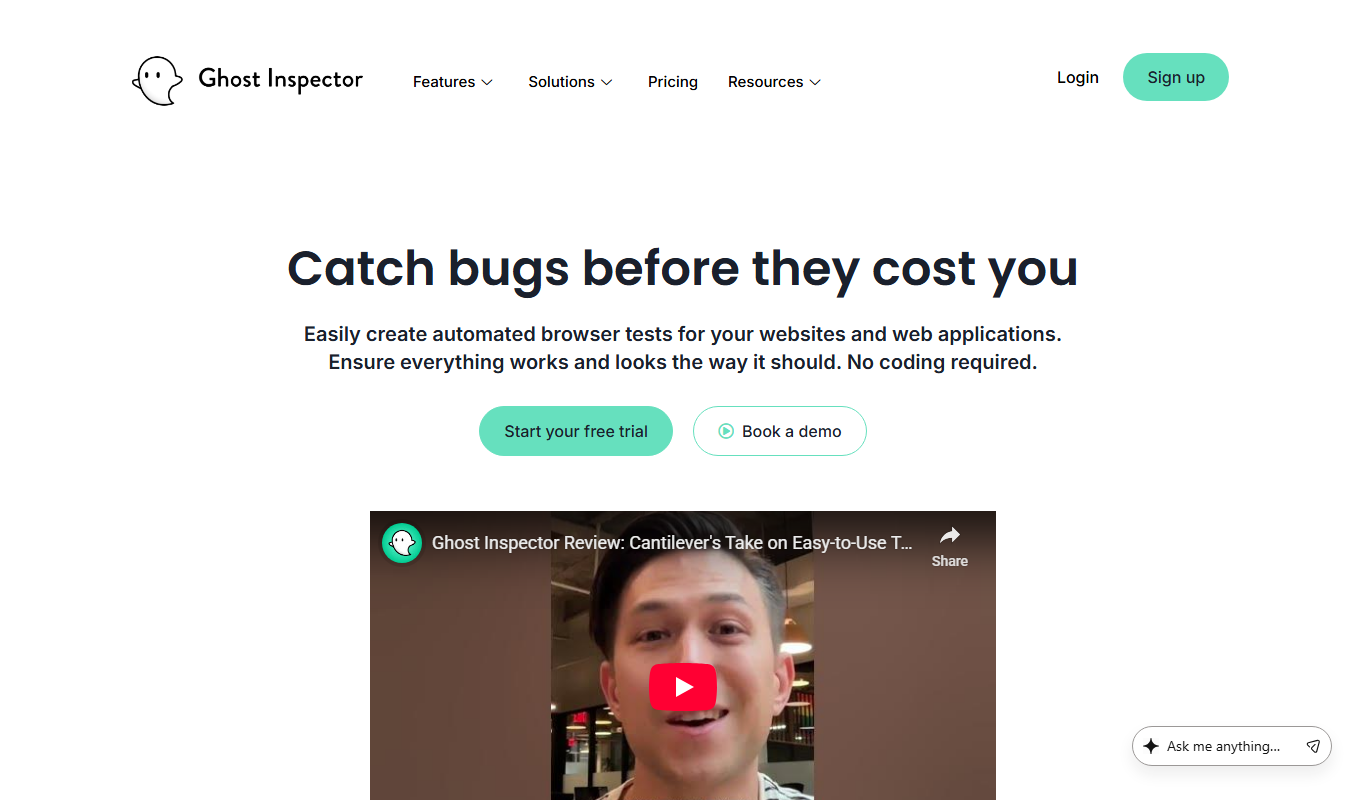
Ghost Inspector
Ghost Inspector is a cloud-based tool that automates browser testing by recording user interactions or scripting tests to ensure websites function correctly and look consistent across browsers. It integrates with CI/CD pipelines and supports scheduled monitoring.

AutoMapper
AutoMapper is a .NET library that automates mapping between different object models, helping developers reduce manual code; since version 15.x it is commercial, with a free Community edition for companies under $5M revenue.

Gradio
Gradio is an open-source tool that lets you quickly create interactive web interfaces for machine learning models using Python, enabling easy sharing and testing without front-end development.

Auth0
Auth0 is a secure identity platform that enables developers to add authentication and authorization to applications using standards like OAuth 2.0 and OpenID Connect, supporting features such as single sign-on, multi-factor authentication, and social login integration.
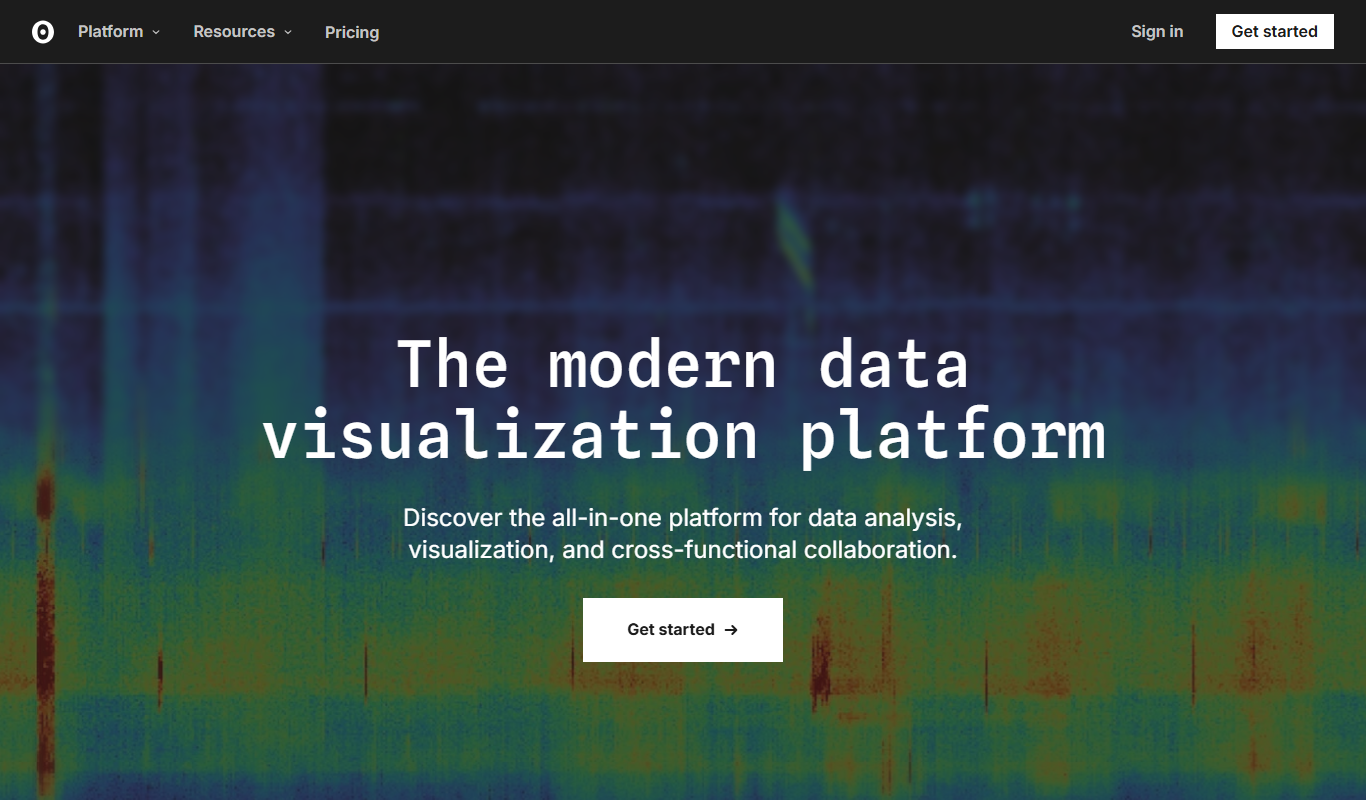
Observable
Observable is a web-based platform that enables users to create interactive JavaScript notebooks focused on data visualization and collaborative data analysis.

Swagger
Swagger is a set of tools for designing, documenting, testing, and mocking RESTful APIs using the OpenAPI Specification, widely used by developers and teams to streamline API development.

Stardog
Stardog is an enterprise knowledge graph platform that integrates diverse data sources into a semantic graph database, enabling advanced querying, reasoning, and AI integration.
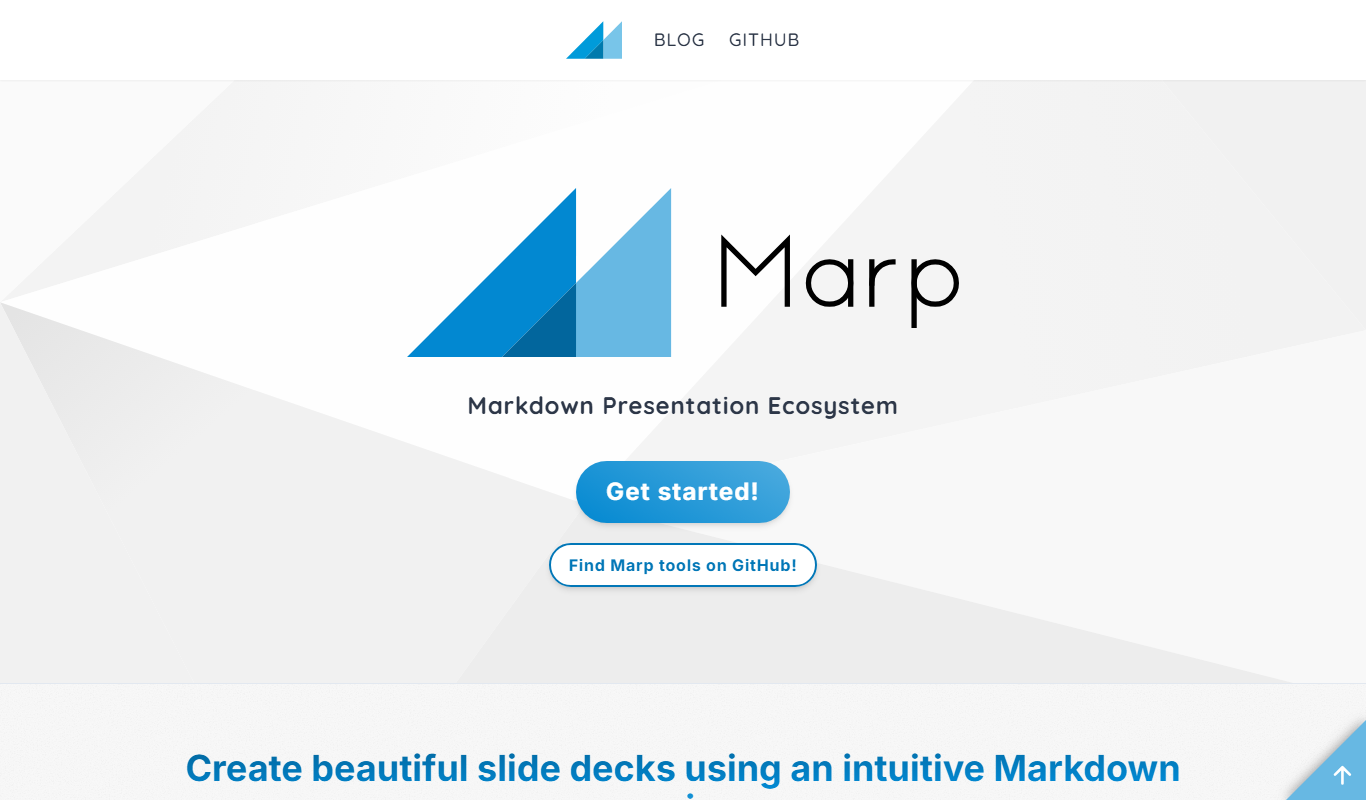
Marp
Marp is an open-source tool that converts Markdown files into presentation slides with export options including PDF and PowerPoint, featuring customizable themes and syntax highlighting.