

From my experience with Day One, I found it excels at providing a secure and versatile journaling platform that balances privacy with rich multimedia support. The app’s intuitive design and cross-device syncing make it easy to maintain a consistent journaling habit, whether for personal reflection, creative writing, or travel logging. However, the full feature set requires a premium subscription, which might be a consideration for casual users. Overall, if you want a reliable, private digital diary with advanced features like audio transcription, Day One delivers a polished and thoughtful solution.
Day One Journal App Review – Best Digital Diary for Daily Writing
Day One is a secure digital journaling app that supports text, photos, audio, and location entries, with cross-platform syncing and end-to-end encryption.
- Best for
- Personal Journaling
- Key capability
- Multi-Platform Sync
Your actions
Save Day One, follow its updates and vote on it — everything stays in your account.
Sign in or create a free accountWhat is Day One?
Day One is a digital journaling app designed to help users capture life moments, thoughts, and memories in a secure, organized, and beautiful interface. It supports text, photos, audio recordings, and location data, making it a versatile tool for personal diary keeping, creative writing, and mental health tracking.
Key features of Day One
Day One offers multi-platform syncing, rich media support, end-to-end encryption, daily prompts, mood tracking, and audio-to-text transcription, providing a comprehensive journaling experience for users seeking privacy and ease of use.
Multi-Platform Sync
Keep your journal entries updated and accessible on all your devices.
End-to-End Encryption
Protect your private thoughts with strong encryption ensuring data privacy.
Rich Media Support
Add photos, audio recordings, videos, and location data to your entries.
Audio-to-Text Transcription
Convert voice recordings into text for easy journaling on the go.
Daily Prompts and Reminders
Stay motivated with prompts and notifications encouraging regular journaling.
Pros and cons of Day One
Pros
- Intuitive and clean user interface
- Strong privacy with end-to-end encryption
- Supports rich media and audio transcription
- Cross-platform syncing across devices
- Daily prompts encourage consistent journaling
Cons
- Premium subscription required for full features
- Limited customization options for journal layouts
- No native Windows desktop app
Key use cases for Day One
Personal Journaling
Capture daily thoughts, memories, and reflections in a private digital diary.
Mental Health Tracking
Use journaling prompts and mood tracking to support emotional well-being.
Creative Writing
Draft stories, poems, or ideas in a distraction-free environment.
Travel Logging
Document trips with photos, locations, and notes all in one place.
Voice Journaling
Record audio entries and convert speech to text for hands-free journaling.
How Day One works
- 1
Create an Account
Sign up with your email to start syncing your journal entries across devices.
- 2
Write or Record Entries
Add text, photos, audio recordings, and location tags to your journal entries.
- 3
Organize and Tag
Use tags, multiple journals, and calendar views to organize your content.
- 4
Sync Across Devices
Access your journal on iOS, Android, macOS, and the web with seamless syncing.
- 5
Use Advanced Features
Leverage daily prompts, mood tracking, and audio transcription to enrich your journaling.
Who is using Day One
Personal journal keepers
Mental health advocates
Creative writers and authors
Travelers and life loggers
Users seeking secure digital diary solutions
Day One pricing
Free
$0/month
Basic journaling features with limited entries and device sync.
Premium
$34.99/year
Unlimited entries, multi-device sync, audio transcription, and advanced features.
Plans and prices are as published by the vendor and can change. Check the official site before you buy. Open the pricing page (opens in a new tab)
Frequently asked questions about Day One
Yes, Day One uses end-to-end encryption to ensure your journal entries remain private.
Yes, you can create and edit entries offline; they will sync when you reconnect.
Yes, you can add photos, audio recordings, videos, and location data to your entries.
Yes, Day One offers a web app accessible through browsers for journaling on any device.
Some tools offer a free plan or trial with limited features. Availability can vary, so confirm on the official website.
Yes, it can help with that use case depending on how you configure it and what features are available. You’ll get the best results with clear inputs and a defined goal.
Data handling and security practices vary by provider. Review the official privacy policy to understand how your data is stored and used.
Sign in to review this tool.
Sign In to ReviewNo reviews yet
Be the first to share how this tool worked for you.
Ask about pricing, limits, or how it compares — or answer someone else.
Sign In to AskNo questions yet
Have a question about using or paying for this tool? Be the first to ask.
Featured on TiorAI



Alternative Tools
Explore similar AI tools that might fit your needs

Free
Journey
Journey is an AI-powered writing assistant that helps users generate creative stories, content, and writing prompts through an easy-to-use web platform.
Free
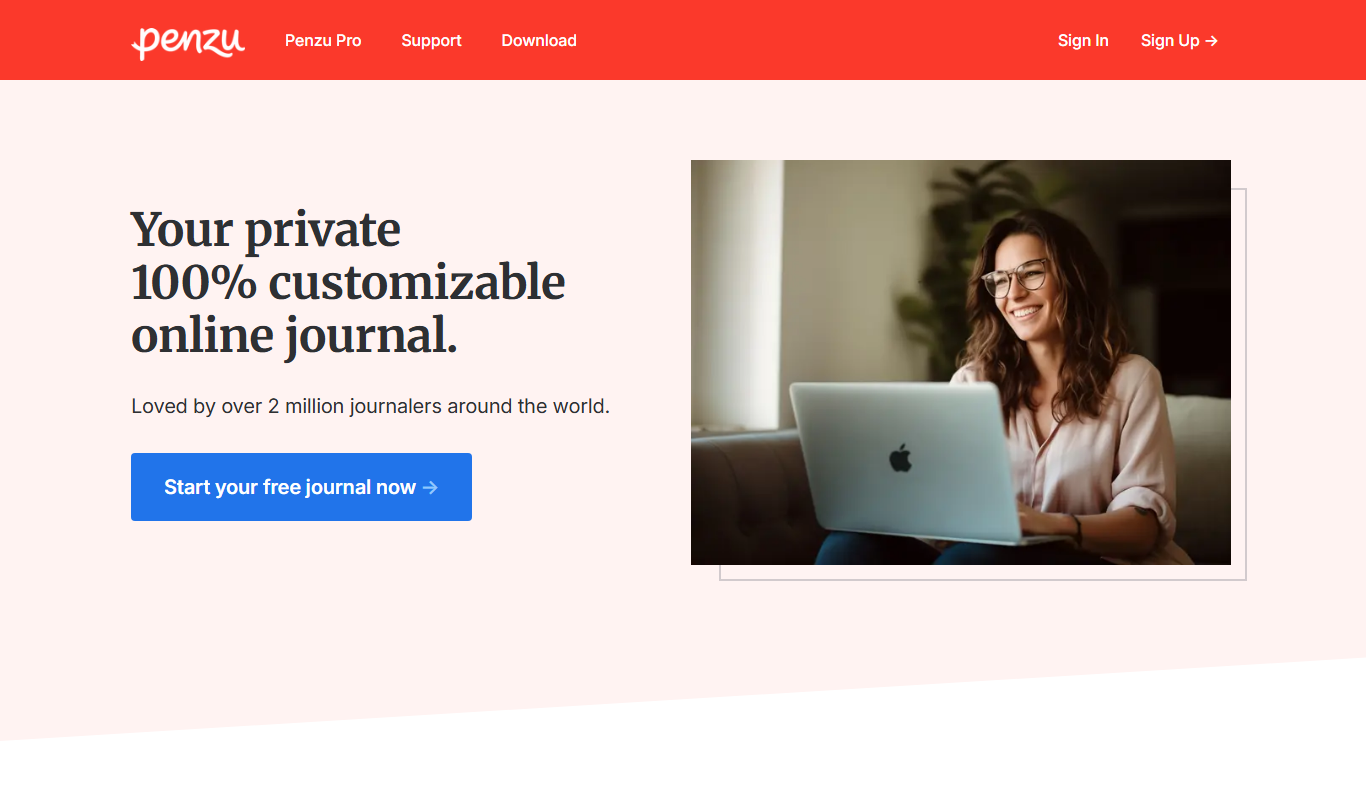
Penzu
Penzu is a secure online journaling app that offers encrypted personal diaries, customizable journals, and syncing across web and mobile platforms.
More AI Text-to-Speech tools
Other tools in the same category, for when this one is not quite the fit.
Freemium
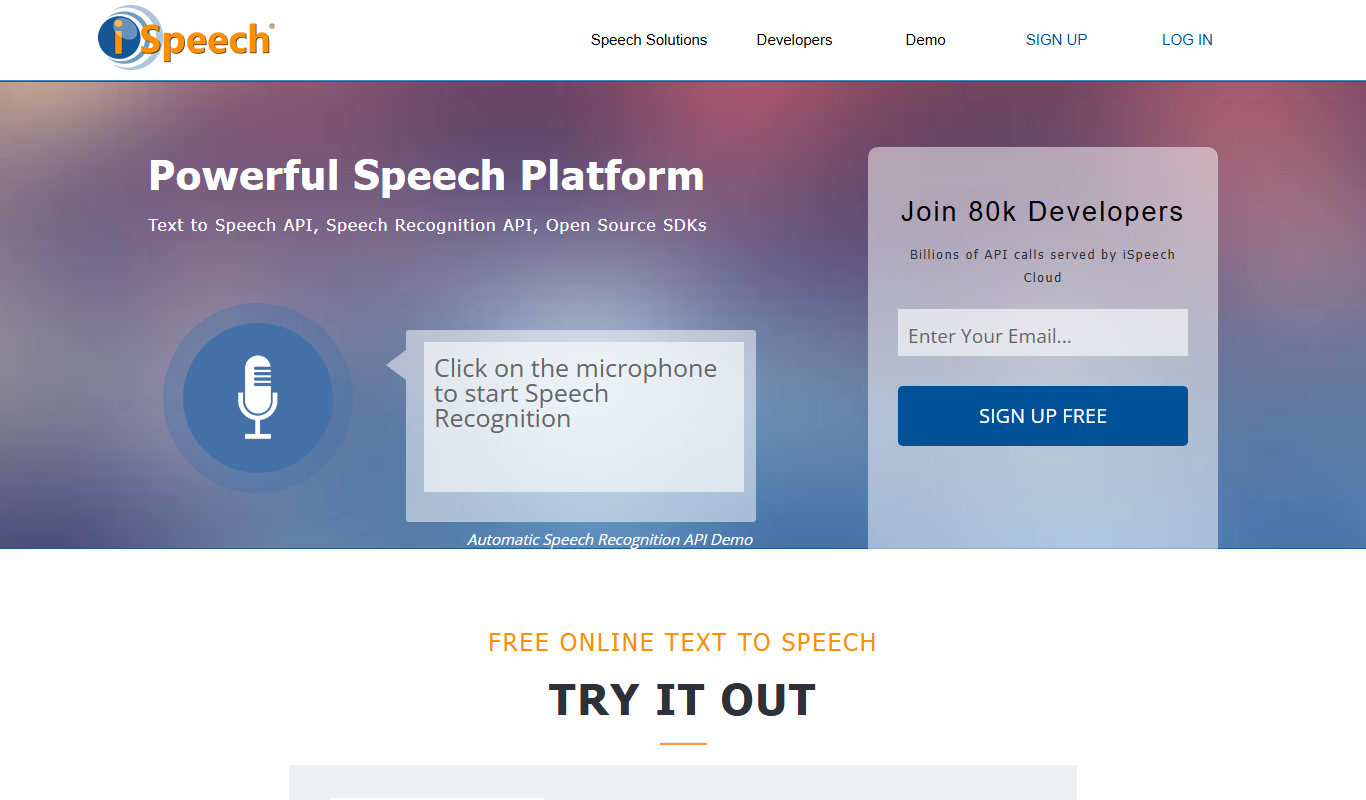
iSpeech
iSpeech is a cloud-based platform providing text-to-speech and speech recognition services with multiple languages, natural voices, and easy API integration for developers and businesses.

Free
ReadAloud
ReadAloud is an open source text-to-speech browser extension for Chrome, Firefox and Edge.
Free
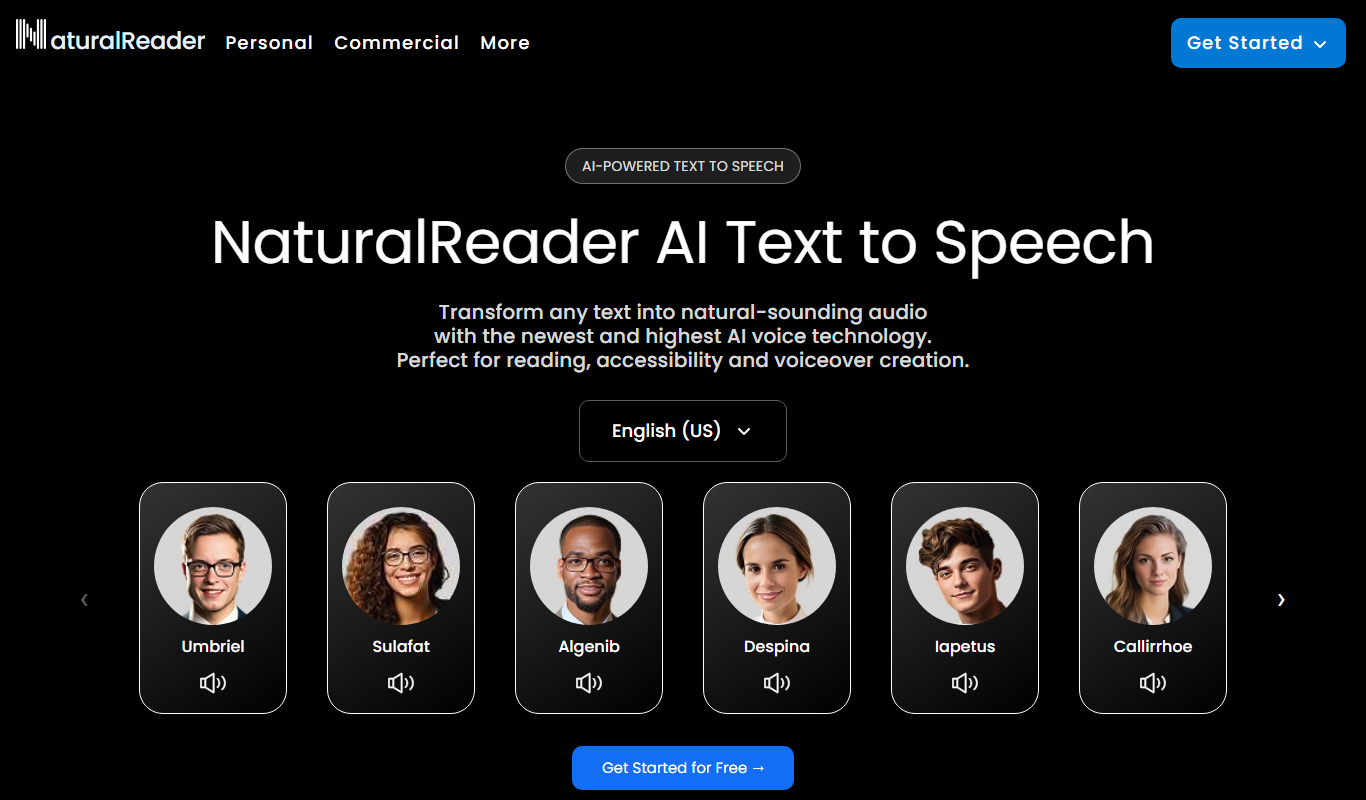
Natural Reader
Natural Reader is a text-to-speech software that converts written text into natural, human-like speech across multiple languages and platforms, supporting accessibility and content consumption.

Free Trial
Deepgram
Deepgram is an AI-driven speech-to-text platform providing accurate, customizable, and scalable audio transcription services with real-time streaming and multi-language support.

Free
Speechify
Speechify is an AI-powered text-to-speech tool that converts written text into natural audio, supporting multiple languages and platforms to enhance accessibility and productivity.

One-time purchase
Pocketalk
Pocketalk is a portable AI translator device that provides real-time two-way voice and text translation in over 80 languages using cloud-based AI technology, designed for travelers, business users, and language learners.

Free
i2OCR
i2OCR is a free online OCR tool that extracts editable text from images and PDFs in over 100 languages without requiring registration or software installation.
Free
Instapaper
Instapaper is a read-it-later app that saves web articles for offline reading, offers a distraction-free interface, and includes text-to-speech to listen to saved content.