

From my experience with Instapaper, I found it excels at providing a clean, distraction-free reading environment that is perfect for saving and organizing articles for offline consumption. The text-to-speech feature is particularly useful for multitasking or when reading isn’t convenient. After spending time with the platform, I can say it’s well-suited for busy professionals, students, and avid readers who want to curate content efficiently. However, the free plan has some limitations, and the app currently supports only English. Overall, if you need a reliable read-it-later tool with audio capabilities, Instapaper delivers solid results.
Instapaper Read It Later App for Saving and Organizing Articles Online
Instapaper is a read-it-later app that saves web articles for offline reading, offers a distraction-free interface, and includes text-to-speech to listen to saved content.
- Best for
- Save Articles for Offline Reading
- Key capability
- Offline Reading
Do you recommend this tool?
What is Instapaper?
Instapaper is a read-it-later application that enables users to save web articles and other content to read offline at their convenience. It provides a clean, simplified reading experience by stripping away ads and clutter, allowing users to focus on the text. Instapaper supports organizing saved content with folders and highlights, and includes a text-to-speech feature to listen to articles on the go.
Key features of Instapaper
Instapaper offers article saving from any web browser or app, offline reading capabilities, customizable text formatting, organization tools like folders and highlights, and a text-to-speech function that converts articles into audio for hands-free consumption.
Offline Reading
Download articles for reading without an internet connection.
Text-to-Speech
Listen to articles with natural-sounding audio narration.
Article Organization
Create folders and highlight important passages for easy reference.
Clean Reading Interface
Distraction-free layout that removes ads and clutter from articles.
Cross-Platform Sync
Sync saved articles and reading progress across devices.
Pros and cons of Instapaper
Pros
- Simple and clean reading interface
- Offline access to saved content
- Useful text-to-speech functionality
- Cross-device syncing
- Affordable premium plan
Cons
- Limited free plan features
- No support for non-English languages
- Basic tech stack information not publicly disclosed
Key use cases for Instapaper
Save Articles for Offline Reading
Users can save web articles and content to read later without internet access.
Organize Reading Material
Instapaper allows users to organize saved articles with folders and highlights.
Listen to Articles with Text-to-Speech
Users can listen to their saved articles using the built-in text-to-speech feature.
Improve Reading Focus
The app provides a clean, distraction-free reading environment for better focus.
Research and Content Curation
Professionals and students can curate and annotate reading materials for research purposes.
How Instapaper works
- 1
Create an Account
Sign up for a free Instapaper account via the website or mobile app.
- 2
Save Articles
Use the browser extension, bookmarklet, or share menu on mobile to save articles.
- 3
Organize Content
Sort saved articles into folders and add highlights or notes.
- 4
Read or Listen Offline
Access your saved articles anytime, even without internet, and use text-to-speech to listen.
Who is using Instapaper
Busy professionals
Students and researchers
Content curators
Avid readers
Commuters and travelers
Instapaper pricing
Free
$0/month
Basic article saving and reading features with ads.
Premium
$2.99/month
Ad-free experience, full-text search, unlimited highlights, and text-to-speech playlists.
Plans and prices are as published by the vendor and can change. Check the official site before you buy. Open the pricing page (opens in a new tab)
Frequently asked questions about Instapaper
Yes, Instapaper downloads articles so you can read them without an internet connection.
Yes, it has a built-in text-to-speech feature that reads articles aloud.
Free users have some limitations, while Premium subscribers can save unlimited articles.
Yes, you can create folders and highlight text to organize your reading material.
It depends on your specific needs and how you plan to use the tool. The official website and documentation are the best sources for the latest details.
Some tools offer a free plan or trial with limited features. Availability can vary, so confirm on the official website.
Yes, it can help with that use case depending on how you configure it and what features are available. You’ll get the best results with clear inputs and a defined goal.
Yes, it can help with that use case depending on how you configure it and what features are available. You’ll get the best results with clear inputs and a defined goal.
Sign in to review this tool.
Sign In to ReviewNo reviews yet
Be the first to share how this tool worked for you.
Ask about pricing, limits, or how it compares — or answer someone else.
Sign In to AskNo questions yet
Have a question about using or paying for this tool? Be the first to ask.
Featured on TiorAI



More AI Text-to-Speech tools
Other tools in the same category, for when this one is not quite the fit.

Free
Speechify
Speechify is an AI-powered text-to-speech tool that converts written text into natural audio, supporting multiple languages and platforms to enhance accessibility and productivity.
Free Trial
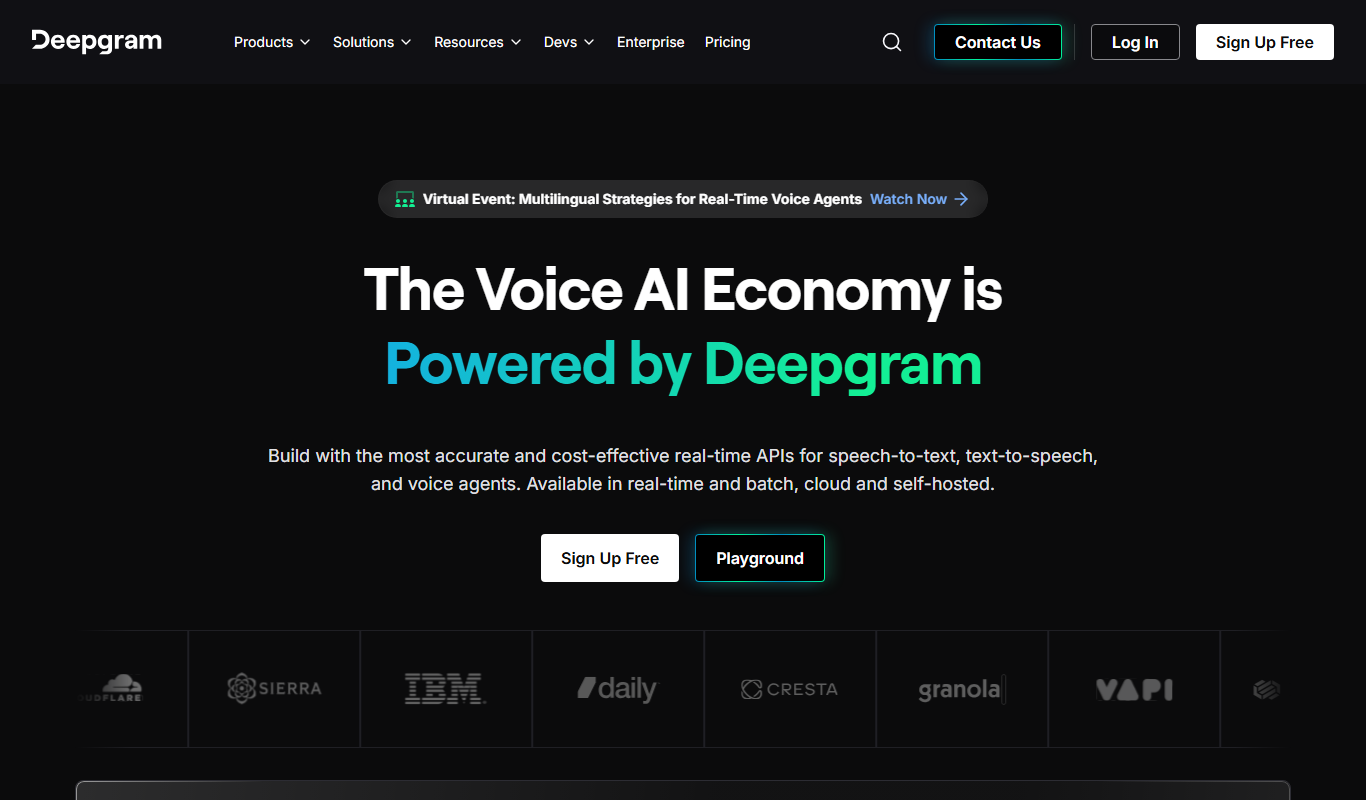
Deepgram
Deepgram is an AI-driven speech-to-text platform providing accurate, customizable, and scalable audio transcription services with real-time streaming and multi-language support.
Free
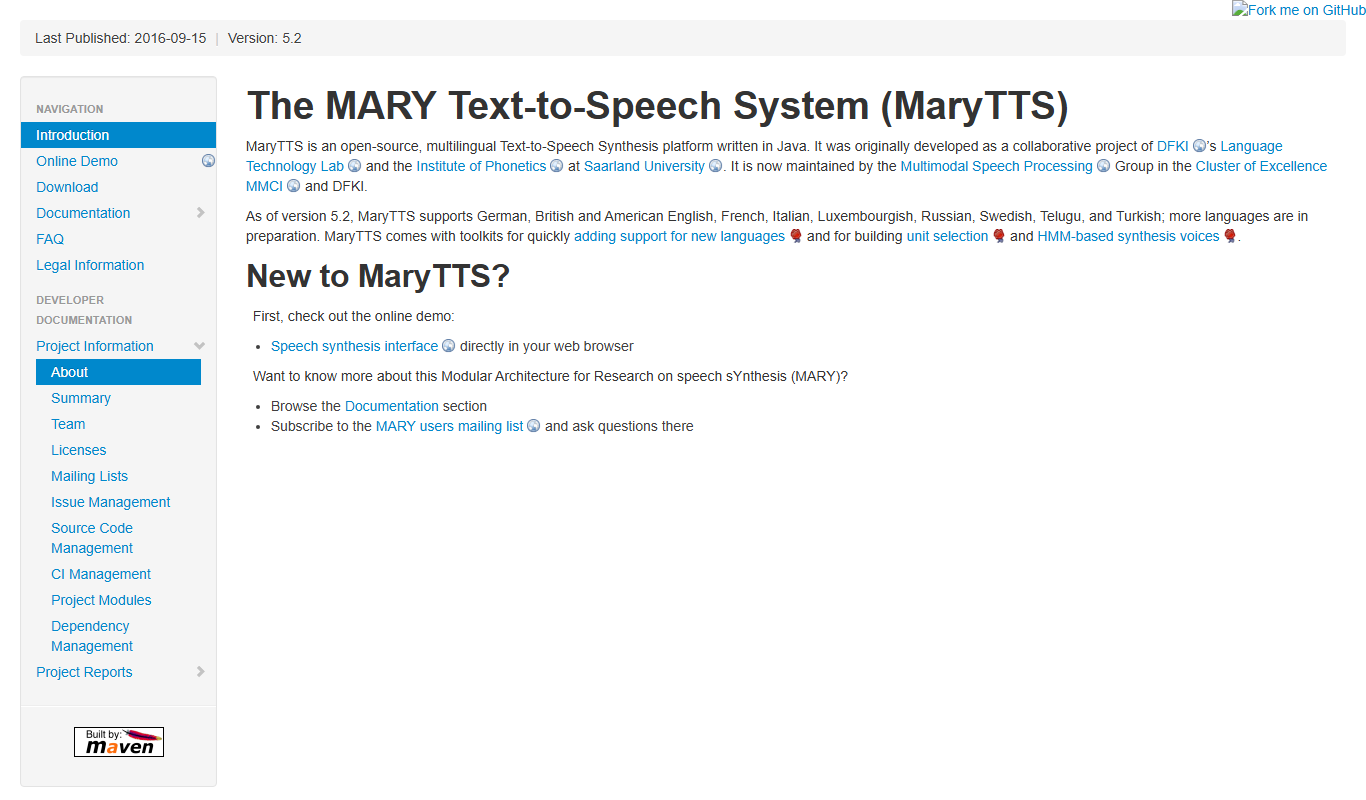
MaryTTS
MaryTTS is an open source text-to-speech system developed by DFKI that converts text into natural-sounding speech with multilingual support and customizable voices.

Subscription
Achieve3000
Achieve3000 is an adaptive online literacy platform that personalizes nonfiction reading content for K-12 students to improve reading comprehension and supports educators with progress monitoring tools.

One-time purchase
Pocketalk
Pocketalk is a portable AI translator device that provides real-time two-way voice and text translation in over 80 languages using cloud-based AI technology, designed for travelers, business users, and language learners.
Free
OnlineOCR.net
OnlineOCR.net is a free online OCR service that converts scanned documents and images into editable text formats like Word and Excel, supporting over 46 languages without software installation.

Free
i2OCR
i2OCR is a free online OCR tool that extracts editable text from images and PDFs in over 100 languages without requiring registration or software installation.

Free
Typewise
Typewise is an AI-powered mobile keyboard app that enhances typing speed and accuracy with a unique hexagonal layout and privacy-focused on-device AI autocorrect supporting over 40 languages.