

From my experience with Penzu, I found it excels at providing a secure and private space for personal journaling with strong encryption and easy-to-use features. After spending time with the platform, I can say it’s particularly well-suited for individuals who value privacy and want to maintain consistent journaling habits across devices. However, there’s a trade-off: the free plan is somewhat limited in features and storage, which may prompt users to upgrade for full functionality. Overall, if you need a reliable, secure digital diary for personal or creative writing, Penzu delivers solid results.
Penzu Online Journal & Diary App for Secure Personal Writing
Penzu is a secure online journaling app that offers encrypted personal diaries, customizable journals, and syncing across web and mobile platforms.
- Best for
- Personal Journaling
- Key capability
- Military-Grade Encryption
Your actions
Save Penzu, follow its updates and vote on it — everything stays in your account.
Sign in or create a free account
What is Penzu?
Penzu is a secure online journaling and diary platform that allows users to write, save, and protect their personal thoughts and writings. It offers a private digital space for daily journaling, creative writing, and note-taking with strong encryption and privacy controls.
Key features of Penzu
Penzu provides a user-friendly interface for writing and organizing journal entries, customizable journal covers, tagging, reminders, and military-grade encryption to keep content private. It supports syncing across devices and offers both free and premium subscription plans.
Military-Grade Encryption
Ensures all journal entries are securely encrypted to protect privacy.
Customizable Journals
Allows users to personalize journal covers and organize entries with tags.
Cross-Platform Syncing
Access and edit journals on web, iOS, and Android devices.
Reminders and Notifications
Set reminders to encourage consistent journaling habits.
Offline Access
Write and save entries without internet connection; sync later.
Pros and cons of Penzu
Pros
- Strong encryption ensures privacy and security
- User-friendly interface with customization options
- Cross-platform availability with syncing
- Offline writing capability
- Reminders help maintain journaling habits
Cons
- Free plan has limited features and storage
- No collaborative journaling or sharing options
- Primarily focused on English language users
Key use cases for Penzu
Personal Journaling
Users can maintain private daily journals or diaries with secure, encrypted entries.
Mental Health Tracking
Individuals can track moods, thoughts, and feelings to support mental wellness.
Creative Writing
Writers can draft stories, poems, or ideas in a distraction-free environment.
Goal Setting and Reflection
Users can set personal goals and reflect on progress through journal entries.
Secure Note Taking
Store sensitive notes and information with password protection and encryption.
How Penzu works
- 1
Create an Account
Sign up for a free Penzu account using your email.
- 2
Start Writing
Begin creating journal entries in a private, secure environment.
- 3
Customize Your Journal
Choose covers, add tags, and organize entries to your preference.
- 4
Enable Security Features
Use password protection and encryption to safeguard your journals.
- 5
Access Anywhere
Sync your journals across web and mobile apps for seamless access.
Who is using Penzu
Individuals seeking private journaling solutions
Mental health advocates tracking moods and thoughts
Creative writers needing a distraction-free writing space
People wanting secure note-taking apps
Users looking for cross-device journaling access
Penzu pricing
Free
$0/month
Basic journaling features with limited customization and storage.
Pro
$19.99/year
Includes unlimited journals, military-grade encryption, custom journal covers, and email reminders.
Pro Plus
$49.99/year
Adds priority support and additional customization options.
Plans and prices are as published by the vendor and can change. Check the official site before you buy. Open the pricing page (opens in a new tab)
Frequently asked questions about Penzu
Yes, Penzu uses military-grade encryption to protect your journal entries and offers password protection.
Yes, you can write entries offline on mobile apps and they will sync when you reconnect to the internet.
Yes, Penzu has apps available for both iOS and Android devices.
Yes, you can export your entries in formats like PDF for backup or printing.
It depends on your specific needs and how you plan to use the tool. The official website and documentation are the best sources for the latest details.
It depends on your specific needs and how you plan to use the tool. The official website and documentation are the best sources for the latest details.
Yes, it can help with that use case depending on how you configure it and what features are available. You’ll get the best results with clear inputs and a defined goal.
It depends on your specific needs and how you plan to use the tool. The official website and documentation are the best sources for the latest details.
Sign in to review this tool.
Sign In to ReviewNo reviews yet
Be the first to share how this tool worked for you.
Ask about pricing, limits, or how it compares — or answer someone else.
Sign In to AskNo questions yet
Have a question about using or paying for this tool? Be the first to ask.
Featured on TiorAI



Alternative Tools
Explore similar AI tools that might fit your needs
Free
Day One
Day One is a secure digital journaling app that supports text, photos, audio, and location entries, with cross-platform syncing and end-to-end encryption.

Free
Journey
Journey is an AI-powered writing assistant that helps users generate creative stories, content, and writing prompts through an easy-to-use web platform.
More Daily Life tools
Other tools in the same category, for when this one is not quite the fit.

Freemium
Reflectly
Reflectly is an AI-driven journaling app designed to help users improve mental health by tracking moods and providing personalized reflective prompts.
Free
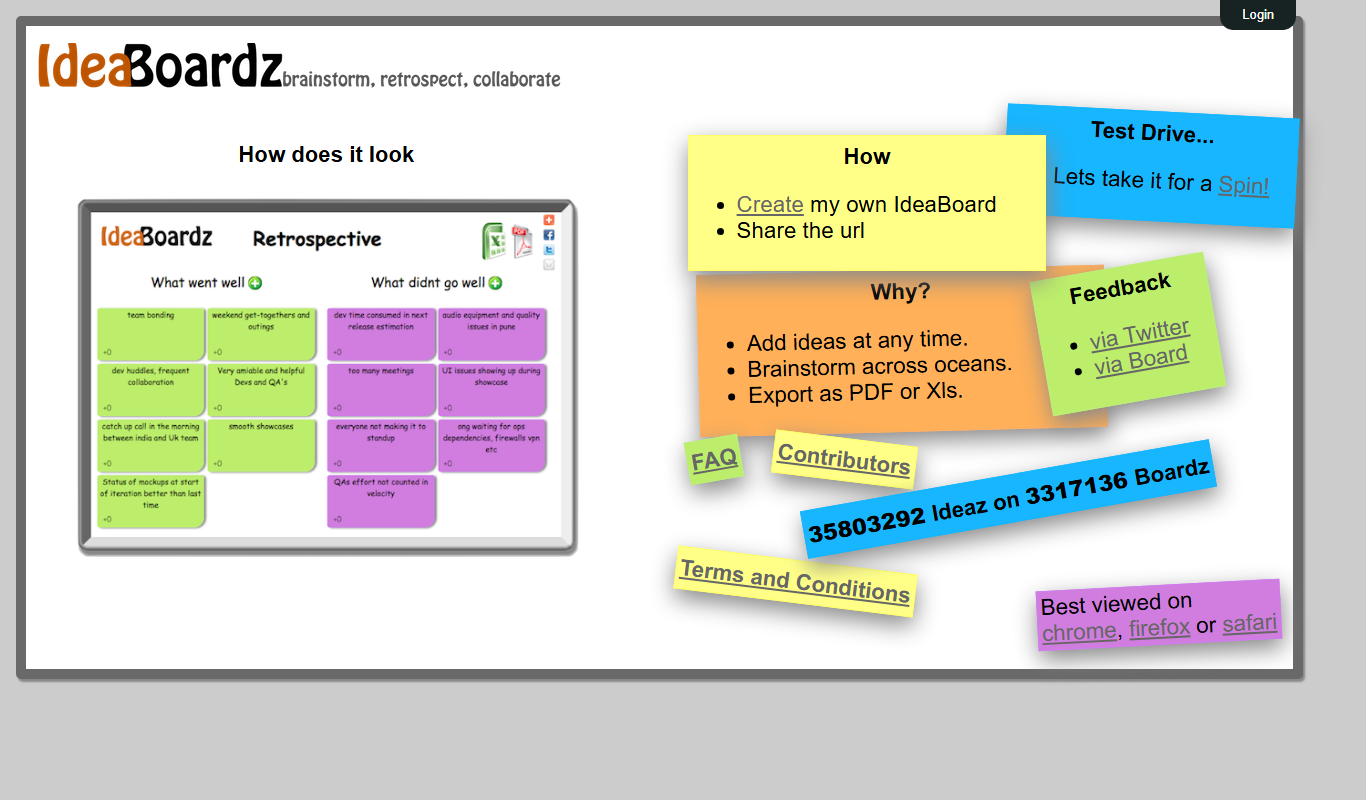
IdeaBoardz
IdeaBoardz is a free web-based tool that enables teams to brainstorm, organize ideas, and conduct retrospectives collaboratively in real-time or asynchronously.

Free Trial
LaunchBar
LaunchBar is a macOS productivity app that speeds up launching applications, managing files, clipboard history, and automating workflows using keyboard shortcuts and custom scripts.

Free
Lose It!
Lose It! is a weight loss app that helps users track calories, log meals and exercise, set personalized goals, and engage with a supportive community to achieve their health objectives.

Free
MyFitnessPal
MyFitnessPal is a nutrition and fitness tracking app that helps users log food intake, exercise, and monitor progress toward health goals with a large food database and device integrations.

Free
Replika
Replika is an AI chatbot designed to provide personalized emotional support and companionship through text and voice conversations, helping users manage loneliness and stress.

Free Trial
PictureThis
PictureThis is an AI-driven app that identifies plants from photos and offers care advice, helping users recognize and nurture plants easily.

Free
PlantSnap
PlantSnap is an AI-driven app that identifies plants from photos, providing species names and detailed information instantly.