

From my experience with CountThings, I found it excels at automating the tedious and error-prone task of counting objects in images, which is invaluable for industries like manufacturing and agriculture. The customizable templates and multi-platform support make it flexible for various operational environments. However, the accuracy heavily depends on image quality and proper setup, and pricing details are not openly listed, requiring direct contact. Overall, if you need reliable AI-powered object counting to streamline inventory or quality control, CountThings offers a robust and practical solution.
CountThings AI Object Counting Software for Automated Image Analysis
CountThings is an AI-driven software that automates counting objects in images and videos, improving accuracy and efficiency in industries such as manufacturing, agriculture, and logistics.
Your actions
Save CountThings, follow its updates and vote on it — everything stays in your account.
Sign in or create a free account
What is CountThings?
CountThings is an AI-powered object counting software that automates the process of counting items in images and videos. It leverages advanced machine vision and deep learning algorithms to accurately identify and count objects across various industries such as manufacturing, agriculture, construction, and logistics. The tool simplifies tedious manual counting tasks, reduces human error, and accelerates data collection for operational efficiency.
Key features of CountThings
CountThings offers automated object detection and counting, customizable counting templates, integration with mobile and desktop platforms, and detailed reporting. It supports various image formats and can be tailored to count specific objects based on user-defined parameters, making it versatile for multiple business applications.
AI-Powered Object Detection
Utilizes deep learning to accurately identify and count objects in images and videos.
Customizable Counting Templates
Allows users to create templates specific to their counting needs for different object types.
Multi-Platform Support
Accessible via web, desktop, and mobile applications for flexible usage.
Integration and Export Options
Supports exporting results in various formats and integration with business systems.
Batch Processing
Enables counting across multiple images or videos simultaneously to save time.
Pros and cons of CountThings
Pros
- Automates tedious manual counting tasks
- Customizable templates for diverse use cases
- Supports multiple platforms including mobile
- Batch processing saves time on large datasets
- Integration capabilities with business systems
Cons
- Pricing details require direct contact
- Accuracy depends on image quality and setup
- Limited language support currently
Who is using CountThings
Manufacturing companies
Agricultural businesses
Construction firms
Logistics and warehouse managers
Urban planners and traffic analysts
CountThings pricing
Free Trial
$0
Limited access to features for evaluation purposes.
Standard Subscription
Contact for pricing
Full access to all features with support and updates.
Plans and prices are as published by the vendor and can change. Check the official site before you buy. Open the pricing page (opens in a new tab)
Sign in to review this tool.
Sign In to ReviewNo reviews yet
Be the first to share how this tool worked for you.
Ask about pricing, limits, or how it compares — or answer someone else.
Sign In to AskNo questions yet
Have a question about using or paying for this tool? Be the first to ask.
Featured on TiorAI



More AI Photography tools
Other tools in the same category, for when this one is not quite the fit.

Free
Snapfish
Snapfish is an online service for printing photos and creating personalized photo gifts such as photo books, cards, and calendars with easy-to-use design tools and social media integration.

Free
Shutterfly
Shutterfly is an online platform for creating personalized photo products such as prints, photo books, gifts, and cards, offering secure photo storage and easy design tools accessible via web and mobile apps.

One-time purchase
ON1 Resize AI
ON1 Resize AI is a desktop software that uses AI and fractal interpolation to enlarge images up to 1000% while preserving detail, ideal for photographers and print professionals.
One-time purchase
ProCamera
ProCamera is a professional iOS camera app offering manual controls, AI-enhanced low-light photography, RAW capture, and advanced editing tools for mobile photographers.
Paid
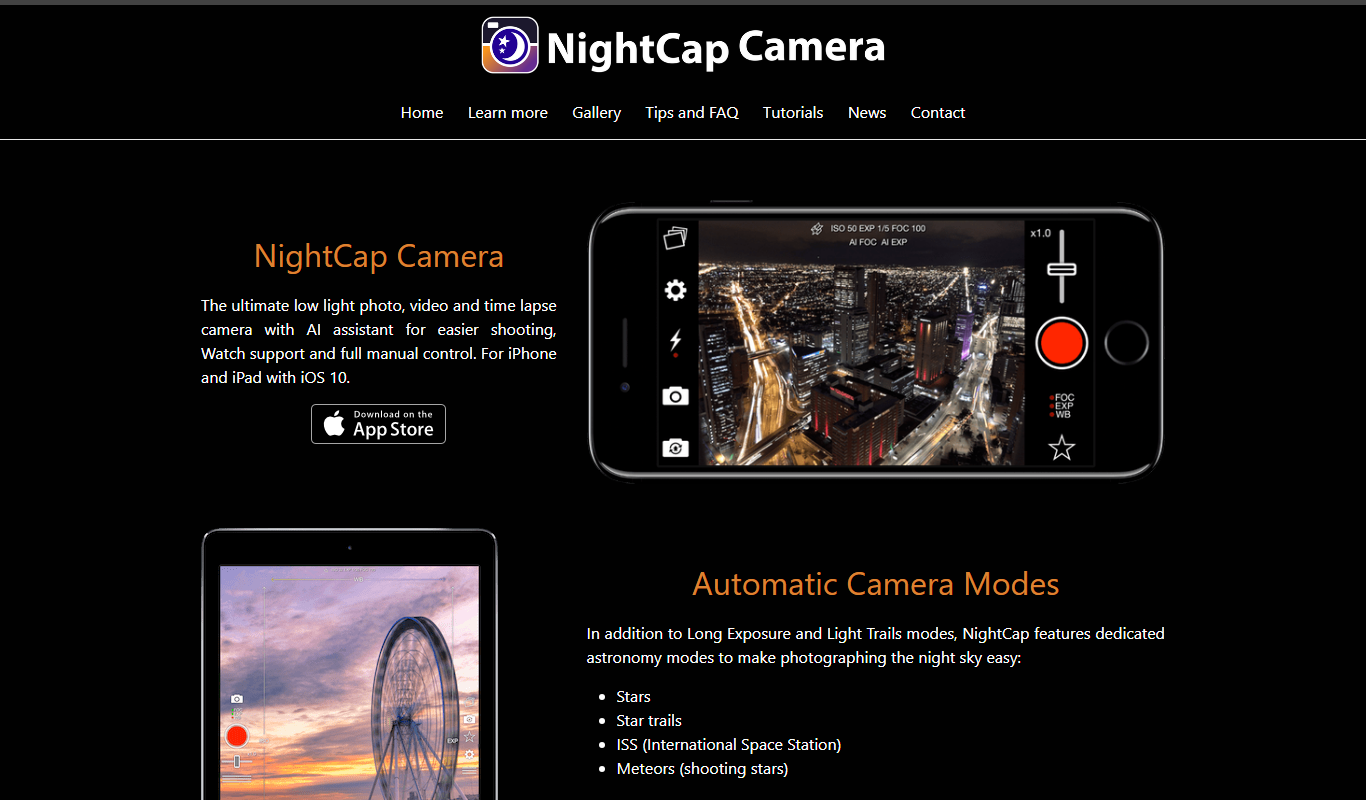
NightCap Camera
NightCap Camera is an iOS app that uses AI to enhance low light and night photography by combining multiple exposures, reducing noise, and enabling astrophotography with long exposure modes.

One-time purchase
Halide Mark III
Halide Mark III is an iPhone camera app with manual controls, RAW and ProRAW capture, and computational photography features for photo and video.

Free
Enhance.Pho.to
Enhance.Pho.to is a free web-based AI photo enhancement tool that automatically improves photo quality, removes backgrounds, retouches faces, and restores old images without requiring user registration.

Free
Autotracer
Autotracer is a free web-based tool that automatically converts raster images into vector graphics in formats like SVG and EPS, enabling scalable and editable designs.