

Casablanca AI eye contact correction for video calls
Casablanca brings real eye contact back to your video calls: AI-powered, privacy-friendly and with one-click setup.
- Best for
- Online presentations and webinars
- Key capability
- Genuine eye contact
Save Casablanca, follow its updates and vote on it — everything stays in your account.
Sign in or create a free account
What is Casablanca?
Casablanca brings natural eye contact back to your video calls, purely through software. It is a virtual camera for Windows and macOS that works in Zoom, Teams and all common video tools, with all image data processed on your own computer.
Key features of Casablanca
Natural eye contact in video calls through software, real-time AI with no delays, local processing of all image data, and compatibility with Zoom, Teams and all common video tools.
Genuine eye contact
As if you had a small camera in the middle of your screen, without the distracting camera.
Local processing
All image data is processed right on your computer.
Real-time AI
Runs fast enough to use live in your call with no delays.
Works with common video tools
Select Casablanca as your camera in MS Teams, Google Meet, Webex, OBS Studio, Zoom or Zoho.
Pros and cons of Casablanca
Pros
- Image data is processed on your computer
- No extra hardware needed
- Works with all common video tools
Cons
- Needs fairly recent hardware, such as an Apple M1 chip or later on Mac
- Desktop only: Windows and macOS
Key use cases for Casablanca
Online presentations and webinars
Make a more personal impression in presentations and webinars.
Online teaching
Keep eye contact with students when teaching online.
Recruiting interviews
Appear more likable and competent in video interviews.
Sales calls
Eye contact brings more trust and attention in sales conversations.
How Casablanca works
- 1
Install on your computer
Use it on Windows or macOS without buying extra hardware.
- 2
Select the virtual camera
Choose Casablanca as your camera in your video tool.
- 3
Join your call
The AI corrects eye contact live in your call.
- 4
Deployment and Automation
Deploy AI solutions and automate workflows to optimize business processes.
- 5
Ongoing Support
Receive continuous support and updates to ensure optimal performance.
Who is using Casablanca
Casablanca pricing
Enterprise
Custom quote
Partner program and premium customer support through the sales team.
Plans and prices are as published by the vendor and can change. Check the official site before you buy. Open the pricing page (opens in a new tab)
Frequently asked questions about Casablanca
Purely through software, as if a small camera sat in the middle of your screen.
MS Teams, Google Meet, Webex, OBS Studio, Zoom, Zoho and other common video tools.
No. All image data is processed right on your computer.
Windows and macOS.
On Mac an Apple M1 chip or later; on Windows an Intel Core i5/i7 with Iris Xe Graphics or AMD Ryzen 7640HS class processor.
Conclusion
Video calls are missing eye contact, and Casablanca brings it back purely through software, as if a small camera sat in the middle of the screen. It installs as a virtual camera on Windows or macOS, so users select it as the camera in Zoom, MS Teams, Google Meet, Webex or OBS Studio. All image data is processed on the user’s own computer, in real time and without delays.
Testimonials come from people using it for online presentations, webinars and online teaching, and users are perceived as more likable and competent in recruiting interviews. Hardware is the main constraint: Macs need an Apple M1 chip or later, and Windows machines need a recent Intel Iris Xe or AMD Ryzen class processor. Only an Enterprise option with a custom quote from the sales team appears on the pricing page.
Sources
Sign in to review this tool.
Sign In to ReviewNo reviews yet
Be the first to share how this tool worked for you.
Ask about pricing, limits, or how it compares — or answer someone else.
Sign In to AskNo questions yet
Have a question about using or paying for this tool? Be the first to ask.
Featured on TiorAI



Alternative Tools
Explore similar AI tools that might fit your needs

Alteryx
Alteryx One is a code-free data analytics platform that unifies data preparation, analytics, automation and AI workflows, sold in Starter, Professional and Enterprise editions.
More AI Productivity Tools tools
Other tools in the same category, for when this one is not quite the fit.
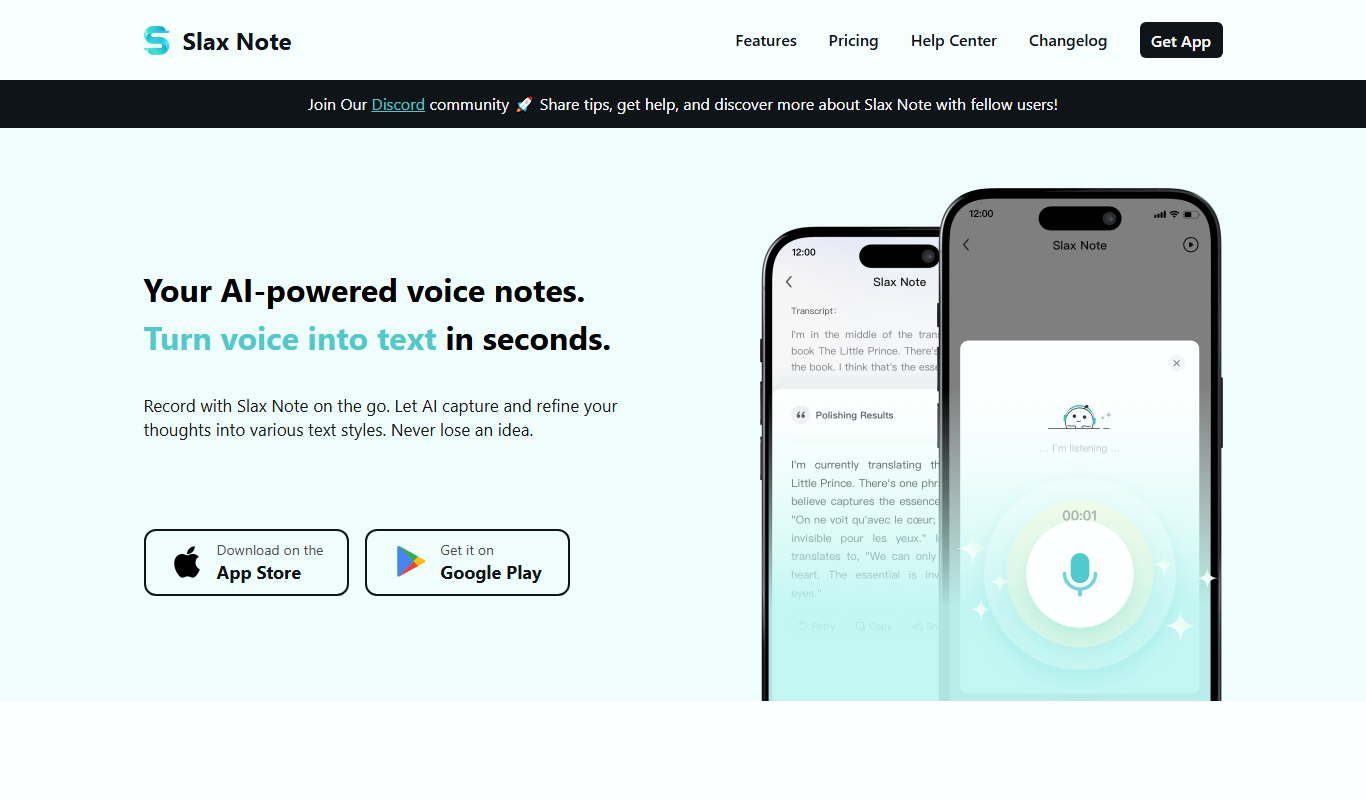
SlaxNote
Slax Note is an AI voice notes app: record once, and the prompts you pick turn the speech into a clean note, a tweet or a blog draft. Free to start.

AFAnotes – AI Productivity
AFAnotes blocks distracting app notifications, delivers personalised scheduled summaries and tracks screen time, with Slack and Instagram integration, on iOS and Android.
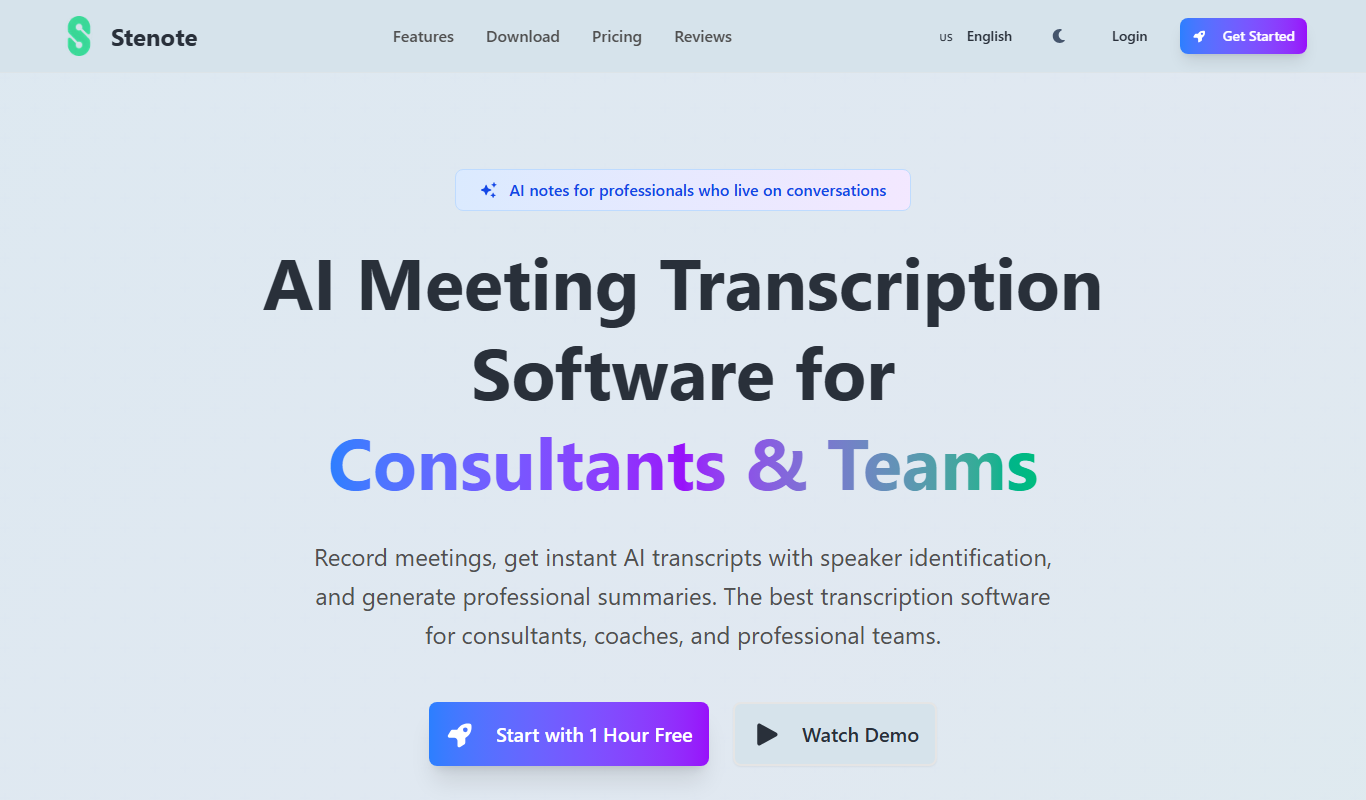
Stenote
Stenote is an AI meeting assistant that provides real-time transcription and AI-generated summaries to help teams capture and share meeting notes efficiently.

Notion Business OS
Notion Business OS is a comprehensive Notion template by Landmark Labs that helps small businesses and teams manage projects, clients, content, and workflows in one centralized workspace.

AI-Prompt Lab
AI Prompt Lab is a browser extension where you can create, store, organize and share your prompts for ChatGPT and other AI tools.
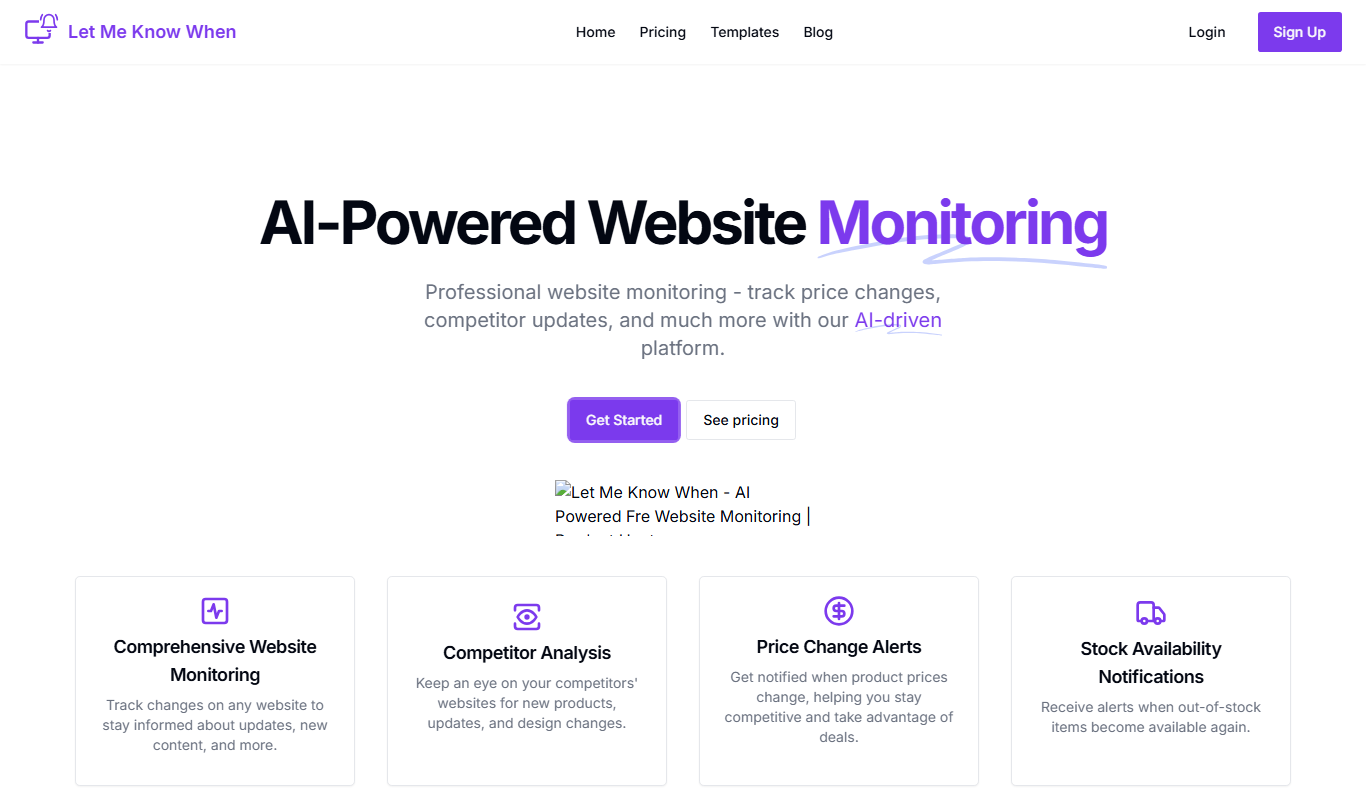
Let Me Know When
Let Me Know When monitors websites for price changes, competitor updates, stock availability and new content, and alerts you by email or Slack.

Mapify
Mapify is an AI mind map summarizer that turns PDFs, YouTube videos, webpages and recordings into structured mind maps.

ConceptMap AI
ConceptMap AI turns a PDF, lecture notes or a long ChatGPT chat into a mindmap that can be walked through node by node in Present mode.