

ConceptMap AI - Visual Brainstorming and Idea Mapping Software
ConceptMap AI turns a PDF, lecture notes or a long ChatGPT chat into a mindmap that can be walked through node by node in Present mode.
- Best for
- Idea Organization
- Key capability
- AI-Powered Concept Linking
Save ConceptMap AI, follow its updates and vote on it — everything stays in your account.
Sign in or create a free account

What is ConceptMap AI?
ConceptMap AI is a web-based AI tool that turns a PDF, lecture notes or a long ChatGPT chat into a mindmap. The map can then be walked through node by node in Present mode or shared through a public link.
Key features of ConceptMap AI
The AI extracts the structure of PDFs, lecture notes, ChatGPT conversations or a topic into a mindmap, with a built-in Present mode for walking it node by node.
AI-Powered Concept Linking
Automatically suggests logical connections between ideas to enhance map coherence.
Drag-and-Drop Interface
User-friendly interface allowing easy creation and rearrangement of nodes.
Present Mode and Public Links
Walk a map node by node in Present mode and share a public link that anyone can view, present or remix without an account.
Export and Sharing Options
Export maps as images or PDFs and share via links or embed in documents.
Pros and cons of ConceptMap AI
Pros
- Intuitive and easy-to-use interface
- AI suggestions improve map quality
- Public map links can be viewed, presented or remixed without an account
- Affordable pricing with a free tier
Cons
- No offline mode available
- Limited language support (English only)
- Lacks mobile app versions
Key use cases for ConceptMap AI
Idea Organization
Helps users visually organize complex ideas and concepts into structured maps for better understanding.
Brainstorming Sessions
Share a public map link with a study group so anyone with the link can view, present or remix it.
Project Planning
Supports project managers in outlining project components and dependencies visually to improve planning clarity.
Educational Tool
Assists students and educators in breaking down topics and subjects into digestible visual formats for learning.
How ConceptMap AI works
- 1
Create an Account
Sign up on the ConceptMap AI website to access the platform.
- 2
Start a New Map
Begin by adding a central concept and branch out with related ideas.
- 3
Use AI Suggestions
Leverage AI to get recommendations on connections and map structure.
- 4
Present and Share
Walk through the map node by node in Present mode, or share a public map link that anyone can view, present or remix.
Who is using ConceptMap AI
ConceptMap AI pricing
Free
$0, forever free
About 10 maps to try: up to 10 AI credits per month, fast chat models (Gemini Flash, DeepSeek), credits refresh monthly, export SVG or PNG.
Pro
$15.9/month, billed monthly
For students and researchers: 500 AI credits per month, premium models (Claude, GPT-5, Gemini Pro, Grok and Mistral), unlimited maps and published links, password-protected publish links, priority support.
Max
$49.9/month, billed monthly
For power users and teams: 5,000 AI credits per month (10x Pro), everything in Pro, highest-volume maps and published links, fastest-priority support.
Plans and prices are as published by the vendor and can change. Check the official site before you buy. Open the pricing page (opens in a new tab)
Frequently asked questions about ConceptMap AI
Yes, ConceptMap AI offers a free plan with basic features and limited usage.
Maps can be shared through a public link; anyone with the link can view, present or remix it without an account.
Maps can be exported as SVG or PNG.
Currently, ConceptMap AI is a web-based tool and requires an internet connection.
This tool is designed to help users accomplish its core tasks more efficiently. It is typically used by individuals or teams looking to improve productivity and workflow.
Yes, it can help with that use case depending on how you configure it and what features are available. You’ll get the best results with clear inputs and a defined goal.
Conclusion
Sources for a map can be a PDF, lecture notes, photos of handwritten notes, a YouTube lecture URL, a ChatGPT conversation or just a topic. The AI extracts the structure into a mindmap, a hierarchy with a central topic and branches rather than a concept map with labelled cross-links. In Present mode the map becomes a linear, node-by-node presentation in which keyboard arrows advance.
Teachers preparing a class, self-learners and students with deadlines are the readers the site addresses. A public map link lets anyone view, present or remix a map without an account. Native support goes beyond English to languages such as Spanish, Arabic, Japanese and Traditional Chinese. The Free plan stays forever free with up to 10 AI credits per month. Pro and Max raise that to 500 and 5,000 AI credits per month, with premium models included.
Sources
Sign in to review this tool.
Sign In to ReviewNo reviews yet
Be the first to share how this tool worked for you.
Ask about pricing, limits, or how it compares — or answer someone else.
Sign In to AskNo questions yet
Have a question about using or paying for this tool? Be the first to ask.
Featured on TiorAI



Alternative Tools
Explore similar AI tools that might fit your needs

MindMeister
MindMeister is an online tool that enables users to create, collaborate on, and present mind maps for brainstorming, project planning, and knowledge management.

Coggle
Coggle is a web-based collaborative mind mapping tool that helps users visually organize ideas, brainstorm, and plan projects with real-time team collaboration.
More AI Productivity Tools tools
Other tools in the same category, for when this one is not quite the fit.
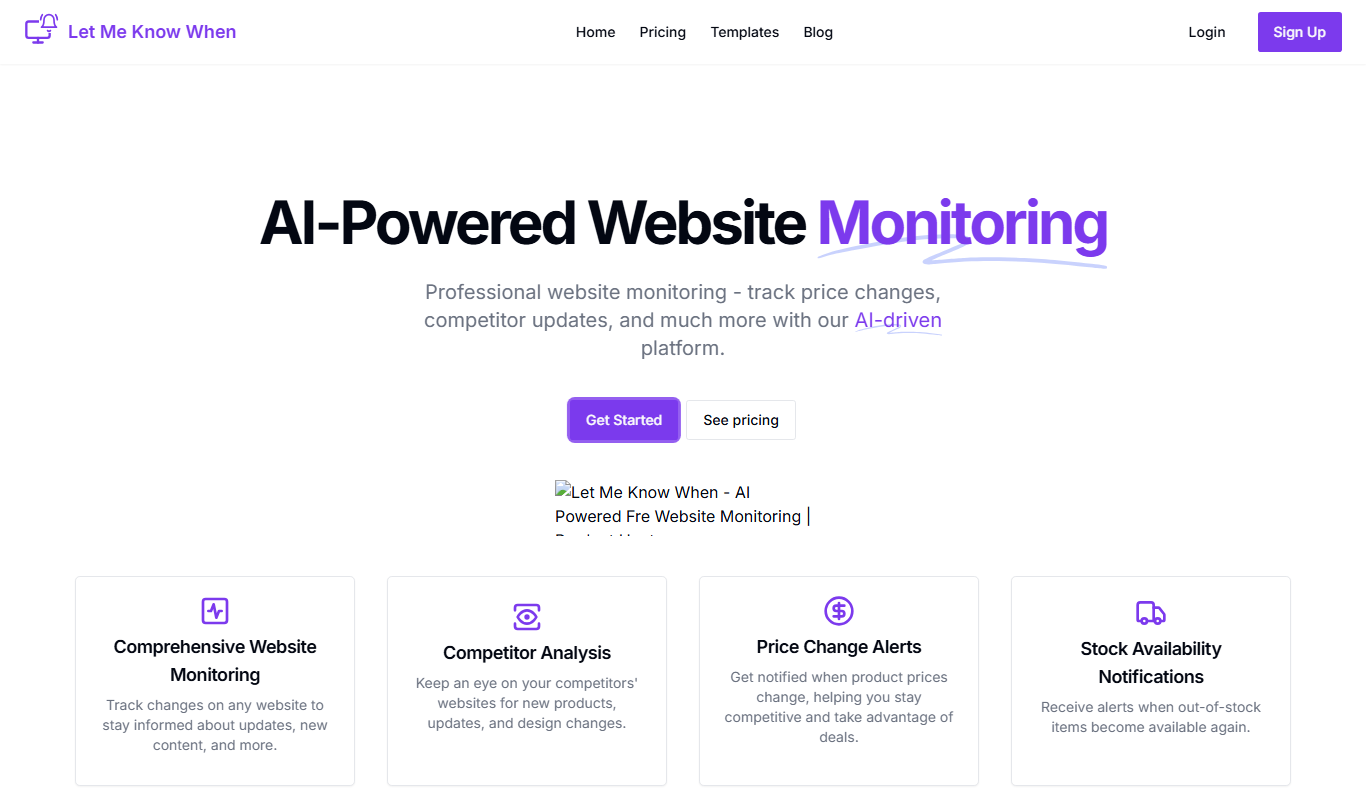
Let Me Know When
Let Me Know When monitors websites for price changes, competitor updates, stock availability and new content, and alerts you by email or Slack.
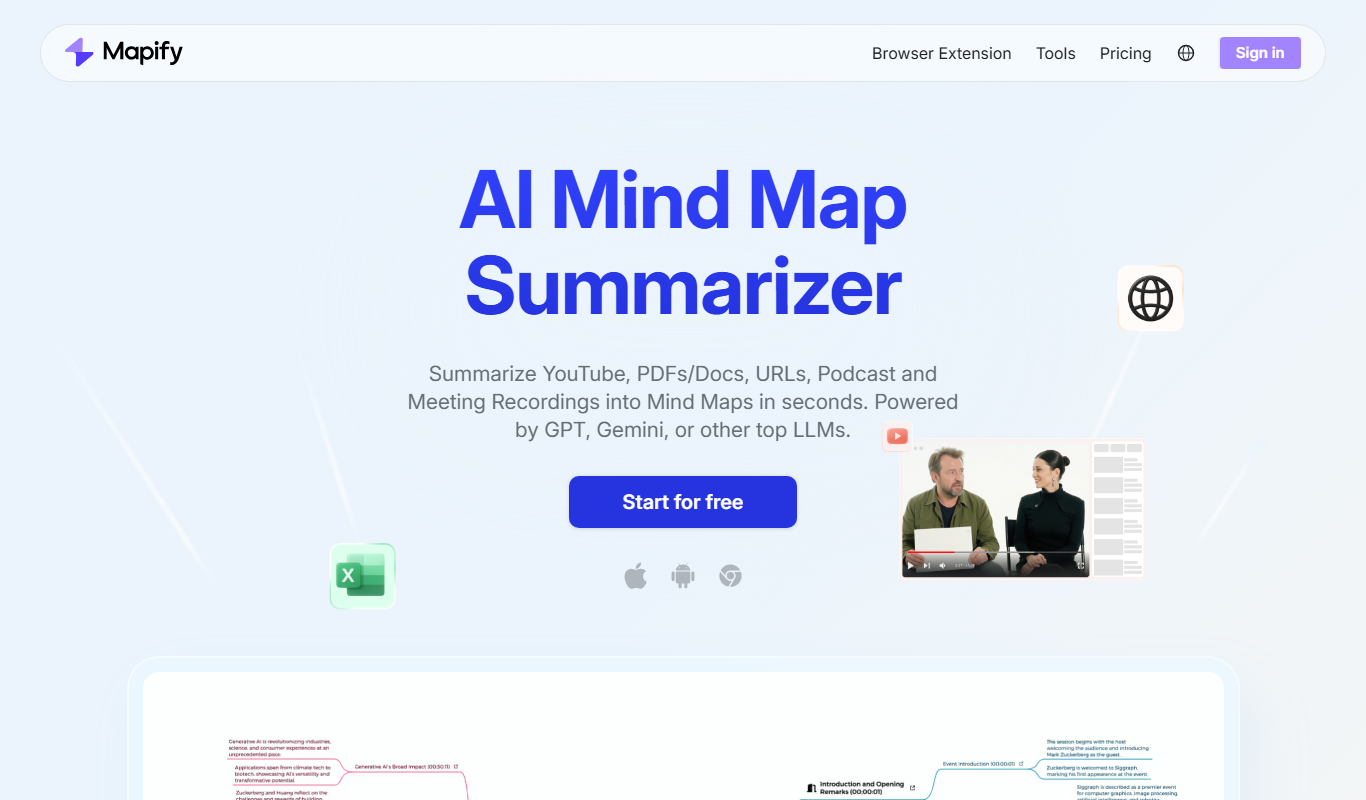
Mapify
Mapify is an AI mind map summarizer that turns PDFs, YouTube videos, webpages and recordings into structured mind maps.

Parcae: AI Mind Map Creator
Parcae is an AI-powered mobile mind mapping app that instantly transforms typed, pasted or dictated text into a mind map.

shutu.cn
TreeMind on shutu.cn is an AI mind mapping tool that turns a sentence, an image or a document into an editable mind map, with apps for desktop and mobile.

WiseMap.ai
WiseMap.ai is an AI-driven mind mapping tool that helps users generate, organize, and collaborate on ideas visually, enhancing creativity and productivity.

Live Minder
Live Minder shows your Apple Reminders and to-do lists on the Lock Screen, Always On Display and Dynamic Island, and can generate lists with ChatGPT.

smudge.ai
Smudge.ai is a Chrome extension that gives you ChatGPT-powered shortcuts in your right-click menu to summarize, correct, refine or translate text on any web page.

Rhythmic
Rhythmic is an AI copilot for product managers that turns briefs, epics and user stories into prioritized plans, estimates work and syncs with Jira and Azure DevOps.