

MindMeister Mind Mapping Software for Collaborative Brainstorming Online
MindMeister is an online tool that enables users to create, collaborate on, and present mind maps for brainstorming, project planning, and knowledge management.
- Best for
- Brainstorming Sessions
- Key capability
- Real-Time Collaboration
Save MindMeister, follow its updates and vote on it — everything stays in your account.
Sign in or create a free account
What is MindMeister?
MindMeister is an online mind mapping tool designed to help individuals and teams visually organize ideas, collaborate in real time, and manage projects effectively. It offers an intuitive interface for creating, sharing, and presenting mind maps that facilitate brainstorming, planning, and knowledge management.
Key features of MindMeister
MindMeister provides real-time collaboration, task management integration, presentation mode, templates, and seamless synchronization across devices, making it a versatile tool for creative and organizational workflows.
Real-Time Collaboration
Multiple users can work on the same mind map simultaneously with live updates.
Task Management Integration
Assign tasks, set priorities, and deadlines directly within mind maps.
Presentation Mode
Transform mind maps into dynamic presentations without leaving the platform.
Templates Library
Access a variety of professionally designed templates to jumpstart your projects.
Cross-Platform Sync
Seamlessly sync mind maps across web, iOS, and Android devices.
Pros and cons of MindMeister
Pros
- Intuitive and user-friendly interface
- Strong real-time collaboration features
- Wide range of export and sharing options
- Cross-platform availability
- Robust templates and customization
Cons
- Limited offline functionality
- Free plan restricts number of mind maps
- Advanced features require paid subscription
Key use cases for MindMeister
Brainstorming Sessions
Facilitate creative brainstorming with teams using real-time collaborative mind maps.
Project Planning
Organize tasks, deadlines, and project milestones visually to improve team alignment.
Note Taking
Capture ideas and structure notes in a clear, visual format for better retention.
Presentation Preparation
Create engaging presentations directly from mind maps to communicate ideas effectively.
Knowledge Management
Map out complex information and relationships to enhance understanding and knowledge sharing.
How MindMeister works
- 1
Create an Account
Sign up for a free or paid MindMeister account via the website or mobile app.
- 2
Start a New Mind Map
Use templates or start from scratch to build your mind map with nodes and branches.
- 3
Collaborate in Real Time
Invite team members to edit and comment on the mind map simultaneously.
- 4
Organize and Customize
Add images, notes, links, and customize styles to enhance clarity and engagement.
- 5
Present or Export
Use presentation mode or export mind maps in various formats for sharing.
Who is using MindMeister
MindMeister pricing
Basic
$0/month
Free plan with up to 3 mind maps and basic features.
Personal
$3.50/month, or $2.73/month billed annually
Unlimited mind maps, export options, and priority support.
Pro
$5.50/month, or $4.29/month billed annually
Advanced collaboration, task management, and presentation features.
Business
$8.50/user/month, or $6.63/user/month billed annually
Team management, admin controls, and enhanced security.
Plans and prices are as published by the vendor and can change. Check the official site before you buy. Open the pricing page (opens in a new tab)
Frequently asked questions about MindMeister
MindMeister primarily works online, but the mobile apps offer limited offline access with synchronization when reconnected.
Yes, the Business plan supports team management features designed for larger groups.
You can export mind maps as PDF, PNG, Word, PowerPoint, and Freemind files.
Yes, it integrates with platforms like MeisterTask, Google Drive, Dropbox, and Microsoft Teams.
This tool is designed to help users accomplish its core tasks more efficiently. It is typically used by individuals or teams looking to improve productivity and workflow.
Pricing depends on the plan and included features. For the most accurate and up-to-date details, check the official pricing page.
Yes, it can help with that use case depending on how you configure it and what features are available. You’ll get the best results with clear inputs and a defined goal.
Integration support depends on the tool and its available connectors or API. Check the official documentation or integrations page to confirm what is supported.
Conclusion
Ideas are laid out as nodes and branches, either from a template or from scratch, and team members can be invited to edit and comment on the same map simultaneously. Tasks with priorities and deadlines can be assigned directly inside a map, and a presentation mode turns maps into presentations without leaving the platform. Maps sync across web, iOS and Android devices, and export formats include PDF, PNG, Word and PowerPoint.
The mind maps are aimed at project managers, educators and students as well as remote teams. A free Basic plan allows up to 3 mind maps. Personal costs $3.50 per month, Pro $5.50 and Business $8.50 per user, with lower monthly rates when billed annually.
Sources
Sign in to review this tool.
Sign In to ReviewNo reviews yet
Be the first to share how this tool worked for you.
Ask about pricing, limits, or how it compares — or answer someone else.
Sign In to AskNo questions yet
Have a question about using or paying for this tool? Be the first to ask.
Featured on TiorAI



Alternative Tools
Explore similar AI tools that might fit your needs

XMind
XMind is a cross-platform mind mapping software designed to help users visually organize ideas, plan projects, and collaborate effectively with features like multiple diagram types, presentation mode, and export options.

Coggle
Coggle is a web-based collaborative mind mapping tool that helps users visually organize ideas, brainstorm, and plan projects with real-time team collaboration.

Lucidchart
Lucidchart is a cloud-based diagramming and visual collaboration platform that enables users to create flowcharts, organizational charts, UML diagrams, and collaborate in real time across devices.
More Business Management tools
Other tools in the same category, for when this one is not quite the fit.

Beehiiv
Beehiiv is a newsletter platform that helps creators build, grow, and monetize their email audiences with features like referral programs, paid subscriptions, and analytics.
Scrintal
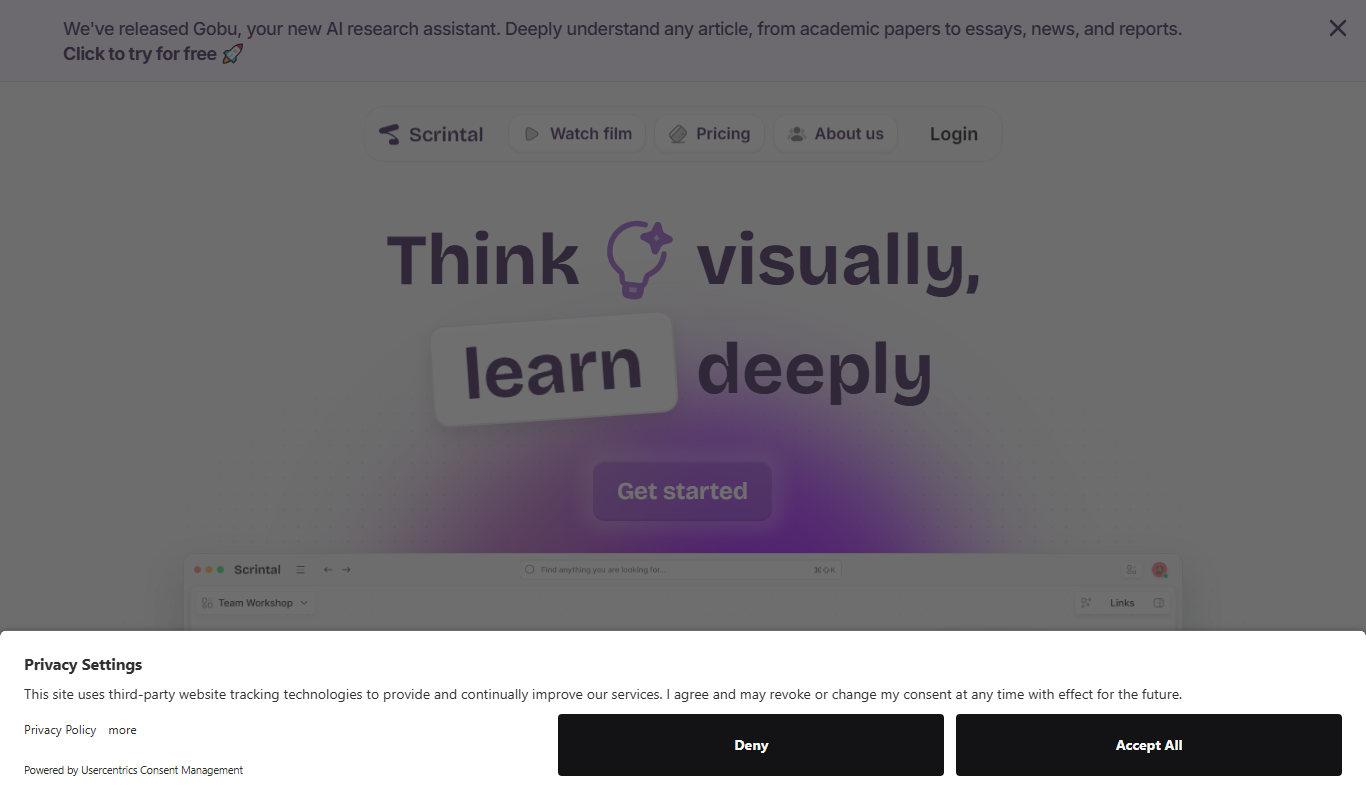
Scrintal is a web-based visual note-taking and mind mapping tool that helps users organize ideas, research, and projects by connecting notes visually and collaborating in real time.
Newegg
Newegg is a leading online retailer specializing in consumer electronics, computer hardware, and tech gadgets, offering a wide product selection, user reviews, and business purchasing options.

CleanTalk
CleanTalk is a cloud-based anti-spam service that protects websites and online forms from spam bots using invisible filtering technology without captchas, supporting multiple CMS platforms and offering API integration.
Disqus
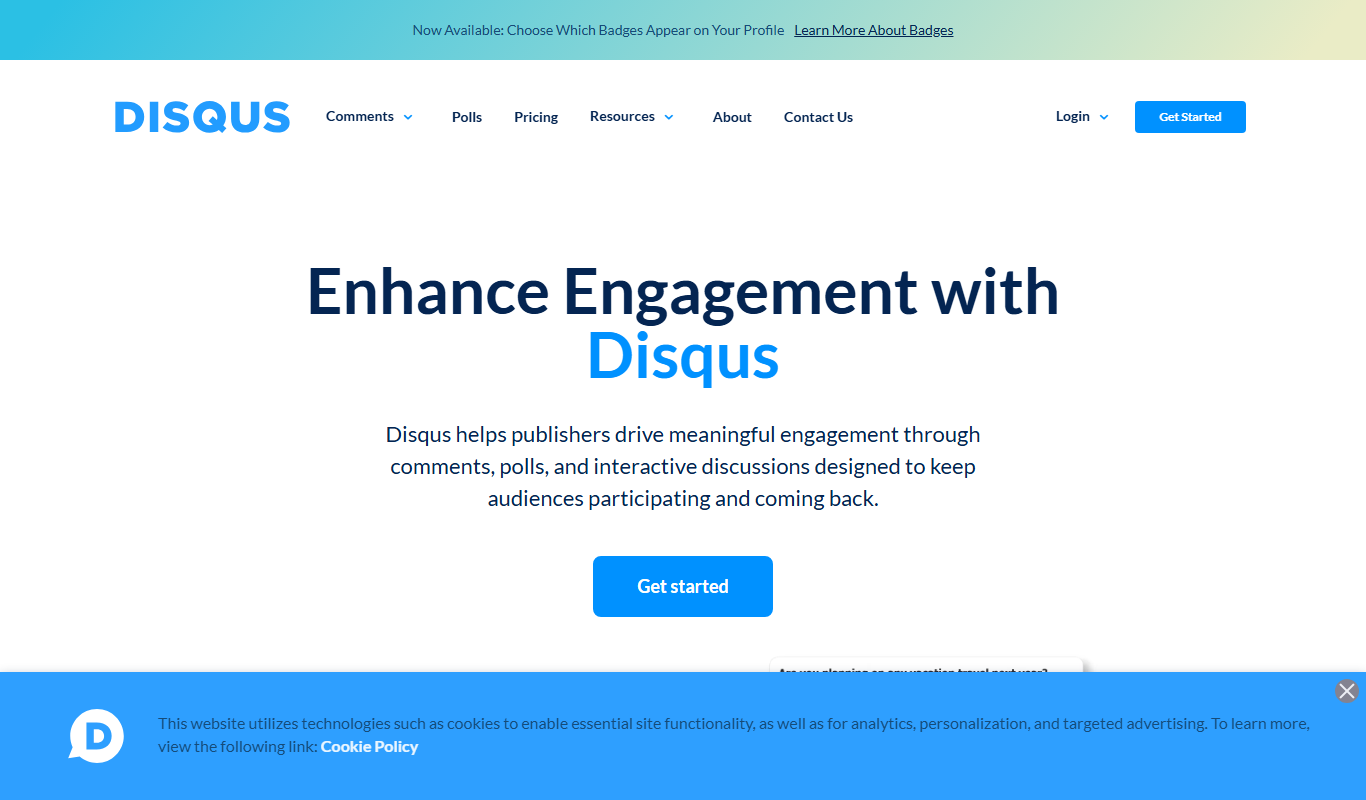
Disqus is a web-based commenting platform that integrates with websites to enable user comments, community engagement, moderation, and analytics.

Tidepool
Tidepool is a free, open-source platform that collects and visualizes diabetes device data to help users and healthcare providers manage diabetes effectively.

Glooko
Glooko is a diabetes management platform that aggregates data from various devices to help patients and healthcare providers monitor and manage diabetes remotely.
Compliance.ai
Compliance.ai is an AI-driven platform that aggregates and analyzes regulatory content to help financial services and regulated industries manage compliance risks efficiently.