

CleanTalk Anti-Spam Service for Websites and Online Forms Protection
CleanTalk is a cloud-based anti-spam service that protects websites and online forms from spam bots using invisible filtering technology without captchas, supporting multiple CMS platforms and offering API integration.
- Best for
- Website Spam Protection
- Key capability
- Invisible Anti-Spam Protection
Save CleanTalk, follow its updates and vote on it — everything stays in your account.
Sign in or create a free account
What is CleanTalk?
CleanTalk is a cloud-based anti-spam service designed to protect websites and online forms from spam bots and malicious submissions. It works by analyzing user behavior and submission data to filter out spam without relying on captchas or intrusive verification methods. CleanTalk supports integration with a wide range of CMS platforms and e-commerce systems, providing seamless spam protection that improves website security and user experience.
Key features of CleanTalk
CleanTalk offers automated spam detection, real-time filtering, multi-platform integration, detailed spam statistics, and API access for custom implementations. It operates invisibly to users, eliminating the need for captchas and reducing friction during user interactions.
Invisible Anti-Spam Protection
Filters spam submissions without captchas or user interaction, ensuring a smooth user experience.
Multi-Platform Support
Compatible with WordPress, Joomla, Drupal, Magento, PrestaShop, and other popular platforms.
Real-Time Spam Filtering
Detects and blocks spam instantly as submissions occur.
Detailed Spam Statistics
Provides comprehensive reports and analytics on spam activity and filtering effectiveness.
API Access
Allows developers to integrate CleanTalk’s anti-spam service into custom websites and applications.
Pros and cons of CleanTalk
Pros
- Invisible spam protection without captchas
- Wide CMS and e-commerce platform support
- Affordable pricing plans with yearly subscriptions
- Detailed spam analytics and reporting
- API available for custom integrations
Cons
- Limited free trial duration
- No monthly subscription option
- Some advanced features require business or enterprise plans
Key use cases for CleanTalk
Website Spam Protection
Protect websites from spam comments, registrations, and contact form submissions using CleanTalk’s cloud-based anti-spam technology.
Online Form Security
Secure various online forms such as contact forms, registration forms, and feedback forms from spam bots and malicious submissions.
E-commerce Store Protection
Prevent spam and fake registrations on e-commerce platforms like Magento and PrestaShop to maintain data integrity and customer trust.
CMS Integration
Easily integrate CleanTalk with popular CMS platforms to automate spam filtering without affecting user experience.
API-Based Spam Filtering
Use CleanTalk’s API to implement spam protection in custom applications and websites beyond standard CMS plugins.
How CleanTalk works
- 1
Sign Up
Create an account on CleanTalk’s website to access the anti-spam dashboard and API keys.
- 2
Integrate with Website
Install the appropriate plugin or module for your CMS or e-commerce platform, or use the API for custom integration.
- 3
Configure Settings
Adjust spam filtering settings and enable protection for comments, registrations, and forms.
- 4
Monitor and Manage
Use the CleanTalk dashboard to monitor spam activity, review blocked submissions, and adjust filters as needed.
Who is using CleanTalk
CleanTalk pricing
Free Trial
$0 for 7 days
Full access to all features for 7 days to evaluate the service.
Personal
$12/year
Protects one website with unlimited spam checks and basic support.
Business
$24/year
Supports up to 3 websites with priority support and advanced features.
Enterprise
Custom pricing
Tailored solutions for multiple websites and dedicated support.
Plans and prices are as published by the vendor and can change. Check the official site before you buy. Open the pricing page (opens in a new tab)
Frequently asked questions about CleanTalk
No, CleanTalk uses invisible spam filtering technology that does not require captchas, providing a better user experience.
CleanTalk supports WordPress, Joomla, Drupal, Magento, PrestaShop, and offers API for custom integrations.
Yes, CleanTalk offers modules and plugins specifically designed to protect e-commerce platforms from spam and fake registrations.
Yes, CleanTalk provides a 7-day free trial with full access to all features.
It depends on your specific needs and how you plan to use the tool. The official website and documentation are the best sources for the latest details.
It depends on your specific needs and how you plan to use the tool. The official website and documentation are the best sources for the latest details.
It depends on your specific needs and how you plan to use the tool. The official website and documentation are the best sources for the latest details.
Some tools offer a free plan or trial with limited features. Availability can vary, so confirm on the official website.
Conclusion
The service analyzes user behavior and submission data in the cloud to filter spam from comments, registrations and forms without captchas. Setup means installing a plugin or module for WordPress, Joomla, Drupal, Magento or PrestaShop, or using the API for a custom integration. A dashboard shows spam activity and blocked submissions so filters can be adjusted.
Website owners, e-commerce store managers and web developers or agencies are the intended users. For stores on Magento and PrestaShop, it targets spam and fake registrations. Plans are yearly subscriptions, and protecting one website costs $12/year.
Sources
Sign in to review this tool.
Sign In to ReviewNo reviews yet
Be the first to share how this tool worked for you.
Ask about pricing, limits, or how it compares — or answer someone else.
Sign In to AskNo questions yet
Have a question about using or paying for this tool? Be the first to ask.
Featured on TiorAI



More AI CRM tools
Other tools in the same category, for when this one is not quite the fit.
FellowshipOne
FellowshipOne is a church management software designed to help faith-based organizations manage members, donations, events, and communications efficiently through web and mobile platforms.

MasterControl
MasterControl is a cloud-based quality management system that helps regulated industries automate compliance, document control, training, and audit processes to meet regulatory standards efficiently.
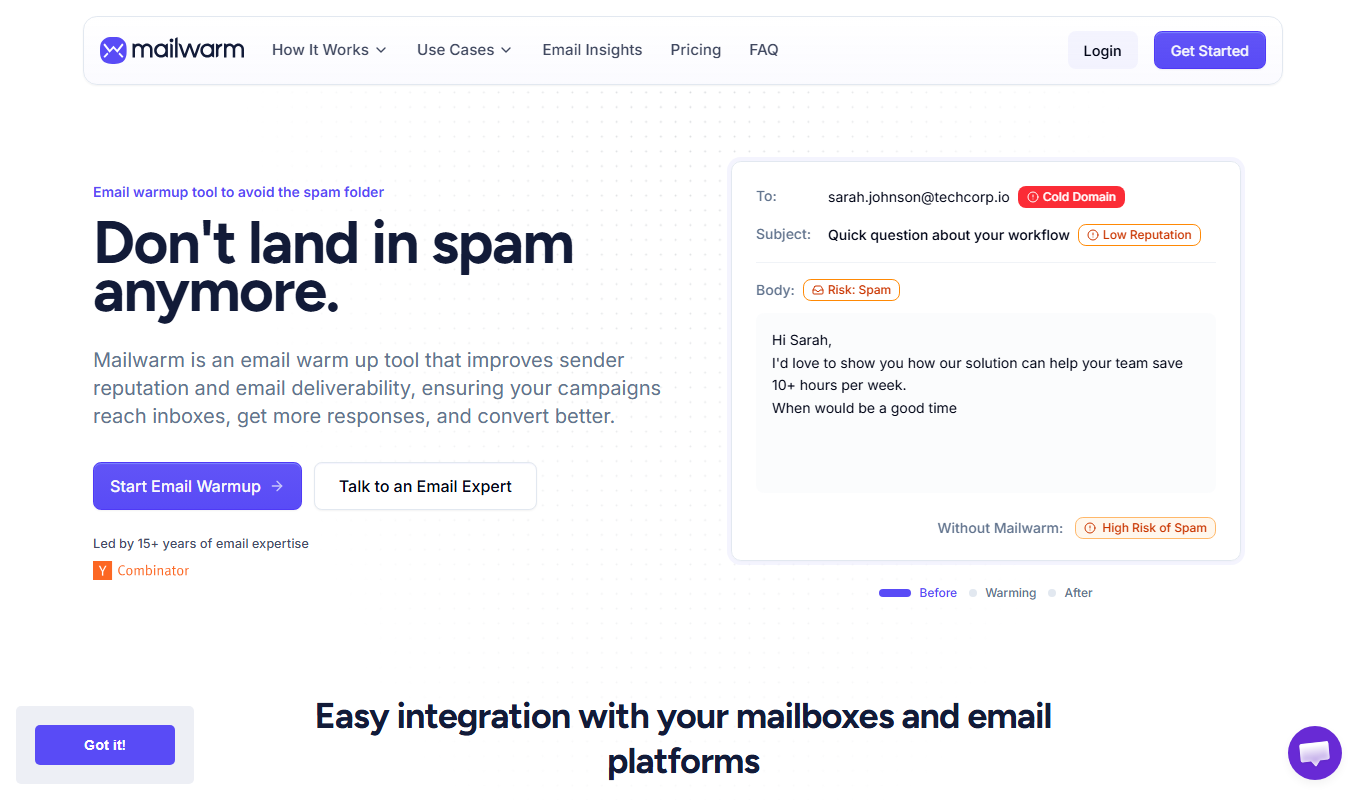
Mailwarm
Mailwarm is an automated email warm-up tool that improves your email deliverability by gradually increasing sending volume and simulating real email interactions to build sender reputation.
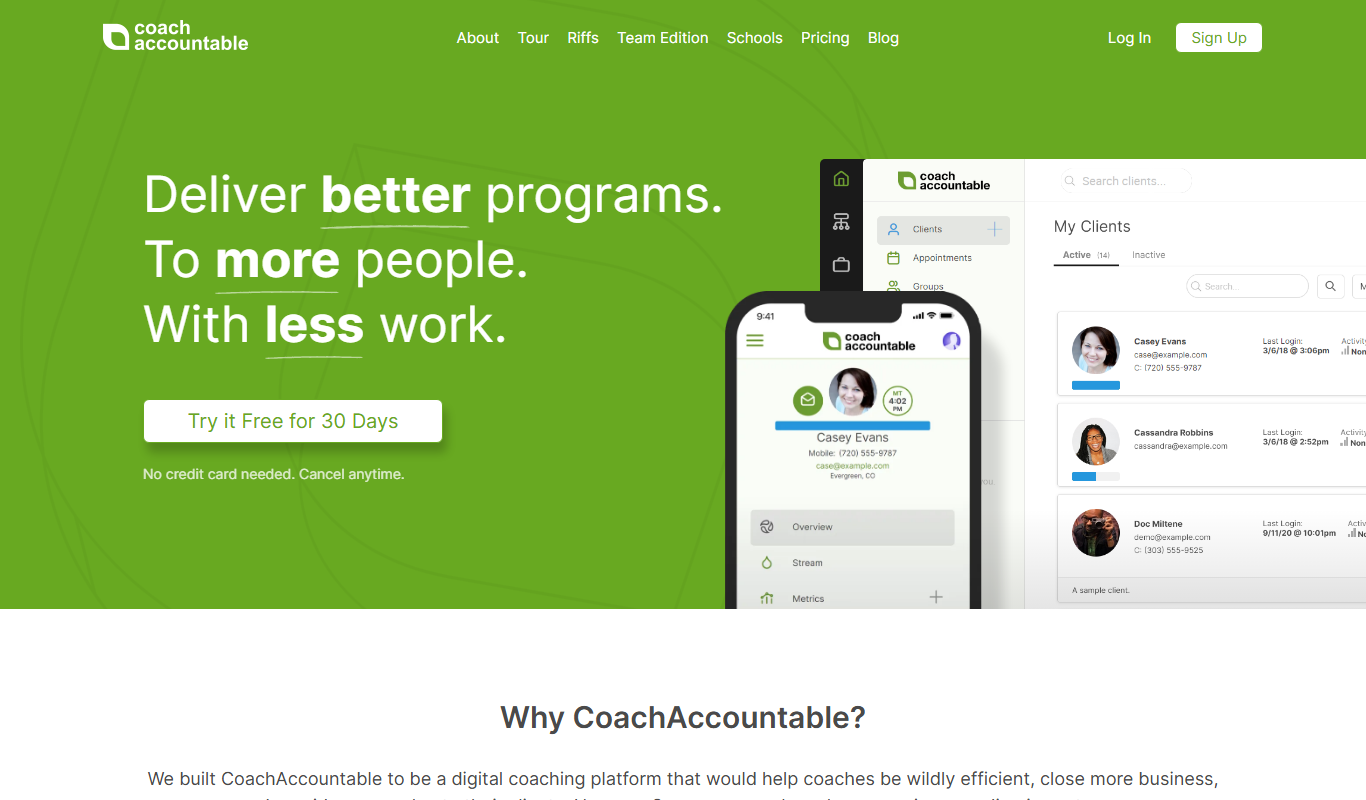
CoachAccountable
CoachAccountable is a coaching management software that helps coaches manage clients, schedule sessions, track progress, and handle billing all in one platform.

Cliniko
Cliniko is a cloud-based practice management software that helps healthcare providers manage appointments, patient records, billing, and telehealth consultations efficiently.

Updox
Updox is a secure healthcare communication platform that streamlines patient engagement, telehealth, and document management for medical providers.

mParticle
mParticle is a customer data platform that aggregates and activates customer data in real time to improve marketing personalization and analytics.
Tealium
Tealium is a customer data platform that helps businesses unify customer data, manage marketing tags, segment audiences, and activate data in real-time to improve marketing effectiveness and compliance.