

From my experience with Updox, it stands out as a robust healthcare communication platform that effectively consolidates multiple patient engagement channels into one secure system. Its strength lies in combining secure messaging, electronic faxing, and telehealth capabilities tailored specifically for medical practices. After exploring the platform, I found it particularly well-suited for healthcare providers aiming to streamline communication and automate administrative tasks while maintaining HIPAA compliance. However, the lack of transparent pricing and the need for staff training can be barriers for smaller practices. Overall, if your goal is to improve patient communication and care coordination securely, Updox offers a comprehensive solution.
Updox Secure Healthcare Communication Platform for Medical Practices
Updox is a secure healthcare communication platform that streamlines patient engagement, telehealth, and document management for medical providers.
- Best for
- Patient Communication
- Key capability
- Secure Patient Messaging
Save Updox, follow its updates and vote on it — everything stays in your account.
Sign in or create a free account
What is Updox?
Updox is a comprehensive healthcare communication platform designed to streamline patient engagement, secure messaging, and document management for medical practices. It integrates multiple communication channels including secure text, fax, email, and telehealth into a unified system that complies with healthcare privacy regulations such as HIPAA. Updox aims to improve care coordination, reduce administrative overhead, and enhance patient experience through automation and secure digital workflows.
Key features of Updox
Updox offers secure patient messaging, electronic faxing, telehealth video visits, automated appointment reminders, and patient intake automation. Its platform centralizes communication and document management to help healthcare providers deliver timely, compliant, and efficient care.
Secure Patient Messaging
Encrypted two-way messaging between providers and patients ensuring privacy and compliance.
Electronic Faxing
Send and receive faxes digitally without traditional fax machines, integrated within the platform.
Telehealth Video Visits
Conduct HIPAA-compliant virtual appointments directly through the platform.
Automated Appointment Reminders
Reduce no-shows with customizable SMS and email reminders.
Patient Intake Automation
Digitize and automate patient forms and data collection before appointments.
Pros and cons of Updox
Pros
- Comprehensive communication platform tailored for healthcare
- Strong focus on security and HIPAA compliance
- Integrates multiple communication channels in one system
- Automates administrative tasks like appointment reminders and intake
- Supports telehealth video visits
Cons
- Pricing is not transparent and requires custom quotes
- May require training for staff to fully utilize all features
- Limited language support (English only)
Key use cases for Updox
Patient Communication
Enables secure messaging and communication between healthcare providers and patients to improve engagement and care coordination.
Document Management
Facilitates electronic faxing, document sharing, and management of patient records in compliance with healthcare regulations.
Telehealth Services
Supports virtual visits and telemedicine workflows to expand access to care and streamline remote consultations.
Appointment Scheduling
Automates appointment reminders and scheduling to reduce no-shows and improve office efficiency.
Patient Intake Automation
Digitizes patient intake forms and workflows to accelerate check-in processes and reduce administrative burden.
How Updox works
- 1
Sign Up and Setup
Healthcare providers create an account and configure their communication preferences and integrations.
- 2
Integrate with Existing Systems
Connect Updox with EHRs, practice management software, and other tools to synchronize patient data.
- 3
Engage Patients Securely
Use secure messaging, fax, and telehealth features to communicate with patients and share documents.
- 4
Automate Workflows
Set up appointment reminders, patient intake forms, and other automated processes to improve efficiency.
Who is using Updox
Updox pricing
Custom Pricing
Varies
Pricing tailored based on practice size and selected features.
Plans and prices are as published by the vendor and can change. Check the official site before you buy. Open the pricing page (opens in a new tab)
Frequently asked questions about Updox
Yes, Updox is designed to meet HIPAA requirements to ensure patient data privacy and security.
Updox offers integrations with many popular EHR and practice management systems to streamline workflows.
Yes, Updox includes a HIPAA-compliant telehealth solution for virtual patient consultations.
Updox supports secure messaging, electronic faxing, email, and telehealth video.
This tool is designed to help users accomplish its core tasks more efficiently. It is typically used by individuals or teams looking to improve productivity and workflow.
Yes, it can help with that use case depending on how you configure it and what features are available. You’ll get the best results with clear inputs and a defined goal.
It depends on your specific needs and how you plan to use the tool. The official website and documentation are the best sources for the latest details.
Sign in to review this tool.
Sign In to ReviewNo reviews yet
Be the first to share how this tool worked for you.
Ask about pricing, limits, or how it compares — or answer someone else.
Sign In to AskNo questions yet
Have a question about using or paying for this tool? Be the first to ask.
Featured on TiorAI



Alternative Tools
Explore similar AI tools that might fit your needs

SimplePractice
SimplePractice is a practice management software designed for therapists and health professionals that streamlines scheduling, telehealth, billing, and documentation in one platform.
More AI CRM tools
Other tools in the same category, for when this one is not quite the fit.
BoomTown
BoomTown is a real estate CRM and marketing platform that helps agents and brokerages generate leads, manage client relationships, and automate marketing campaigns with IDX website integration and sales pipeline tools.
Leadfeeder
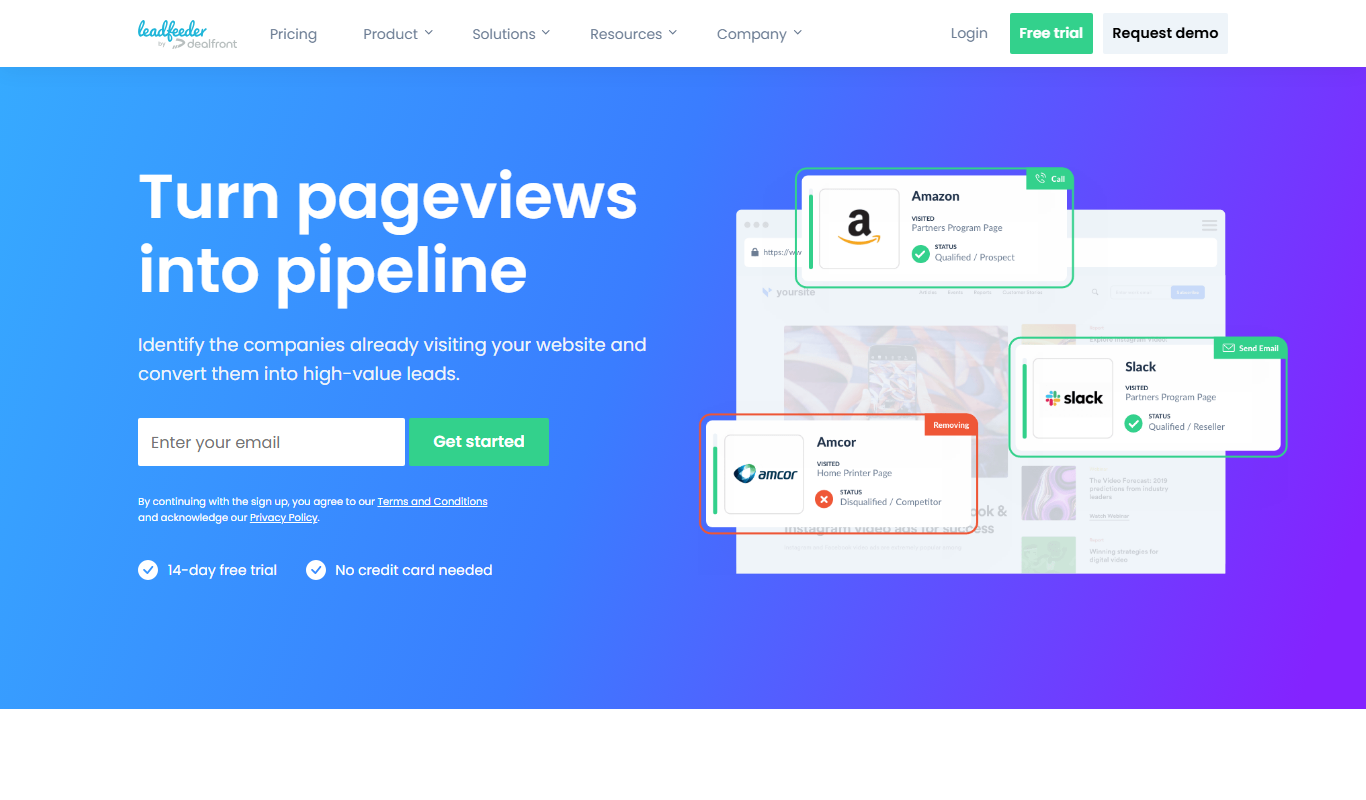
Leadfeeder is a B2B lead generation tool that identifies anonymous website visitors by company, providing sales teams with actionable leads and CRM integration to improve prospecting efficiency.

Blueshift
Blueshift is an AI-driven customer data platform that helps marketers unify customer data, segment audiences with predictive analytics, and automate personalized campaigns across multiple channels.

Klue
Klue is a competitive intelligence platform that helps businesses collect, curate, and share competitor insights to improve sales and marketing strategies.

UserVoice
UserVoice is a customer feedback management tool that collects and prioritizes user suggestions to help product teams make informed decisions and improve customer satisfaction.

Yesware
Yesware is a sales engagement platform that provides email tracking, automated follow-ups, and CRM integration to help sales teams increase outreach efficiency and close deals faster.

CallRail
CallRail is a call tracking and analytics platform that assigns unique phone numbers to marketing campaigns, records and transcribes calls, and integrates with CRM systems to help businesses measure marketing effectiveness and manage leads.

Drip
Drip is an email marketing automation platform focused on e-commerce businesses, offering tools for personalized campaigns, customer segmentation, and analytics.