

CallRail Call Tracking and Analytics Platform for Marketing Attribution
CallRail is a call tracking and analytics platform that assigns unique phone numbers to marketing campaigns, records and transcribes calls, and integrates with CRM systems to help businesses measure marketing effectiveness and manage leads.
- Best for
- Marketing Attribution
- Key capability
- Dynamic Number Insertion
Save CallRail, follow its updates and vote on it — everything stays in your account.
Sign in or create a free account
What is CallRail?
CallRail is a call tracking and analytics platform designed to help businesses measure the effectiveness of their marketing campaigns by tracking phone calls and leads. It provides unique phone numbers for different marketing sources, detailed call analytics, call recording, and integrations with CRM and marketing tools to optimize marketing ROI and improve lead management.
Key features of CallRail
CallRail offers dynamic number insertion, call recording and transcription, multi-channel attribution, detailed call analytics dashboards, and seamless integrations with CRM and marketing platforms to provide comprehensive insights into phone call leads and marketing performance.
Dynamic Number Insertion
Automatically display unique phone numbers to website visitors based on their referral source for precise tracking.
Call Recording and Transcription
Record calls and generate transcripts to evaluate call quality and capture lead details.
Multi-Channel Attribution
Track calls from various marketing channels including PPC, SEO, social media, and offline campaigns.
Comprehensive Call Analytics
Access detailed reports on call volume, duration, caller location, and call outcomes.
CRM and Marketing Integrations
Seamlessly integrate with platforms like Salesforce, HubSpot, Google Analytics, and more.
Pros and cons of CallRail
Pros
- Accurate multi-channel call attribution
- Robust call recording and transcription features
- Easy integration with CRM and marketing tools
- User-friendly dashboard with detailed analytics
- Scalable plans for businesses of all sizes
Cons
- Pricing can be high for small businesses with many tracking numbers
- Limited language support (primarily English)
- Some advanced features require higher-tier plans
Key use cases for CallRail
Marketing Attribution
Track which marketing campaigns and channels generate phone calls and leads to measure ROI accurately.
Call Tracking
Assign unique phone numbers to different campaigns or sources to monitor call volume and caller behavior.
Lead Management
Capture and analyze leads from phone calls with call recording, transcription, and detailed caller insights.
Call Analytics
Gain insights into call duration, call source, caller location, and call outcomes to optimize marketing strategies.
Integration with CRM and Marketing Tools
Sync call data with popular CRM platforms and marketing automation tools for streamlined workflows.
How CallRail works
- 1
Sign Up and Set Up Tracking Numbers
Create an account and assign unique phone numbers to your marketing campaigns or channels.
- 2
Install Tracking Code
Add CallRail’s tracking script to your website to enable dynamic number insertion and accurate call attribution.
- 3
Monitor Calls and Leads
View real-time call data, listen to call recordings, and analyze caller information through the dashboard.
- 4
Integrate with CRM and Marketing Tools
Connect CallRail with your CRM or marketing platforms to automate lead capture and follow-up.
Who is using CallRail
CallRail pricing
Essentials
$45/month
Basic call tracking features with limited numbers and minutes.
Advanced
$95/month
Includes advanced analytics, more tracking numbers, and integrations.
Enterprise
Custom pricing
Tailored solutions with dedicated support and unlimited features.
Plans and prices are as published by the vendor and can change. Check the official site before you buy. Open the pricing page (opens in a new tab)
Frequently asked questions about CallRail
Yes, CallRail offers a free trial period to test the platform before purchasing.
Yes, CallRail supports integrations with many popular CRM and marketing platforms.
CallRail provides options to comply with call recording laws, including consent notifications.
Yes, CallRail allows tracking of calls from offline sources by assigning unique phone numbers.
It depends on your specific needs and how you plan to use the tool. The official website and documentation are the best sources for the latest details.
Integration support depends on the tool and its available connectors or API. Check the official documentation or integrations page to confirm what is supported.
It depends on your specific needs and how you plan to use the tool. The official website and documentation are the best sources for the latest details.
It depends on your specific needs and how you plan to use the tool. The official website and documentation are the best sources for the latest details.
Conclusion
Each marketing campaign or channel gets its own phone number, so call volume and caller behavior can be traced to the source. On the website, a tracking script handles dynamic number insertion, showing each visitor a number based on their referral source. Calls can be recorded and transcribed, and reports cover call volume, duration, caller location and call outcomes. Offline campaigns can be tracked the same way through unique numbers.
Marketing agencies, lead generation companies and digital marketers are central to its audience. Call data syncs with CRM and marketing platforms like Salesforce, HubSpot and Google Analytics. Current plans range from Lead Tracking at $50 per month to Lead Conversion Complete at $195 per month.
Sources
Sign in to review this tool.
Sign In to ReviewNo reviews yet
Be the first to share how this tool worked for you.
Ask about pricing, limits, or how it compares — or answer someone else.
Sign In to AskNo questions yet
Have a question about using or paying for this tool? Be the first to ask.
Featured on TiorAI



More AI Analytics Assistant tools
Other tools in the same category, for when this one is not quite the fit.

Plotly
Plotly is a data visualization platform that enables users to create interactive charts and dashboards using Python, R, and JavaScript, suitable for data analysis, business intelligence, and web app development.
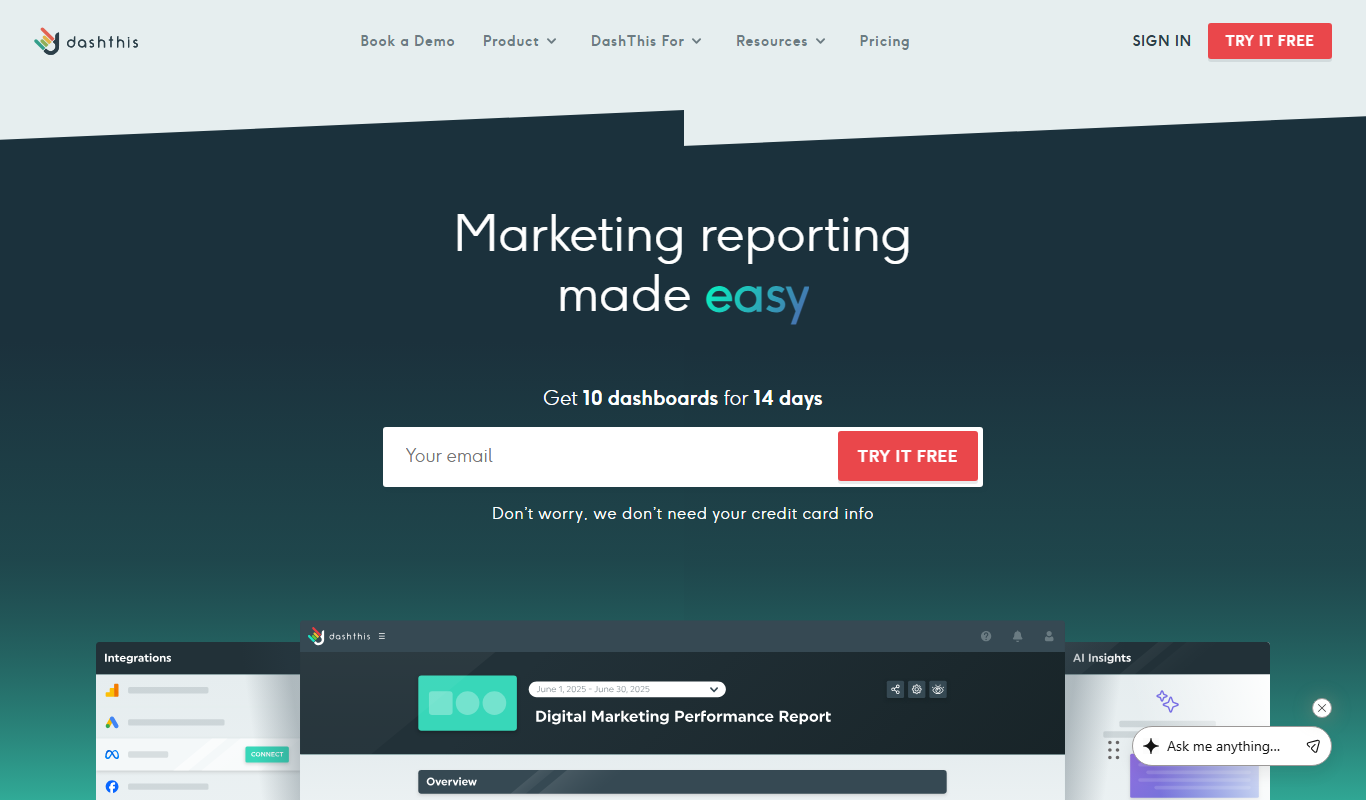
DashThis
DashThis is a marketing dashboard software that automates data aggregation and reporting from multiple marketing platforms, offering customizable, white-label dashboards for agencies and marketers.

Maltego
Maltego is a data mining and link analysis tool that helps cybersecurity professionals and investigators visualize relationships between entities using graph-based visualizations and OSINT data.

MarketMan
MarketMan is a cloud-based inventory and supply chain management platform designed for restaurants and foodservice businesses to track inventory, manage suppliers, control food costs, and reduce waste.

MeasureUp
MeasureUp is an online platform providing realistic practice exams and detailed explanations to help individuals prepare for professional certification tests, primarily in IT and business domains.

Pollfish
Pollfish is an online survey platform that enables businesses to collect targeted consumer insights quickly through mobile sampling and real-time data analytics.

MarketResearch.com
MarketResearch.com is an online platform offering extensive market research reports and industry analysis from multiple publishers, helping businesses and investors make informed decisions.

Geofencing.com
Geofencing.com is a location-based marketing platform that enables businesses to target customers with digital ads when they enter specific geographic areas, improving ad relevance and measuring offline conversions.