

From my experience with Disqus, it stands out as a reliable and user-friendly commenting platform that significantly enhances website engagement. Its ease of integration and robust moderation tools make managing online discussions straightforward, even for those new to community management. The social login and real-time notifications help keep users involved, fostering active conversations. However, the free plan’s branding and reliance on third-party hosting may concern some privacy-conscious users. Overall, Disqus is a solid choice for bloggers, media sites, and businesses looking to build interactive communities around their content.
Disqus Comment System for Websites and Online Community Engagement
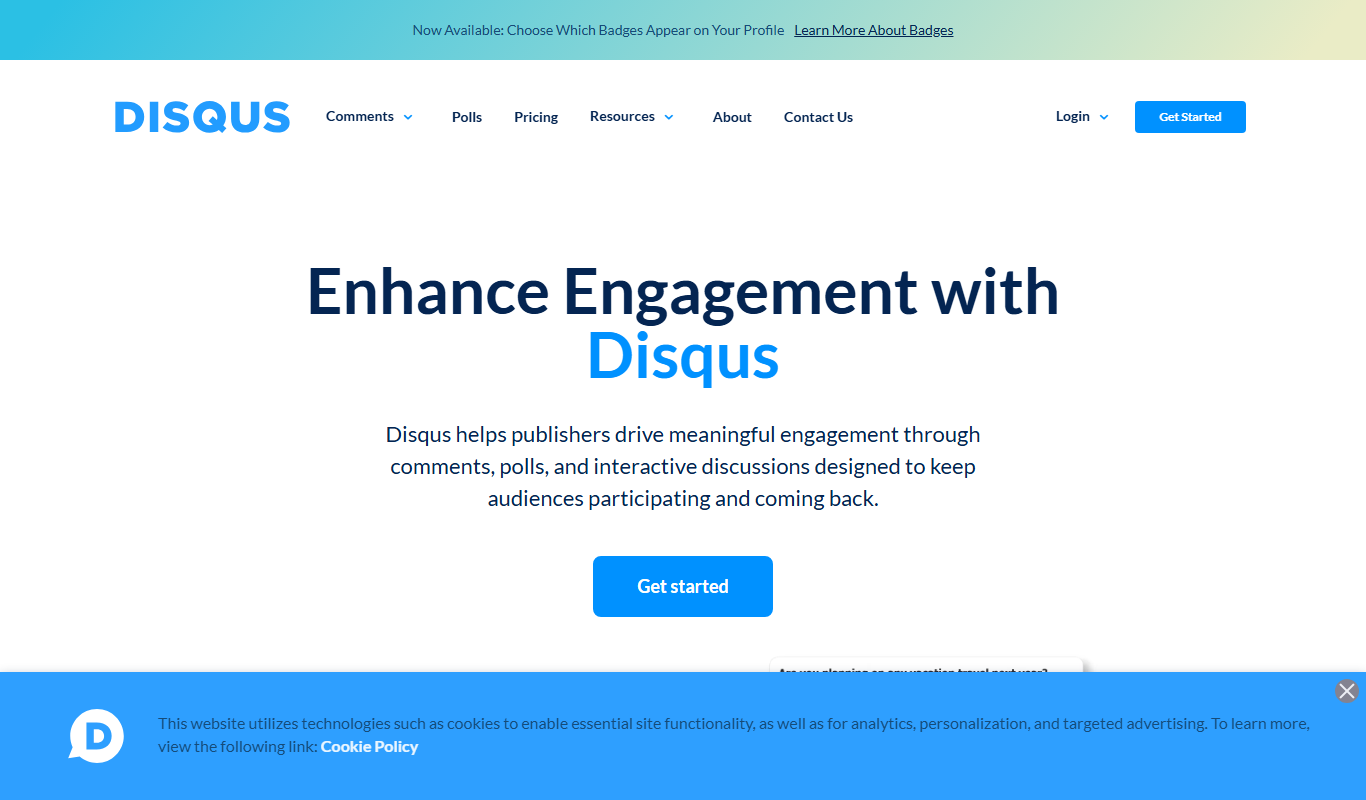
Disqus is a web-based commenting platform that integrates with websites to enable user comments, community engagement, moderation, and analytics.
- Best for
- Website Commenting
- Key capability
- Threaded Conversations
Do you recommend this tool?
What is Disqus?
Disqus is a web-based commenting platform that integrates with websites to provide a robust system for user comments and discussions. It facilitates community engagement by allowing visitors to post comments, reply to others, and interact socially around website content. Disqus also offers moderation tools, social media integration, and analytics to help site owners manage and grow their online communities effectively.
Key features of Disqus
Disqus offers features such as threaded comments, real-time notifications, spam filtering, user profiles, social login options, moderation controls, and detailed analytics. These features combine to create an interactive and manageable commenting environment that enhances user engagement on websites.
Threaded Conversations
Supports nested replies to keep discussions organized and easy to follow.
Moderation Tools
Includes spam filters, blacklists, and user banning to maintain quality discussions.
Social Media Integration
Allows users to log in with social accounts and share comments on social platforms.
Real-Time Notifications
Notifies users instantly about replies and new comments to keep them engaged.
Analytics Dashboard
Provides insights into comment activity, user engagement, and community growth.
Pros and cons of Disqus
Pros
- Easy integration with popular CMS platforms
- Robust moderation and spam filtering tools
- Supports social login and sharing
- Real-time notifications enhance engagement
- Detailed analytics for community insights
Cons
- Free plan includes Disqus branding
- Some advanced features require paid plans
- User data is hosted on Disqus servers, raising privacy concerns
Key use cases for Disqus
Website Commenting
Enable visitors to leave comments on articles, blog posts, and other website content to foster discussion.
Community Building
Create and manage online communities around content topics with user profiles and engagement tools.
Content Moderation
Use moderation tools to filter spam, manage user behavior, and maintain a healthy discussion environment.
Social Media Integration
Allow users to sign in and share comments via social media accounts, increasing reach and engagement.
Analytics and Insights
Track user engagement metrics and comment activity to understand audience interaction and content performance.
How Disqus works
- 1
Sign Up and Setup
Create a Disqus account and register your website to obtain the integration code.
- 2
Install on Website
Embed the Disqus code snippet into your website’s HTML or use a plugin for popular CMS platforms.
- 3
Customize Settings
Configure moderation rules, appearance, and social login options to fit your community needs.
- 4
Engage Visitors
Visitors can start commenting, replying, and voting, creating dynamic discussions on your site.
- 5
Moderate and Analyze
Use the moderation dashboard to manage comments and review analytics to optimize engagement.
Who is using Disqus
Bloggers and content creators
News and media websites
Online communities and forums
Marketing teams managing user engagement
Small to medium-sized businesses with web presence
Disqus pricing
Basic
Free
Includes core commenting features with basic moderation and community tools.
Plus
$11/month
Adds advanced moderation, analytics, and customization options for growing sites.
Pro
$99/month
Offers full feature access including priority support, advanced analytics, and branding removal.
Plans and prices are as published by the vendor and can change. Check the official site before you buy. Open the pricing page (opens in a new tab)
Frequently asked questions about Disqus
Yes, Disqus can be integrated with most websites via code snippet or CMS plugins.
Yes, Disqus is optimized for mobile web and responsive across devices.
Yes, Disqus offers a free Basic plan with essential commenting features.
Disqus uses automated spam filters and allows manual moderation to control spam.
This tool is designed to help users accomplish its core tasks more efficiently. It is typically used by individuals or teams looking to improve productivity and workflow.
It depends on your specific needs and how you plan to use the tool. The official website and documentation are the best sources for the latest details.
Some tools offer a free plan or trial with limited features. Availability can vary, so confirm on the official website.
Yes, it can help with that use case depending on how you configure it and what features are available. You’ll get the best results with clear inputs and a defined goal.
Sign in to review this tool.
Sign In to ReviewNo reviews yet
Be the first to share how this tool worked for you.
Ask about pricing, limits, or how it compares — or answer someone else.
Sign In to AskNo questions yet
Have a question about using or paying for this tool? Be the first to ask.
Featured on TiorAI



More Business Management tools
Other tools in the same category, for when this one is not quite the fit.

Free
Roadtrippers
Roadtrippers is a travel planning app that helps users create detailed road trip itineraries by mapping routes, discovering attractions, and optimizing travel plans.

Free
TripIt
TripIt is a travel app that automatically organizes your travel plans into a single itinerary by parsing confirmation emails, providing real-time flight alerts, and allowing itinerary sharing.

Free
FormSwift
FormSwift is an online platform that provides customizable legal and business document templates, PDF editing, and electronic signature capabilities to help users create and manage important documents easily.

Pay As You Go
TextMagic
TextMagic is a cloud-based SMS marketing platform that enables businesses to send bulk text messages, automate notifications, and engage customers with two-way messaging and API integration.

Free Trial
EZ Texting
EZ Texting is a cloud-based SMS marketing platform that enables businesses to send mass text messages, automate campaigns, and engage customers with two-way messaging.

Free Trial
SimpleTexting
SimpleTexting is a cloud-based SMS marketing platform that enables businesses to send mass text messages, automate SMS workflows, and engage customers with two-way messaging to improve communication and marketing effectiveness.

Free
Spocket
Spocket is a dropshipping platform that helps ecommerce entrepreneurs source products from vetted US and EU suppliers, automate order fulfillment, and integrate with major online store platforms like Shopify and WooCommerce.

Free
Oberlo
Oberlo is a dropshipping app for Shopify that automates product importing, inventory management, and order fulfillment, enabling entrepreneurs to run ecommerce stores without holding inventory.