

Fabric AI workspace for files, notes and meetings
Fabric is an AI workspace for your files, notes, ideas and meetings, with a personal AI, a cloud drive and agents that work across your apps.
- Best for
- Meeting capture
- Key capability
- Infinite cloud drive
Save Fabric, follow its updates and vote on it — everything stays in your account.
Sign in or create a free account
What is Fabric?
Fabric is an AI workspace that gives you a home for your files, notes, ideas and meetings, with a personal AI that knows your work. It combines an infinite cloud drive that mounts on your computer, notes and docs, meeting transcription, tasks, publishing and search by meaning, plus AI agents that act inside your other apps, on web, mobile and desktop.
Key features of Fabric
Fabric stores everything in one infinite cloud drive, transcribes meetings, searches by meaning and inside documents, publishes spaces as shareable portals and runs AI agents that search, summarise and act on your behalf.
Infinite cloud drive
All your files in one infinite cloud drive that mounts as a drive on your computer.
Meeting notes
Fabric records and transcribes meetings and keeps the key points.
Search by meaning
Search by meaning, and search inside documents such as a PDF, a deck or a brief.
AI agents
Create agents with their own name, personality and schedule that search, summarise, connect and act for you.
Publishing
Publish any space as a portal for clients, stakeholders or new hires, shared by link.
Pros and cons of Fabric
Pros
- Available on web, mobile and desktop
- Works offline
- 50+ integrations
- Reads PDFs, videos, voice memos, EPUBs, images and documents
- User-friendly interface suitable for various skill levels
Cons
- Plan prices are not shown without signing in
- Pricing may be restrictive for larger teams on free plan
- No dedicated mobile app for on-the-go design
Key use cases for Fabric
Meeting capture
Record and transcribe meetings and keep the key points.
Client portals
Publish polished portals for clients and stakeholders, with password protection where needed.
Research library
Find the exact page in a PDF or the right slide in a deck.
Visual planning
Spread content out on an infinite canvas and think visually.
How Fabric works
- 1
Bring your files and notes
Keep files, notes, ideas and meetings in one place.
- 2
Connect your apps
Connect your apps so Fabric can search and act inside them.
- 3
Work with your AI
Ask your AI or set up agents that work on a schedule.
- 4
Share
Publish a space as a portal and share it with a link.
- 5
Share and Test
Distribute prototypes to stakeholders for review and user testing.
Who is using Fabric
Fabric pricing
Try for $0
$0
Fabric can be tried for $0; the pricing page requires signing in.
Pro
$15/month
Expanded features including unlimited projects, advanced collaboration, and priority support.
Plans and prices are as published by the vendor and can change. Check the official site before you buy. Open the pricing page (opens in a new tab)
Frequently asked questions about Fabric
A home for your files, notes, ideas and meetings, with a personal AI that knows your work and can do it with you.
Web, mobile and desktop, and it mounts as a drive on your computer.
Yes. It can send emails, create tasks, update your CRM and pull invoices.
Yes. Every AI gets its own email inbox and will answer, do work or research for you.
This tool is designed to help users accomplish its core tasks more efficiently. It is typically used by individuals or teams looking to improve productivity and workflow.
Yes, it can help with that use case depending on how you configure it and what features are available. You’ll get the best results with clear inputs and a defined goal.
Some tools offer a free plan or trial with limited features. Availability can vary, so confirm on the official website.
Yes, it can help with that use case depending on how you configure it and what features are available. You’ll get the best results with clear inputs and a defined goal.
Conclusion
Files, notes, ideas and meetings live together here, in an infinite cloud drive that also mounts as a drive on the computer and works offline. A personal AI searches by meaning, even inside PDFs and slide decks, and meetings are recorded and transcribed with their key points kept. Agents with their own name and schedule can also act inside connected apps, sending emails, creating tasks or updating a CRM.
Founders, researchers, designers, students and marketers are among the groups it addresses, and any space can be published as a portal for clients with a simple link. It is available on web, mobile and desktop and can be tried for free; plan prices are not shown without signing in.
Sources
Sign in to review this tool.
Sign In to ReviewNo reviews yet
Be the first to share how this tool worked for you.
Ask about pricing, limits, or how it compares — or answer someone else.
Sign In to AskNo questions yet
Have a question about using or paying for this tool? Be the first to ask.
Featured on TiorAI



Alternative Tools
Explore similar AI tools that might fit your needs
Figma
Figma is a cloud-based design tool for creating user interfaces and prototypes collaboratively in real time, accessible via web and desktop apps.
More AI Knowledge Base Tools tools
Other tools in the same category, for when this one is not quite the fit.
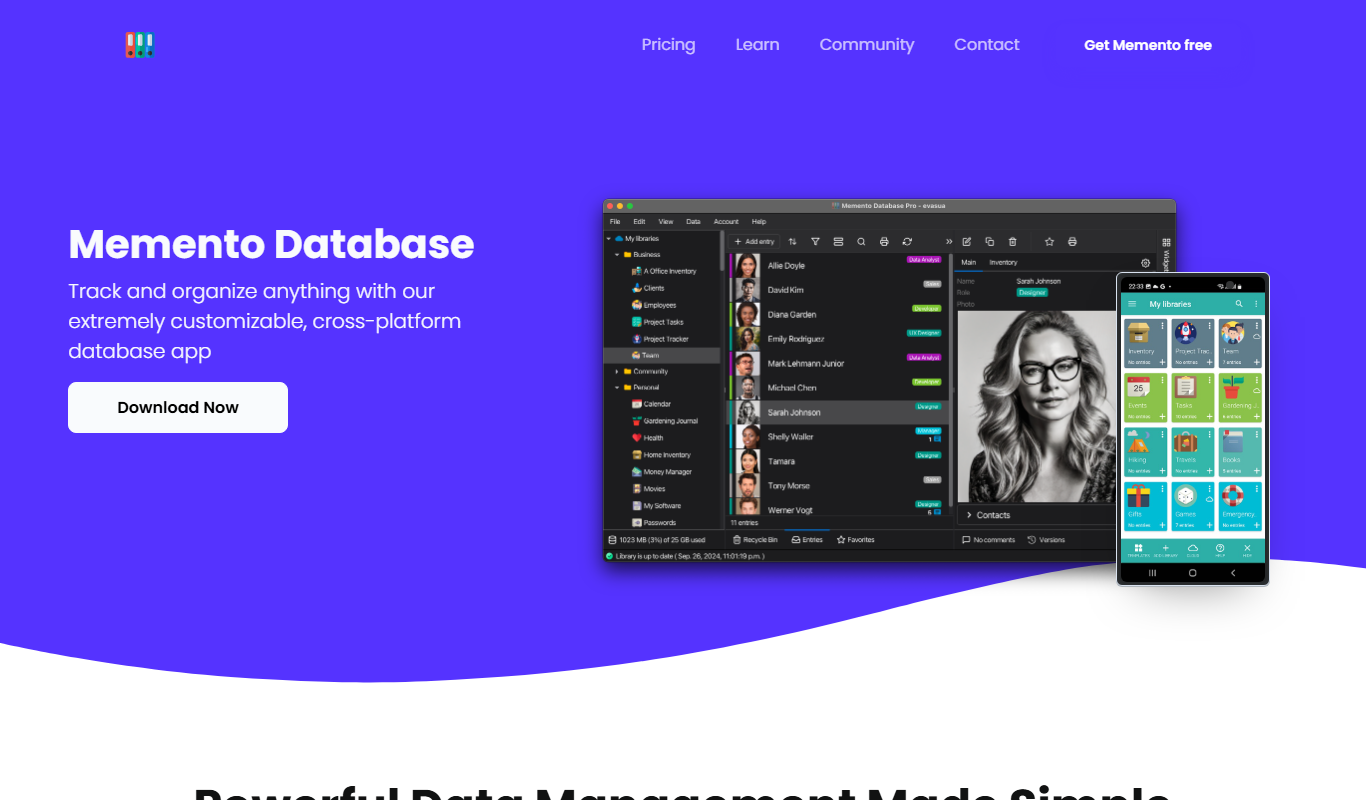
Memento Database
Memento Database is a customizable database app that lets users create, manage, and share databases across Android, Windows, and web platforms with offline access and cloud synchronization.

Tettra
Tettra is an AI knowledge base whose AI powered bot Kai answers teammates' questions in Tettra or Slack from the team's own content.

Dokko
Dokko is a document AI platform that reads contracts, manuals and policies in full, answers with citations and acts on what it finds, for teams and their customers.
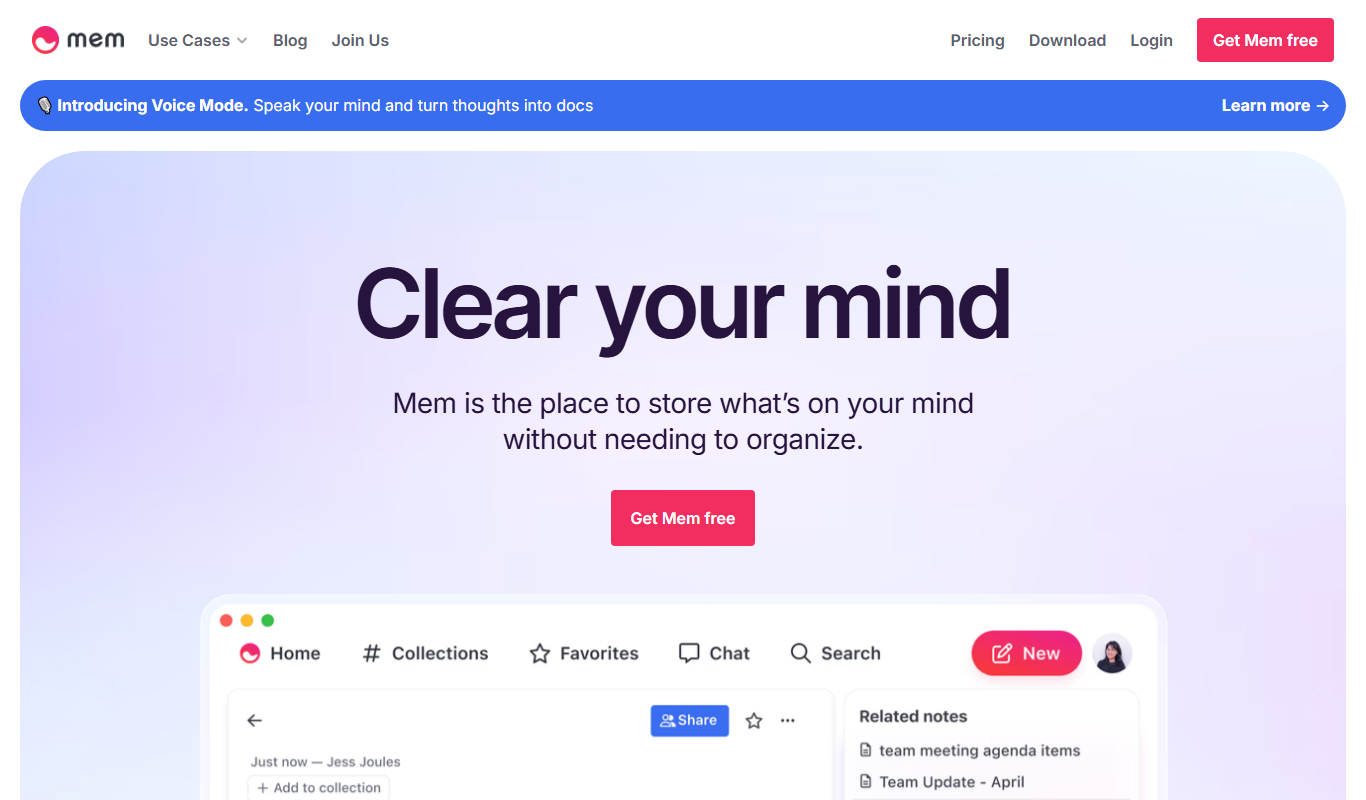
Mem.ai
Mem is an AI note-taking workspace and agent that keeps notes, meetings and ideas organized and connected, and checks in when something needs attention.

assess.com
Assess.com offers FastTest, a digital assessment platform with item banking, online assessment, proctoring, a candidate portal and test development services.
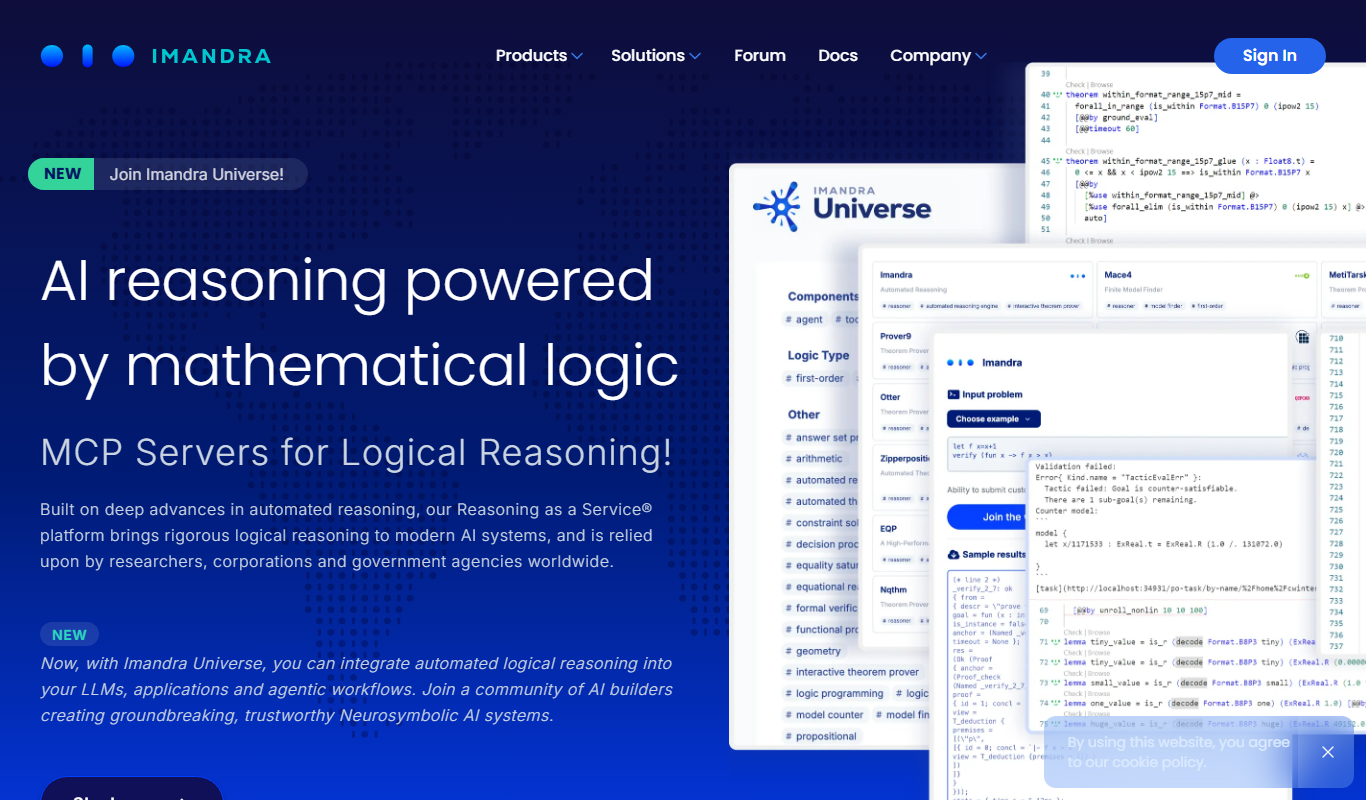
imandra.ai
Imandra AI is a platform that automates formal verification of software and algorithms using theorem proving and model checking to ensure correctness and detect bugs.

AutoFlow
AutoFlow is an open source Graph RAG knowledge base tool from PingCAP, built on TiDB Vector, LlamaIndex and DSPy.

myscale.com
MyScale is an SQL vector database for building GenAI applications, with vector search, text search, filtered search and SQL-vector join queries.