

From my experience with Glean, it stands out for its ability to unify disparate enterprise data sources into a single, AI-powered search platform. This makes finding information and experts across large organizations much more efficient. The tool is especially valuable for knowledge workers and teams focused on collaboration and onboarding. However, its pricing model is custom and not transparent, which may be a barrier for smaller companies. Overall, if your organization struggles with scattered knowledge and wants to improve internal information discovery, Glean offers a robust, scalable solution.
Glean Knowledge Management Software for Enterprise Search and Collaboration
Glean is an AI-powered enterprise knowledge management platform that integrates multiple data sources to provide unified search, expert identification, and collaboration tools for organizations.
- Best for
- Enterprise Knowledge Search
- Key capability
- Unified Search Across Multiple Platforms
Your actions
Save Glean, follow its updates and vote on it — everything stays in your account.
Sign in or create a free account
What is Glean?
Glean is an enterprise knowledge management and search platform designed to help organizations unify their internal information. It connects to multiple data sources such as documents, emails, chat tools, and databases, enabling employees to find answers quickly without switching between apps. Glean’s AI-powered search and collaboration features improve workplace productivity by making knowledge accessible and actionable.
Key features of Glean
Glean offers unified enterprise search, AI-driven knowledge discovery, expert identification, personalized content recommendations, and seamless integration with popular workplace tools. Its intuitive interface and powerful indexing capabilities help teams collaborate and find information efficiently.
Unified Search Across Multiple Platforms
Search across emails, documents, chats, and databases from a single interface.
AI-Powered Knowledge Discovery
Leverages machine learning to surface relevant content and experts based on user queries.
Expert Finder
Identifies subject matter experts within the organization to facilitate collaboration.
Personalized Recommendations
Delivers tailored content suggestions to users based on their role and activity.
Seamless Integrations
Supports integration with popular workplace tools like Google Workspace, Slack, Microsoft Teams, and Salesforce.
Pros and cons of Glean
Pros
- Powerful AI-driven search across multiple data sources
- Improves knowledge sharing and collaboration
- Customizable integrations with popular enterprise tools
- Helps identify internal experts quickly
Cons
- Pricing is not transparent and requires contact
- Primarily targeted at larger organizations
- Limited language support beyond English
Key use cases for Glean
Enterprise Knowledge Search
Enables employees to quickly find relevant information across multiple internal systems and data sources.
Workplace Collaboration
Facilitates team collaboration by surfacing shared knowledge and connecting employees with experts.
Onboarding and Training
Helps new hires access critical company knowledge and resources to accelerate learning and productivity.
Information Discovery
Allows users to discover hidden or hard-to-find information within an organization’s data repositories.
Knowledge Retention
Preserves institutional knowledge by capturing and organizing information from various sources.
How Glean works
- 1
Connect Data Sources
Integrate Glean with your company’s internal systems such as Google Workspace, Slack, Salesforce, and more.
- 2
Index and Organize
Glean indexes content from connected sources and organizes it for fast, relevant search results.
- 3
Search and Discover
Employees use Glean’s AI-powered search to find documents, conversations, and experts across the organization.
- 4
Collaborate and Share
Users can share insights, bookmark important information, and connect with colleagues directly through the platform.
Who is using Glean
Large enterprises
Knowledge workers
IT and HR departments
Customer support teams
Corporate training managers
Glean pricing
Custom Pricing
Contact for pricing
Pricing tailored to organization size and feature requirements.
Plans and prices are as published by the vendor and can change. Check the official site before you buy. Open the pricing page (opens in a new tab)
Frequently asked questions about Glean
Glean supports integration with Google Workspace, Slack, Salesforce, Microsoft Teams, and many other enterprise applications.
Glean is primarily designed for medium to large enterprises but may accommodate smaller organizations depending on their needs.
Glean employs enterprise-grade security measures, including encryption and access controls, to ensure data privacy and compliance.
This tool is designed to help users accomplish its core tasks more efficiently. It is typically used by individuals or teams looking to improve productivity and workflow.
It depends on your specific needs and how you plan to use the tool. The official website and documentation are the best sources for the latest details.
Integration support depends on the tool and its available connectors or API. Check the official documentation or integrations page to confirm what is supported.
Sign in to review this tool.
Sign In to ReviewNo reviews yet
Be the first to share how this tool worked for you.
Ask about pricing, limits, or how it compares — or answer someone else.
Sign In to AskNo questions yet
Have a question about using or paying for this tool? Be the first to ask.
Featured on TiorAI



Alternative Tools
Explore similar AI tools that might fit your needs

Free
Guru
Guru is a knowledge management platform that enables teams to capture, verify, and share accurate information in real time, improving collaboration and customer support.

Free
Slab
Slab is a knowledge management and team collaboration software that helps organizations centralize and share internal knowledge through an intuitive wiki interface, real-time collaboration, and powerful search.

Free Trial
Bloomfire
Bloomfire is a cloud-based knowledge management software that helps teams capture, organize, and share information efficiently with AI-powered search and analytics.
More AI Collaboration & Team Tools tools
Other tools in the same category, for when this one is not quite the fit.

Free
Alian hub – Project Management System
AlianHub is an open-source, self-hosted project management platform with boards, sprints, time tracking, chat and AI, free with unlimited users or hosted in the Cloud.

Free
Walling AI
Walling AI is a visual project management and idea organization platform that uses AI to help users organize tasks, notes, and files on flexible boards, supporting collaboration across web and mobile devices.

Freemium
MeetingCulture.ai from Decisions
MeetingCulture.ai by Decisions is an AI-powered platform that enhances meeting productivity by providing analytics, automated summaries, decision tracking, and integrations with Microsoft Teams, Outlook, and Slack.

Free
Miro
Miro is a cloud-based collaborative whiteboard platform that enables teams to brainstorm, plan, and collaborate visually in real time with an infinite canvas, templates, and integrations.

Free Trial
shufflrr.com
Shufflrr is a presentation management tool that centralizes PowerPoint slides, enabling teams to organize, collaborate, and deliver presentations efficiently with version control and analytics.

Free
Swift Board
Swift Board is a free, anonymous whiteboard for sprint retrospectives and team brainstorming that needs no sign-up and adds an instant AI-generated summary.
Free
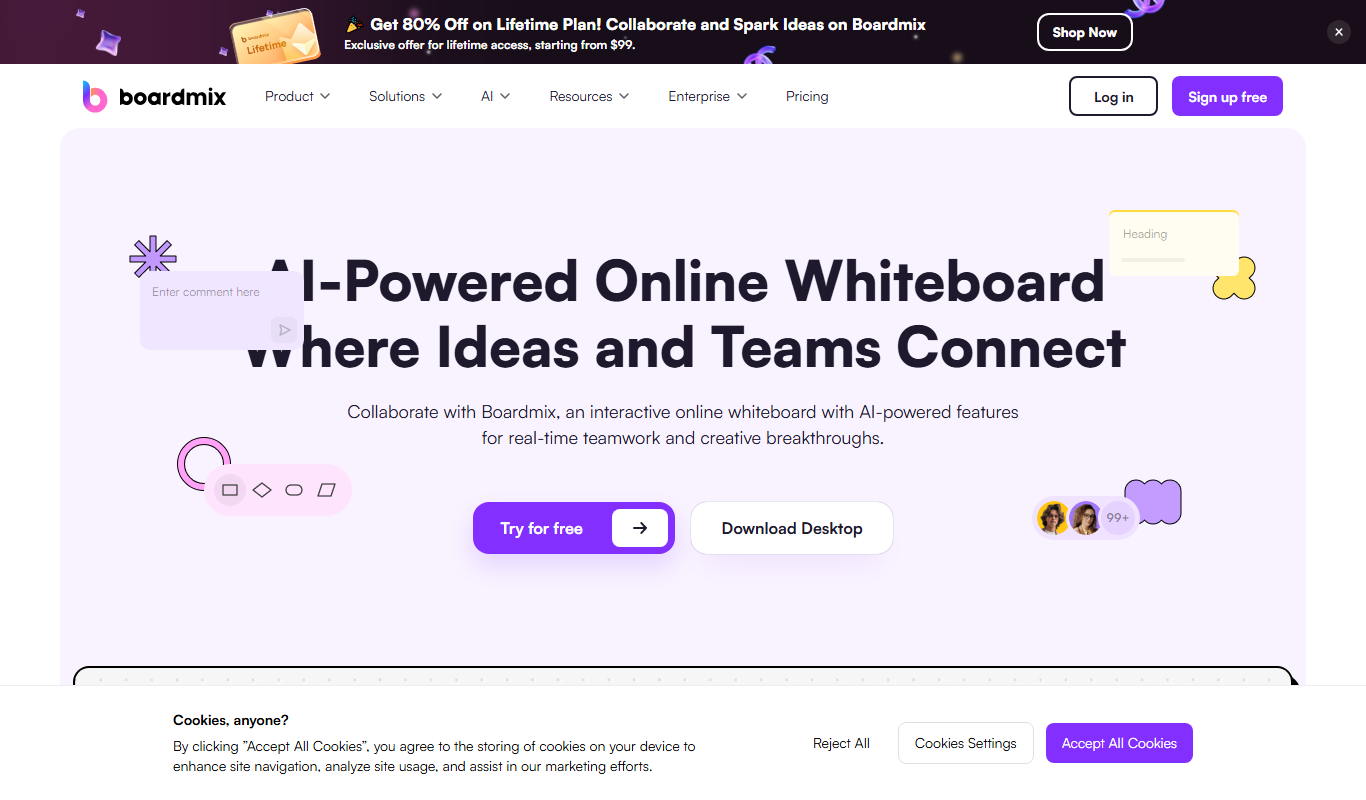
Boardmix online whiteboard
Boardmix is an online whiteboard tool designed for real-time team collaboration, brainstorming, and project planning accessible via web and mobile platforms.
Free Trial
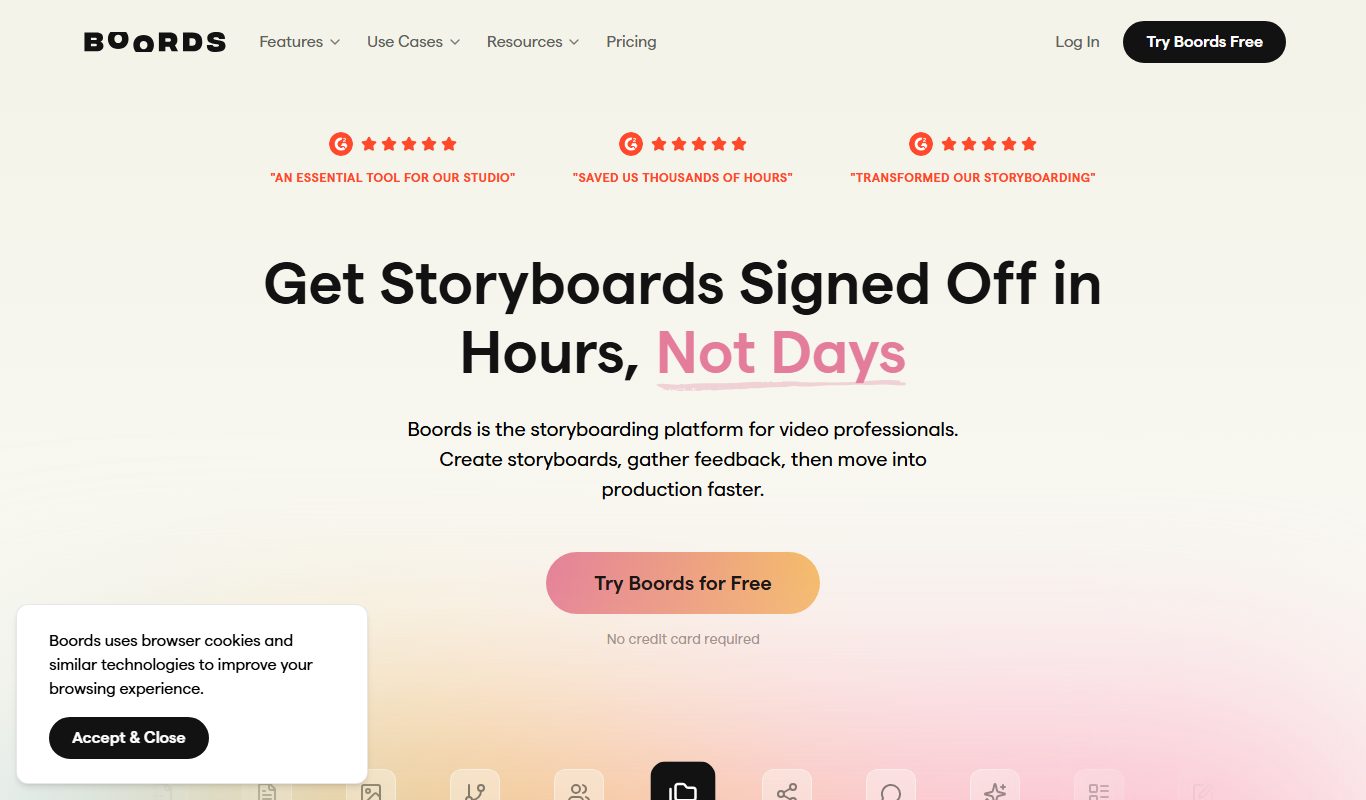
Boords
Boords is an online storyboarding software that helps video and animation teams create, collaborate on, and export detailed storyboards to streamline pre-production workflows.