

MeetingCulture.ai by Decisions - AI Meeting Management Software for Teams
MeetingCulture.ai by Decisions is an AI-powered platform that enhances meeting productivity by providing analytics, automated summaries, decision tracking, and integrations with Microsoft Teams, Outlook, and Slack.
- Best for
- Meeting Effectiveness Analysis
- Key capability
- AI Meeting Analytics
Save MeetingCulture.ai from Decisions, follow its updates and vote on it — everything stays in your account.
Sign in or create a free account
What is MeetingCulture.ai from Decisions?
MeetingCulture.ai by Decisions is an AI-powered meeting management platform designed to help organizations improve the effectiveness and culture of their meetings. It provides actionable insights by analyzing meeting data, automates meeting summaries, tracks decisions, and integrates with popular collaboration tools to streamline workflows and boost team productivity.
Key features of MeetingCulture.ai from Decisions
The platform offers AI-driven meeting analytics, automated note-taking and summaries, decision tracking, and integrations with Microsoft Teams, Outlook, and Slack. These features enable teams to reduce unproductive meetings, increase accountability, and foster a culture of effective collaboration.
AI Meeting Analytics
Gain insights into meeting frequency, duration, participation, and effectiveness.
Automated Meeting Summaries
Receive concise AI-generated summaries and action items to keep teams aligned.
Decision Tracking
Track and document decisions made during meetings for accountability.
Collaboration Tool Integrations
Seamlessly integrates with Microsoft Teams, Outlook, and Slack for smooth workflows.
Meeting Culture Insights
Identify patterns and areas for improvement to foster a healthier meeting culture.
Pros and cons of MeetingCulture.ai from Decisions
Pros
- Provides actionable insights to improve meeting productivity
- Automates note-taking and decision tracking
- Integrates well with popular collaboration tools
- Helps foster a healthier meeting culture
- User-friendly interface with clear analytics
Cons
- Pricing is custom and not publicly listed
- Limited language support (English only)
- Primarily focused on Microsoft ecosystem integrations
Key use cases for MeetingCulture.ai from Decisions
Meeting Effectiveness Analysis
Analyze meeting data to identify productivity bottlenecks and improve team collaboration.
Automated Meeting Summaries
Generate AI-powered summaries and action items to keep teams aligned and accountable.
Decision Tracking
Track decisions made during meetings to ensure follow-through and transparency.
Meeting Culture Improvement
Use data-driven insights to foster a healthier and more productive meeting culture.
Integration with Collaboration Tools
Seamlessly integrate with Microsoft Teams, Outlook, and Slack to enhance workflow.
How MeetingCulture.ai from Decisions works
- 1
Connect Your Calendar and Collaboration Tools
Integrate MeetingCulture.ai with Microsoft Teams, Outlook, or Slack to sync your meetings.
- 2
AI Analyzes Meeting Data
The platform collects and analyzes meeting metadata and content to generate insights.
- 3
Receive Automated Summaries and Action Items
After meetings, get AI-generated summaries and clear action points delivered to your team.
- 4
Track Decisions and Meeting Effectiveness
Monitor decisions made and use analytics to improve future meeting culture.
Who is using MeetingCulture.ai from Decisions
MeetingCulture.ai from Decisions pricing
Free
EUR 0 per user/month
Run your own meetings: organize meetings in OneDrive and Teams, record decisions in the team decision log, AI meeting assistant, agenda builder, Microsoft 365 add-ins and mobile apps, 100 AI credits per month.
Basic
EUR 8 per user/month, billed annually
Everything in Free plus AI meeting briefs and personal debriefs, voting on proposed decisions, view access to Teams meetings, automatic meeting summaries and 200 AI credits per month.
Business+
EUR 15 per user/month, billed annually
Everything in Basic plus collaboration on meetings stored in Teams, AI-generated agendas, customizable AI recaps, meeting minutes, votes, circular resolutions, Microsoft Planner task sync and 500 AI credits per month.
Executive
EUR 29 per user/month, billed annually
For board, committee and leadership meetings: everything in Business+ plus conflict-of-interest handling, structured approvals (RAPID / RACI), affiliations, annotations, e-signature and unlimited AI credits.
Plans and prices are as published by the vendor and can change. Check the official site before you buy. Open the pricing page (opens in a new tab)
Frequently asked questions about MeetingCulture.ai from Decisions
It integrates with Microsoft Teams, Outlook, and Slack to sync meetings and streamline workflows.
Yes, it uses AI to generate concise meeting summaries and action items automatically.
Yes, the platform tracks and documents decisions to ensure accountability.
Yes. The Free plan costs nothing, and every paid plan offers a free trial.
It depends on your specific needs and how you plan to use the tool. The official website and documentation are the best sources for the latest details.
Integration support depends on the tool and its available connectors or API. Check the official documentation or integrations page to confirm what is supported.
It depends on your specific needs and how you plan to use the tool. The official website and documentation are the best sources for the latest details.
Some tools offer a free plan or trial with limited features. Availability can vary, so confirm on the official website.
Conclusion
Microsoft 365 is the base layer, since meetings are organized in OneDrive and Teams and every meeting and decision is stored in the organization’s own Microsoft 365. Agendas are built with the Decisions AI meeting assistant, and after the meeting AI turns it into recaps, minutes and a searchable decision log. Invited attendees can vote on proposed decisions and receive AI meeting briefs and personal debriefs.
Formal board, committee and leadership meetings have their own Executive tier with conflict-of-interest handling, structured approvals and e-signature. Pricing is published per user, from a Free plan through Basic and Business+ to Executive, with a monthly allowance of AI credits on each. Plans can be mixed across a team, so each user pays only for what they need.
Sources
Sign in to review this tool.
Sign In to ReviewNo reviews yet
Be the first to share how this tool worked for you.
Ask about pricing, limits, or how it compares — or answer someone else.
Sign In to AskNo questions yet
Have a question about using or paying for this tool? Be the first to ask.
Featured on TiorAI



More AI Collaboration & Team Tools tools
Other tools in the same category, for when this one is not quite the fit.

Alian hub – Project Management System
AlianHub is an open-source, self-hosted project management platform with boards, sprints, time tracking, chat and AI, free with unlimited users or hosted in the Cloud.

Walling AI
Walling AI is a visual project management and idea organization platform that uses AI to help users organize tasks, notes, and files on flexible boards, supporting collaboration across web and mobile devices.

Miro
Miro is a cloud-based collaborative whiteboard platform that enables teams to brainstorm, plan, and collaborate visually in real time with an infinite canvas, templates, and integrations.

shufflrr.com
Shufflrr is a presentation management tool that centralizes PowerPoint slides, enabling teams to organize, collaborate, and deliver presentations efficiently with version control and analytics.

Swift Board
Swift Board is a free, anonymous whiteboard for sprint retrospectives and team brainstorming that needs no sign-up and adds an instant AI-generated summary.
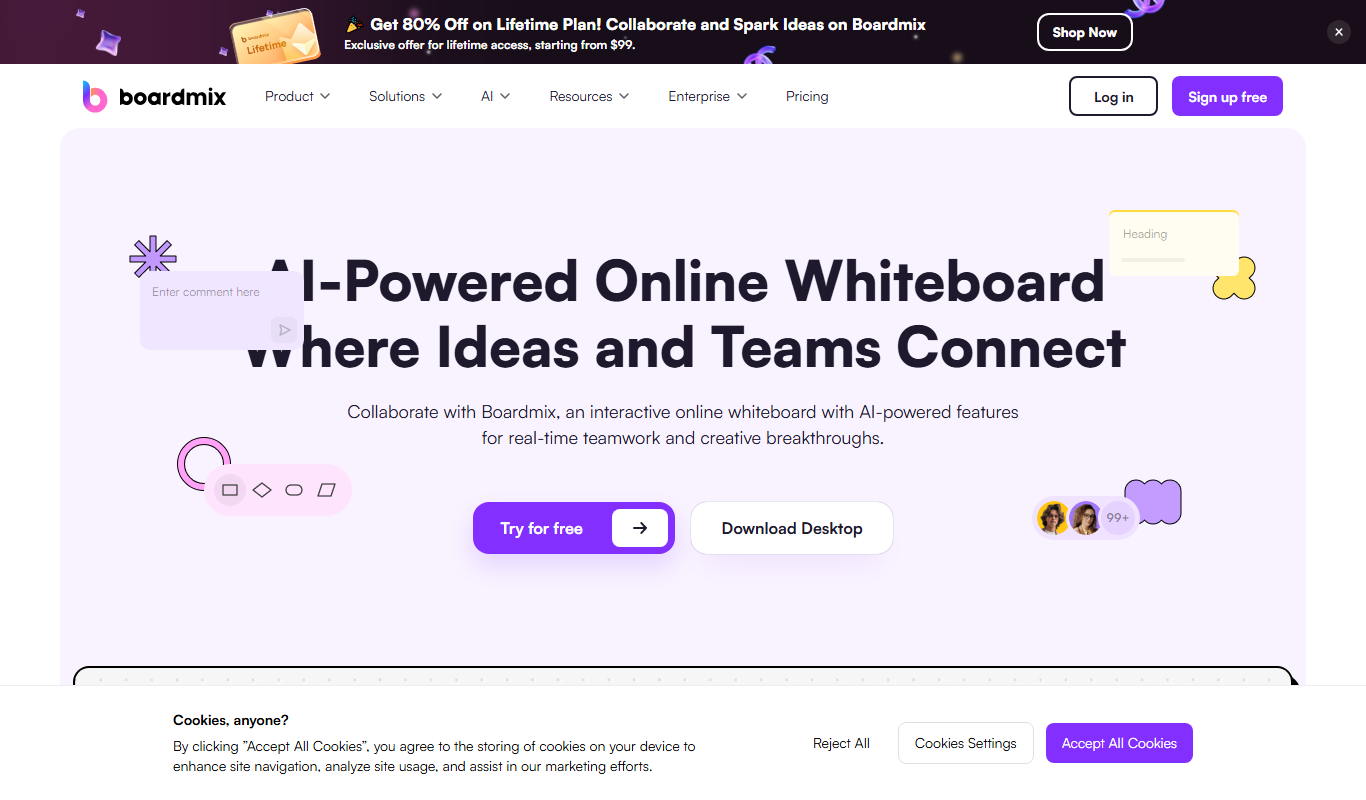
Boardmix online whiteboard
Boardmix is an online whiteboard tool designed for real-time team collaboration, brainstorming, and project planning accessible via web and mobile platforms.
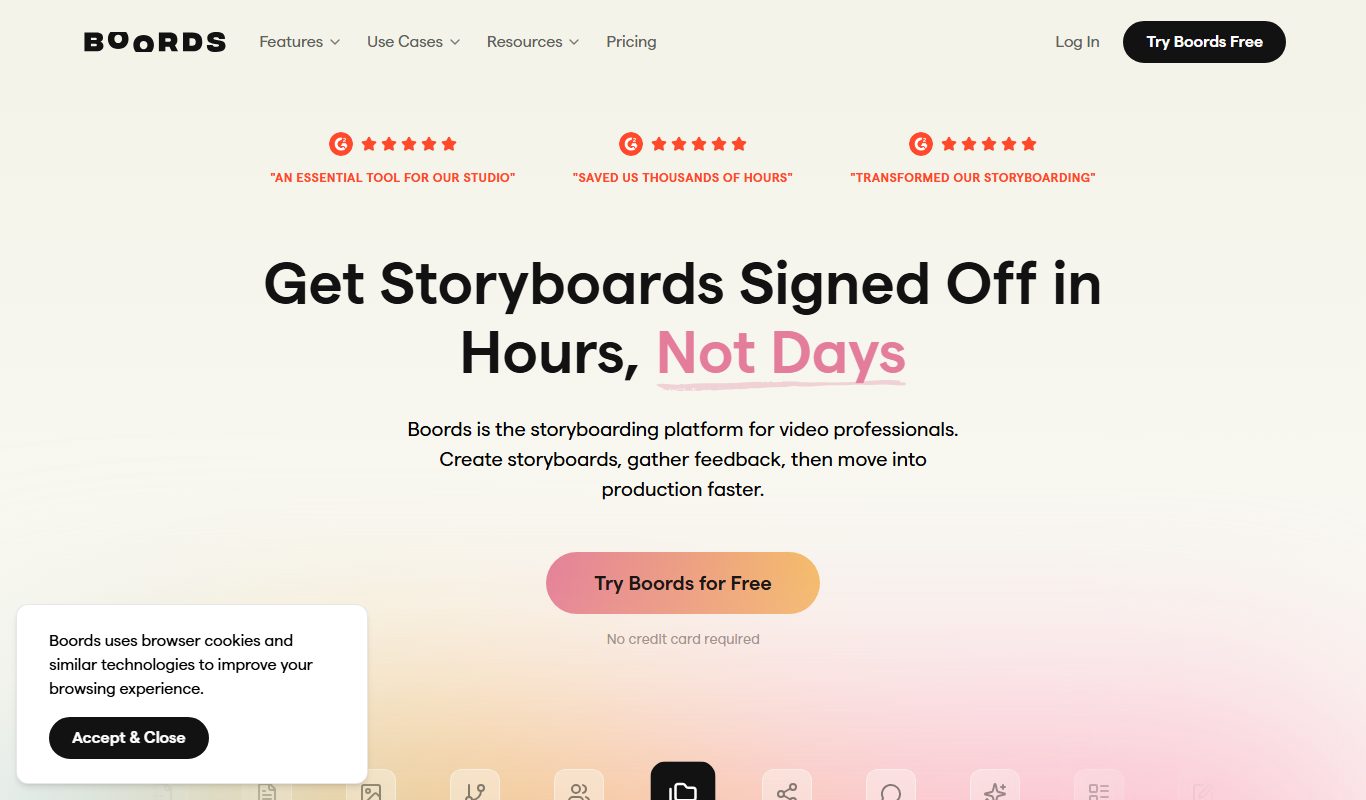
Boords
Boords is an online storyboarding software that helps video and animation teams create, collaborate on, and export detailed storyboards to streamline pre-production workflows.

Unbound AI – Built for Creators
Unbound AI is a universal AI toolkit designed for small businesses to automate content creation.