

Unbound AI for Creators – AI Content Generation and Collaboration Platform
Unbound AI is a universal AI toolkit designed for small businesses to automate content creation.
- Best for
- Content Creation
- Key capability
- AI-Powered Content Generation
Save Unbound AI – Built for Creators, follow its updates and vote on it — everything stays in your account.
Sign in or create a free account
What is Unbound AI – Built for Creators?
Unbound AI is a generative AI platform with tools and features for content creation. All tools, features and products on Unbound are powered by artificial intelligence.
Key features of Unbound AI – Built for Creators
Unbound AI offers generation tools, AI templates, presets and chat consultants for content creation, including product photos, copywriting, stock photos, logos and icons.
AI-Powered Content Generation
Leverage advanced AI models to create high-quality drafts and creative content quickly.
Project and Workflow Management
Organize content projects with task assignments, deadlines, and progress tracking.
Customizable Templates
Use and create templates tailored to different content types and marketing goals.
Content Idea Brainstorming
Generate topic ideas and outlines using AI assistance to jumpstart the creative process.
Pros and cons of Unbound AI – Built for Creators
Pros
- User-friendly interface tailored for creators
- Flexible pricing plans including free tier
- AI tools that assist with idea generation and drafting
Cons
- Limited language support (English only)
- No mobile app currently available
- Advanced integrations only on enterprise plans
Key use cases for Unbound AI – Built for Creators
Content Creation
Generate high-quality written content such as articles, blog posts, and marketing copy using AI assistance.
Content Marketing
Support marketing teams in producing engaging and optimized content to drive audience engagement and conversions.
Idea Generation
Use AI to brainstorm and develop creative ideas for content topics and formats.
Workflow Automation
Streamline content production workflows by integrating AI tools that assist with drafting, editing, and organizing.
How Unbound AI – Built for Creators works
- 1
Sign Up
Create an account on the Unbound AI platform via their web portal.
- 2
Create or Join a Workspace
Set up a new project workspace or join an existing team to collaborate on content.
- 3
Generate Content
Use AI-powered tools to draft, edit, and enhance written content tailored to your needs.
- 4
Publish or Export
Finalize content and export it for publishing or further distribution.
Who is using Unbound AI – Built for Creators
Unbound AI – Built for Creators pricing
Free
$0/month
100 credits every month, access to all tools, up to 100 saves and Avatar templates.
Business
$35/month
Unlimited credits, no watermarks, access to all generation tools, download in any format or size, custom Avatar models, enhanced resolution and unlimited saves.
Enterprise
Contact us
Custom models and full Unbound integration for large companies.
Plans and prices are as published by the vendor and can change. Check the official site before you buy. Open the pricing page (opens in a new tab)
Frequently asked questions about Unbound AI – Built for Creators
Yes, Unbound AI offers a free plan with limited features to try the platform.
You can create blog posts, marketing copy, social media content, and more.
Enterprise plans offer custom integrations; details can be obtained from sales.
This tool is designed to help users accomplish its core tasks more efficiently. It is typically used by individuals or teams looking to improve productivity and workflow.
Yes, it can help with that use case depending on how you configure it and what features are available. You’ll get the best results with clear inputs and a defined goal.
Pricing depends on the plan and included features. For the most accurate and up-to-date details, check the official pricing page.
Yes, it can help with that use case depending on how you configure it and what features are available. You’ll get the best results with clear inputs and a defined goal.
Conclusion
Ready-made presets turn short requests into formats such as marketing funnels and Twitter threads. Beyond copy, the toolkit covers product photos, stock photos, logos and icons, with unlimited background options based on your words. Avatar templates come with every plan, and paying users can also generate custom Avatar models and enhance resolution.
Its footer describes a universal AI toolkit designed for small businesses that want to automate content creation. The free plan includes monthly credits and access to all tools, while the Business plan offers unlimited credits with no watermarks. Team member invites are still marked as coming soon.
Sources
Sign in to review this tool.
Sign In to ReviewNo reviews yet
Be the first to share how this tool worked for you.
Ask about pricing, limits, or how it compares — or answer someone else.
Sign In to AskNo questions yet
Have a question about using or paying for this tool? Be the first to ask.
Featured on TiorAI



More AI Collaboration & Team Tools tools
Other tools in the same category, for when this one is not quite the fit.

Alian hub – Project Management System
AlianHub is an open-source, self-hosted project management platform with boards, sprints, time tracking, chat and AI, free with unlimited users or hosted in the Cloud.

Walling AI
Walling AI is a visual project management and idea organization platform that uses AI to help users organize tasks, notes, and files on flexible boards, supporting collaboration across web and mobile devices.

MeetingCulture.ai from Decisions
MeetingCulture.ai by Decisions is an AI-powered platform that enhances meeting productivity by providing analytics, automated summaries, decision tracking, and integrations with Microsoft Teams, Outlook, and Slack.

Miro
Miro is a cloud-based collaborative whiteboard platform that enables teams to brainstorm, plan, and collaborate visually in real time with an infinite canvas, templates, and integrations.

shufflrr.com
Shufflrr is a presentation management tool that centralizes PowerPoint slides, enabling teams to organize, collaborate, and deliver presentations efficiently with version control and analytics.

Swift Board
Swift Board is a free, anonymous whiteboard for sprint retrospectives and team brainstorming that needs no sign-up and adds an instant AI-generated summary.
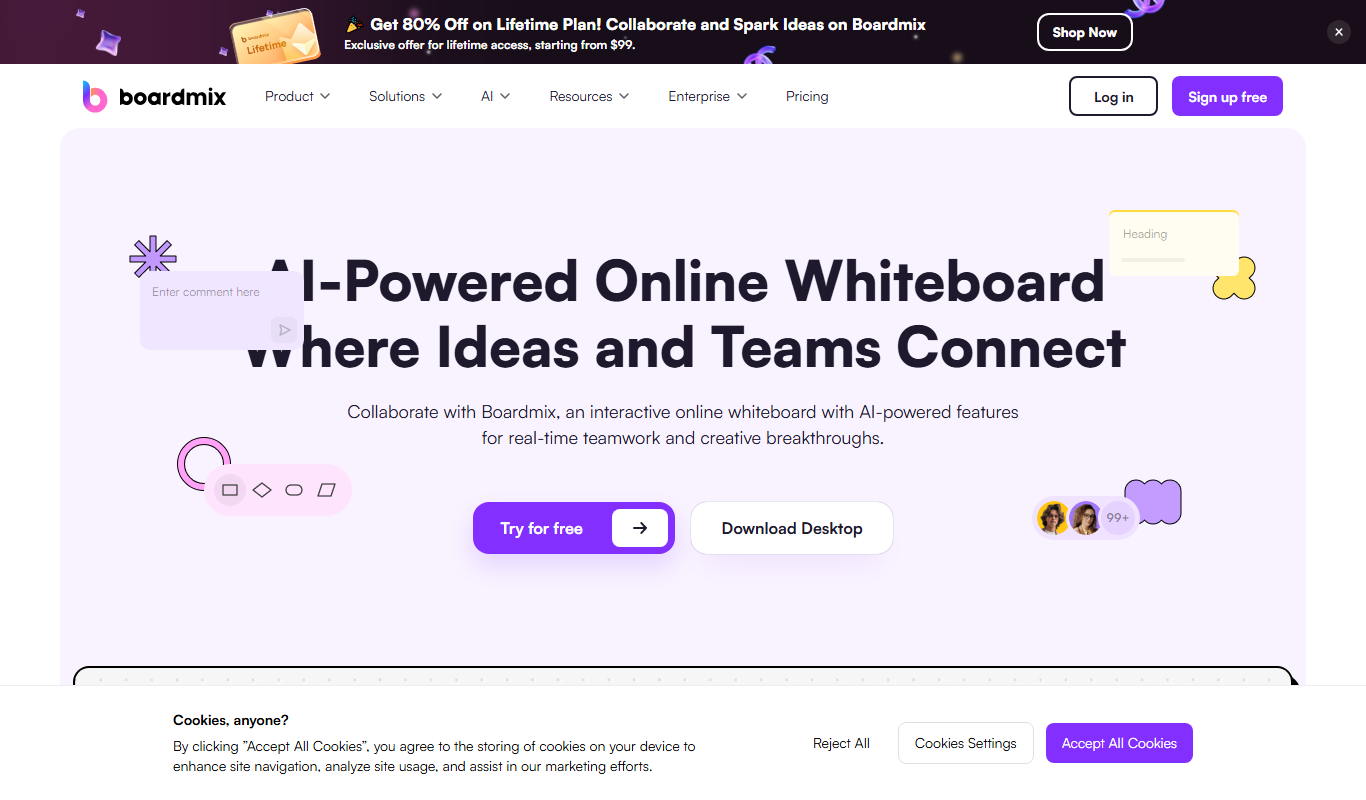
Boardmix online whiteboard
Boardmix is an online whiteboard tool designed for real-time team collaboration, brainstorming, and project planning accessible via web and mobile platforms.
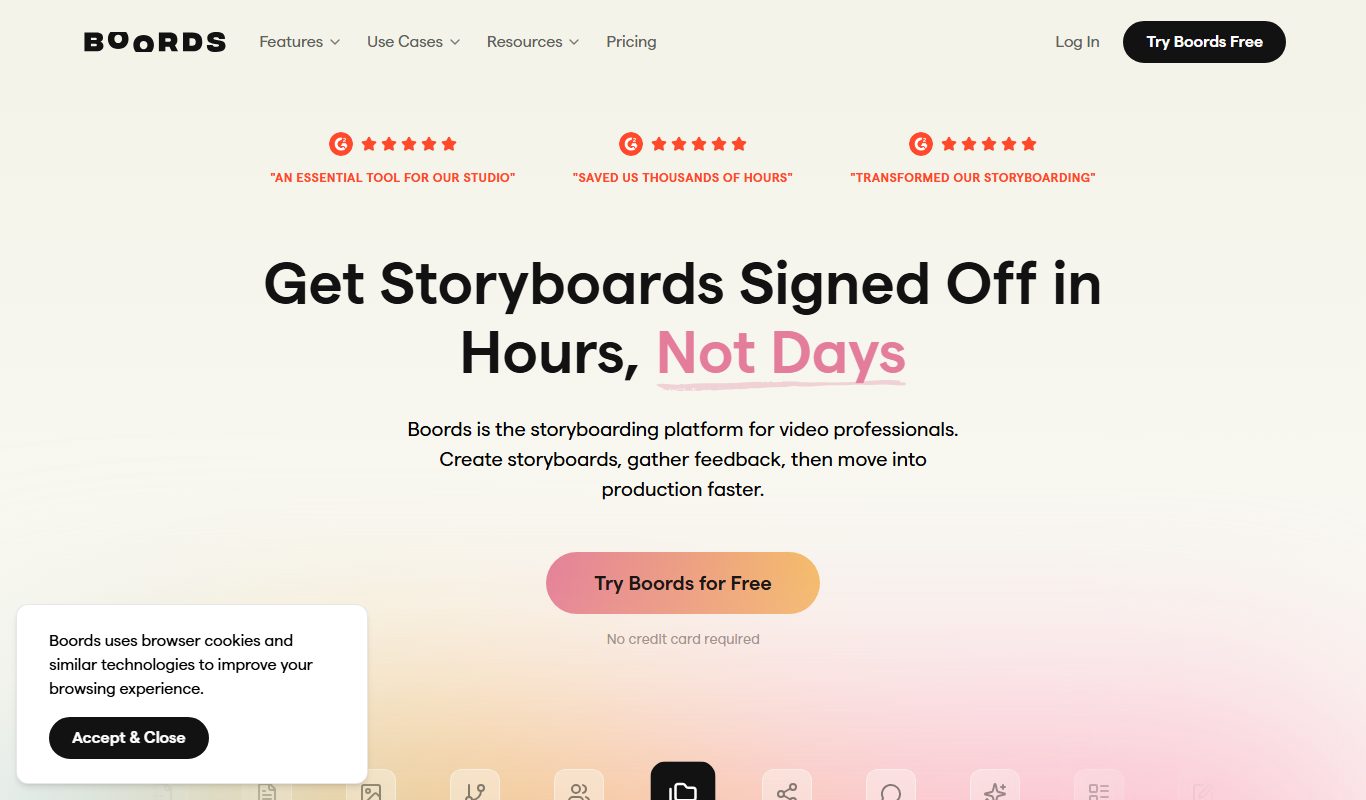
Boords
Boords is an online storyboarding software that helps video and animation teams create, collaborate on, and export detailed storyboards to streamline pre-production workflows.