

From my experience with Mixflow.AI, I found it excels at delivering AI-powered analytics in an accessible, user-friendly way. The platform’s customizable dashboards and real-time data processing make it practical for teams needing timely insights without deep technical expertise. It’s particularly well-suited for marketing, sales, and operations teams aiming to leverage data-driven decision-making. However, the lack of mobile apps and limited language support may restrict flexibility for some users. Overall, if your goal is to gain predictive insights and streamline reporting with an intuitive AI analytics tool, Mixflow.AI offers a solid, scalable solution.
Mixflow.AI Advanced AI Analytics Platform for Data-Driven Insights
Mixflow.AI is an AI-powered analytics platform that transforms data into actionable insights through customizable dashboards, real-time processing, and predictive analytics.
- Best for
- Customer Behavior Analysis
- Key capability
- AI-Powered Analytics
Your actions
Save Mixflow.AI, follow its updates and vote on it — everything stays in your account.
Sign in or create a free account
What is Mixflow.AI?
Mixflow.AI is an AI-powered analytics platform designed to transform raw data into actionable business insights. It integrates machine learning algorithms with intuitive data visualization tools to help organizations monitor performance, understand customer behavior, and make informed decisions efficiently.
Key features of Mixflow.AI
Mixflow.AI offers real-time data analysis, customizable dashboards, predictive analytics, and automated reporting. Its AI-driven engine uncovers hidden patterns and trends, enabling businesses to act proactively.
AI-Powered Analytics
Utilizes machine learning to detect patterns and provide predictive insights.
Customizable Dashboards
Create and modify dashboards to focus on KPIs that matter most to your business.
Real-Time Data Processing
Processes data in real-time for timely decision-making.
Automated Reporting
Generates and distributes reports automatically to relevant teams.
Data Integration
Supports multiple data sources including databases, cloud platforms, and APIs.
Pros and cons of Mixflow.AI
Pros
- Intuitive AI-driven analytics for non-technical users
- Customizable dashboards tailored to business needs
- Real-time data processing for timely insights
- Automated reporting saves time
- Flexible data source integrations
Cons
- Pricing details for enterprise plans require direct contact
- Limited language support (English only)
- No mobile app available currently
Key use cases for Mixflow.AI
Customer Behavior Analysis
Analyze customer interactions and behavior patterns to optimize marketing strategies and improve user engagement.
Sales Performance Tracking
Monitor sales data in real-time to identify trends, forecast revenue, and enhance sales team effectiveness.
Operational Efficiency Monitoring
Track operational metrics to detect bottlenecks and improve overall business process efficiency.
Data-Driven Decision Making
Leverage AI-powered insights to support strategic decisions across departments.
Custom Dashboard Creation
Build tailored dashboards that visualize key performance indicators relevant to specific business needs.
How Mixflow.AI works
- 1
Connect Data Sources
Integrate Mixflow.AI with your existing databases, CRM, or cloud services to import data seamlessly.
- 2
Configure Dashboards
Customize dashboards by selecting relevant metrics and visualizations tailored to your business goals.
- 3
Analyze Insights
Leverage AI-powered analytics to identify trends, anomalies, and opportunities within your data.
- 4
Automate Reports
Set up automated reports to keep stakeholders informed with up-to-date insights.
Who is using Mixflow.AI
Marketing teams
Sales departments
Business analysts
Small to medium enterprises
Operations managers
Mixflow.AI pricing
Free Trial
$0 for 14 days
Full feature access for two weeks to evaluate the platform.
Professional
$49/month
Access to core analytics features with limited data sources and users.
Enterprise
Custom pricing
Advanced features, unlimited data sources, dedicated support, and custom integrations.
Plans and prices are as published by the vendor and can change. Check the official site before you buy. Open the pricing page (opens in a new tab)
Frequently asked questions about Mixflow.AI
Mixflow.AI supports integration with popular databases, cloud storage services, CRM systems, and APIs.
Yes, Mixflow.AI offers a 14-day free trial with full access to all features.
Absolutely, users can create and tailor dashboards to display the metrics most relevant to their business.
Yes, the platform uses AI to provide predictive insights and trend analysis.
Data handling and security practices vary by provider. Review the official privacy policy to understand how your data is stored and used.
It depends on your specific needs and how you plan to use the tool. The official website and documentation are the best sources for the latest details.
Some tools offer a free plan or trial with limited features. Availability can vary, so confirm on the official website.
Sign in to review this tool.
Sign In to ReviewNo reviews yet
Be the first to share how this tool worked for you.
Ask about pricing, limits, or how it compares — or answer someone else.
Sign In to AskNo questions yet
Have a question about using or paying for this tool? Be the first to ask.
Featured on TiorAI



More Data Visualization tools
Other tools in the same category, for when this one is not quite the fit.

Free
ChartPixel
ChartPixel is a web-based platform that turns messy data into interactive charts, written insights and forecasts with AI assisted analysis, and lets users chat with their data.

Freemium
Graphy for Data Storytelling
Graphy is a web-based platform designed for creating interactive data stories by combining data visualization with narrative elements, enabling users to communicate insights effectively.

Free
Vizzy
Vizzy is a free web-based AI tool that transforms CSV data into interactive charts and graphs, enabling easy data exploration without coding.

Free
Rerun
Rerun is the data layer for physical AI: an open source SDK to log, query, transform, visualize and train on multimodal robotics data, plus the commercial Rerun Hub for teams at scale.

Free
VMind
VMind is part of VisActor by ByteDance. It is free and open source, and it does intelligent charting with an LLM and rule algorithms.
Free
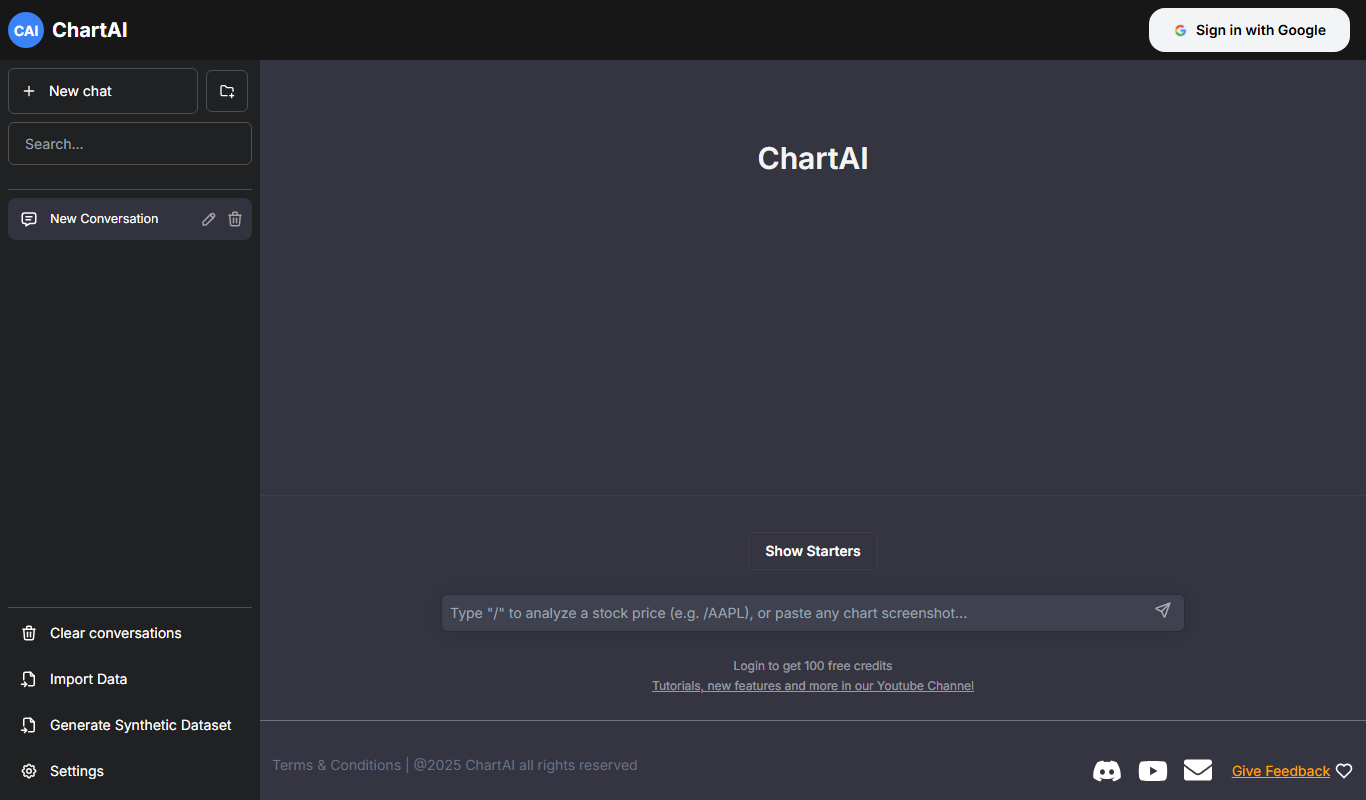
ChartAI
ChartAI is an AI-powered web tool that automatically generates professional charts from raw data, enabling users to visualize information quickly without design expertise.

Freemium
AI graph maker
AI Graph Maker is an AI graph generator that turns text or data into interactive charts, mind maps, knowledge graphs and infographics, with free daily credits and a paid Hobby plan.

Freemium
Excel Dashboard Ai
Excel Dashboard AI is a web platform that turns uploaded Excel or CSV data into polished reports, interactive dashboards and editable PowerPoint files.