

From my experience with Let Me Know When, I found it excels at providing a no-frills, fast way to set reminders directly in the browser without any sign-up hassle. It’s particularly well-suited for users who want lightweight, straightforward notifications without the complexity of full task management suites. However, the trade-off is that it lacks mobile apps and advanced features like integrations or collaboration tools. Overall, if you need quick, recurring reminders accessible from your desktop browser, this tool delivers solid, reliable results.
Let Me Know When - Simple Reminder and Notification App for Web Users
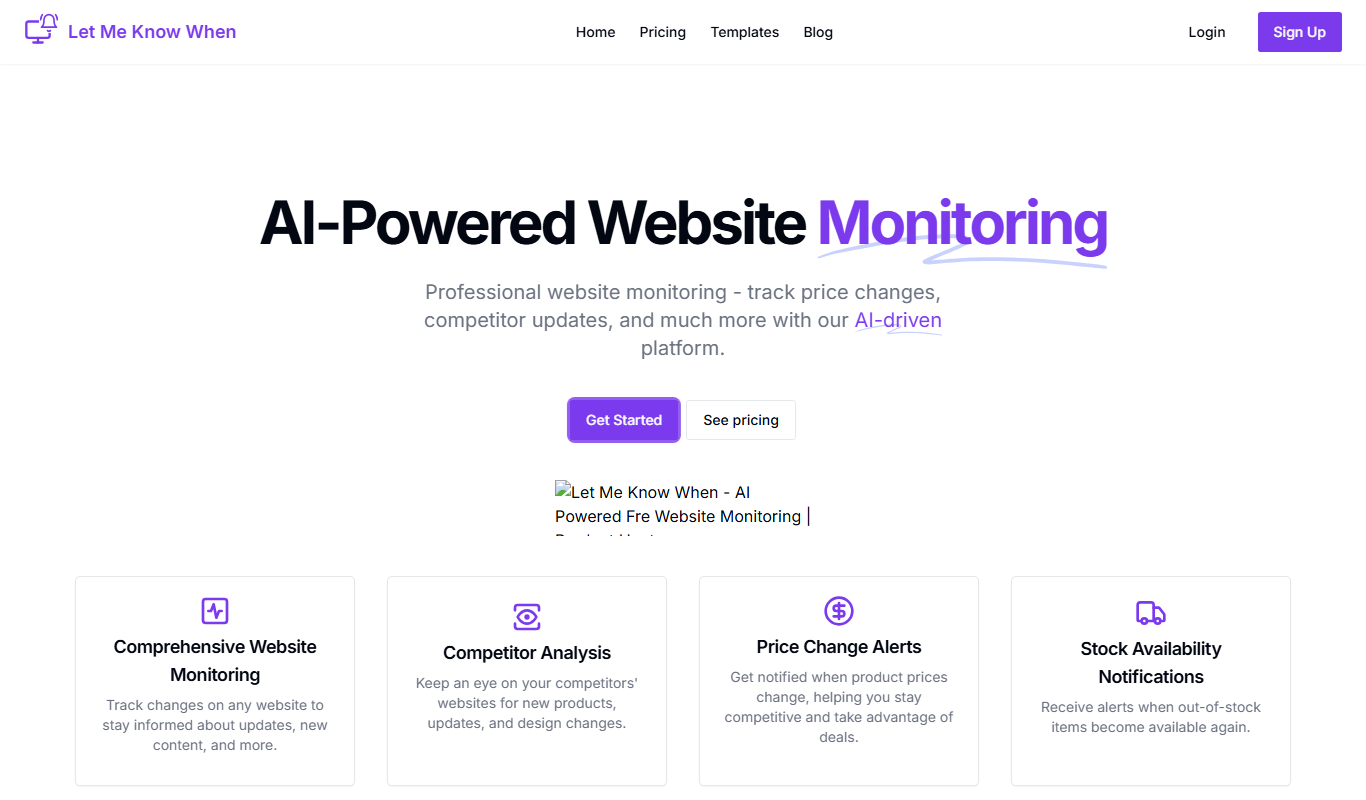
Let Me Know When is a free web-based reminder app that lets users quickly create notifications and recurring alerts directly in their browser without needing an account.
- Best for
- Personal Reminders
- Key capability
- Quick Reminder Setup
Do you recommend this tool?
What is Let Me Know When?
Let Me Know When is a lightweight web-based reminder and notification tool designed to help users quickly set alerts for important tasks or events. It integrates seamlessly with your browser, allowing you to create reminders without the need for complex setups or additional software.
Key features of Let Me Know When
The app offers an intuitive interface for scheduling notifications, supports recurring reminders, and delivers timely alerts to keep users on track with their daily activities.
Quick Reminder Setup
Easily create reminders with minimal input and no account required.
Browser Notifications
Receive alerts directly through your browser to stay informed.
Recurring Reminders
Set reminders to repeat daily, weekly, or at custom intervals.
Pros and cons of Let Me Know When
Pros
- Simple and fast reminder creation
- No account or sign-up required
- Supports recurring notifications
- Free to use without limitations
Cons
- Limited to browser-based notifications
- No mobile app available
- Basic feature set without advanced task management
Key use cases for Let Me Know When
Personal Reminders
Set quick reminders for personal tasks or events directly from your browser.
Work Notifications
Receive timely alerts for work deadlines or meetings without switching apps.
Task Management
Keep track of to-dos and important dates with simple notification scheduling.
How Let Me Know When works
- 1
Access the App
Open the Let Me Know When website or Chrome extension to start.
- 2
Create a Reminder
Enter the task description and set the date and time for the notification.
- 3
Receive Notification
Get alerted at the scheduled time via browser notifications.
Who is using Let Me Know When
Individuals needing quick reminders
Remote workers managing tasks
Students organizing study schedules
Freelancers tracking deadlines
Anyone preferring lightweight notification tools
Let Me Know When pricing
Free
$0
Full access to all features without any cost.
Plans and prices are as published by the vendor and can change. Check the official site before you buy. Open the pricing page (opens in a new tab)
Frequently asked questions about Let Me Know When
No, you can set reminders without creating an account.
Yes, the app supports daily, weekly, and custom recurring reminders.
Yes, there is a Chrome extension available for easier access.
It depends on your specific needs and how you plan to use the tool. The official website and documentation are the best sources for the latest details.
Some tools offer a free plan or trial with limited features. Availability can vary, so confirm on the official website.
Yes, it can help with that use case depending on how you configure it and what features are available. You’ll get the best results with clear inputs and a defined goal.
Sign in to review this tool.
Sign In to ReviewNo reviews yet
Be the first to share how this tool worked for you.
Ask about pricing, limits, or how it compares — or answer someone else.
Sign In to AskNo questions yet
Have a question about using or paying for this tool? Be the first to ask.
Featured on TiorAI



Alternative Tools
Explore similar AI tools that might fit your needs

Free
Todoist
Todoist is a cross-platform task management app designed to help users organize tasks, set priorities, collaborate on projects, and track productivity efficiently.
More AI Monitor tools
Other tools in the same category, for when this one is not quite the fit.

Custom Pricing
Lava Metrics
Lava Metrics is an AI-driven platform that analyzes customer feedback from multiple sources using sentiment and emotion detection to help businesses improve customer experience.

Free
Knowtify Chat
Knowtify Chat is an AI-powered chatbot platform that automates customer support and lead generation by engaging website visitors with conversational AI.
Freemium
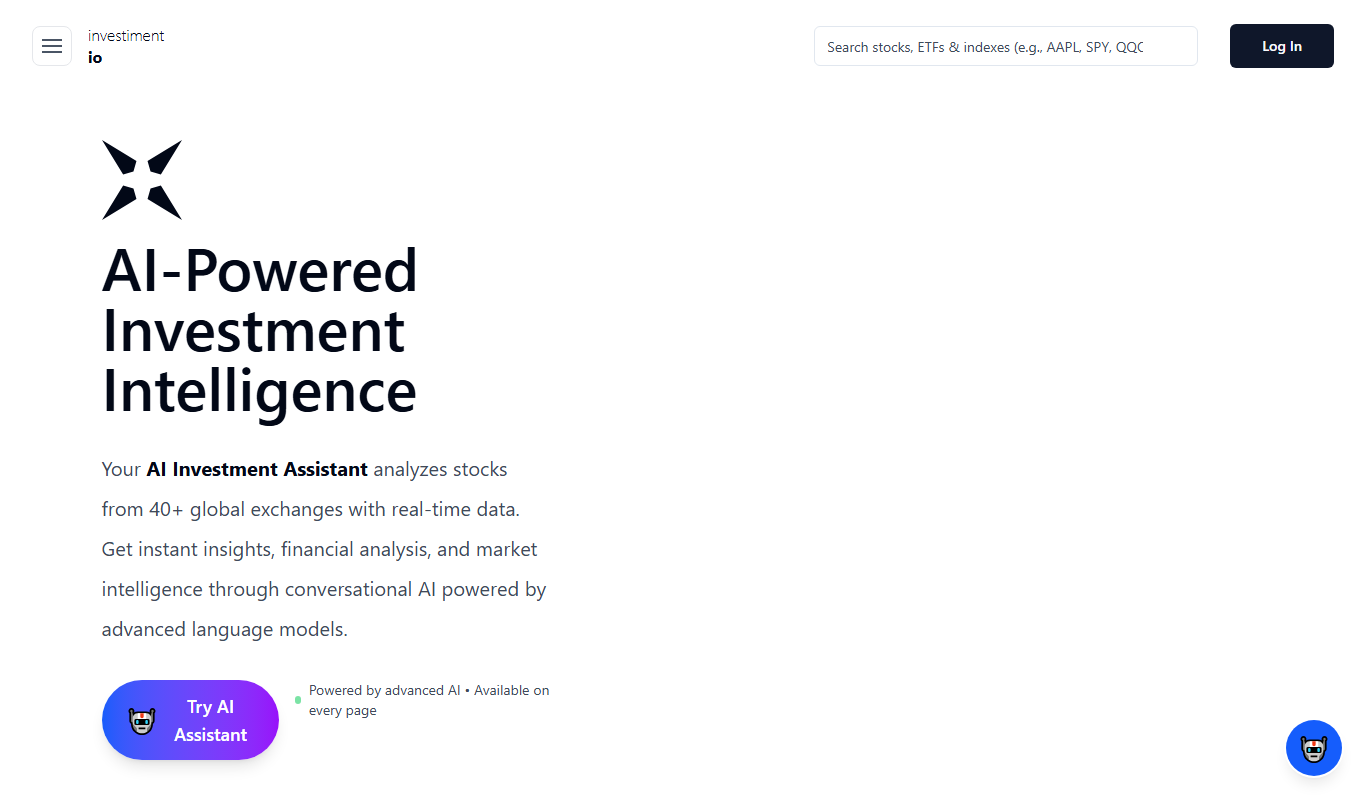
investiment.io
investiment.io is an AI-powered investment platform that helps users manage portfolios, assess risks, and plan finances with actionable insights.

Custom Pricing
sentiance.com
Sentiance is an AI-driven platform that converts smartphone and IoT sensor data into actionable behavioral insights, enabling businesses to understand user context and personalize experiences.

Custom Pricing
vergesense.com
VergeSense is an AI-driven workplace analytics platform that uses IoT sensors to monitor real-time occupancy and space utilization, helping organizations optimize office layouts, ensure safety compliance, and reduce operational costs.

Free
智能可视化基础组件库—VMind
VMind is an open-source intelligent visualization component library by VisActor that provides high-performance, customizable components for building interactive data visualizations on the web using WebGL technology.

Free
Kuakua – Psychology & AI Tools for Well-Being
Kuakua is an AI-driven platform providing psychology-based exercises and tools to support mental health and well-being through personalized digital experiences.

Free
interviewer.ai
Interviewer.ai is an AI-driven platform that helps job seekers practice interviews by simulating real interview scenarios, generating tailored questions, and providing personalized feedback to improve performance.