

From my experience with Camtasia, I found it excels at combining easy-to-use screen recording with a powerful yet approachable video editor. The intuitive timeline and drag-and-drop features make it accessible for beginners, while still offering enough depth for professional-quality tutorials and marketing videos. It’s particularly well-suited for educators and content creators who need to produce polished instructional content without a steep learning curve. However, the one-time purchase price is relatively high compared to some alternatives, and it lacks advanced color grading features. Overall, if you want an all-in-one tool for screen capture and video editing focused on tutorial creation, Camtasia delivers reliable and efficient results.
Camtasia Screen Recorder and Video Editor for Professional Tutorials
Camtasia is a professional screen recording and video editing software that helps users create tutorials, training videos, and marketing content with features like multi-track editing, annotations, and interactive quizzes.
- Best for
- Creating Software Tutorials
- Key capability
- Screen Recording
Save Camtasia, follow its updates and vote on it — everything stays in your account.
Sign in or create a free account

What is Camtasia?
Camtasia is a professional screen recording and video editing software developed by TechSmith. It enables users to capture screen activity, webcam footage, and audio, then edit the recordings with a user-friendly timeline interface. The tool is widely used for creating tutorials, training videos, and marketing content, offering features like annotations, transitions, effects, and quizzes to enhance viewer engagement.
Key features of Camtasia
Camtasia combines powerful screen capture capabilities with an intuitive video editor. Key features include multi-track timeline editing, drag-and-drop effects, customizable annotations, cursor effects, audio enhancements, and the ability to export videos in various formats optimized for web and mobile viewing.
Screen Recording
Capture full screen, selected regions, webcam, and system audio simultaneously.
Multi-Track Timeline Editor
Edit multiple video and audio tracks with drag-and-drop ease.
Annotations and Callouts
Add shapes, arrows, text, and highlights to emphasize important content.
Cursor Effects
Enhance mouse movements with visual effects to improve viewer focus.
Quizzing and Interactivity
Insert quizzes and interactive elements to engage viewers and assess understanding.
Audio Editing Tools
Adjust audio levels, remove background noise, and add voice narration.
Export Options
Produce videos in MP4, WMV, MOV, and other formats with presets for popular platforms.
Pros and cons of Camtasia
Pros
- User-friendly interface suitable for beginners and professionals
- Powerful screen recording combined with robust editing tools
- Wide range of export options and direct sharing capabilities
- Supports interactive elements like quizzes
- Cross-platform support for Windows and Mac
Cons
- Relatively high one-time purchase price
- Lacks advanced color grading features found in dedicated video editors
- No mobile app version for on-the-go editing
Key use cases for Camtasia
Creating Software Tutorials
Record screen activity and edit videos to produce clear instructional content for software training.
E-learning Content Development
Develop engaging educational videos with annotations, quizzes, and interactive elements for online courses.
Marketing Video Production
Create product demos and promotional videos that combine screen captures with voiceovers and effects.
Internal Training Videos
Produce training materials for employees with step-by-step guides and visual explanations.
Video Presentations
Enhance presentations by integrating screen recordings and polished video edits.
How Camtasia works
- 1
Install and Launch
Download and install Camtasia on your Windows or Mac computer, then open the application.
- 2
Record Screen or Import Media
Use the built-in recorder to capture your screen, webcam, and audio, or import existing video files.
- 3
Edit Video
Arrange clips on the timeline, add annotations, transitions, effects, and audio enhancements.
- 4
Produce and Share
Export your finished video in various formats or directly upload to platforms like YouTube or Vimeo.
Who is using Camtasia
Camtasia pricing
Single User License
$299.99 one-time
Full access to Camtasia with free updates for one year.
Maintenance Plan Renewal
$50/year
Continued access to updates and priority support after the first year.
Plans and prices are as published by the vendor and can change. Check the official site before you buy. Open the pricing page (opens in a new tab)
Frequently asked questions about Camtasia
Yes, TechSmith offers a fully functional 30-day free trial of Camtasia.
Yes, Camtasia supports both Windows and Mac operating systems.
Yes, Camtasia supports editing and exporting videos in 4K resolution.
Yes, Camtasia allows you to insert interactive quizzes to engage viewers.
This tool is designed to help users accomplish its core tasks more efficiently. It is typically used by individuals or teams looking to improve productivity and workflow.
Some tools offer a free plan or trial with limited features. Availability can vary, so confirm on the official website.
Yes, it can help with that use case depending on how you configure it and what features are available. You’ll get the best results with clear inputs and a defined goal.
Yes, it can help with that use case depending on how you configure it and what features are available. You’ll get the best results with clear inputs and a defined goal.
Sign in to review this tool.
Sign In to ReviewNo reviews yet
Be the first to share how this tool worked for you.
Ask about pricing, limits, or how it compares — or answer someone else.
Sign In to AskNo questions yet
Have a question about using or paying for this tool? Be the first to ask.
Featured on TiorAI



Alternative Tools
Explore similar AI tools that might fit your needs

OBS Studio
OBS Studio is a free and open-source software for live streaming and video recording that supports multiple platforms and customizable scenes.
More AI Video Creation Tools tools
Other tools in the same category, for when this one is not quite the fit.

VideoFaceSwap
VideoFaceSwap is a web-based AI tool that allows users to swap faces in videos realistically by uploading a video and a face image, then processing them with deep learning algorithms to produce natural-looking face replacements.

deephow.com
DeepHow captures expert knowledge, guides workers and verifies task execution in real time.

FaceMagic
FaceMagic is an AI face swap app that swaps a face from one selfie into videos, photos and GIFs, with credits and a Pro subscription.

TikTok Symphony Creative Studio
TikTok Symphony Creative Studio is a free web platform by TikTok that enables advertisers to create, edit, collaborate on, and publish video ads directly to TikTok campaigns with built-in templates and editing tools.

Sub Translate Ai
Sub Translate AI is a web-based tool that automatically generates and translates subtitles for videos into multiple languages using AI technology.

SubtitlesDog-AI subtitle translator
SubtitlesDog is an AI-powered web tool that automatically translates video subtitles into multiple languages, preserving timing and allowing manual edits for accuracy.
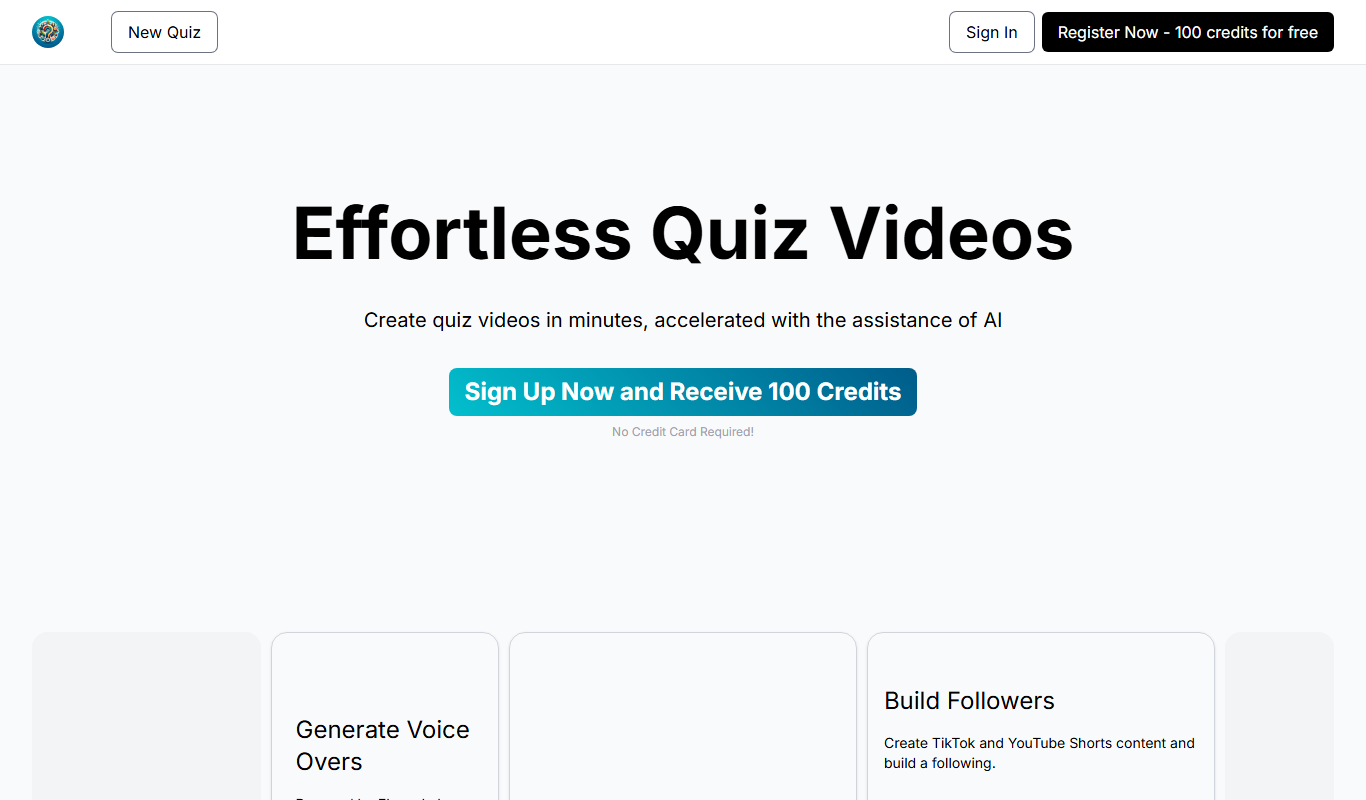
QuizTok – AI Generated Quiz Videos for TikTok
QuizTok is an AI-powered platform that generates interactive quiz videos optimized for TikTok, enabling users to create engaging content quickly without video editing skills.

Elai.io
Elai.io is an AI-powered platform that converts text scripts into professional videos using realistic AI avatars, supporting multiple languages and scalable personalized video creation.