

AI-Powered Subtitle Translator for Accurate Multilingual Captions
SubtitlesDog is an AI-powered web tool that automatically translates video subtitles into multiple languages, preserving timing and allowing manual edits for accuracy.
- Best for
- Video Content Localization
- Key capability
- Automatic Subtitle Translation
Save SubtitlesDog-AI subtitle translator, follow its updates and vote on it — everything stays in your account.
Sign in or create a free account
What is SubtitlesDog-AI subtitle translator?
SubtitlesDog AI subtitle translator is a web-based tool that leverages artificial intelligence to automatically translate and generate subtitles for videos. It supports multiple languages and aims to simplify the process of creating accurate, multilingual captions for video content creators, marketers, educators, and accessibility advocates.
Key features of SubtitlesDog-AI subtitle translator
The tool offers automatic subtitle translation, subtitle file upload and export, support for various subtitle formats, and an intuitive web interface that streamlines the subtitle localization workflow.
Automatic Subtitle Translation
AI-driven translation that supports many languages with contextual accuracy.
Multiple Subtitle Format Support
Compatible with popular subtitle formats like SRT, VTT, and ASS.
User-Friendly Web Interface
Easy-to-use platform that requires no technical expertise.
Subtitle Timing Preservation
Maintains original subtitle timing to ensure synchronization with video.
Manual Editing Tools
Allows users to fine-tune translations directly within the platform.
Pros and cons of SubtitlesDog-AI subtitle translator
Pros
- Supports many languages with AI-powered accuracy
- Simple web interface with no installation needed
- Preserves subtitle timing for seamless video integration
- Allows manual subtitle editing for quality control
- One-time credit packages with credits that never expire
Cons
- Limited offline or desktop support
- Some translations may require manual correction
Key use cases for SubtitlesDog-AI subtitle translator
Video Content Localization
Translate subtitles into multiple languages to reach a global audience.
Accessibility Enhancement
Create accurate subtitles to improve video accessibility for hearing-impaired viewers.
Content Creation Efficiency
Automatically generate and translate subtitles to save time in video post-production.
Educational Videos
Provide multilingual subtitles for educational content to support diverse learners.
Marketing and Social Media
Add translated subtitles to promotional videos to increase engagement across regions.
How SubtitlesDog-AI subtitle translator works
- 1
Upload Subtitle File or Video
Users start by uploading an existing subtitle file or video to the platform.
- 2
Select Target Language
Choose the language into which the subtitles should be translated.
- 3
AI-Powered Translation
The AI engine automatically translates the subtitles while preserving timing and formatting.
- 4
Review and Edit
Users can review the translated subtitles and make manual adjustments if needed.
- 5
Download or Export
Final subtitles can be downloaded in various formats or exported for use in video editors.
Who is using SubtitlesDog-AI subtitle translator
SubtitlesDog-AI subtitle translator pricing
Free credits
$0, 20,000 free credits on sign-up
20,000 free credits on sign-up, no card required.
Starter
$9.9 one-time payment
200,000 credits that never expire, about 400,000 characters of subtitle translation or 20,000 seconds of video subtitle generation; all AI models, 20 professional translation modes, batch processing, export to any format.
Pro Plan
$19.9 one-time payment
450,000 credits that never expire, about 900,000 characters of subtitle translation or 45,000 seconds of video subtitle generation, with the same features as Starter.
Ultimate Package
$59.9 one-time payment
1,500,000 credits that never expire, about 3,000,000 characters of subtitle translation or 150,000 seconds of video subtitle generation.
Plans and prices are as published by the vendor and can change. Check the official site before you buy. Open the pricing page (opens in a new tab)
Frequently asked questions about SubtitlesDog-AI subtitle translator
It supports common formats including SRT, VTT, and ASS.
Yes, the platform provides tools to manually adjust translations.
Usage is limited by credits rather than a subscription: subtitle translation is charged by character count and video subtitle generation by duration, and credits never expire.
Yes, besides subtitle translation it offers video subtitle generation through its Subtitle Generator.
It depends on your specific needs and how you plan to use the tool. The official website and documentation are the best sources for the latest details.
Yes, it can help with that use case depending on how you configure it and what features are available. You’ll get the best results with clear inputs and a defined goal.
Yes, it can help with that use case depending on how you configure it and what features are available. You’ll get the best results with clear inputs and a defined goal.
Conclusion
Rather than translating line by line, the service first reads the full script to build a style guide and a glossary of character names, places and key terms, then translates each segment in context. Subtitle files such as SRT, VTT and ASS can be uploaded, as can videos from which subtitles are recognized and extracted, and results can be exported as bilingual or multi-language files. A separate Subtitle Generator creates subtitles from video, while translation covers more than 100 languages with expert modes for medicine, law and technology.
Typical users range from video content creators to marketing professionals and educators working on localized or accessible videos. Credits are bought in one-time packages that never expire instead of through a subscription. New accounts get 20,000 free credits, but full download access is only available to users with a recharge history, so free results show only the first 50% of content.
Sources
Sign in to review this tool.
Sign In to ReviewNo reviews yet
Be the first to share how this tool worked for you.
Ask about pricing, limits, or how it compares — or answer someone else.
Sign In to AskNo questions yet
Have a question about using or paying for this tool? Be the first to ask.
Featured on TiorAI



More AI Ai Tools tools
Other tools in the same category, for when this one is not quite the fit.

Wizard of Swipe for Tinder
Wizard of Swipe for Tinder is an AI-powered automation tool that automates swiping on Tinder based on user preferences to increase match chances and save time.

AI Pickup Lines
AI Pickup Lines is a free web tool that instantly generates creative and humorous pickup lines to help users start conversations in dating or social settings.

Anthropics Technology Ltd
Anthropics Technology Ltd offers AI-driven image editing software specializing in portrait retouching and photo enhancement, available for Windows and Mac with options for batch processing.
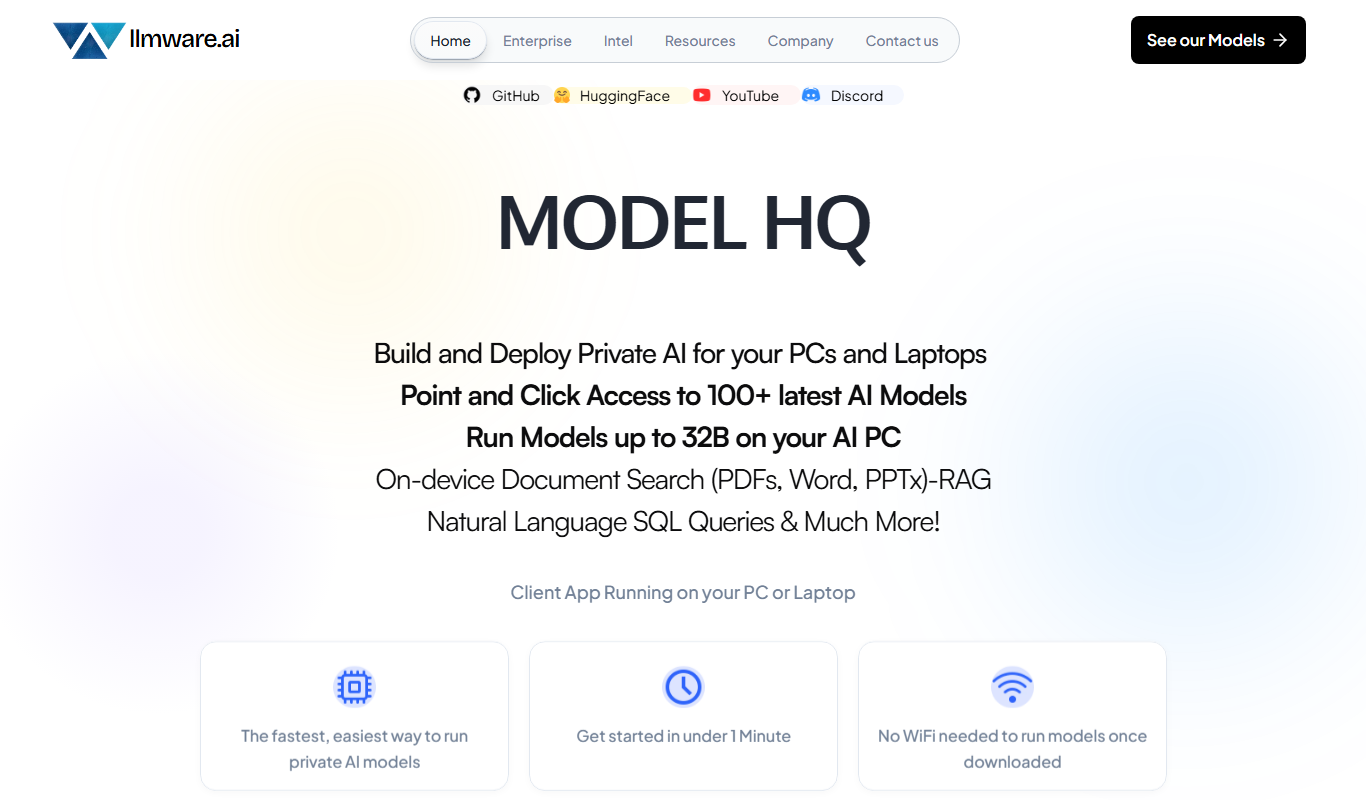
LLMWare
LLMWare is an AI platform that enables enterprises to deploy, manage, and scale large language models securely with flexible infrastructure and integration options.
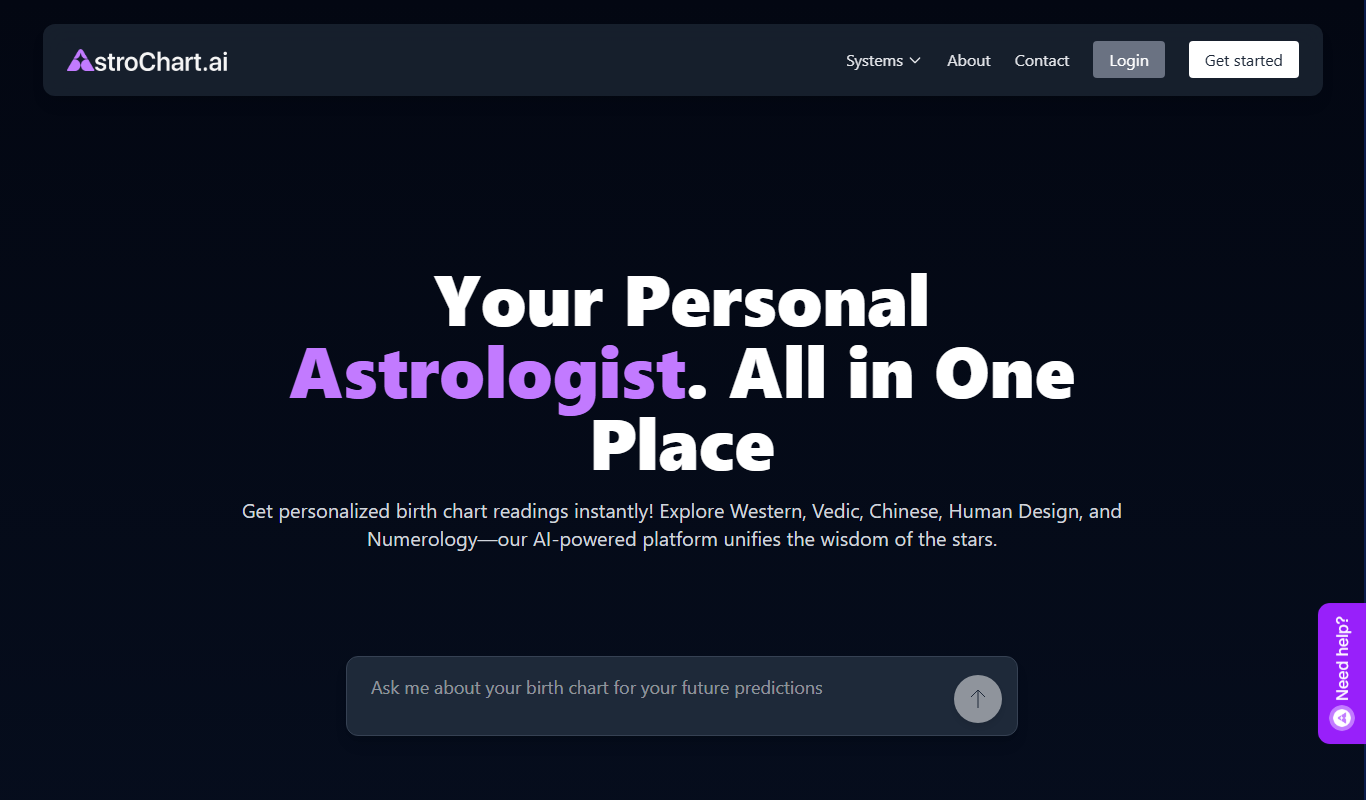
AstroChart.ai
AstroChart.ai is an AI-driven platform that creates personalized astrology birth charts and detailed interpretations based on your birth data, helping users understand their astrological profile easily online.

Moodset
Moodset is a mood tracker that uses valence and arousal and music analysis from Spotify, on Android.

ChatGPT Text Formatter
ChatGPT Text Formatter is a free web tool that cleans and formats AI-generated text by removing unwanted characters and fixing spacing, making the text easier to read and use.

Legal Assist AI 2.5
Legal Assist AI 2.5 is an AI legal tool that helps legal professionals draft documents and review contracts.