

TikTok Symphony Creative Studio for Video Ads Creation and Management
TikTok Symphony Creative Studio is a free web platform by TikTok that enables advertisers to create, edit, collaborate on, and publish video ads directly to TikTok campaigns with built-in templates and editing tools.
- Best for
- Video Ad Creation
- Key capability
- Template Library
Save TikTok Symphony Creative Studio, follow its updates and vote on it — everything stays in your account.
Sign in or create a free account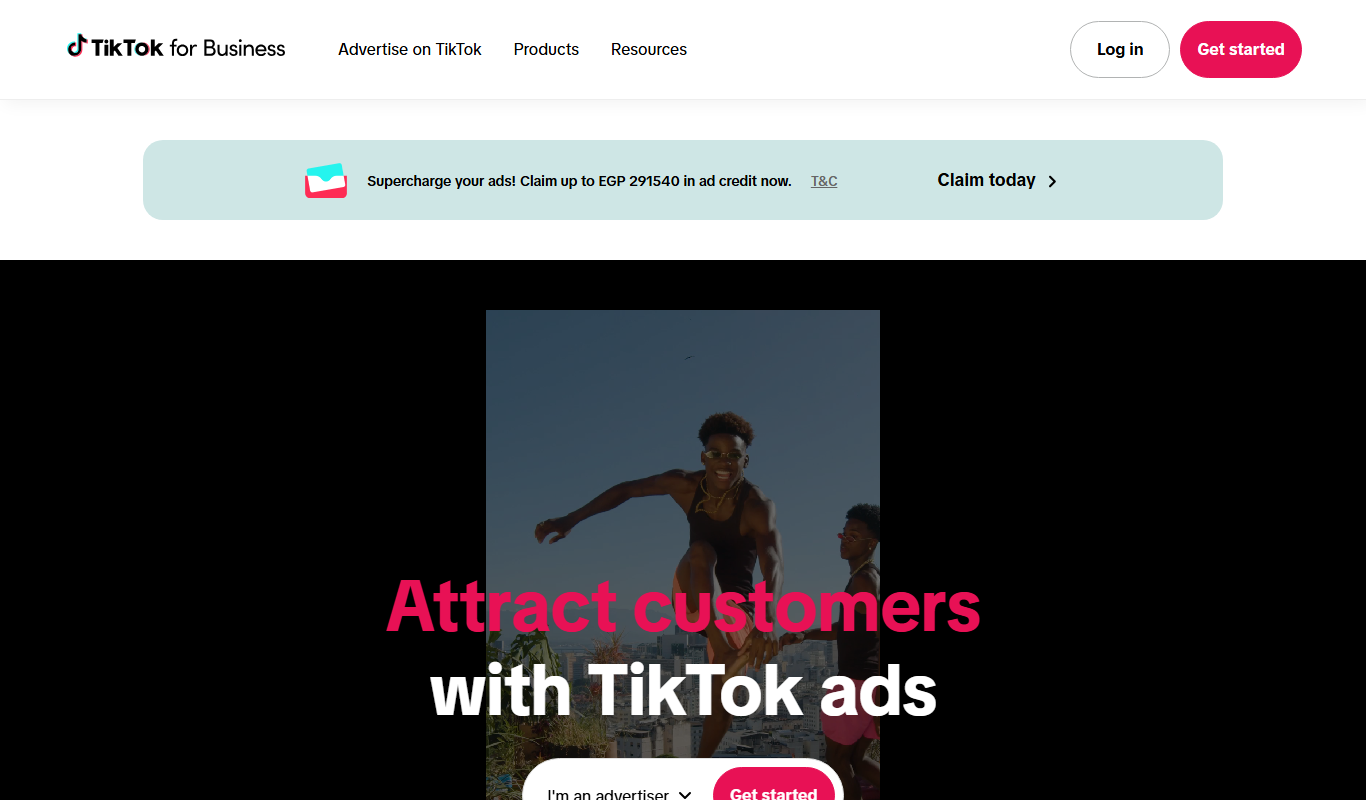
What is TikTok Symphony Creative Studio?
TikTok Symphony Creative Studio is a free web-based platform for creating TikTok video ads, built around AI capabilities such as text-to-video, AI avatars and translation and dubbing, alongside templates and editing tools.
Key features of TikTok Symphony Creative Studio
The platform provides intuitive video editing tools, customizable templates, collaborative workflows, and integration with TikTok Ads Manager, enabling advertisers to efficiently produce and manage high-quality video ads tailored for TikTok’s unique format and audience.
Template Library
Access a variety of TikTok-optimized video templates to jumpstart ad creation.
Video Editing Tools
Trim, crop, add text overlays, filters, and music to customize your videos.
Collaborative Workflow
Invite team members to review and comment on creatives before publishing.
Direct Integration
Seamlessly connect with TikTok Ads Manager for easy ad deployment.
Performance Insights
Leverage TikTok’s creative best practices and data to optimize ad effectiveness.
Text-to-Video
Creates video from text with AI.
AI Avatars
Creates video ads with AI avatars.
Translation and Dubbing
Translates and dubs video ads with AI.
Pros and cons of TikTok Symphony Creative Studio
Pros
- Free to use with TikTok Ads account
- Intuitive video editing tailored for TikTok format
- Seamless integration with TikTok Ads Manager
- Supports team collaboration and feedback
- Access to TikTok-optimized templates
Cons
- Limited to TikTok ad creatives only
- No mobile app version available
- Advanced video editing features are basic compared to dedicated editors
Key use cases for TikTok Symphony Creative Studio
Video Ad Creation
Create engaging video advertisements optimized for TikTok's platform using templates and editing tools.
Ad Campaign Management
Manage and organize multiple ad creatives within campaigns to streamline advertising workflows.
Creative Collaboration
Collaborate with team members and stakeholders on ad creative development and review.
Performance Optimization
Leverage TikTok’s creative best practices and data-driven insights to optimize ad content for better engagement.
How TikTok Symphony Creative Studio works
- 1
Sign In with TikTok Ads Account
Log in using your TikTok Ads Manager credentials to access the Creative Studio.
- 2
Create or Upload Video Content
Start a new video project using templates or upload your own footage for editing.
- 3
Edit and Customize
Use built-in editing tools to trim, add effects, text, and music to your video creatives.
- 4
Collaborate and Review
Share your creatives with team members for feedback and approval within the platform.
- 5
Publish to TikTok Ads Manager
Once finalized, directly publish your video ads to your TikTok ad campaigns.
Who is using TikTok Symphony Creative Studio
TikTok Symphony Creative Studio pricing
Free
$0
Full access to creative tools and integration with TikTok Ads Manager at no cost.
Plans and prices are as published by the vendor and can change. Check the official site before you buy. Open the pricing page (opens in a new tab)
Frequently asked questions about TikTok Symphony Creative Studio
Yes, the platform is free for all TikTok advertisers to create and manage video ads.
Yes, you must sign in with a TikTok Ads Manager account to access the Creative Studio.
Yes, the platform supports collaborative workflows with team members.
Yes, you can publish your finalized video ads directly to your TikTok ad campaigns.
It depends on your specific needs and how you plan to use the tool. The official website and documentation are the best sources for the latest details.
Some tools offer a free plan or trial with limited features. Availability can vary, so confirm on the official website.
Yes, it can help with that use case depending on how you configure it and what features are available. You’ll get the best results with clear inputs and a defined goal.
Integration support depends on the tool and its available connectors or API. Check the official documentation or integrations page to confirm what is supported.
Conclusion
AI generation is now the core of the studio: text-to-video, AI avatars, and translation and dubbing sit alongside its templates and editing tools. Access runs through a TikTok Ads Manager account, and the platform is free for TikTok advertisers. Projects start from TikTok-optimized templates or uploaded footage, then get trimmed and finished with effects, text and music.
Team members can review and comment on creatives before the finished ads are published directly to TikTok ad campaigns. It is designed for social media advertisers, creative agencies and content creators focusing on TikTok. Its output is limited to TikTok ad creatives only.
Sources
Sign in to review this tool.
Sign In to ReviewNo reviews yet
Be the first to share how this tool worked for you.
Ask about pricing, limits, or how it compares — or answer someone else.
Sign In to AskNo questions yet
Have a question about using or paying for this tool? Be the first to ask.
Featured on TiorAI



More AI Advertising Tools tools
Other tools in the same category, for when this one is not quite the fit.

SupermodelsAI
SupermodelsAI remakes winning short-form video ads with your product and your own AI influencer, voice and lip-sync included.

Flamel.ai
Flamel.ai is the AI marketing hub for franchises: one platform for social, ads, reviews, email, SMS and blogs, localized for every location and kept on brand.
AdsGency AI MVP
AdsGency AI is a generative AI ad platform that creates ad content, targets audiences, automates campaigns and tracks performance in one place.

Anyword
Anyword is an AI-powered copywriting tool that helps marketers and content creators generate optimized ad copy, blog posts, and marketing content with predictive performance scoring and multi-language support.

VisCap.ai
VisCap.ai is a direct response video ad operating system for ecommerce brands, with an AI script writer and storyboarder, media library, project management and ad frameworks.

Newor Media
Newor Media is a programmatic ad management platform for publishers, with header bidding, real-time bidding, display and video monetization and hands-on Ad Ops support.

Epicly AI
Epicly AI helps marketing teams create, refine and deploy ad campaigns in their brand voice, from creative briefs to video, static and audio ads, all from one platform.
Evercopy
Evercopy generates personalized banners, product photos and video ads with AI, across 30+ ad formats, with an online studio for editing.