

From my experience with FaceMagic, I found it excels at delivering realistic face swaps with minimal effort, making it accessible even for beginners. The app’s intuitive design and fast AI processing allow quick creation of entertaining videos and photos, ideal for social media sharing. However, the free version’s watermark and limited templates can be restrictive, encouraging users to upgrade for full features. Overall, if you want a straightforward mobile solution for face swapping that balances quality and ease of use, FaceMagic is a solid choice.
FaceMagic AI Face Swap App for Realistic Video and Photo Editing
FaceMagic is an AI-based mobile app that enables users to swap faces in videos and photos realistically, offering both free and subscription plans on iOS and Android.
- Best for
- Entertainment and Social Media
- Key capability
- AI-Powered Face Swapping

Do you recommend this tool?
What is FaceMagic?
FaceMagic is an AI-powered mobile application that allows users to swap faces in videos and photos with realistic results. Using advanced deepfake technology, it enables seamless face replacement to create entertaining and personalized content. The app is designed for ease of use, targeting casual users and content creators who want to produce engaging visual media without technical expertise.
Key features of FaceMagic
FaceMagic offers realistic face swapping in videos and photos, a user-friendly interface, a library of popular video templates, and fast processing powered by AI. It supports sharing creations directly to social media and provides options for both free and subscription-based usage.
AI-Powered Face Swapping
Uses deep learning algorithms to create realistic face swaps in videos and photos.
Template Library
Access a collection of popular video clips and images ready for face swapping.
High-Quality Output
Produces smooth and natural-looking face swaps with minimal artifacts.
User-Friendly Interface
Designed for easy navigation and quick creation without technical skills.
Social Media Integration
Share your face swap videos and photos directly to platforms like Instagram and TikTok.
Pros and cons of FaceMagic
Pros
- Easy to use with intuitive interface
- Produces high-quality, realistic face swaps
- Supports both video and photo face swapping
- Offers a free version to try basic features
Cons
- Free version includes watermarks on outputs
- Limited templates and features without subscription
- Processing speed depends on device and internet connection
Key use cases for FaceMagic
Entertainment and Social Media
Create fun and engaging face swap videos and photos to share on social media platforms.
Content Creation
Enhance video content with realistic face swaps for storytelling, marketing, or creative projects.
Personalized Greetings
Make personalized video messages by swapping faces in popular video clips.
Marketing and Advertising
Use face swap technology to create unique promotional content that captures audience attention.
How FaceMagic works
- 1
Download and Install
Get the FaceMagic app from the iOS App Store or Google Play Store.
- 2
Upload or Choose Media
Select a video or photo from your device or choose from the app’s template library.
- 3
Select Faces to Swap
Pick the face you want to replace and the face to insert using the app’s AI detection.
- 4
Process and Preview
Let the AI generate the face swap and preview the result before saving.
- 5
Save and Share
Save your creation locally or share it directly on social media platforms.
Who is using FaceMagic
Social media users
Content creators
Marketing professionals
Casual users seeking entertainment
Mobile video editors
FaceMagic pricing
Free
$0/month
Basic access with limited face swaps and watermark on outputs.
Pro
$9.99/month
Unlimited face swaps, no watermarks, access to premium templates, and faster processing.
Plans and prices are as published by the vendor and can change. Check the official site before you buy. Open the pricing page (opens in a new tab)
Frequently asked questions about FaceMagic
Yes, FaceMagic uses AI technology responsibly and does not store your personal media beyond processing.
Yes, FaceMagic is available for download on both iOS and Android devices.
Yes, once you save the face swap video or photo, it becomes a standard media file you can keep or share.
Yes, the free version adds a watermark to your creations, which can be removed by upgrading to Pro.
It depends on your specific needs and how you plan to use the tool. The official website and documentation are the best sources for the latest details.
Some tools offer a free plan or trial with limited features. Availability can vary, so confirm on the official website.
Yes, it can help with that use case depending on how you configure it and what features are available. You’ll get the best results with clear inputs and a defined goal.
It depends on your specific needs and how you plan to use the tool. The official website and documentation are the best sources for the latest details.
Sign in to review this tool.
Sign In to ReviewNo reviews yet
Be the first to share how this tool worked for you.
Ask about pricing, limits, or how it compares — or answer someone else.
Sign In to AskNo questions yet
Have a question about using or paying for this tool? Be the first to ask.
Featured on TiorAI



Alternative Tools
Explore similar AI tools that might fit your needs

Free
Reface
Reface is an AI-driven app that enables users to swap faces in videos and GIFs realistically, creating personalized and entertaining content for social media and messaging.
Free
DeepFaceLab
DeepFaceLab is an open-source AI tool for creating realistic face swaps in videos and images using deep learning techniques.
More AI Face Swap Tools tools
Other tools in the same category, for when this one is not quite the fit.
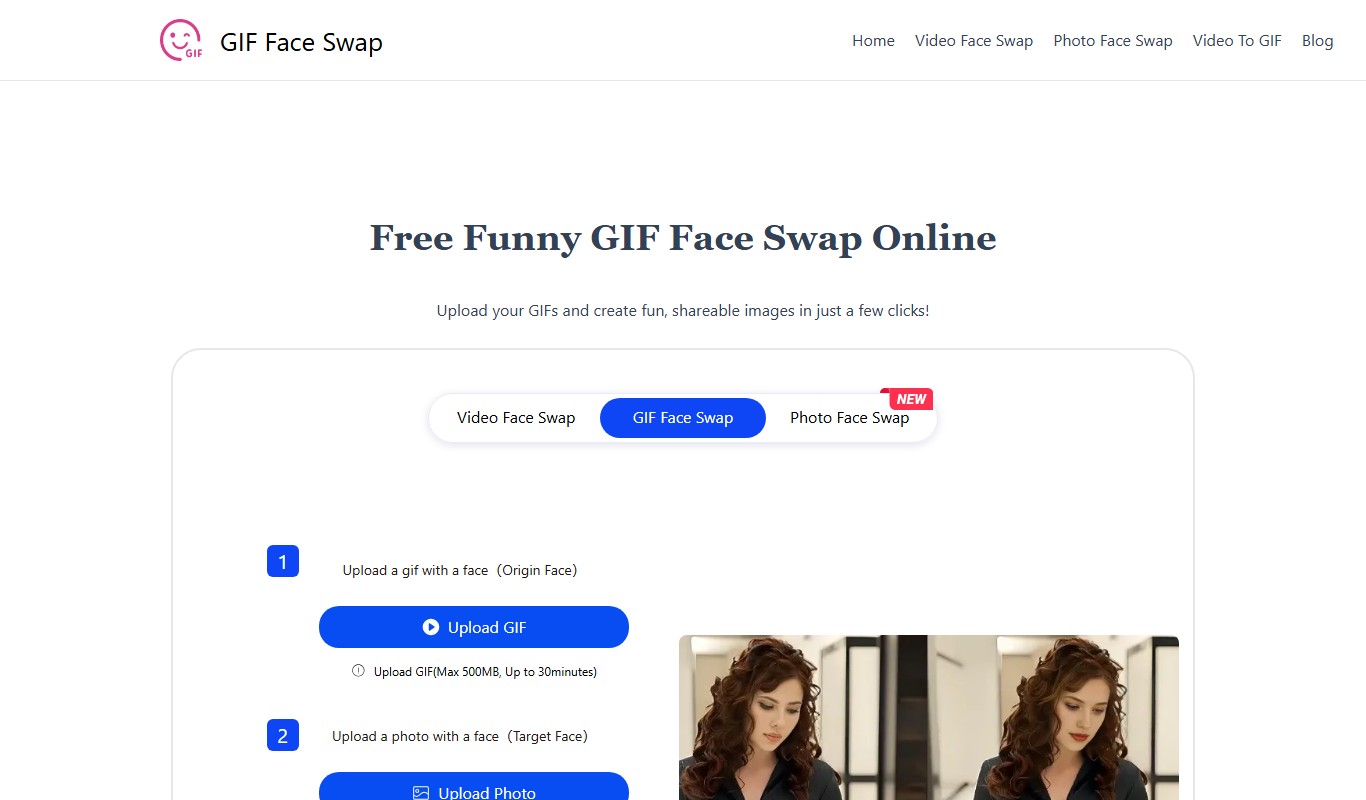
Free
GIF Face Swap
GIF Face Swap is a web-based tool that lets users replace faces in animated GIFs by uploading a GIF and a replacement face image, then adjusting and downloading the customized GIF.

Free
BeArt AI Face Swap
BeArt AI Face Swap is a web-based tool that uses AI to swap faces in photos and videos realistically, offering both free and subscription plans.
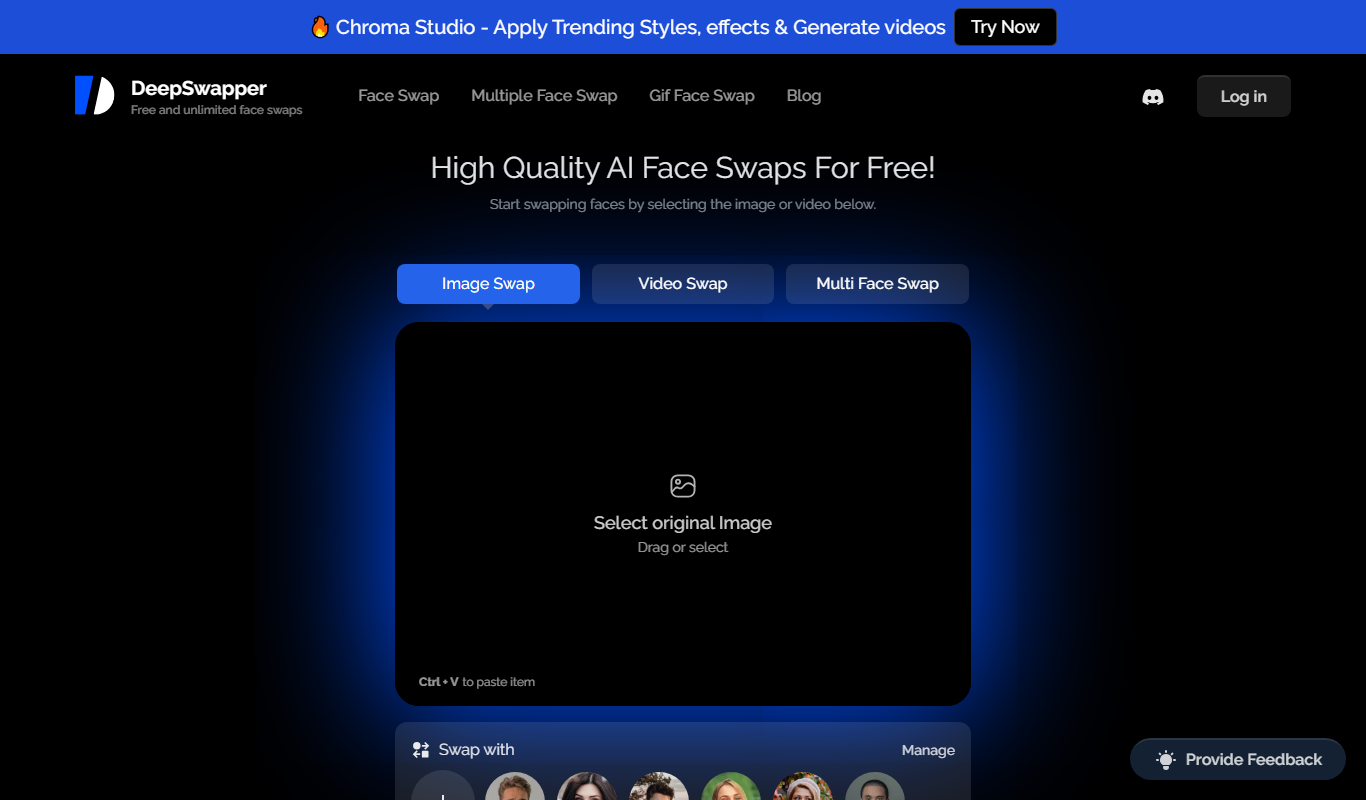
Freemium
DeepSwapper
DeepSwapper is an AI-based online tool that enables users to swap faces in videos and images realistically using deepfake technology, suitable for entertainment, marketing, and content creation.
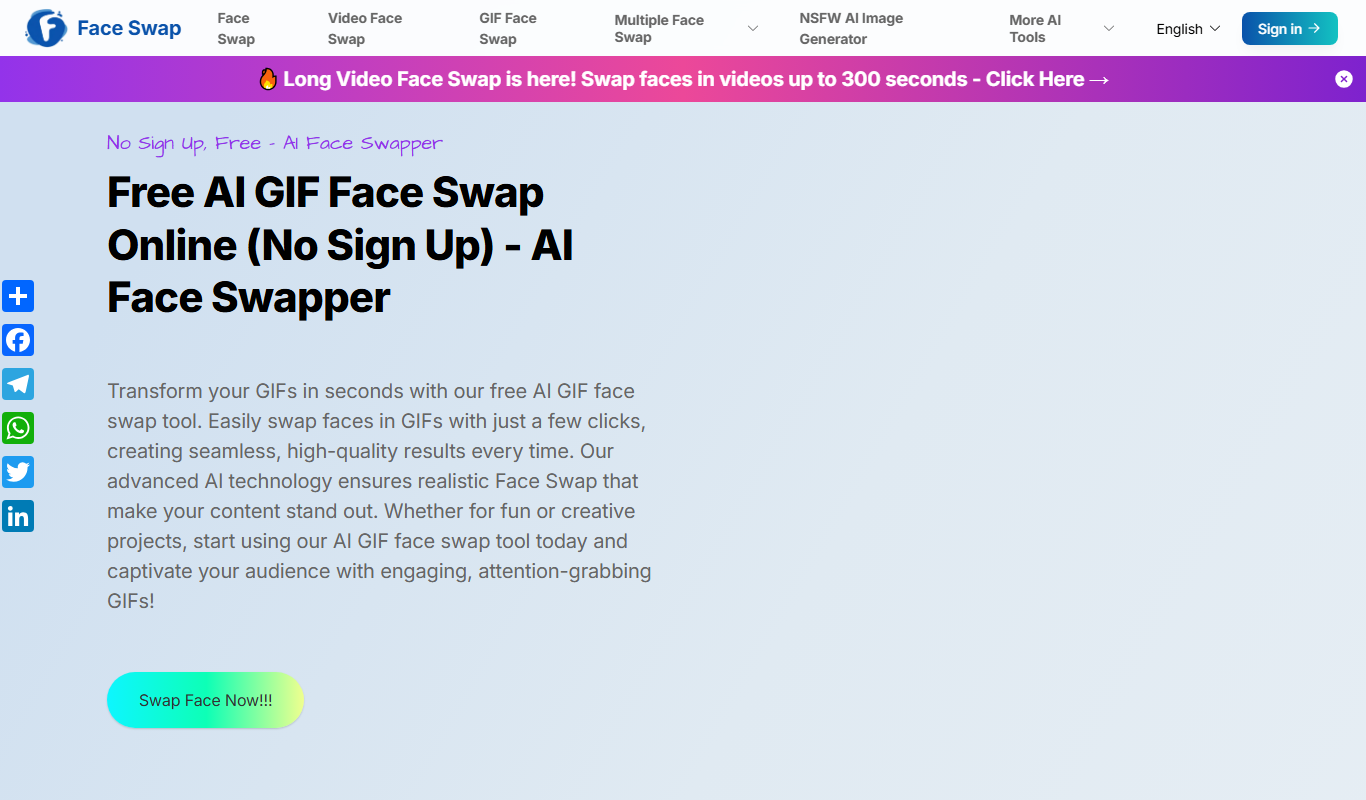
Free
Free AI GIF Face Swap
Free AI GIF Face Swap is a web-based tool that lets you upload an animated GIF and a face image to automatically swap faces in the GIF using AI technology, preserving the animation and allowing free downloads.

Free
BestFaceSwap
BestFaceSwap is an online AI tool that swaps faces in photos and videos using deep learning, offering free and premium plans with realistic results.

Freemium
DeepSwap
DeepSwap is a web-based AI tool that allows users to swap faces in videos and images realistically using advanced deep learning algorithms.
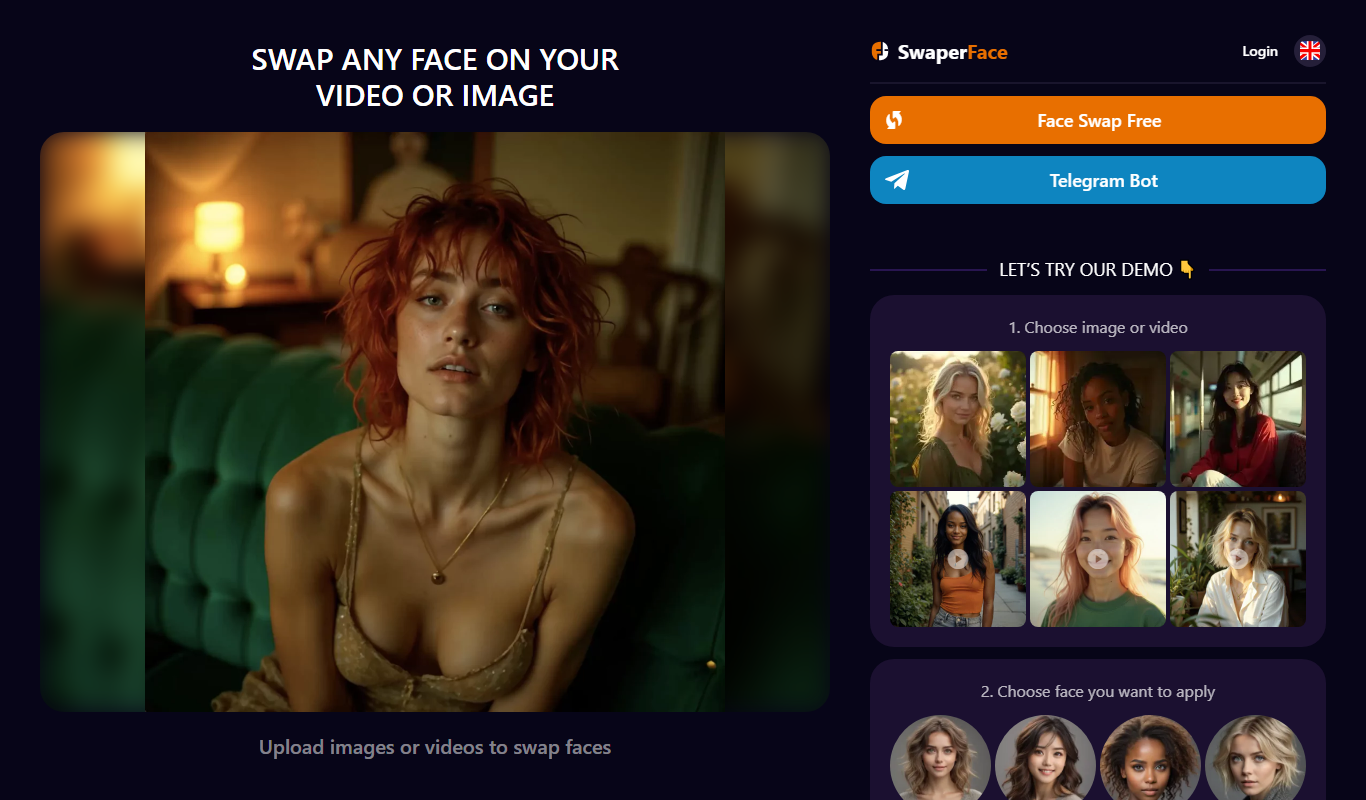
Freemium
SwaperFace
SwaperFace is a web-based AI tool that enables users to swap faces in images and videos realistically using deepfake technology, suitable for entertainment, marketing, and creative projects.
Freemium
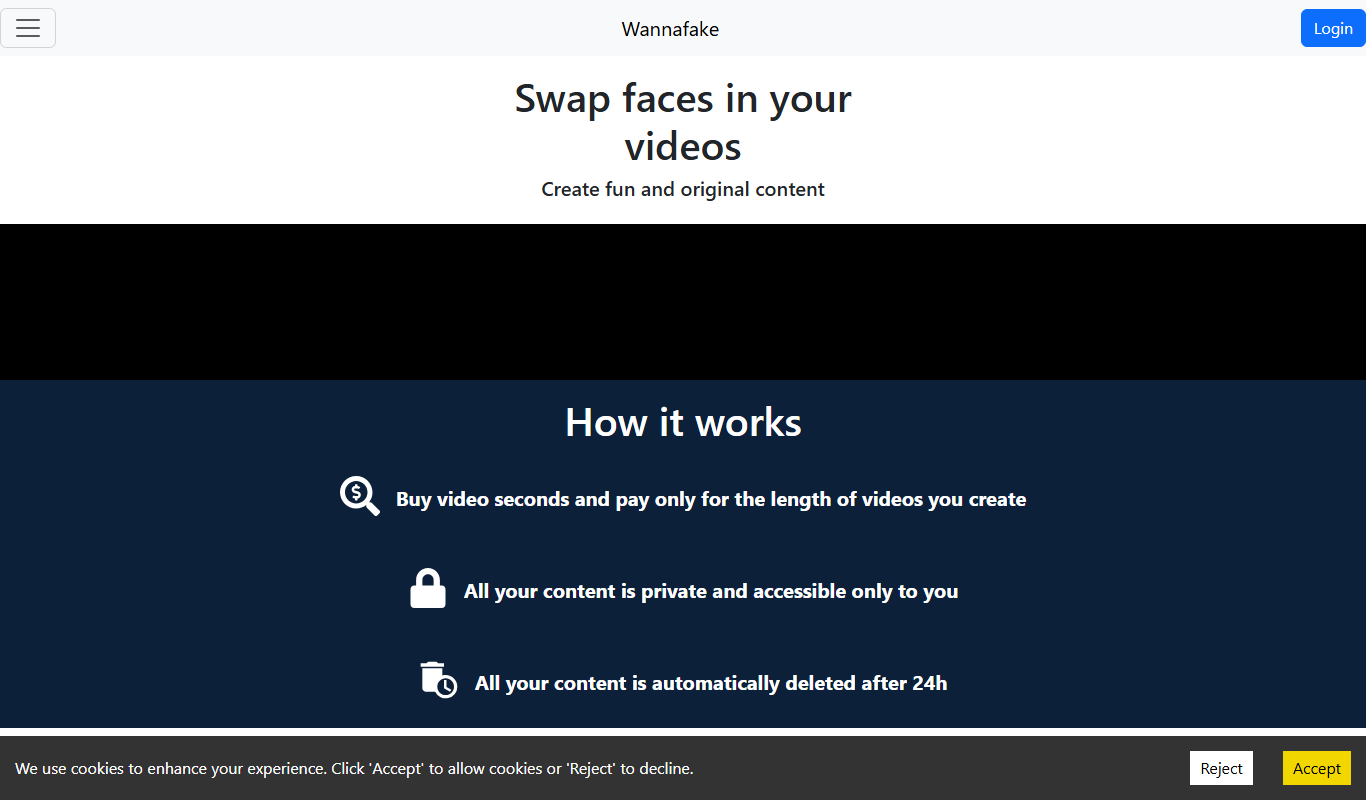
Wannafake
Wannafake is a mobile app that uses AI to swap faces in photos and videos, creating realistic deepfake content for entertainment and content creation.