

From my experience with DeepSwapper, I found it excels at delivering realistic face swaps through a simple web interface without requiring technical skills. The tool is particularly well-suited for social media users and content creators who want quick, high-quality face swap videos or images. However, the free plan’s watermarks and usage limits can be restrictive, and processing times depend on file size. Overall, if you need an accessible AI face swap tool for entertainment or marketing content, DeepSwapper offers a solid balance of quality and ease of use.
DeepSwapper AI Face Swap Tool for Videos and Images Online
DeepSwapper is an AI-based online tool that enables users to swap faces in videos and images realistically using deepfake technology, suitable for entertainment, marketing, and content creation.
- Best for
- Entertainment and Social Media
- Key capability
- AI-Powered Face Swapping
Your actions
Save DeepSwapper, follow its updates and vote on it — everything stays in your account.
Sign in or create a free account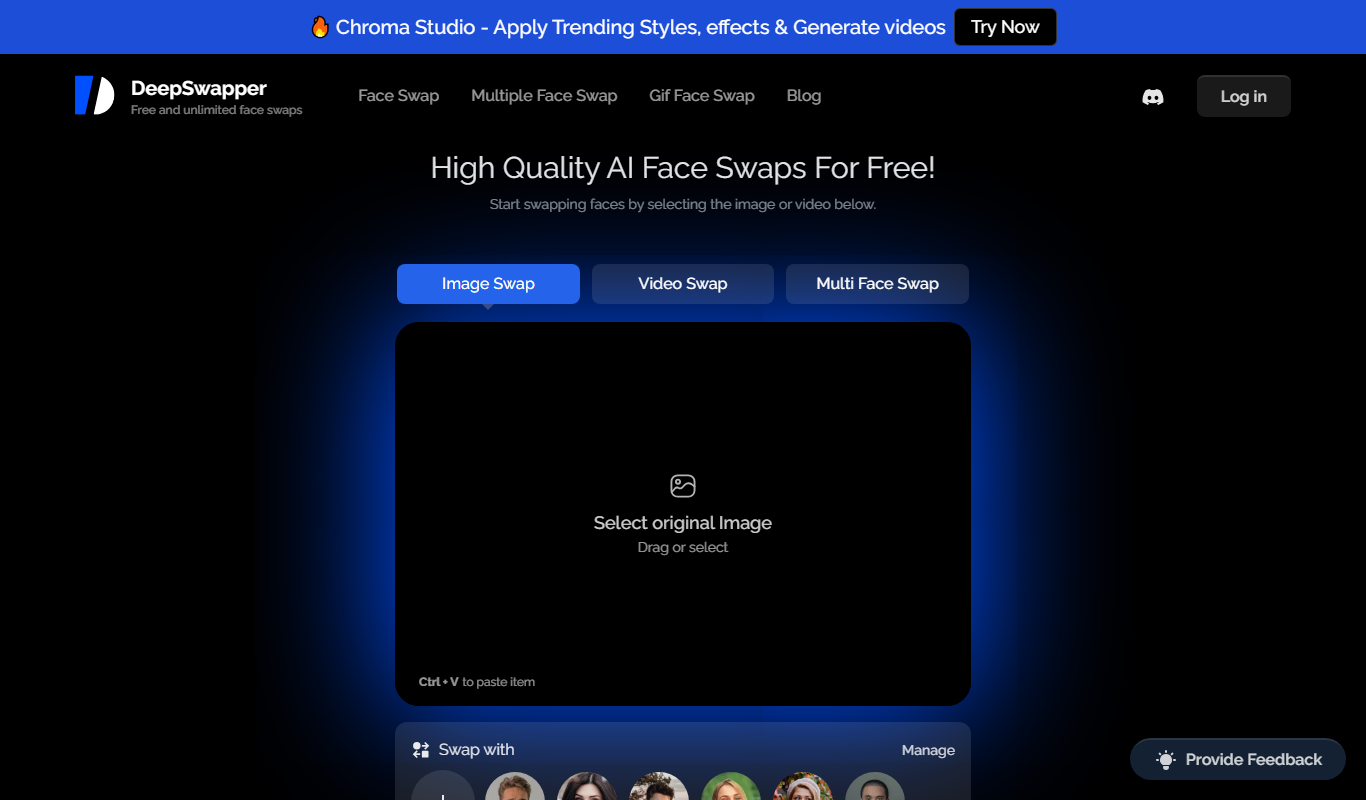
What is DeepSwapper?
DeepSwapper is an AI-powered online face swap tool that allows users to replace faces in videos and images seamlessly. Utilizing advanced deepfake technology, it enables realistic face swapping for entertainment, content creation, and marketing purposes without requiring technical expertise.
Key features of DeepSwapper
DeepSwapper offers easy-to-use face swapping for videos and images, supports multiple file formats, provides high-quality output, and includes privacy-focused processing. It features an intuitive web interface with options for uploading media, selecting faces, and downloading results.
AI-Powered Face Swapping
Uses advanced deepfake AI to create realistic face swaps in videos and images.
Web-Based Platform
Accessible from any device with a browser, no software installation required.
High-Quality Output
Delivers clear and natural-looking face swap results suitable for sharing and professional use.
Privacy and Security
Processes media securely with respect to user privacy and data protection.
Multiple File Format Support
Supports common video and image formats for input and output.
Pros and cons of DeepSwapper
Pros
- User-friendly web interface with no installation needed
- High-quality and realistic face swap results
- Supports both videos and images
- Privacy-focused processing
- Affordable premium subscription
Cons
- Free plan includes watermarks and limited usage
- Processing times can vary based on file size
- No desktop or mobile app versions available
Key use cases for DeepSwapper
Entertainment and Social Media
Create fun and engaging face swap videos or images to share on social media platforms.
Content Creation
Enhance video content by swapping faces for storytelling, marketing, or parody purposes.
Marketing and Advertising
Produce personalized ads or promotional materials using AI-driven face swaps.
Film and Video Production
Use AI face swapping to streamline post-production effects or create visual effects.
How DeepSwapper works
- 1
Upload Media
Users upload a video or image file to the DeepSwapper platform.
- 2
Select Faces
Choose the face to be swapped and the target face from the uploaded media or provided images.
- 3
Process Swap
The AI processes the face swap using deepfake algorithms to generate a realistic output.
- 4
Download Result
Users download the swapped video or image for personal or professional use.
Who is using DeepSwapper
Social media users and influencers
Content creators and marketers
Video editors and filmmakers
Advertising agencies
Entertainment industry professionals
DeepSwapper pricing
Free
$0/month
Limited face swaps with watermark and lower resolution output.
Premium
$19.99/month
Unlimited swaps, HD output, no watermark, and priority processing.
Plans and prices are as published by the vendor and can change. Check the official site before you buy. Open the pricing page (opens in a new tab)
Frequently asked questions about DeepSwapper
DeepSwapper offers a free plan with limited features and watermarked output. Premium plans unlock full features.
It supports common video formats like MP4 and image formats such as JPG and PNG.
Yes, DeepSwapper emphasizes user privacy and processes data securely without sharing it externally.
Since it is web-based, DeepSwapper can be accessed via mobile browsers on smartphones and tablets.
It depends on your specific needs and how you plan to use the tool. The official website and documentation are the best sources for the latest details.
It depends on your specific needs and how you plan to use the tool. The official website and documentation are the best sources for the latest details.
Pricing depends on the plan and included features. For the most accurate and up-to-date details, check the official pricing page.
Sign in to review this tool.
Sign In to ReviewNo reviews yet
Be the first to share how this tool worked for you.
Ask about pricing, limits, or how it compares — or answer someone else.
Sign In to AskNo questions yet
Have a question about using or paying for this tool? Be the first to ask.
Featured on TiorAI



Alternative Tools
Explore similar AI tools that might fit your needs

Free
Reface
Reface is an AI-driven app that enables users to swap faces in videos and GIFs realistically, creating personalized and entertaining content for social media and messaging.

Free
FaceApp
FaceApp is an AI photo editing application that uses neural networks to apply realistic face transformations such as aging, gender swaps, and makeup filters.
More AI Face Swap Tools tools
Other tools in the same category, for when this one is not quite the fit.
Freemium
Reface AI
Reface AI is an AI-powered app that enables users to swap faces in videos and GIFs realistically, offering a fun and engaging way to create personalized content.

Free
BestFaceSwap
BestFaceSwap is an online AI tool that swaps faces in photos and videos using deep learning, offering free and premium plans with realistic results.
Free
GIF Face Swap
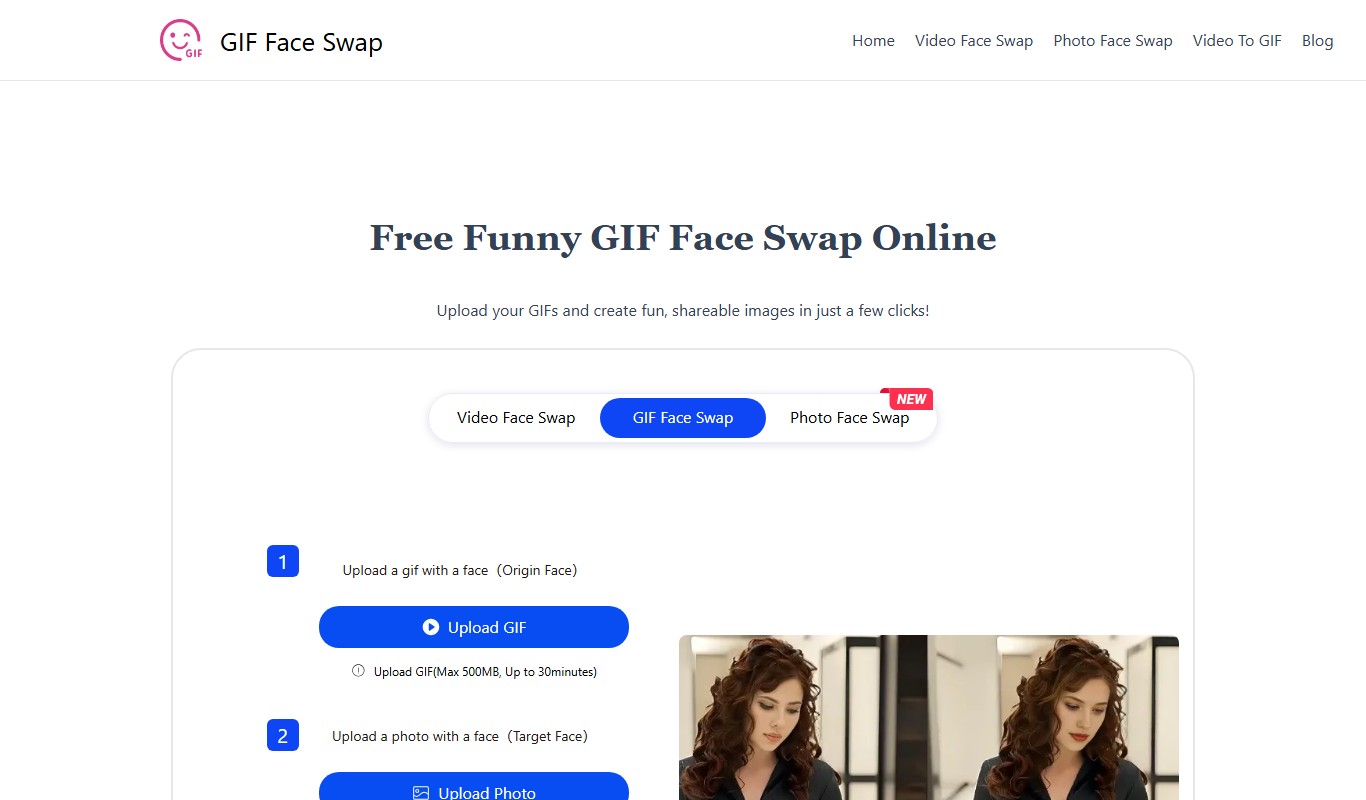
GIF Face Swap is a web-based tool that lets users replace faces in animated GIFs by uploading a GIF and a replacement face image, then adjusting and downloading the customized GIF.

Free
BeArt AI Face Swap
BeArt AI Face Swap is a web-based tool that uses AI to swap faces in photos and videos realistically, offering both free and subscription plans.
Freemium
DeepSwap
DeepSwap is a web-based AI tool that allows users to swap faces in videos and images realistically using advanced deep learning algorithms.
Freemium
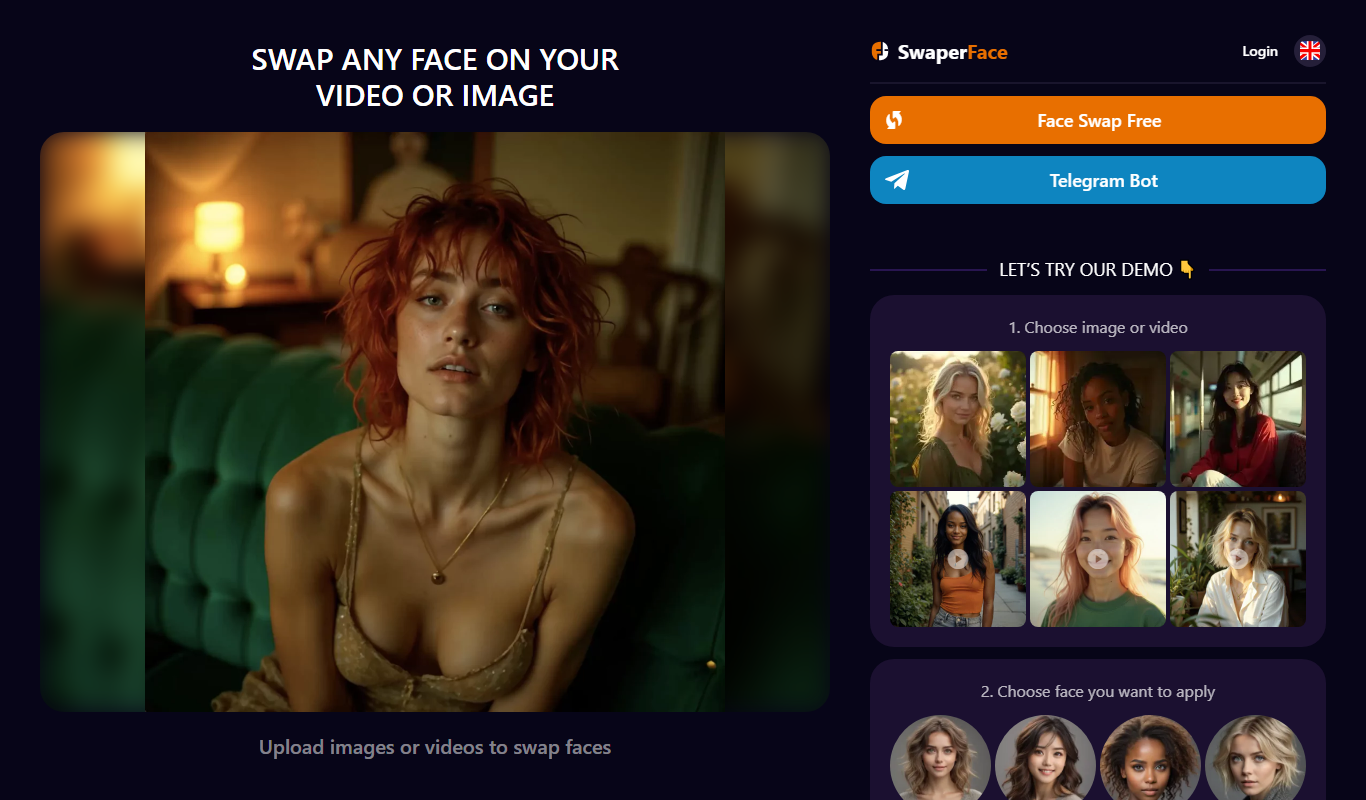
SwaperFace
SwaperFace is a web-based AI tool that enables users to swap faces in images and videos realistically using deepfake technology, suitable for entertainment, marketing, and creative projects.
Freemium
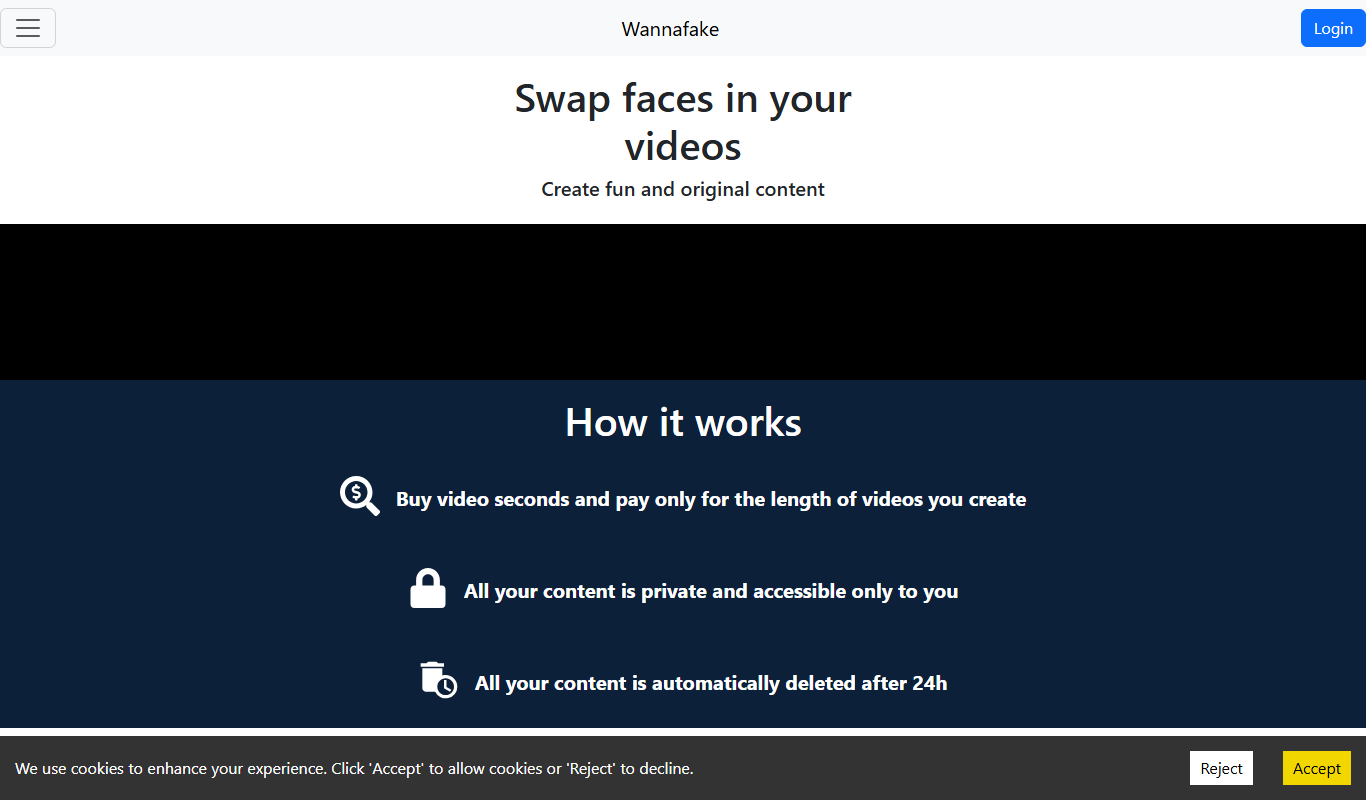
Wannafake
Wannafake is a mobile app that uses AI to swap faces in photos and videos, creating realistic deepfake content for entertainment and content creation.
Freemium
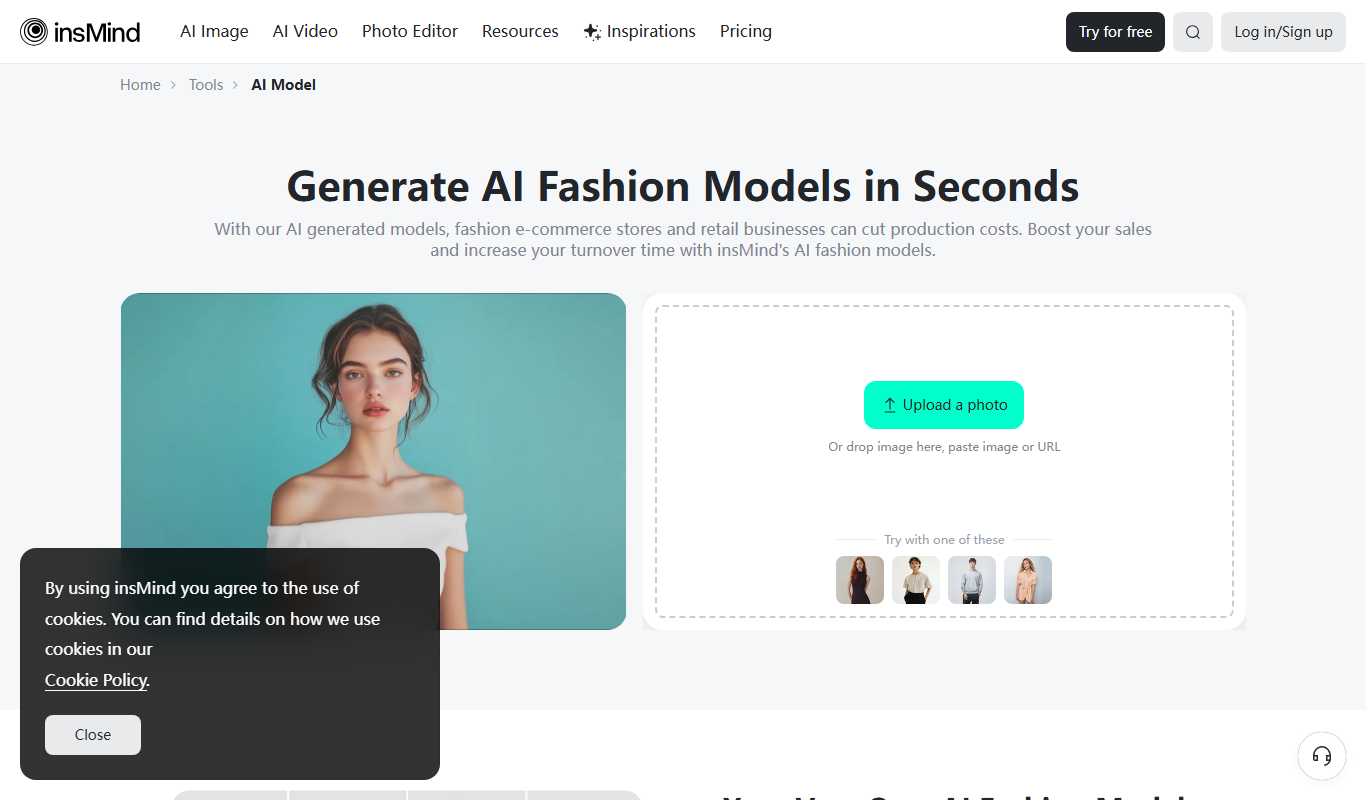
AI Fashion Models (Face Swap) by insMind
AI Fashion Models (Face Swap) by insMind is a web-based tool that uses deep learning to swap faces onto fashion model images, enabling virtual try-on and customized fashion visualization.