

From my experience with Wannafake, I found it excels at making AI face swapping accessible and fun for everyday users. The app’s intuitive interface and variety of templates allow quick creation of realistic deepfake videos and photos without technical knowledge. It’s particularly well-suited for social media enthusiasts and content creators looking to add creative flair to their posts. However, the free version’s watermark and limited editing options can be a drawback for professional use. Overall, if you want a straightforward mobile app for entertaining face swaps, Wannafake delivers solid results efficiently.
Wannafake AI Face Swap App for Realistic Deepfake Videos and Photos
Wannafake is a mobile app that uses AI to swap faces in photos and videos, creating realistic deepfake content for entertainment and content creation.
- Best for
- Entertainment and Social Media
- Key capability
- AI-Powered Face Swapping
Your actions
Save Wannafake, follow its updates and vote on it — everything stays in your account.
Sign in or create a free account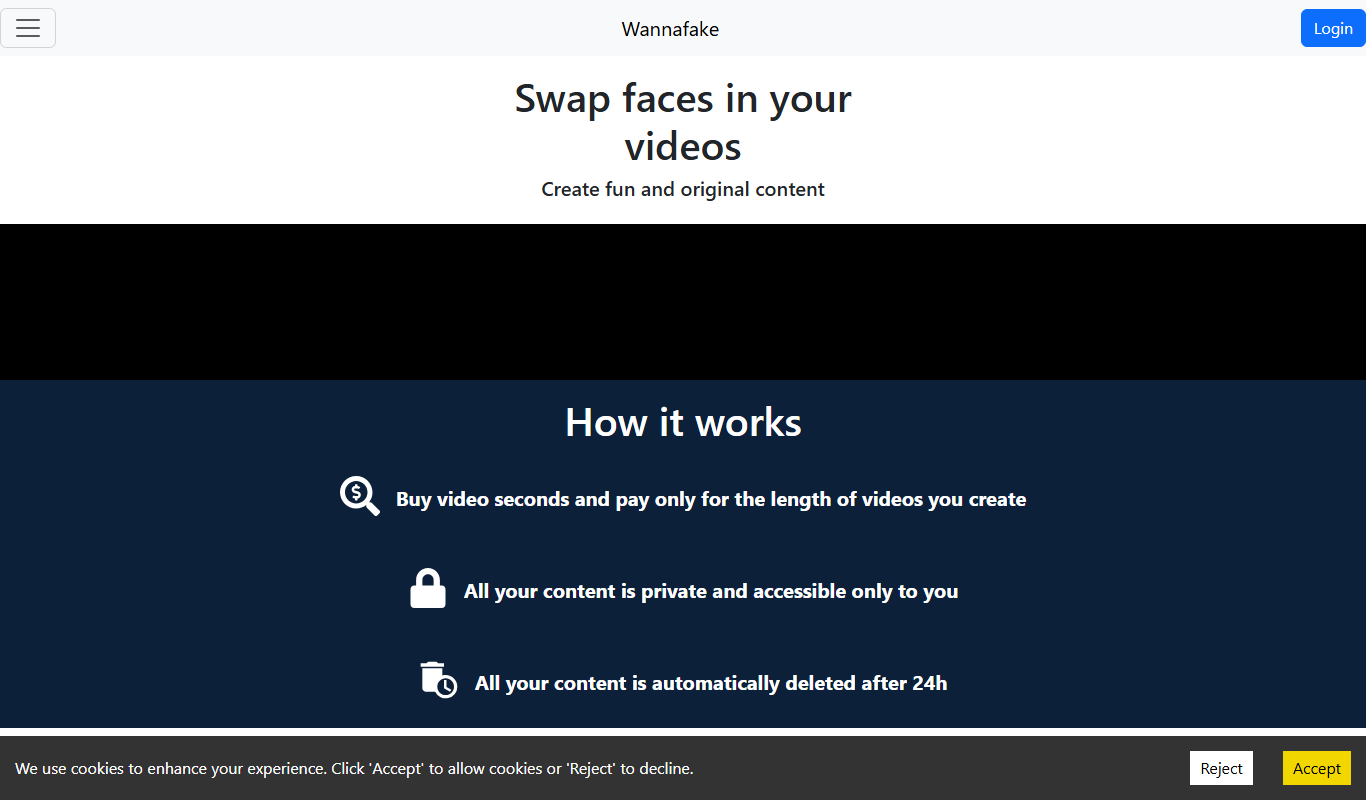
What is Wannafake?
Wannafake is a mobile application that uses artificial intelligence to perform realistic face swapping in videos and photos. It enables users to replace faces in existing media with their own or others’ faces, creating deepfake content easily on smartphones. The app leverages advanced AI algorithms to produce high-quality, natural-looking results suitable for entertainment, content creation, and marketing.
Key features of Wannafake
Wannafake offers AI-powered face swapping with intuitive controls, supports both photos and videos, provides a library of templates, and allows users to export and share creations directly to social media. Its user-friendly interface makes deepfake technology accessible to casual users without technical expertise.
AI-Powered Face Swapping
Uses advanced AI algorithms to create realistic face swaps in photos and videos.
Template Library
Offers a variety of popular video and photo templates for quick face swapping.
High-Quality Output
Generates natural-looking deepfake content with smooth facial blending.
User-Friendly Interface
Designed for ease of use, requiring no technical skills.
Social Sharing
Allows direct sharing of creations to social media platforms.
Pros and cons of Wannafake
Pros
- Easy to use with intuitive interface
- Produces realistic and high-quality face swaps
- Supports both photos and videos
- Includes a variety of templates
- Affordable premium plan
Cons
- Free version includes watermarks
- Limited editing controls compared to professional software
- Processing speed depends on device performance
Key use cases for Wannafake
Entertainment and Social Media
Create fun and engaging face swap videos and photos to share on social media platforms.
Content Creation
Enhance video content with realistic face replacement for storytelling or parody purposes.
Marketing and Advertising
Produce eye-catching promotional videos using AI face swap technology to attract audience attention.
Education and Training
Demonstrate AI deepfake technology applications and ethical considerations in academic settings.
How Wannafake works
- 1
Download and Install
Get the Wannafake app from the iOS App Store or Google Play Store.
- 2
Select Media
Choose a photo or video from your device or use built-in templates.
- 3
Upload Face Image
Upload a clear photo of the face you want to swap into the media.
- 4
AI Processing
The app uses AI to analyze and swap faces seamlessly.
- 5
Preview and Edit
Review the swapped media and make adjustments if needed.
- 6
Export and Share
Save the final video or photo and share it on social platforms.
Who is using Wannafake
Social media users
Content creators
Marketing professionals
Entertainment enthusiasts
Educators in AI and media
Wannafake pricing
Free
$0/month
Basic face swap features with watermark and limited templates.
Premium
$9.99/month
Access to all templates, watermark removal, HD exports, and faster processing.
Plans and prices are as published by the vendor and can change. Check the official site before you buy. Open the pricing page (opens in a new tab)
Frequently asked questions about Wannafake
Yes, Wannafake is safe to use. It processes media on your device and respects user privacy.
Yes, you can upload your own photos to swap faces in videos or images.
Yes, the free version includes a watermark on exported media.
Yes, the app supports face swapping in both photos and videos.
It depends on your specific needs and how you plan to use the tool. The official website and documentation are the best sources for the latest details.
Some tools offer a free plan or trial with limited features. Availability can vary, so confirm on the official website.
Yes, it can help with that use case depending on how you configure it and what features are available. You’ll get the best results with clear inputs and a defined goal.
Sign in to review this tool.
Sign In to ReviewNo reviews yet
Be the first to share how this tool worked for you.
Ask about pricing, limits, or how it compares — or answer someone else.
Sign In to AskNo questions yet
Have a question about using or paying for this tool? Be the first to ask.
Featured on TiorAI



Alternative Tools
Explore similar AI tools that might fit your needs

Free
Reface
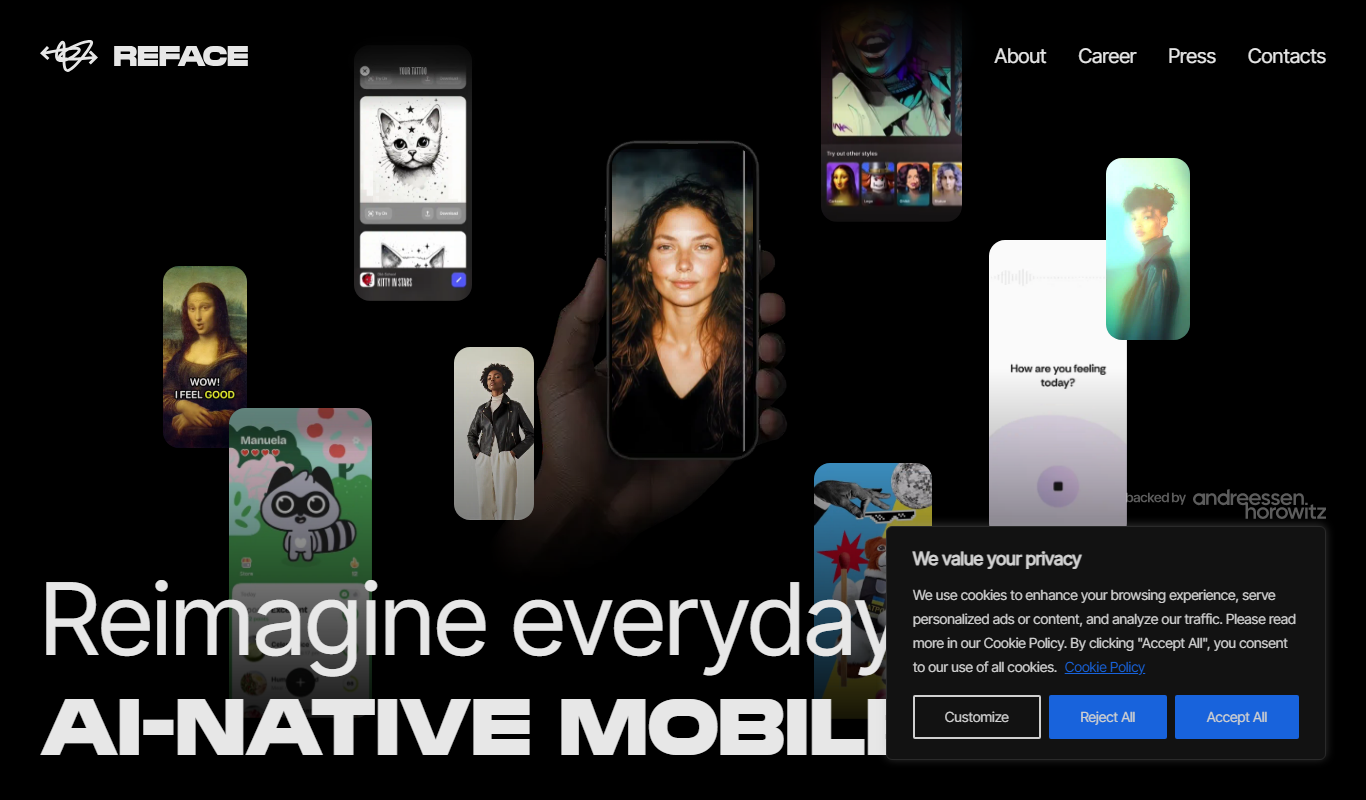
Reface is an AI-driven app that enables users to swap faces in videos and GIFs realistically, creating personalized and entertaining content for social media and messaging.

Free
FaceApp
FaceApp is an AI photo editing application that uses neural networks to apply realistic face transformations such as aging, gender swaps, and makeup filters.
More AI Face Swap Tools tools
Other tools in the same category, for when this one is not quite the fit.
Freemium
Reface AI
Reface AI is an AI-powered app that enables users to swap faces in videos and GIFs realistically, offering a fun and engaging way to create personalized content.

Free
BestFaceSwap
BestFaceSwap is an online AI tool that swaps faces in photos and videos using deep learning, offering free and premium plans with realistic results.
Free
GIF Face Swap
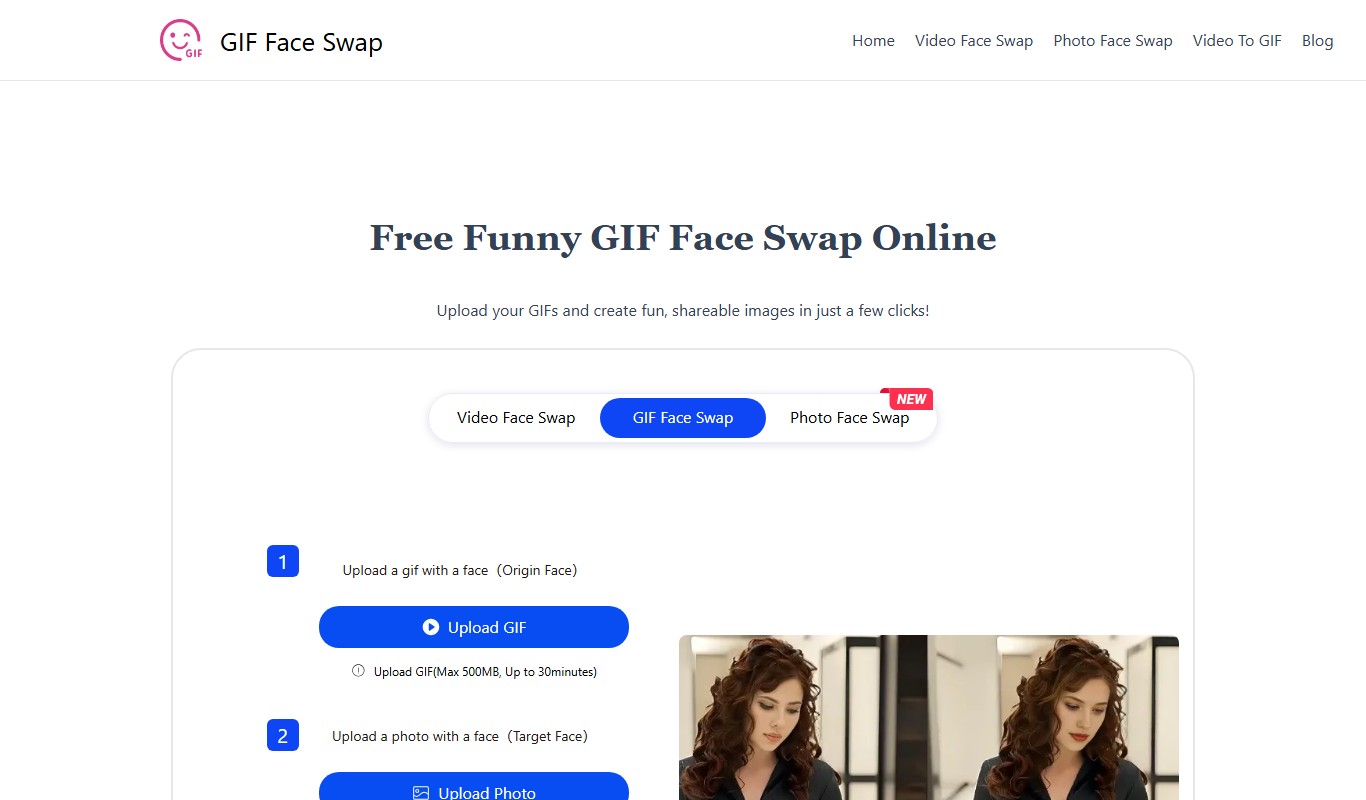
GIF Face Swap is a web-based tool that lets users replace faces in animated GIFs by uploading a GIF and a replacement face image, then adjusting and downloading the customized GIF.

Free
BeArt AI Face Swap
BeArt AI Face Swap is a web-based tool that uses AI to swap faces in photos and videos realistically, offering both free and subscription plans.
Freemium
DeepSwapper
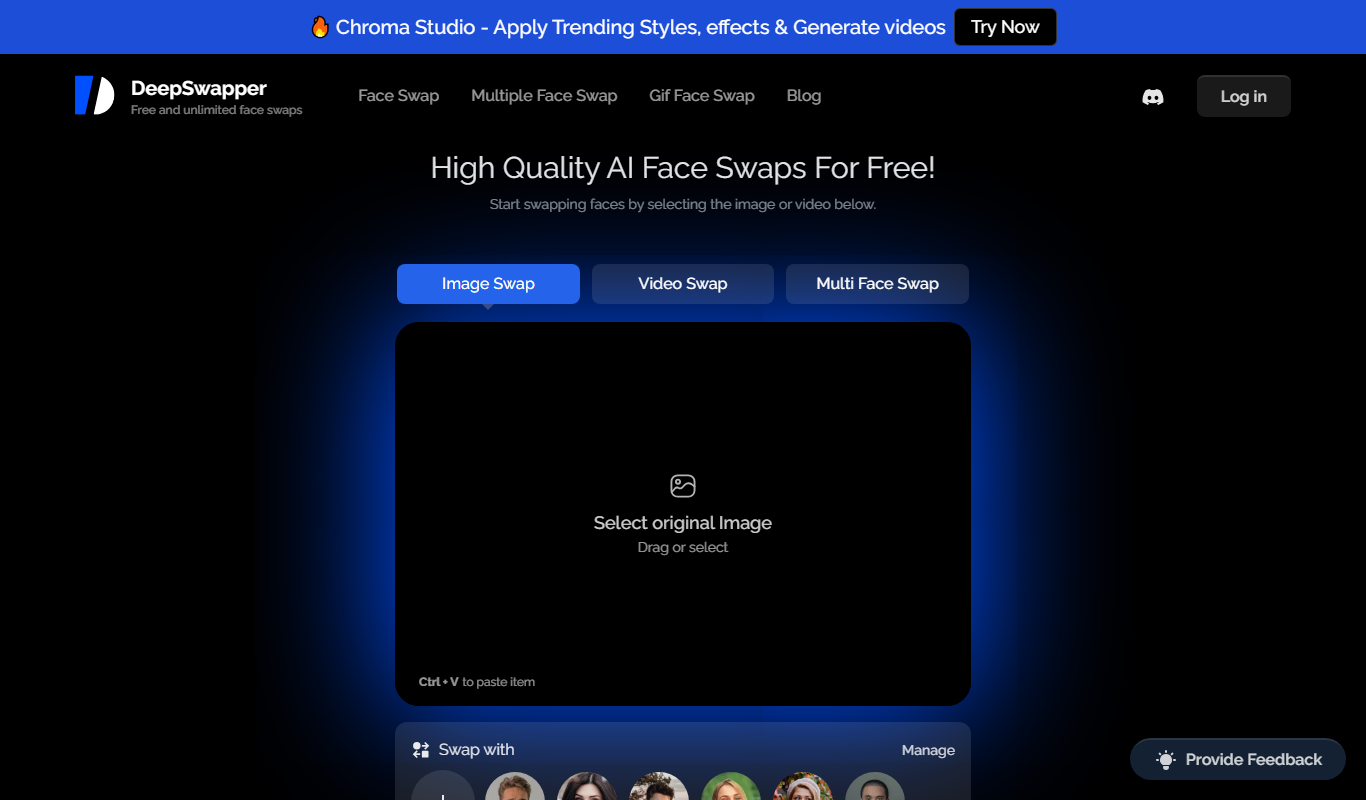
DeepSwapper is an AI-based online tool that enables users to swap faces in videos and images realistically using deepfake technology, suitable for entertainment, marketing, and content creation.
Freemium
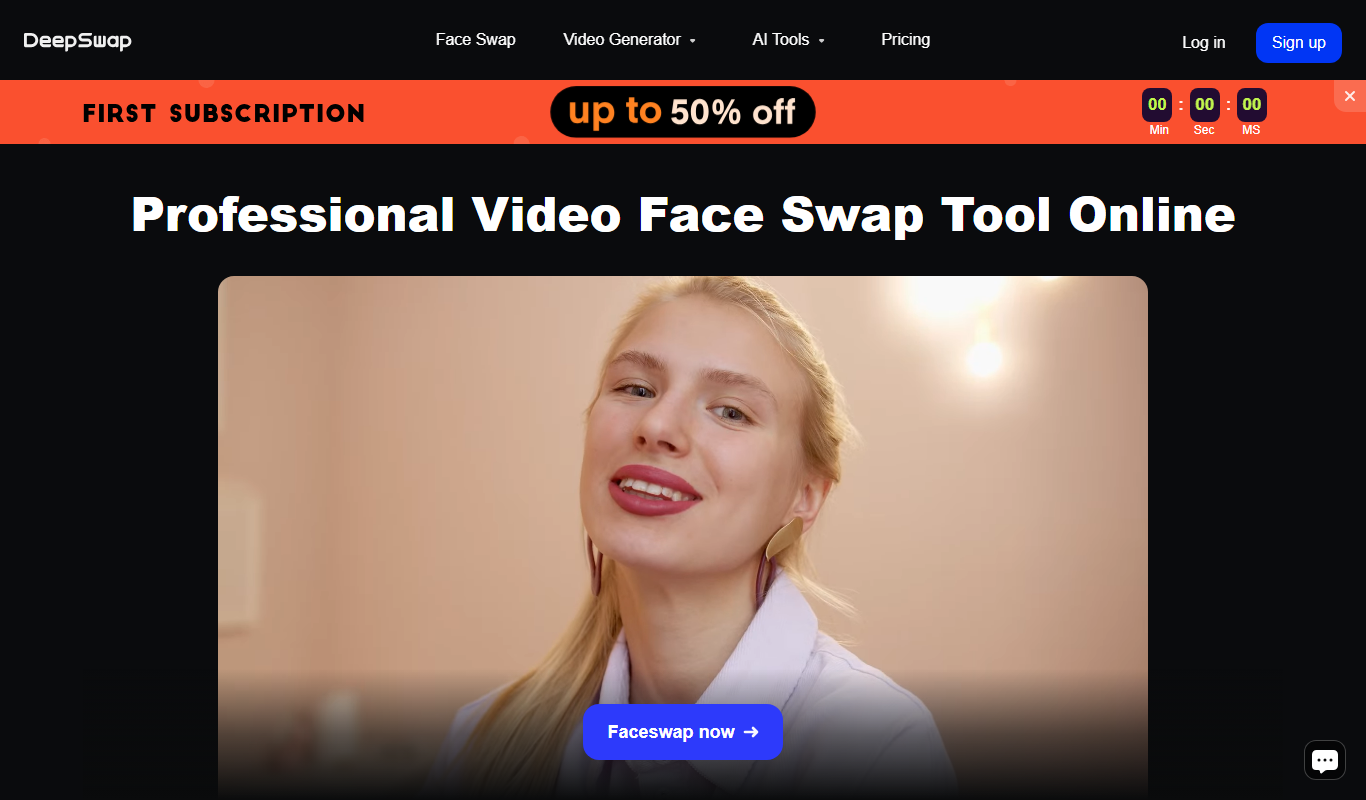
DeepSwap
DeepSwap is a web-based AI tool that allows users to swap faces in videos and images realistically using advanced deep learning algorithms.
Freemium
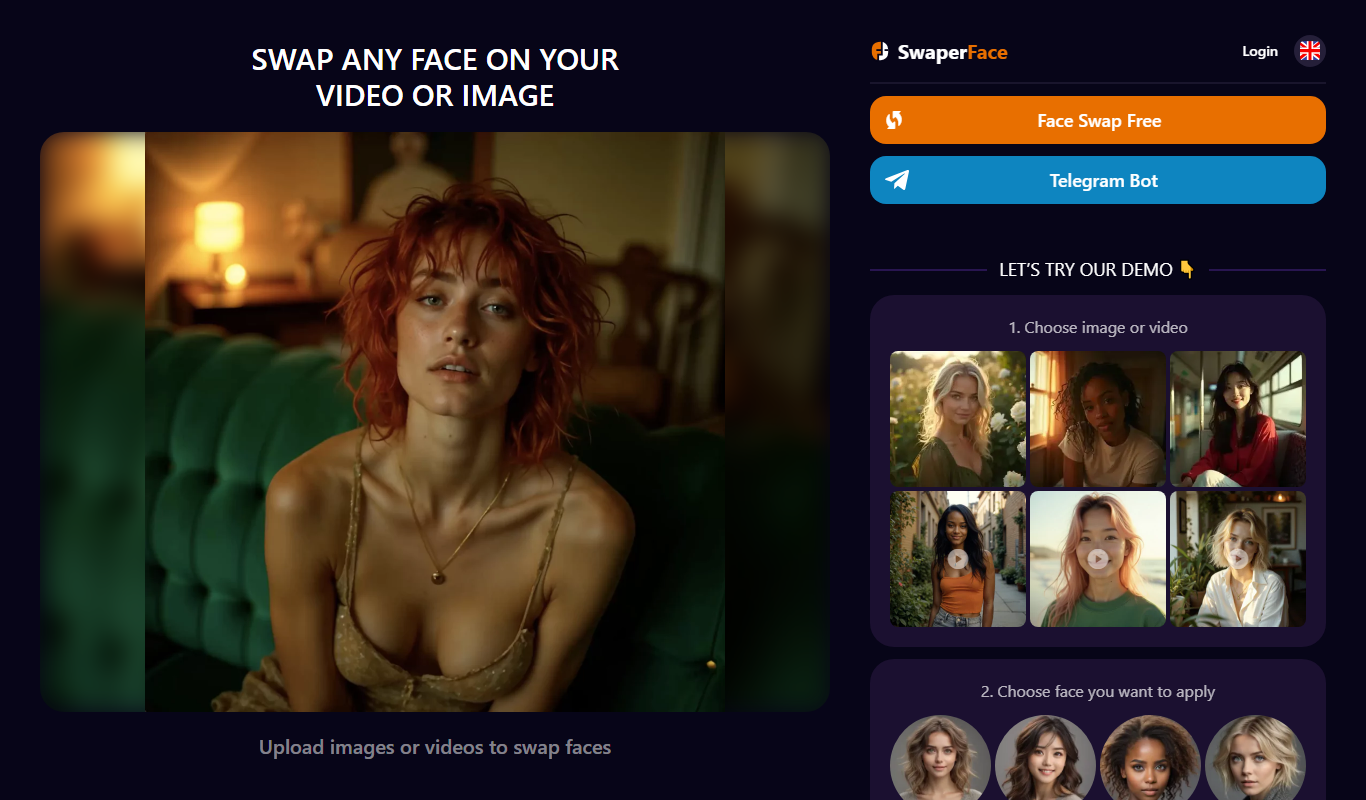
SwaperFace
SwaperFace is a web-based AI tool that enables users to swap faces in images and videos realistically using deepfake technology, suitable for entertainment, marketing, and creative projects.
Freemium
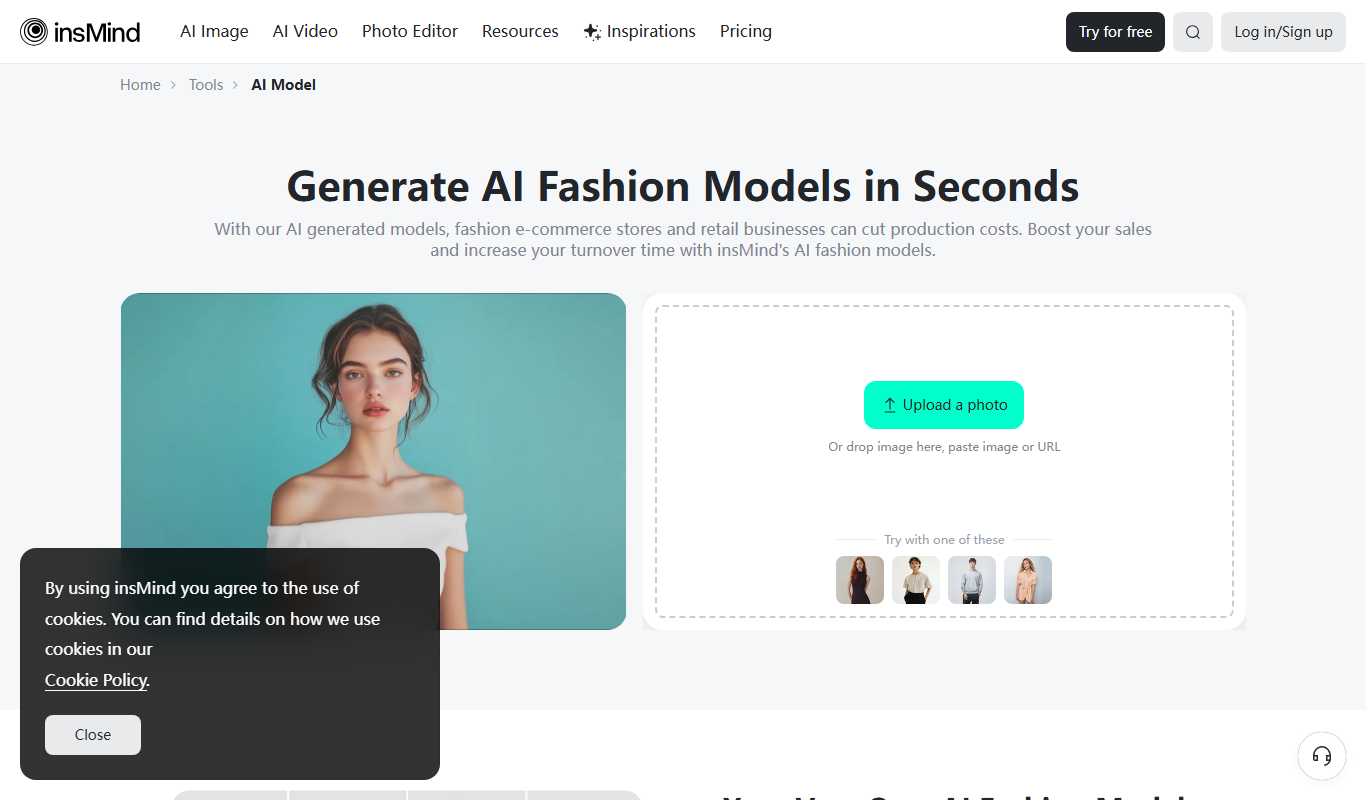
AI Fashion Models (Face Swap) by insMind
AI Fashion Models (Face Swap) by insMind is a web-based tool that uses deep learning to swap faces onto fashion model images, enabling virtual try-on and customized fashion visualization.