

From my experience with BeArt AI Face Swap, I found it excels at delivering realistic and seamless face swaps quickly through a simple web interface. The AI does a great job preserving facial expressions and lighting, which makes the results look natural even for videos. After spending time with the platform, I can say it’s particularly well-suited for social media users and content creators who want to produce engaging visual content without complex software. However, the free version’s watermark and limited editing controls mean professionals might need more advanced tools. Overall, if you want easy and effective face swapping online, BeArt AI Face Swap is a solid choice.
BeArt AI Face Swap Tool for Realistic Face Swapping and Editing Online
BeArt AI Face Swap is a web-based tool that uses AI to swap faces in photos and videos realistically, offering both free and subscription plans.
- Best for
- Entertainment and Social Media
- Key capability
- AI-Powered Face Detection
Your actions
Save BeArt AI Face Swap, follow its updates and vote on it — everything stays in your account.
Sign in or create a free account

What is BeArt AI Face Swap?
BeArt AI Face Swap is an online AI-powered tool that allows users to swap faces in photos and videos seamlessly. It uses advanced artificial intelligence algorithms to detect and replace faces realistically, preserving facial expressions and lighting for natural results. The tool is accessible via a web platform, requiring no software installation, making face swapping easy and quick for users of all skill levels.
Key features of BeArt AI Face Swap
The tool offers automatic face detection, realistic face blending, support for both photos and videos, and an intuitive user interface. It also provides options for fine-tuning the swapped face to improve accuracy and natural appearance.
AI-Powered Face Detection
Automatically detects faces in images and videos for precise swapping.
Realistic Face Blending
Maintains natural skin tones, lighting, and facial expressions for seamless results.
Supports Photos and Videos
Enables face swapping in both static images and moving video files.
User-Friendly Web Interface
No installation required; accessible from any modern web browser.
Adjustable Swap Settings
Options to fine-tune the swapped face for improved accuracy and appearance.
Pros and cons of BeArt AI Face Swap
Pros
- Easy to use with no software installation
- Supports both photos and videos
- Realistic and natural face swaps
- Free tier available for testing
- Adjustable settings for better results
Cons
- Free version includes watermarks
- Limited editing controls compared to professional software
- No mobile app available
Key use cases for BeArt AI Face Swap
Entertainment and Social Media
Create fun and realistic face swaps for sharing on social media platforms or personal entertainment.
Content Creation
Enhance videos and images with face swapping to produce engaging content for marketing or storytelling.
Photo Editing and Enhancement
Modify portraits or group photos by swapping faces to correct or enhance images creatively.
Memes and Viral Content
Generate humorous or viral images by swapping faces in popular memes or photos.
How BeArt AI Face Swap works
- 1
Upload Media
Users upload a photo or video containing the face they want to replace.
- 2
Select Replacement Face
Choose or upload the face image to swap onto the original media.
- 3
AI Processing
The AI analyzes both images, detects facial landmarks, and performs the face swap with blending.
- 4
Review and Edit
Users can preview the result and make adjustments if needed for better realism.
- 5
Download or Share
Save the final swapped image or video or share it directly on social media.
Who is using BeArt AI Face Swap
Social media users
Content creators and marketers
Photographers and editors
Entertainment industry professionals
Meme creators
BeArt AI Face Swap pricing
Free
$0/month
Limited number of face swaps with watermark on output.
Pro
$9.99/month
Unlimited face swaps, HD output, no watermarks, and priority processing.
Plans and prices are as published by the vendor and can change. Check the official site before you buy. Open the pricing page (opens in a new tab)
Frequently asked questions about BeArt AI Face Swap
Yes, there is a free plan with limited usage and watermarked outputs. Paid plans offer more features.
Yes, the tool supports face swapping in both photos and videos.
No, BeArt AI Face Swap is a web-based tool accessible through your browser.
The AI uses advanced algorithms to create highly realistic swaps that preserve facial expressions and lighting.
It depends on your specific needs and how you plan to use the tool. The official website and documentation are the best sources for the latest details.
Some tools offer a free plan or trial with limited features. Availability can vary, so confirm on the official website.
Yes, it can help with that use case depending on how you configure it and what features are available. You’ll get the best results with clear inputs and a defined goal.
It depends on your specific needs and how you plan to use the tool. The official website and documentation are the best sources for the latest details.
Sign in to review this tool.
Sign In to ReviewNo reviews yet
Be the first to share how this tool worked for you.
Ask about pricing, limits, or how it compares — or answer someone else.
Sign In to AskNo questions yet
Have a question about using or paying for this tool? Be the first to ask.
Featured on TiorAI



Alternative Tools
Explore similar AI tools that might fit your needs

Free
FaceApp
FaceApp is an AI photo editing application that uses neural networks to apply realistic face transformations such as aging, gender swaps, and makeup filters.

Free
Reface
Reface is an AI-driven app that enables users to swap faces in videos and GIFs realistically, creating personalized and entertaining content for social media and messaging.
More AI Face Swap Tools tools
Other tools in the same category, for when this one is not quite the fit.
Freemium
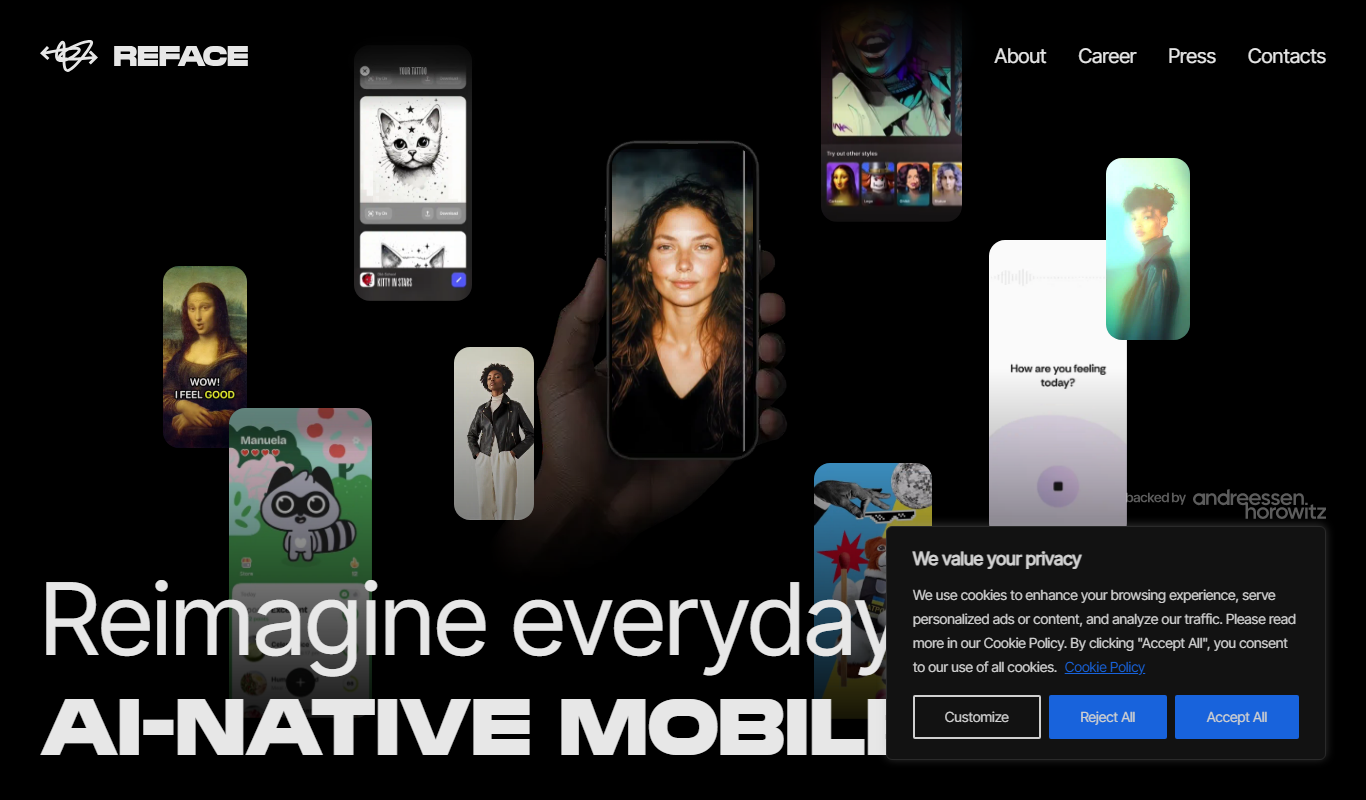
Reface AI
Reface AI is an AI-powered app that enables users to swap faces in videos and GIFs realistically, offering a fun and engaging way to create personalized content.

Free
BestFaceSwap
BestFaceSwap is an online AI tool that swaps faces in photos and videos using deep learning, offering free and premium plans with realistic results.
Free
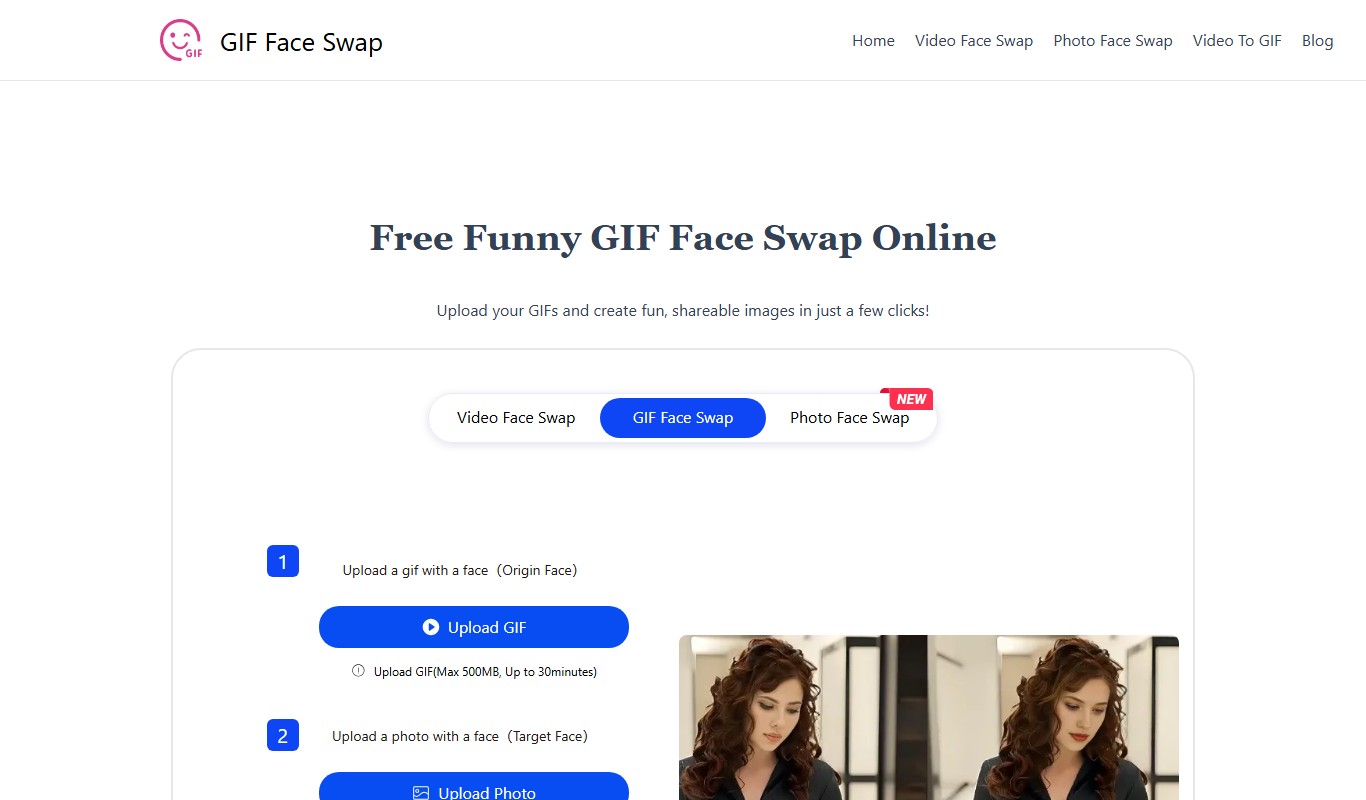
GIF Face Swap
GIF Face Swap is a web-based tool that lets users replace faces in animated GIFs by uploading a GIF and a replacement face image, then adjusting and downloading the customized GIF.
Freemium
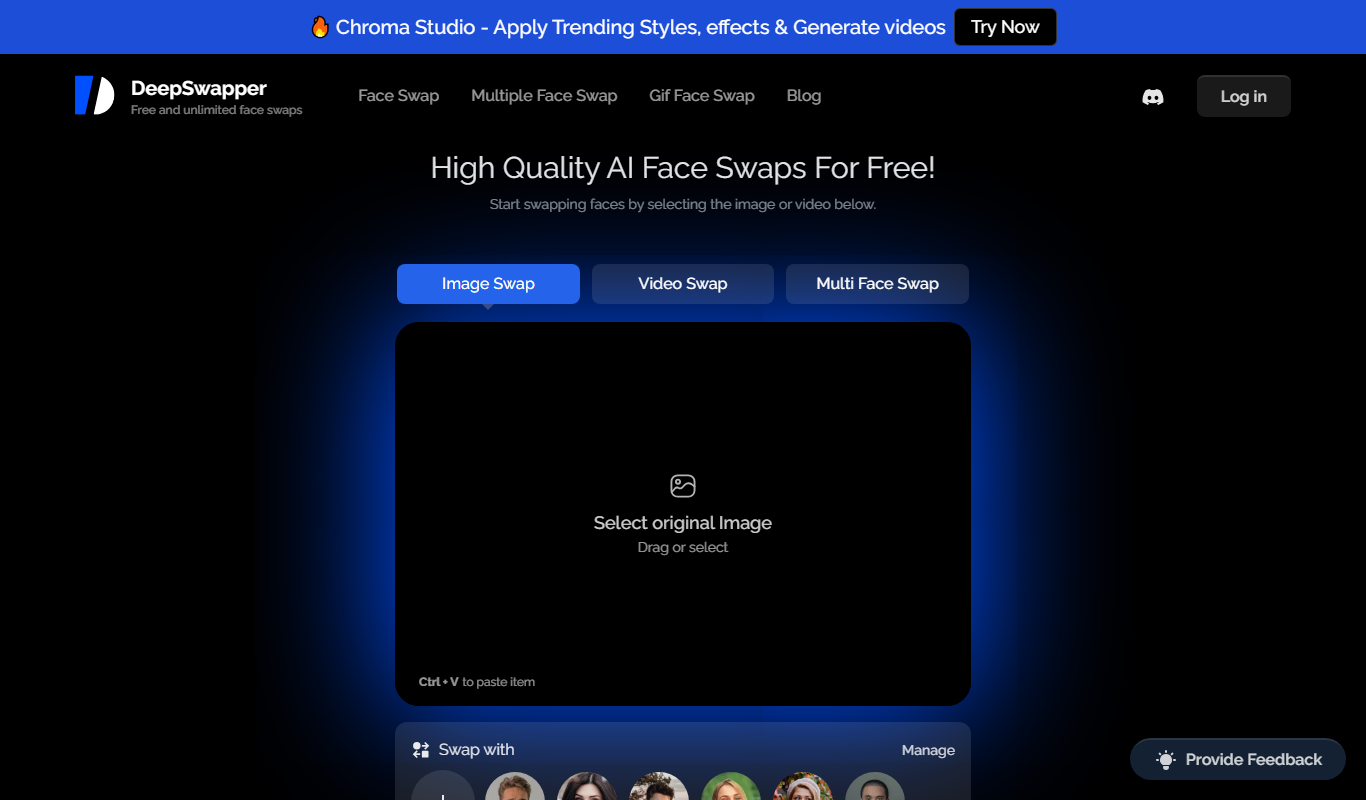
DeepSwapper
DeepSwapper is an AI-based online tool that enables users to swap faces in videos and images realistically using deepfake technology, suitable for entertainment, marketing, and content creation.
Freemium
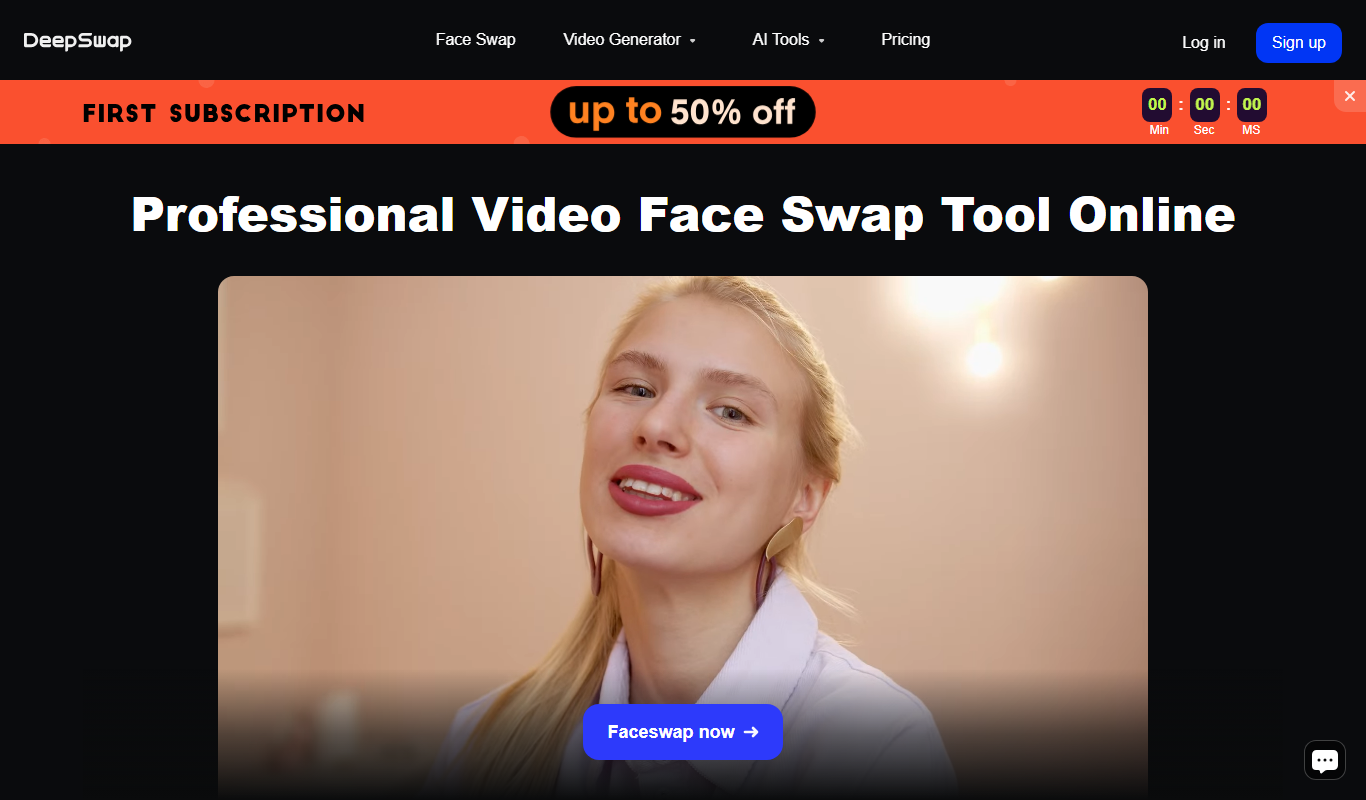
DeepSwap
DeepSwap is a web-based AI tool that allows users to swap faces in videos and images realistically using advanced deep learning algorithms.
Freemium
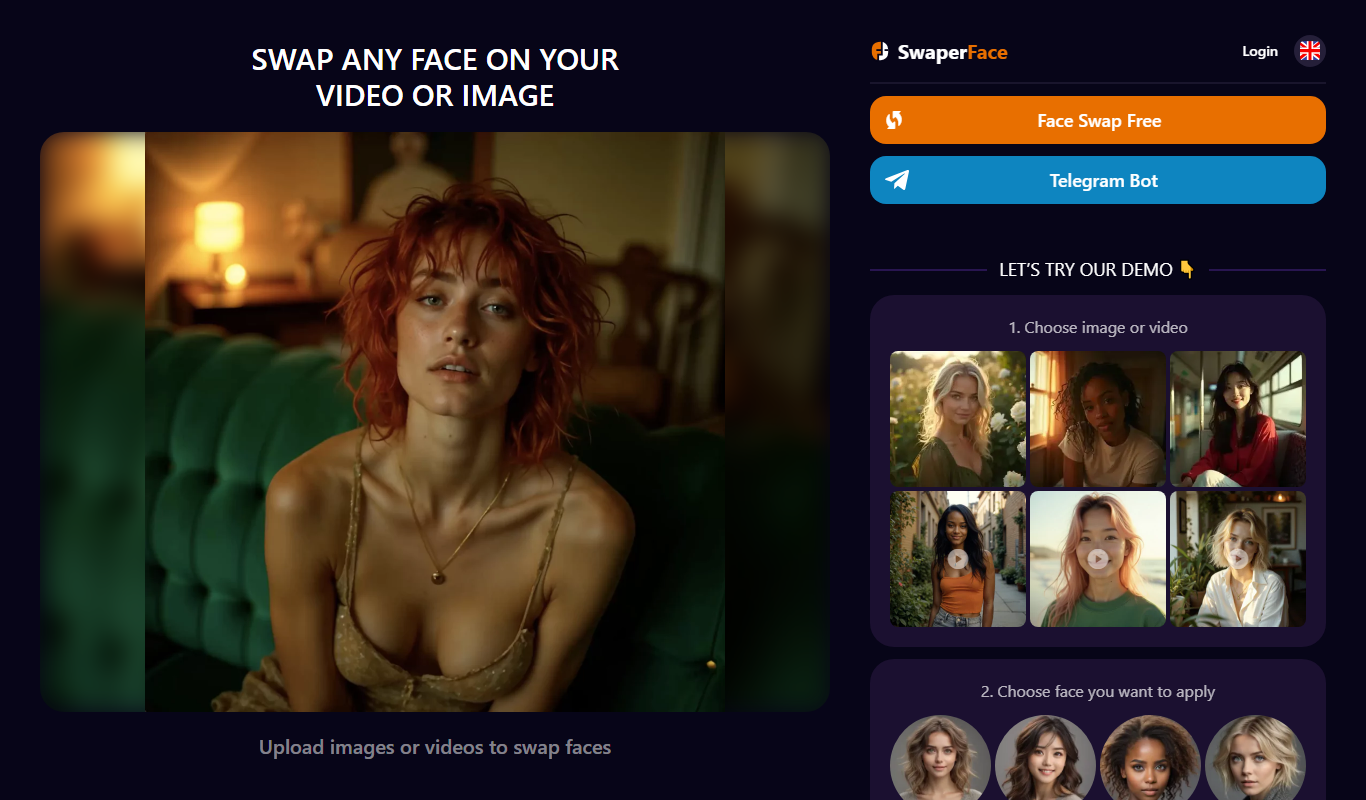
SwaperFace
SwaperFace is a web-based AI tool that enables users to swap faces in images and videos realistically using deepfake technology, suitable for entertainment, marketing, and creative projects.
Freemium
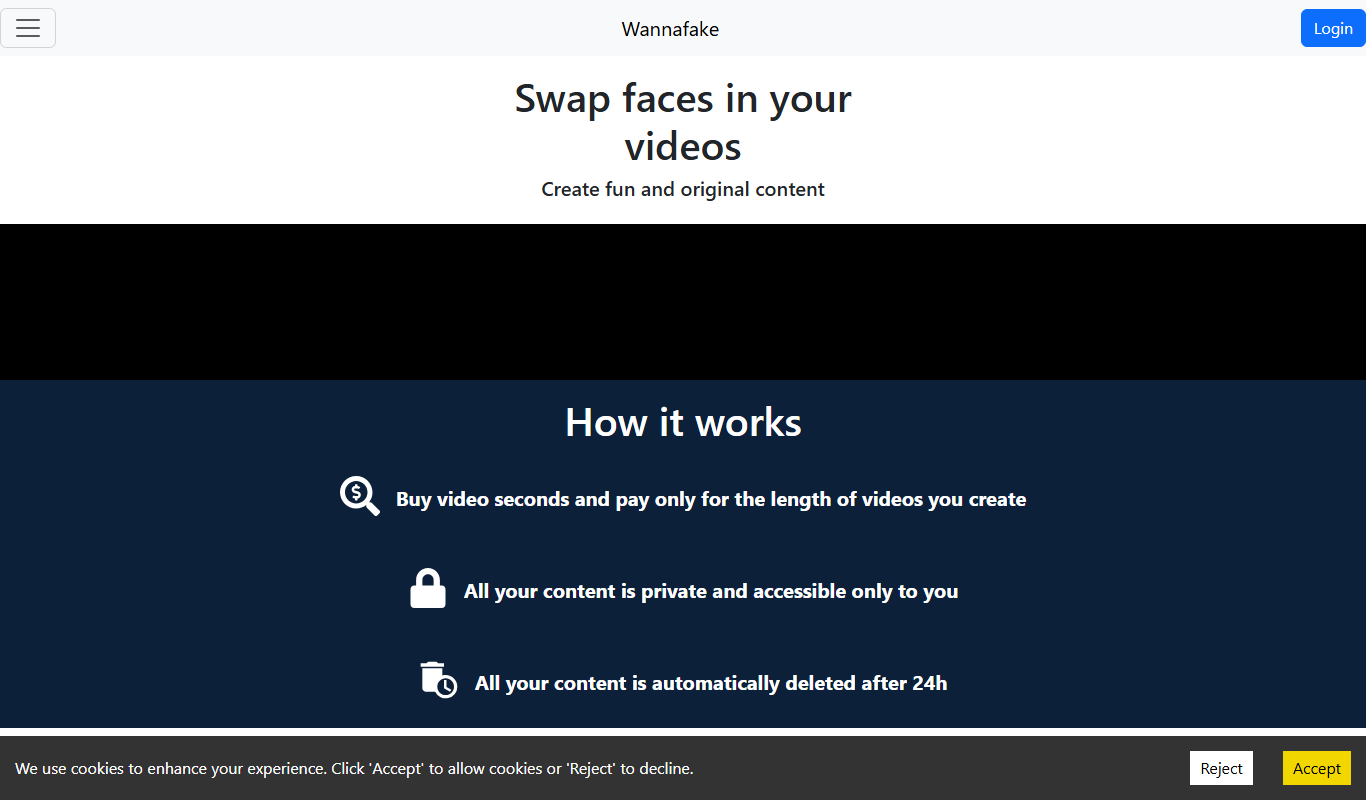
Wannafake
Wannafake is a mobile app that uses AI to swap faces in photos and videos, creating realistic deepfake content for entertainment and content creation.
Freemium
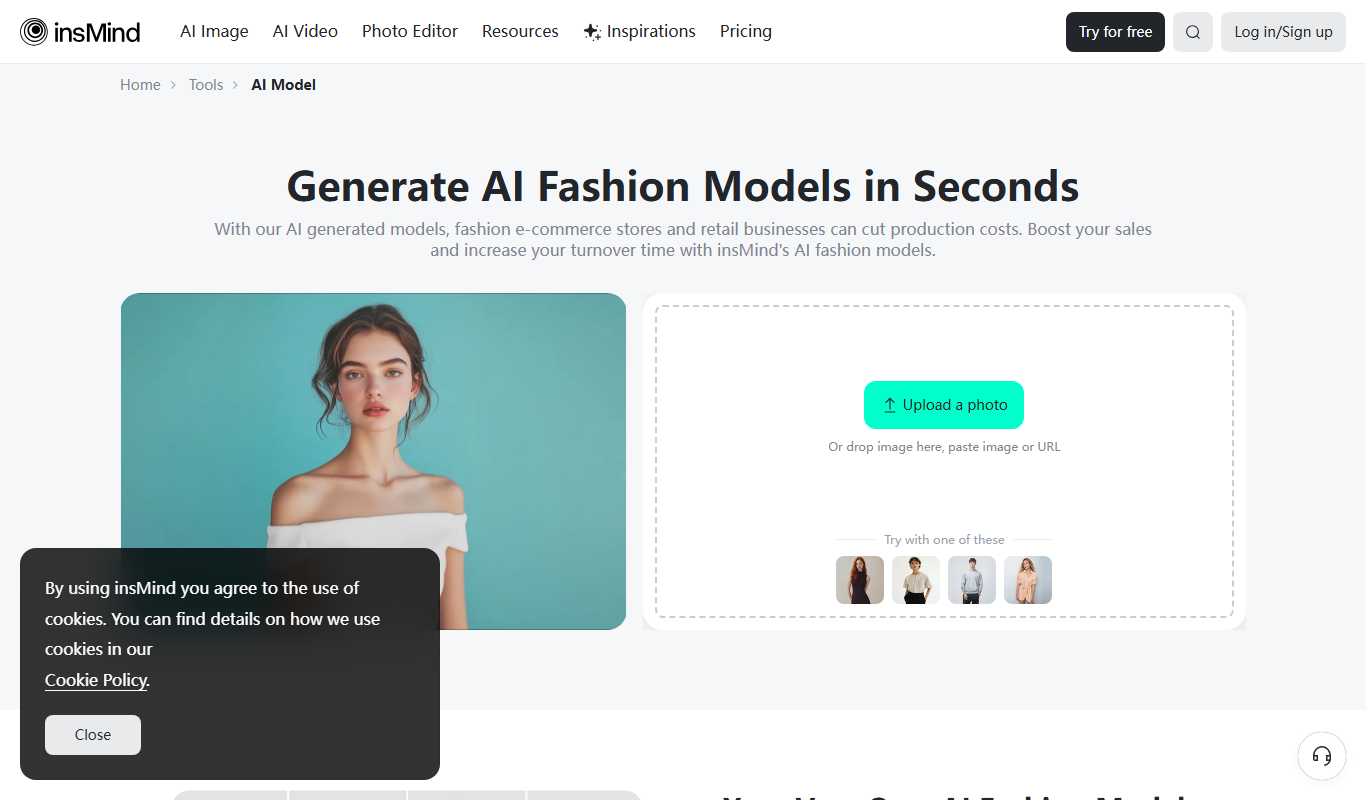
AI Fashion Models (Face Swap) by insMind
AI Fashion Models (Face Swap) by insMind is a web-based tool that uses deep learning to swap faces onto fashion model images, enabling virtual try-on and customized fashion visualization.