

From my experience with DeepFaceLab, I found it excels at producing highly realistic face swaps thanks to its advanced neural network models and GPU acceleration. The open-source nature allows for deep customization and learning, making it a powerful tool for AI researchers and creative professionals alike. However, the software has a steep learning curve and requires a capable GPU, which might be a barrier for casual users. Overall, if you want to explore deepfake technology or create sophisticated face replacement videos, DeepFaceLab offers a comprehensive and free solution.
DeepFaceLab AI Face Swap Software for Video and Image Editing
DeepFaceLab is an open-source AI tool for creating realistic face swaps in videos and images using deep learning techniques.
- Best for
- Deepfake Video Creation
- Key capability
- Multiple Model Support
Do you recommend this tool?
What is DeepFaceLab?
DeepFaceLab is an open-source deepfake software that enables users to perform high-quality face swapping in images and videos using deep learning techniques. It provides tools for training neural networks to map one person’s face onto another’s, producing realistic and convincing results. The software is widely used by hobbyists, researchers, and professionals interested in AI-driven facial manipulation.
Key features of DeepFaceLab
DeepFaceLab offers a comprehensive suite of features including face extraction, neural network training, face merging, and video rendering. It supports multiple model architectures and customization options to optimize face swap quality. The tool runs primarily on desktop environments with GPU acceleration for efficient processing.
Multiple Model Support
Includes various neural network architectures like SAEHD and Quick96 for different quality and speed trade-offs.
GPU Acceleration
Leverages CUDA-enabled GPUs to speed up training and rendering processes.
Face Detection and Alignment
Advanced algorithms to accurately detect and align faces for better swap results.
Customizable Training Parameters
Users can adjust training epochs, batch size, and other settings to optimize output.
Open Source and Community Driven
Free to use with active community support and frequent updates.
Pros and cons of DeepFaceLab
Pros
- High-quality, realistic face swaps
- Open-source and free to use
- Supports multiple neural network models
- Active community and frequent updates
Cons
- Steep learning curve for beginners
- Requires powerful GPU for efficient processing
- Windows-focused with limited official support for other OS
Key use cases for DeepFaceLab
Deepfake Video Creation
Create realistic face swaps in videos for entertainment, research, or artistic projects.
Face Replacement in Images
Swap faces in photos for creative edits or visual effects.
AI Research and Development
Use as a tool for studying deep learning techniques in facial recognition and synthesis.
Film and Media Production
Enhance visual effects by replacing or modifying faces in video content.
Educational Purposes
Learn about deep learning, neural networks, and computer vision through hands-on application.
How DeepFaceLab works
- 1
Extract Faces
Automatically detect and extract faces from source and target videos or images.
- 2
Train Neural Network
Train a deep learning model to learn the mapping between source and target faces.
- 3
Merge Faces
Apply the trained model to merge the source face onto the target media.
- 4
Render Output
Generate the final video or image with the swapped face.
Who is using DeepFaceLab
AI researchers and developers
Video editors and visual effects artists
Hobbyists interested in deepfake technology
Educators teaching machine learning concepts
Content creators producing creative media
DeepFaceLab pricing
Free
$0
Open-source software available at no cost.
Plans and prices are as published by the vendor and can change. Check the official site before you buy. Open the pricing page (opens in a new tab)
Frequently asked questions about DeepFaceLab
Yes, DeepFaceLab is completely free and open-source.
A Windows desktop with a CUDA-compatible NVIDIA GPU is recommended for best performance.
Yes, but users should be aware of ethical and legal considerations when creating deepfakes.
Officially, DeepFaceLab is designed for Windows, though some users have run it on Linux with workarounds.
It depends on your specific needs and how you plan to use the tool. The official website and documentation are the best sources for the latest details.
Some tools offer a free plan or trial with limited features. Availability can vary, so confirm on the official website.
It depends on your specific needs and how you plan to use the tool. The official website and documentation are the best sources for the latest details.
Yes, it can help with that use case depending on how you configure it and what features are available. You’ll get the best results with clear inputs and a defined goal.
Sign in to review this tool.
Sign In to ReviewNo reviews yet
Be the first to share how this tool worked for you.
Ask about pricing, limits, or how it compares — or answer someone else.
Sign In to AskNo questions yet
Have a question about using or paying for this tool? Be the first to ask.
Featured on TiorAI



Alternative Tools
Explore similar AI tools that might fit your needs
Free
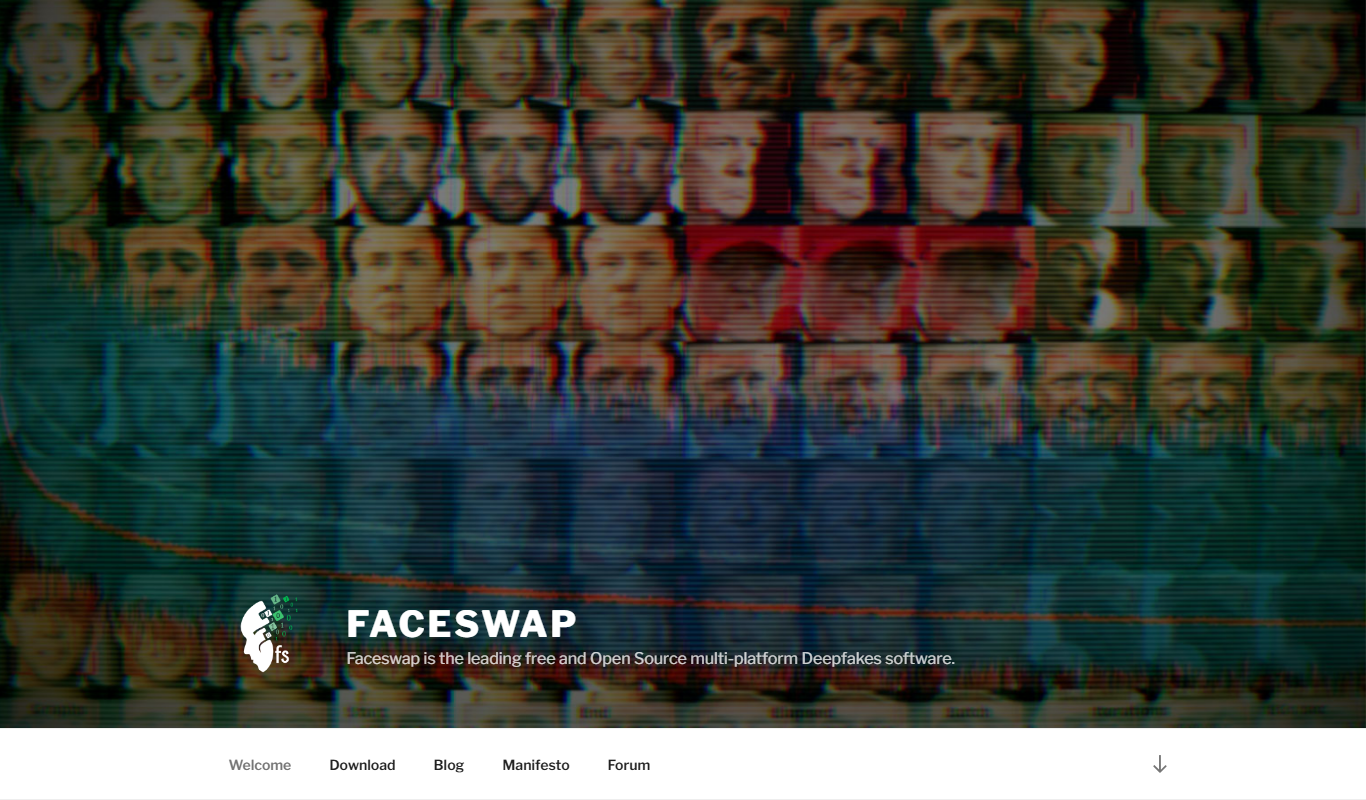
FaceSwap
FaceSwap is a free, open-source AI software that enables realistic face swapping in images and videos using deep learning techniques.
More AI Avatar Generator tools
Other tools in the same category, for when this one is not quite the fit.

Free
SoulGen AI
SoulGen AI is a web-based platform that uses artificial intelligence to generate realistic and artistic digital avatars from text prompts or images, ideal for social media and creative projects.

Free
Viveport
Viveport is HTC's virtual reality content platform providing access to VR games and experiences, including a subscription service called Viveport Infinity for unlimited VR content.
Freemium
HeadshotsPro
HeadshotsPro is an AI-based online tool that converts selfies into professional-quality headshots with customizable backgrounds and styles, ideal for business and social media profiles.

Freemium
Portrait AI
Portrait AI is a web-based AI avatar generator that creates realistic and artistic digital portraits from user photos using advanced AI technology.
Free
ThisPersonDoesNotExist
ThisPersonDoesNotExist is a free web tool that uses AI to generate photorealistic human faces that do not belong to real people, useful for creative and privacy-conscious applications.

Freemium
DeepAR SDK
DeepAR SDK is a cross-platform augmented reality development kit that enables real-time face tracking, AI avatar creation, and 3D AR effects for mobile apps, games, and live streaming.

Custom Pricing
Banuba SDK
Banuba SDK is an AI-powered augmented reality software development kit that enables developers to integrate real-time face tracking, 3D masks, beauty filters, and avatar effects into mobile and desktop applications.

Custom Pricing
FaceTec
FaceTec is an AI-driven biometric authentication platform specializing in 3D facial recognition and liveness detection to securely verify user identities and prevent fraud.