

Boxy SVG Vector Graphic Editor for Web and Desktop Design Projects
Boxy SVG is a cross-platform vector graphics editor focused on SVG creation and editing, available as a web app, desktop app, and Chrome extension.
- Best for
- Vector Graphic Design
- Key capability
- Comprehensive Vector Tools
Save Boxy SVG, follow its updates and vote on it — everything stays in your account.
Sign in or create a free account
What is Boxy SVG?
Boxy SVG is a vector graphics editor designed for creating scalable vector artwork with a focus on SVG format. It offers a user-friendly interface and powerful tools for designers, developers, and illustrators to create icons, logos, UI components, and web graphics. Available as a web app, desktop application, and Chrome extension, Boxy SVG supports modern web standards and integrates well with other design workflows.
Key features of Boxy SVG
Boxy SVG provides advanced vector editing capabilities including pen and shape tools, path operations, text support, gradients, layers, and SVG export options. It supports importing and editing existing SVG files and offers a clean, intuitive interface optimized for both beginners and professionals.
Comprehensive Vector Tools
Includes pen, pencil, shape, and text tools for precise vector creation.
Layer and Group Management
Organize artwork with layers, groups, and object hierarchy.
SVG Optimization and Export
Export clean, optimized SVG code suitable for web and app integration.
Cross-Platform Availability
Accessible via web, desktop apps for Windows/macOS/Linux, and Chrome extension.
Import Support
Import SVG and other vector formats for editing and enhancement.
Pros and cons of Boxy SVG
Pros
- Intuitive and clean user interface
- Cross-platform availability including web and desktop
- Powerful vector editing tools tailored for SVG
- Good integration with web development workflows
- Affordable pricing with a free tier
Cons
- Limited language support (English only)
- No mobile app version available
- Some advanced features require subscription
Key use cases for Boxy SVG
Vector Graphic Design
Create and edit scalable vector graphics for logos, icons, and illustrations.
Web Design
Design SVG assets optimized for websites and responsive layouts.
User Interface Design
Develop UI elements and components using precise vector tools.
Icon Creation
Craft custom icons with support for SVG export and optimization.
Graphic Illustration
Produce detailed illustrations with layers, gradients, and effects.
How Boxy SVG works
- 1
Access the Platform
Use Boxy SVG via the web app, desktop application, or Chrome extension.
- 2
Create or Import SVG
Start a new vector graphic or import existing SVG files to edit.
- 3
Use Vector Tools
Draw shapes, paths, and text using the editor’s comprehensive toolset.
- 4
Customize and Edit
Apply fills, strokes, gradients, and layer effects to refine your design.
- 5
Export and Integrate
Export your artwork as SVG or other formats for use in web or print projects.
Who is using Boxy SVG
Boxy SVG pricing
Free
$0/month
Basic access with limited features and export options.
Pro
$9.99/month
Full feature set including advanced tools, unlimited exports, and priority support.
Plans and prices are as published by the vendor and can change. Check the official site before you buy. Open the pricing page (opens in a new tab)
Frequently asked questions about Boxy SVG
There is no permanent free plan. Boxy SVG offers a 15-day free trial, followed by a subscription.
Boxy SVG is available as a web app, desktop application for Windows, macOS, Linux, and as a Chrome extension.
Yes, Boxy SVG supports importing and editing existing SVG files.
Primarily focused on SVG export, but you can export to PNG and JPEG for raster images.
This tool is designed to help users accomplish its core tasks more efficiently. It is typically used by individuals or teams looking to improve productivity and workflow.
Some tools offer a free plan or trial with limited features. Availability can vary, so confirm on the official website.
Yes, it can help with that use case depending on how you configure it and what features are available. You’ll get the best results with clear inputs and a defined goal.
Yes, it can help with that use case depending on how you configure it and what features are available. You’ll get the best results with clear inputs and a defined goal.
Conclusion
Users start a new vector graphic or import existing SVG files to edit, since the SVG format is the focus of the editor. Pen, pencil, shape and text tools handle the drawing, while layers and groups keep the object hierarchy organized. Finished work exports as clean SVG code for web and app integration, with PNG and JPEG available for raster images.
The editor is aimed at designers, developers and illustrators who create icons, logos, UI components and web graphics. It runs as a web app and on Windows, macOS, Linux and ChromeOS. There is no permanent free plan: access starts with a 15-day free trial and then moves to a subscription.
Sources
Sign in to review this tool.
Sign In to ReviewNo reviews yet
Be the first to share how this tool worked for you.
Ask about pricing, limits, or how it compares — or answer someone else.
Sign In to AskNo questions yet
Have a question about using or paying for this tool? Be the first to ask.
Featured on TiorAI



Alternative Tools
Explore similar AI tools that might fit your needs
Figma
Figma is a cloud-based design tool for creating user interfaces and prototypes collaboratively in real time, accessible via web and desktop apps.
Inkscape
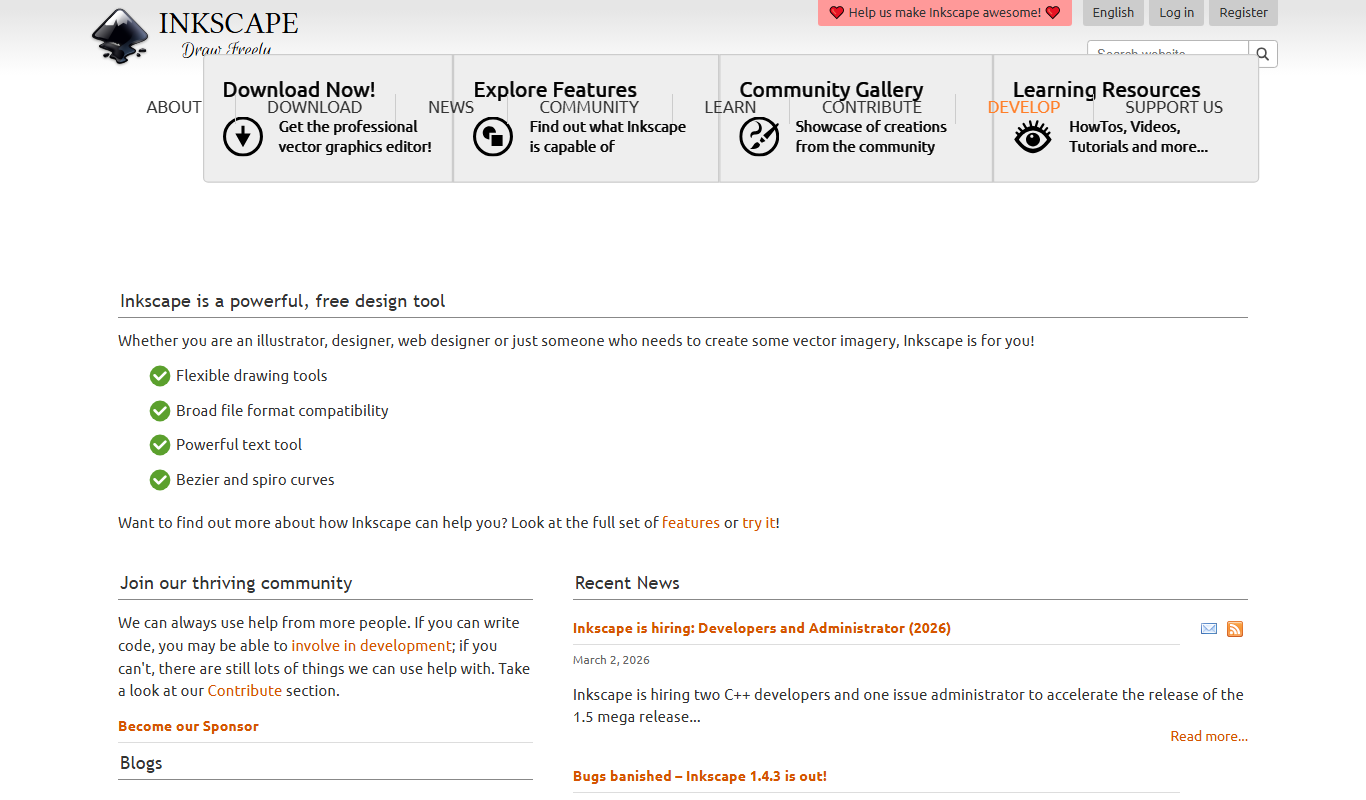
Inkscape is a free and open source vector graphics editor used for creating and editing scalable vector images with advanced tools for illustration and graphic design.
More AI Design Generator tools
Other tools in the same category, for when this one is not quite the fit.

Favic-o-Matic
Favic-o-Matic is a free online tool that generates website favicons and app icons in multiple sizes and formats from a single image upload, requiring no account or payment.
Awesome Screenshot
Awesome Screenshot is a tool for capturing screenshots and screen recordings with annotation features, available as browser extensions and desktop apps, suitable for collaboration and content creation.

Unitag QR Code Generator
Unitag QR Code Generator is a web-based tool that allows users to create customizable QR codes with options for colors, logos, and shapes, supporting multiple QR code types and offering scan analytics in paid plans.

QR Code Monkey
QR Code Monkey is a free online tool that lets you create customizable QR codes with logos and colors, suitable for marketing, business branding, and event management.

MeasureKit
MeasureKit is an iOS augmented reality app that lets users measure distances, angles, levels, and areas using their device’s camera and AR technology.

MagicPlan
MagicPlan is an app that uses augmented reality to measure spaces and create detailed floor plans and 3D models, helping with home design, renovation, and construction projects.

Ant Design
Ant Design is an open-source React UI framework providing a comprehensive set of reusable components and design guidelines to build enterprise-level web applications with consistent and customizable user interfaces.

KeyShot
KeyShot is a real-time 3D rendering and animation software by Luxion that enables users to create photorealistic visuals and animations of 3D models for product design and marketing.