

Animatable AI Animation Tool for Easy Character Motion Creation
Animatable is a web-based AI tool that turns your videos into animations in a chosen style, with prompts to tweak details such as hair, eyes and clothing colors.
- Best for
- Video to animation
- Key capability
- Video-to-Video Animation
Save Animatable, follow its updates and vote on it — everything stays in your account.
Sign in or create a free account
What is Animatable?
Animatable is an AI video-to-video animation tool that turns your videos into animations in a chosen style, with prompts to tweak details such as hair, eyes and clothing colors.
Key features of Animatable
Animatable offers AI-driven animation generation, an intuitive interface for editing animations, and export options suitable for various creative projects. It streamlines the animation workflow for designers, marketers, and content creators.
Video-to-Video Animation
Turn your videos into animations with AI.
Prompt-based details
Prompt details of your videos such as hair, eyes and clothing colors before generating the animation.
Style selection
Choose from a diverse array of styles for your animations.
Image preview
Generate a preview image to make sure you get the results you want before rendering the animation.
Pros and cons of Animatable
Pros
- Easy to use for beginners
- AI accelerates animation creation
- Web-based with no installation required
Cons
- Limited advanced animation controls
- Currently supports only English language
Key use cases for Animatable
Video to animation
Turn your videos into animations with AI.
Motion Design
Design engaging motion graphics for videos, presentations, and social media content.
Content Creation
Enhance digital content with animated elements to increase viewer engagement.
Prototyping Animations
Rapidly prototype animation sequences for games, apps, or storytelling projects.
How Animatable works
- 1
Choose your video
Create an account and choose the video you want to turn into an animation.
- 2
Select your style
Explore a diverse array of styles that fits your animations.
- 3
Generate your animation
Describe the most important aspects of the subject, such as clothes and facial features, add a brief description of the background to keep it consistent, and generate a preview image before the animation.
- 4
Export and Use
Export the final animation in formats compatible with your projects.
Who is using Animatable
Animatable pricing
Basic
$20/month (listed down from $30)
1,000 credits every month, Video-to-Video animation, full commercial use and fast generation.
Pro
$50/month (listed down from $70)
3,000 credits every month, Video-to-Video animation, full commercial use and fast generation.
Plans and prices are as published by the vendor and can change. Check the official site before you buy. Open the pricing page (opens in a new tab)
Frequently asked questions about Animatable
No, Animatable is designed to be user-friendly and uses AI to simplify animation creation.
You can export animations in common formats such as MP4 and GIF.
Yes, users can upload custom characters to animate within the platform.
It depends on your specific needs and how you plan to use the tool. The official website and documentation are the best sources for the latest details.
Some tools offer a free plan or trial with limited features. Availability can vary, so confirm on the official website.
Yes, it can help with that use case depending on how you configure it and what features are available. You’ll get the best results with clear inputs and a defined goal.
Conclusion
Rather than animating a character from scratch, the tool starts from an existing video and converts it into an animation in a chosen style, such as Comic. A text prompt sets the key details of the subject, such as hair, eyes and clothing colors, and a short background description helps keep scenes consistent. An image preview can be generated first to check the look before the full render. Rendering takes about 1 minute per second of footage, so a 10 second clip needs around 10 minutes.
Both paid plans run on monthly credits, and every second of video-to-video animation and every preview image draws on that balance. Unused credits roll over to the next month, and users keep full commercial use and ownership of their animations. Pricing shows only a Basic and a Pro plan, each with a set number of credits every month, and no free plan.
Sources
Sign in to review this tool.
Sign In to ReviewNo reviews yet
Be the first to share how this tool worked for you.
Ask about pricing, limits, or how it compares — or answer someone else.
Sign In to AskNo questions yet
Have a question about using or paying for this tool? Be the first to ask.
Featured on TiorAI



More AI Animated Video tools
Other tools in the same category, for when this one is not quite the fit.

Hashmeta AI
Hashmeta AI is an AI visibility and AI search optimisation agency in Singapore that helps brands get cited in AI answers, with its own AI Visibility, AI CMS and AI CRM platform.
toona
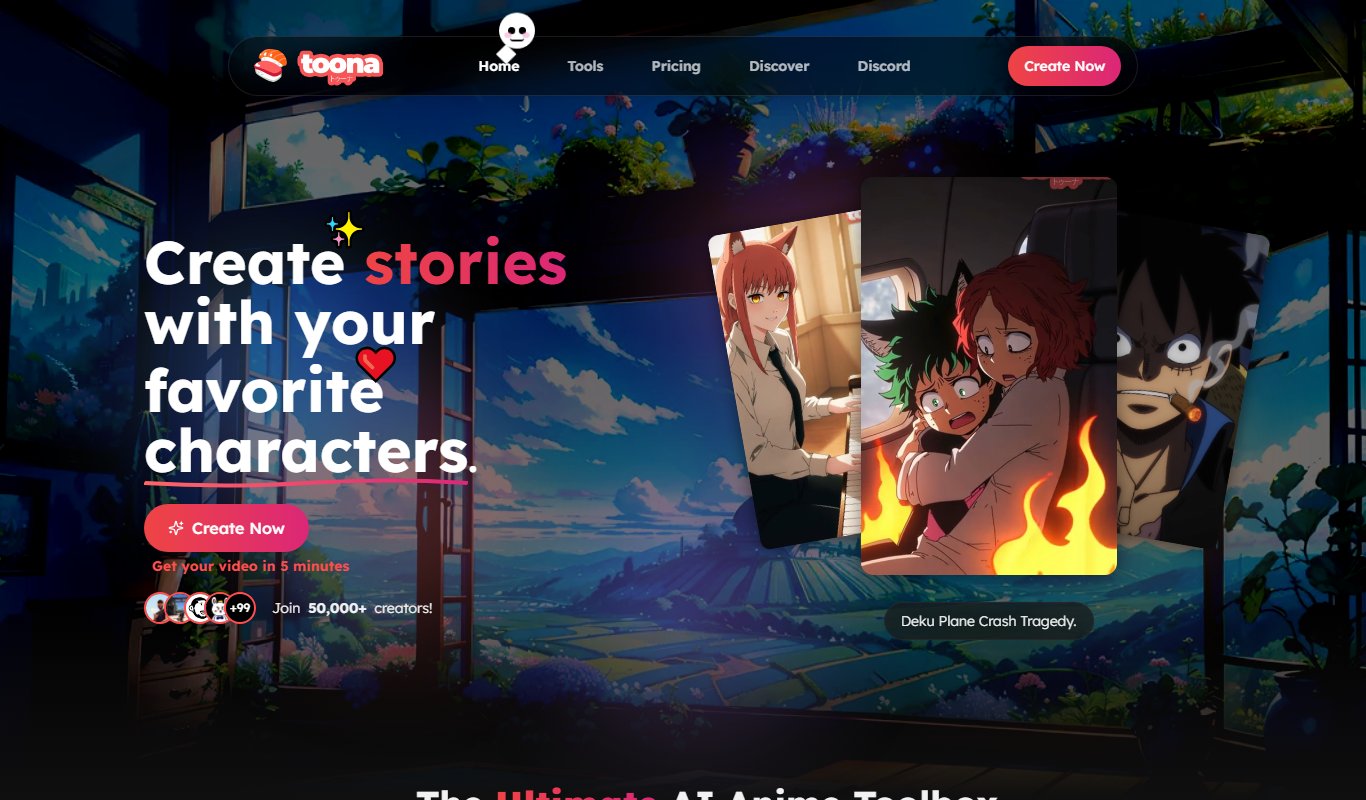
toona is an AI anime toolbox to create and share animated manga and motion comics, with tools to colorize, upscale and animate manga and anime.

Blipix
Blipix is the faceless video app creators use for TikTok, YouTube Shorts and Reels: AI writes the script, voiceover, captions and visuals, then auto-publishes.

Genmo AI
Genmo AI is a research lab building open video generation models, including the open-source Mochi 1 text-to-video model and an online Playground.

freebeat
freebeat creates cinematic AI music videos, dance videos and lyric videos from any song in minutes, with rhythm-synced visuals, avatars and lip sync.

Predis
Predis.ai turns a one-line prompt, a product link or an image into ads, videos and copy.

Animate Old Photos
Animate Old Photos uses AI to turn old photos into short videos with optional speech, singing or music, alongside photo restoration and hug video tools, paid with credits.
Flickify
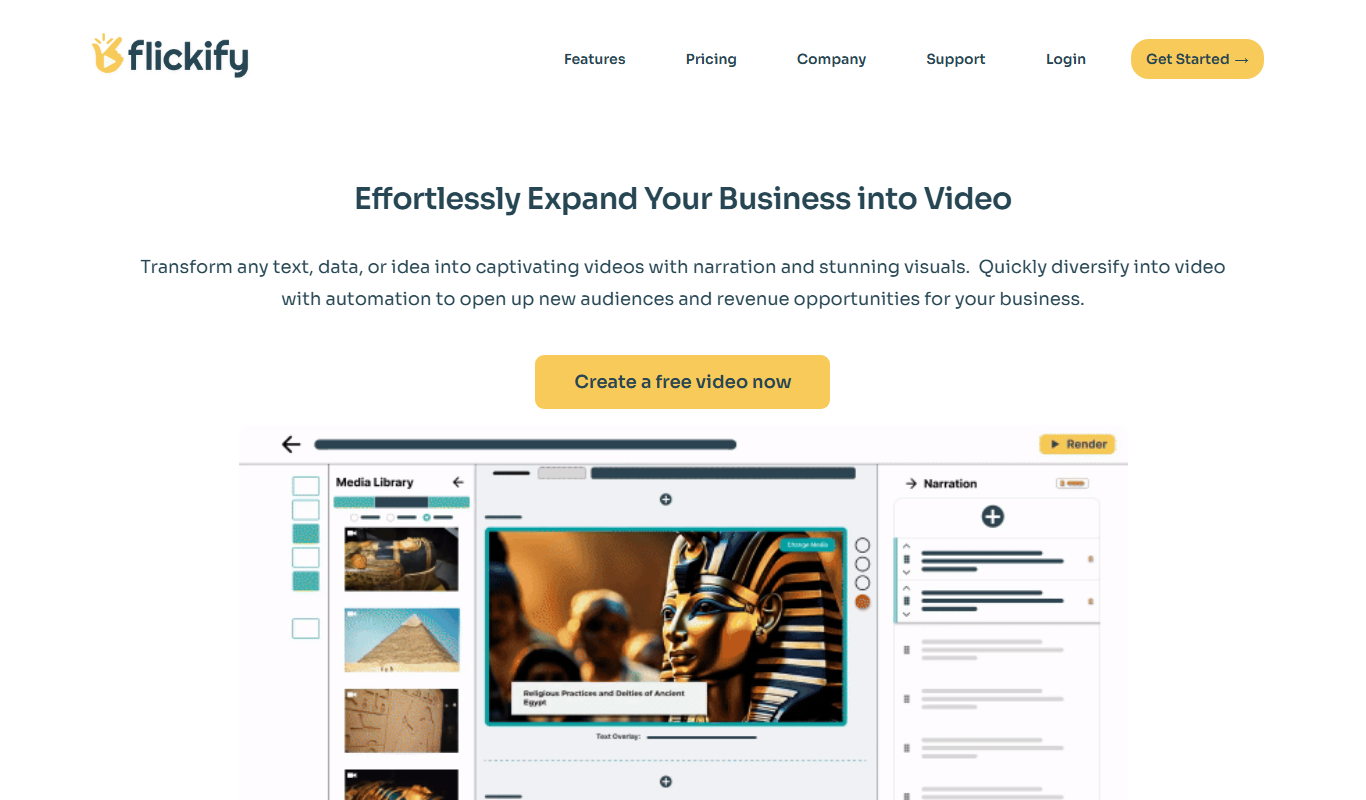
Flickify is an AI-powered video creation tool that converts text, URLs, or scripts into videos optimized for YouTube and social media, featuring AI voiceovers, subtitles, and direct publishing.