

AI Cover: free AI song cover generator with a voice library
AI Cover is a free AI song cover generator that re-sings any uploaded song with a chosen AI voice model, with no sign-up required.
- Best for
- AI song covers
- Key capability
- AI song covers
Save AI Cover, follow its updates and vote on it — everything stays in your account.
Sign in or create a free account

What is AI Cover?
AI Cover is a free AI song cover generator: you pick a voice model, upload a song file or paste a YouTube link, and an AI model recreates the vocals in the chosen voice. It is 100% free with no sign-up, and you can also create a voice model of your own voice to cover songs.
Key features of AI Cover
A voice library of AI voice models, song upload or link input, one-click cover generation, the option to create a voice model of your own voice, and use of several voices together.
AI song covers
An AI model recreates the vocals of a song in a particular artist or voice.
Voice library
A library of AI voices grouped into music, anime, Korean and gaming.
Use your own voice
Create a voice model of your own voice to cover songs with it.
Free, no sign-up
Generate covers 100% free with no sign-up.
Pros and cons of AI Cover
Pros
- 100% free with no sign-up
- Option to create a voice model of your own voice
- Accepts uploaded files or YouTube links
- Unlimited cover generation
Cons
- Intensive use can cause GPU resource shortages and errors at usage peaks
- YouTube links might not be recognized
Key use cases for AI Cover
AI song covers
Re-sing a song with a different AI voice model.
Covers in your own voice
Create a voice model of yourself and cover songs with it.
Content for creators
Generate song covers for content creators and music enthusiasts.
Combining voices
Use several voices together in one cover.
How AI Cover works
- 1
Refresh and select a model
Click Refresh Models, then select a voice model from the dropdown list.
- 2
Add the song
Upload a file or paste a YouTube link; YouTube links might not be recognized.
- 3
Generate
Click Generate and wait for the cover.
- 4
Optional: use your own voice
Create your own voice model to cover songs with your voice.
Who is using AI Cover
AI Cover pricing
Free
Free
100% free, no sign-up, unlimited cover generation.
Premium
$9.99/month
Higher daily generation limits, access to premium styles, and high-resolution downloads.
Plans and prices are as published by the vendor and can change. Check the official site before you buy. Open the pricing page (opens in a new tab)
Frequently asked questions about AI Cover
A song where an AI model recreates the vocals of a particular artist or voice.
Click Refresh Models, select a model, upload a file or paste a YouTube link, then click Generate.
Yes. You can create a voice model of your own voice and cover songs with it.
It may return an error at usage peaks; wait a few minutes before resuming use.
Depending on your internet speed, loading the model may take up to 10 seconds.
Yes. It is 100% free with no sign-up.
Conclusion
Songs, not images, are what this tool works on: an AI model recreates the vocals of a track in a chosen voice. After refreshing the model list, the user selects a voice, uploads a file or pastes a YouTube link and clicks Generate. Anyone who wants a cover in their own voice can first create a personal voice model, and the voice library is grouped into music, anime, Korean and gaming voices.
Content creators and music enthusiasts are the intended users, and generation is 100% free and unlimited with no sign-up. The free model has practical limits: intensive use can cause GPU resource shortages, errors can appear at usage peaks, and YouTube links might not be recognized.
Sources
Sign in to review this tool.
Sign In to ReviewNo reviews yet
Be the first to share how this tool worked for you.
Ask about pricing, limits, or how it compares — or answer someone else.
Sign In to AskNo questions yet
Have a question about using or paying for this tool? Be the first to ask.
Featured on TiorAI



More AI Music & Audio Tools tools
Other tools in the same category, for when this one is not quite the fit.

Soundify
Soundify is a free AI generator that creates sound effects from text descriptions, with 5 free generations a day for signed-in users.

AI Song Generator
AI Song Generator is a web tool that creates original songs and lyrics from your genre, mood and topic, with a limited free plan and paid subscriptions.

A.V. Mapping
A.V. Mapping is an AI platform that analyzes your video or photo, recommends licensed music and sound effects from musicians, and handles the music license in one place.

ampedstudio.com
Amped Studio is an online DAW with AI music tools to create beats, record vocals, mix tracks and produce songs in your browser without installation.

Beatoven.ai
Beatoven.ai is an AI-driven platform that generates custom royalty-free music tracks tailored to your project's mood and style, ideal for content creators and marketers.
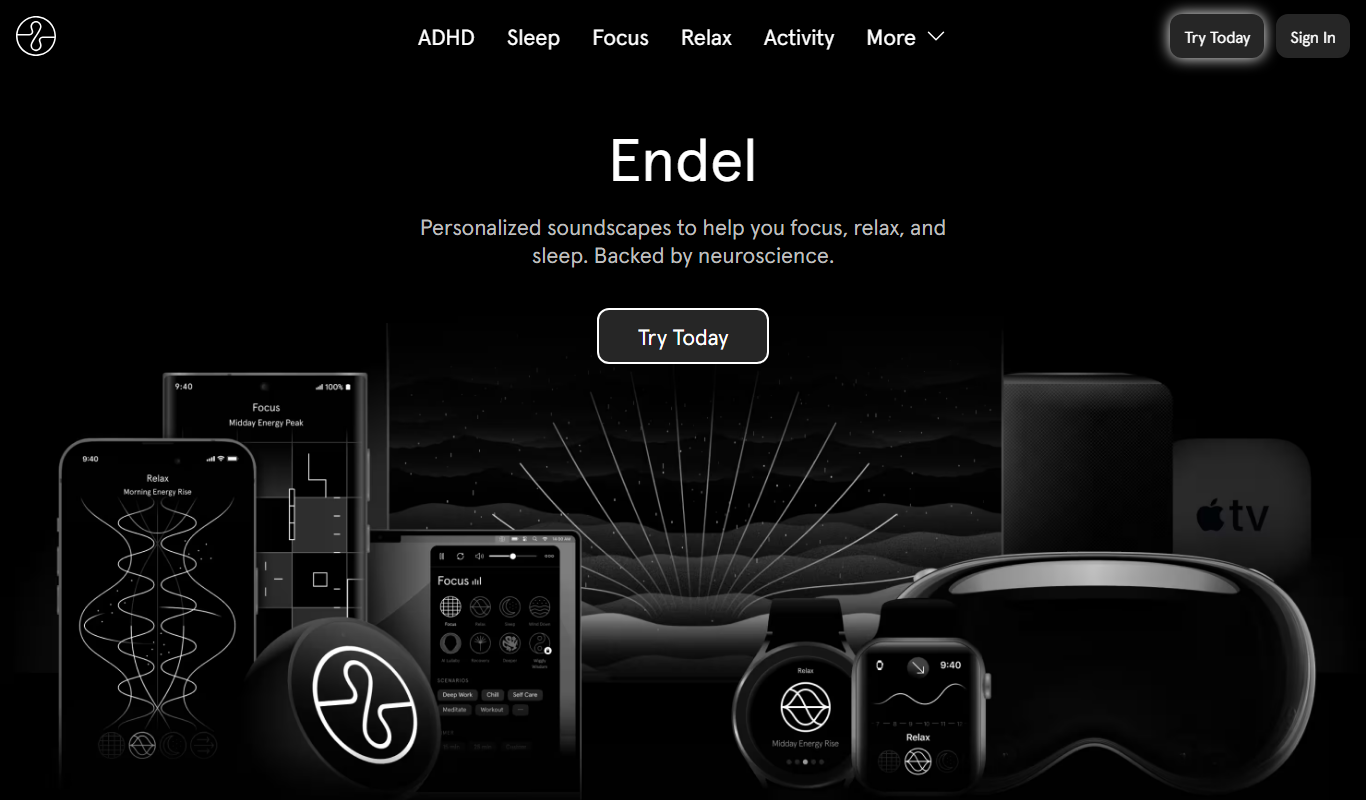
Endel
Endel is an AI-driven app that generates adaptive soundscapes tailored to improve focus, relaxation, and sleep by using real-time data such as time, location, and biometric inputs.

SONOTELLER
SONOTELLER.AI is an AI song analyzer that tags lyrics and music (genres, moods, instruments, BPM and key) and autotags music catalogs through its API.

AI Song Generator-Make Song
AI Song Generator-Make Song is an online tool that uses artificial intelligence to create original songs by generating melodies and lyrics based on user inputs such as themes or moods.