

RGBA to HSLA
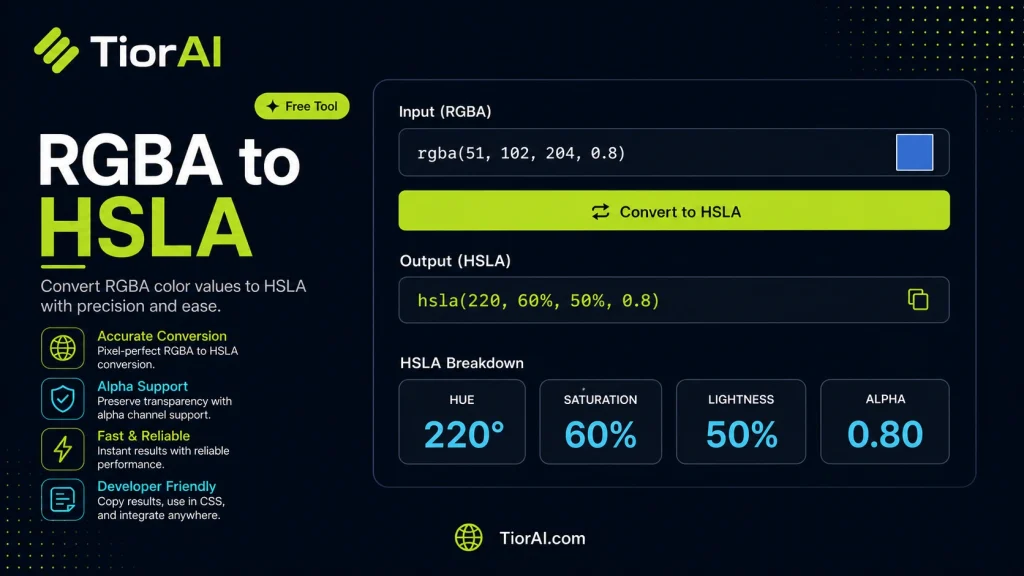
Convert RGBA color values to HSLA format instantly with our free online converter. Enter your RGBA color code and get the accurate HSLA equivalent - perfect for web design, CSS styling, graphic design, and digital art projects.
How to use it
- Pick or Enter a Color Use the color picker or enter a color value into the Rgba to Hsla. Supports HEX, RGB, HSL, and more.
- Adjust and Preview Fine-tune your color selection and preview results in real time with instant visual feedback.
- Copy Color Values Copy the generated color codes in your preferred format for use in CSS, design tools, or development.
Tip Save your favorite colors from the Rgba to Hsla to build a consistent brand palette across all projects.
Understanding RGBA and HSLA Color Models in CSS
In CSS, colors can be defined using various color models, each serving different purposes and offering unique advantages. Two commonly used models are RGBA and HSLA. Both extend their base color models (RGB and HSL respectively) by adding an alpha channel to control transparency.
RGBA stands for Red, Green, Blue, and Alpha. It specifies colors by mixing red, green, and blue light in varying intensities, with each channel ranging from 0 to 255. The alpha channel ranges from 0 (fully transparent) to 1 (fully opaque). For example, rgba(255, 0, 0, 0.5) represents a semi-transparent red.
HSLA stands for Hue, Saturation, Lightness, and Alpha. Instead of mixing primary colors, it defines colors based on their position on the color wheel (hue), the intensity of the color (saturation), and the brightness (lightness). Hue is measured in degrees (0–360), saturation and lightness are percentages (0%–100%), and alpha is the same as in RGBA.
HSLA is often preferred when you want to adjust colors dynamically, such as changing lightness or saturation without recalculating RGB values. For example, making a color lighter or darker is more intuitive in HSL than in RGB.
The conversion between RGBA and HSLA involves mathematical transformations. The RGB components are first normalized to a 0–1 scale, then converted to HSL values using formulas that calculate hue based on the dominant color channel, saturation based on the difference between max and min RGB values, and lightness as the average of max and min values. The alpha channel remains unchanged.
This conversion is useful in real-world projects where designers provide colors in one format but developers need another for CSS manipulation, animations, or theming. For example, a design system might specify colors in RGBA, but a developer may want to adjust lightness or saturation dynamically using HSLA.
The CSS Color Module Level 4 specification (W3C CSS Color Module Level 4) standardizes these color functions, ensuring consistent interpretation across browsers. Both rgba() and hsla() are part of this specification.
Understanding RGBA and HSLA Color Models
In CSS, colors are often defined using the RGBA or HSLA color models, both of which include an alpha channel for transparency. RGBA specifies colors by mixing red, green, and blue light intensities, while HSLA defines colors based on hue, saturation, and lightness. The alpha channel in both models controls opacity, ranging from 0 (transparent) to 1 (opaque).
RGBA is straightforward for specifying exact color mixes, but HSLA offers a more intuitive way to adjust colors by manipulating their hue or brightness. For example, making a color lighter or more saturated is easier with HSLA because you can directly modify the lightness or saturation values without recalculating RGB components.
Converting between RGBA and HSLA involves mathematical formulas that translate RGB values into hue, saturation, and lightness. This process requires normalizing RGB values to a 0–1 scale and calculating the hue based on which color channel is dominant. The alpha value remains unchanged during conversion.
When to Use RGBA to HSLA Conversion
- When you need to dynamically adjust color properties like lightness or saturation in CSS.
- When design specifications provide colors in RGBA but your project requires HSLA for easier manipulation.
- When creating themes or animations that depend on smooth transitions in color brightness or saturation.
- When debugging or analyzing colors to better understand their hue and lightness characteristics.
Common Mistakes to Avoid
- Confusing the alpha value scale, such as using percentages instead of the 0 to 1 range required by RGBA and HSLA.
- Misinterpreting hue values as RGB values, which can lead to incorrect color conversions.
- Failing to normalize RGB values before converting to HSL, resulting in inaccurate hue, saturation, or lightness calculations.
Understanding these concepts helps developers work more effectively with colors in CSS, enabling more flexible and maintainable styling solutions.
Common use cases
- Converting a semi-transparent blue from RGBA to HSLA
- Converting a light gray with transparency
Frequently asked questions
Reviews and questions
Whether this tool gave people the answer they needed, and what they asked about it.
Sign in to review this tool.
Sign In to ReviewNo reviews yet
Be the first to say whether this tool gave you what you needed.
Ask how to read the result, or what the tool does with an edge case — or answer someone else.
Sign In to AskNo questions yet
Not sure how to read a result? Be the first to ask.
AI tools related to this topic
Tools from the TiorAI directory that work on the same kind of job.

Code Language Converter
Code Language Converter is an online tool that translates code between 30+ programming languages with AI-powered conversion, with a free plan and a paid PRO plan.

Any Video Converter
Any Video Converter is a multimedia software that converts video files between numerous formats, downloads online videos, and offers basic editing and DVD burning features.

Bank Statement Converter
Bank Statement Converter is an online tool that converts PDF bank statements into Excel and CSV formats, enabling easy data extraction and financial management.

Conversion Blitz
Conversion Blitz is an AI lead generation software suite to find leads, send targeted emails, create a chatbot and more.