

From my experience with Code Language Converter, I found it excels at quickly translating code snippets between popular programming languages without requiring any setup or registration. The straightforward web interface makes it accessible for developers and learners alike who need to understand or migrate code efficiently. However, the tool is best suited for small to medium code snippets rather than full projects, and manual review of converted code is necessary to ensure accuracy. Overall, if you need a free, fast, and easy way to convert code syntax online, this tool delivers reliable results.
Code Language Converter - Online Tool for Programming Language Translation
Code Language Converter is a free web-based tool that translates code snippets between multiple programming languages, helping developers convert syntax quickly and learn language differences.
- Best for
- Code Translation
- Key capability
- Multi-Language Support
Your actions
Save Code Language Converter, follow its updates and vote on it — everything stays in your account.
Sign in or create a free account
What is Code Language Converter?
Code Language Converter is a free online tool designed to translate code snippets between various programming languages. It helps developers quickly convert code syntax and structure, enabling easier understanding and migration across languages without manual rewriting.
Key features of Code Language Converter
The tool supports multiple popular programming languages and provides instant conversion results. It features a simple web interface where users paste code, select source and target languages, and receive translated code. This accelerates development workflows and learning.
Multi-Language Support
Supports conversion between several popular programming languages such as C#, Java, Python, VB.NET, and more.
Instant Conversion
Provides immediate translation results with minimal delay.
User-Friendly Interface
Clean and simple web interface requiring no installation or setup.
Free to Use
Available at no cost with unlimited conversions.
Pros and cons of Code Language Converter
Pros
- Free and easy to use with no registration
- Supports multiple popular programming languages
- Instant code translation saves development time
Cons
- Limited to code snippets, not full projects
- May require manual adjustments after conversion
- No offline or desktop version available
Key use cases for Code Language Converter
Code Translation
Convert source code snippets from one programming language to another quickly and accurately.
Learning Programming Languages
Understand syntax differences by comparing equivalent code in multiple languages.
Legacy Code Migration
Assist developers in migrating legacy codebases by automating language conversion tasks.
Cross-Platform Development
Facilitate development across different platforms by translating code to the required language.
How Code Language Converter works
- 1
Input Code
Paste or type the source code snippet into the input area.
- 2
Select Languages
Choose the original programming language and the target language for conversion.
- 3
Convert Code
Click the convert button to generate the translated code instantly.
- 4
Review and Use
Review the converted code for accuracy and integrate it into your project.
Who is using Code Language Converter
Software developers
Programming students
Legacy code maintainers
Cross-platform developers
Technical educators
Code Language Converter pricing
Free
$0
Unlimited access to all code conversion features without any fees.
Plans and prices are as published by the vendor and can change. Check the official site before you buy. Open the pricing page (opens in a new tab)
Frequently asked questions about Code Language Converter
It supports popular languages including C#, Java, Python, VB.NET, and others.
There is no officially stated limit, but very large code snippets may not convert properly.
No account or registration is required; the tool is freely accessible online.
While the tool provides accurate syntax translation, manual review is recommended to ensure correctness.
It depends on your specific needs and how you plan to use the tool. The official website and documentation are the best sources for the latest details.
Some tools offer a free plan or trial with limited features. Availability can vary, so confirm on the official website.
Yes, it can help with that use case depending on how you configure it and what features are available. You’ll get the best results with clear inputs and a defined goal.
Sign in to review this tool.
Sign In to ReviewNo reviews yet
Be the first to share how this tool worked for you.
Ask about pricing, limits, or how it compares — or answer someone else.
Sign In to AskNo questions yet
Have a question about using or paying for this tool? Be the first to ask.
Featured on TiorAI



More AI Ad Generator tools
Other tools in the same category, for when this one is not quite the fit.
Freemium
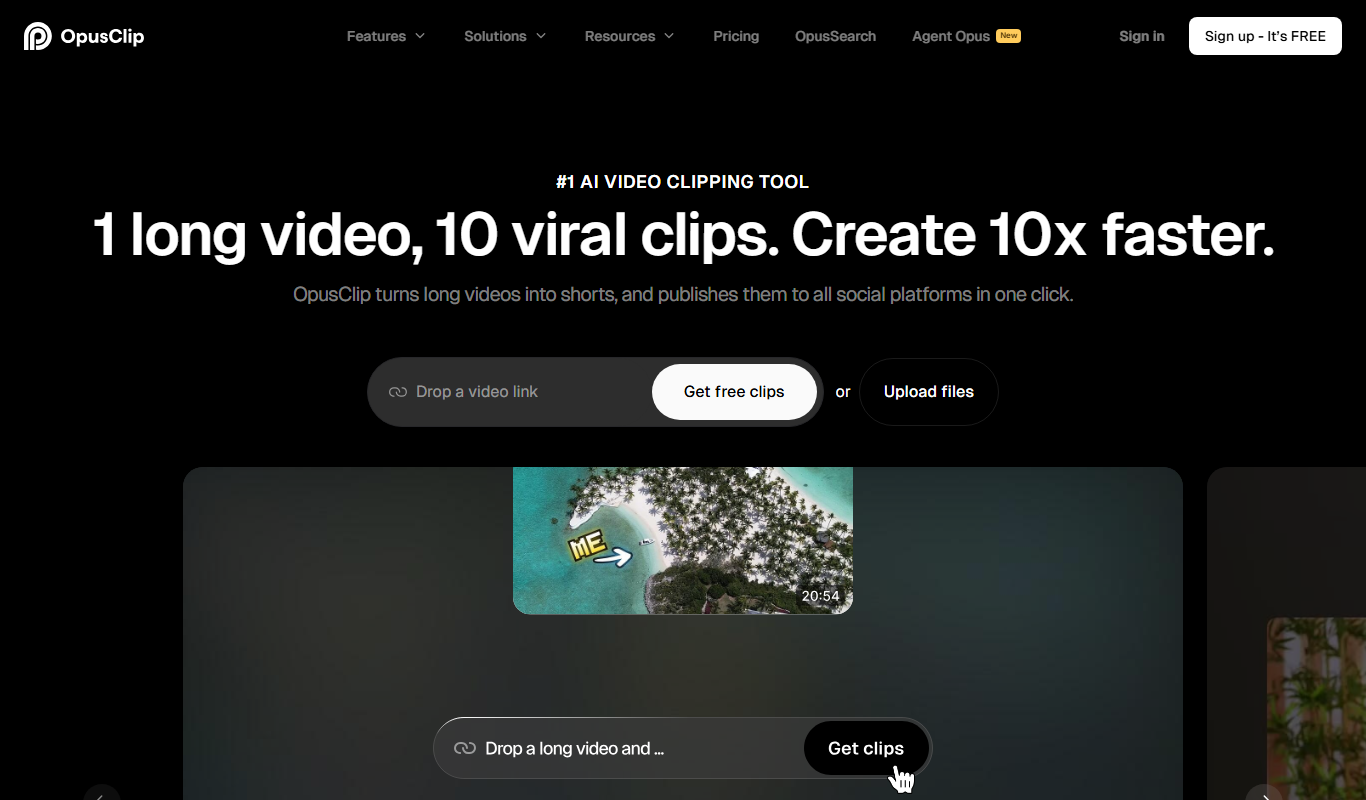
Opus Clip AI
Opus Clip AI is an AI-driven video editing tool that automatically generates short highlight clips from longer videos, simplifying content repurposing for social media.

Subscription
Sell The Trend
Sell The Trend is a dropshipping product research and automation platform that helps e-commerce entrepreneurs find trending products, analyze market trends, and automate store management, primarily integrating with Shopify.

Free Trial
DataSky AI Box
DataSky AI Box is an AI-powered platform by OpenDataSky that provides businesses with advanced data analytics, interactive visualizations, and automated reporting to simplify data-driven decision-making.

Free
Fakeface
Fakeface is a free online AI tool that instantly generates realistic human faces using GAN technology, providing diverse, high-resolution synthetic portraits for various uses without requiring sign-up.

Freemium
AutoReels.Ai
AutoReels.Ai is an AI-driven video editing platform that automatically creates short social media reels from longer videos, helping users save time and optimize content for platforms like Instagram and TikTok.

Freemium
newormedia.com
Newormedia is an AI-powered platform that generates marketing and SEO content in English and Chinese, offering templates and SEO optimization tools to streamline content creation.

Freemium
Spikes Studio
Spikes Studio is an AI-driven video editing tool that automates the creation of social media optimized videos by clipping, captioning, and formatting content efficiently.

Free Trial
PlanPost AI – Best AI Content Generator
PlanPost AI is an AI-driven platform that generates and helps schedule social media and marketing content, designed to streamline content creation for marketers and small businesses.