

From my experience with Fakeface, I found it excels at providing instant, high-quality AI-generated faces without any barriers like sign-up or payment. The simplicity of generating diverse, realistic portraits makes it a great tool for designers and marketers who need quick, royalty-free images. However, the lack of customization options means you cannot tailor features like age or expression, which might limit use cases requiring specific looks. Overall, if you need fast, free, and realistic synthetic faces for projects, Fakeface delivers efficiently and effortlessly.
Generate Realistic AI Faces Online with Fakeface Free Face Generator
Fakeface is a free online AI tool that instantly generates realistic human faces using GAN technology, providing diverse, high-resolution synthetic portraits for various uses without requiring sign-up.
- Best for
- Profile Pictures
- Key capability
- Instant Face Generation
Your actions
Save Fakeface, follow its updates and vote on it — everything stays in your account.
Sign in or create a free account
What is Fakeface?
Fakeface is a free web-based AI tool that generates realistic human faces using generative adversarial networks (GANs). It creates high-quality synthetic portraits of people who do not exist, allowing users to download and use these images without copyright concerns. The tool is simple to use and requires no technical skills, making it accessible for anyone needing realistic faces for various applications.
Key features of Fakeface
Fakeface offers instant generation of photorealistic faces with a single click, no sign-up required. It provides diverse faces across age, gender, and ethnicity, ensuring a wide range of options. The generated images are free to download and use, making it a convenient resource for designers, marketers, and content creators.
Instant Face Generation
Generate a new, unique AI-created face with a single click.
High-Resolution Images
Faces are generated in high resolution suitable for professional use.
Diverse Face Options
Includes a variety of ages, genders, and ethnicities to suit different needs.
Free and No Sign-Up
Use the tool freely without creating an account or paying fees.
Pros and cons of Fakeface
Pros
- Completely free with unlimited use
- No registration or personal information required
- High-quality, realistic face images
- Wide diversity in generated faces
Cons
- No customization options for generated faces
- Limited to face images only, no full-body or other types
Key use cases for Fakeface
Profile Pictures
Create realistic profile photos for social media, forums, or websites without using real people’s images.
Design and Marketing
Generate diverse human faces for marketing materials, advertisements, and design mockups.
Privacy Protection
Use AI-generated faces to protect privacy when real photos are not desirable or allowed.
Creative Projects
Incorporate unique synthetic faces into art, storytelling, or game development.
How Fakeface works
- 1
Access the Website
Visit the Fakeface.io website on any modern web browser.
- 2
Generate a Face
Click the ‘Generate’ button to instantly create a new AI-generated face.
- 3
Download Image
Download the generated face image for use in your projects without attribution.
Who is using Fakeface
Graphic designers
Content creators
Marketing professionals
Privacy-conscious users
Game developers
Fakeface pricing
Free
$0
Unlimited access to generate and download AI faces without cost.
Plans and prices are as published by the vendor and can change. Check the official site before you buy. Open the pricing page (opens in a new tab)
Frequently asked questions about Fakeface
No, all faces are AI-generated and do not correspond to real individuals.
Yes, the images are free to use for commercial and non-commercial purposes without attribution.
No, Fakeface does not require any sign-up or login.
No, users can generate unlimited faces for free.
Some tools offer a free plan or trial with limited features. Availability can vary, so confirm on the official website.
Yes, it can help with that use case depending on how you configure it and what features are available. You’ll get the best results with clear inputs and a defined goal.
It depends on your specific needs and how you plan to use the tool. The official website and documentation are the best sources for the latest details.
It depends on your specific needs and how you plan to use the tool. The official website and documentation are the best sources for the latest details.
Sign in to review this tool.
Sign In to ReviewNo reviews yet
Be the first to share how this tool worked for you.
Ask about pricing, limits, or how it compares — or answer someone else.
Sign In to AskNo questions yet
Have a question about using or paying for this tool? Be the first to ask.
Featured on TiorAI



More AI Ad Generator tools
Other tools in the same category, for when this one is not quite the fit.

Freemium
HypeAuditor
HypeAuditor is an influencer marketing analytics platform that helps brands find authentic influencers, analyze audience demographics, detect fake followers, and track campaign performance across social media platforms.
Freemium
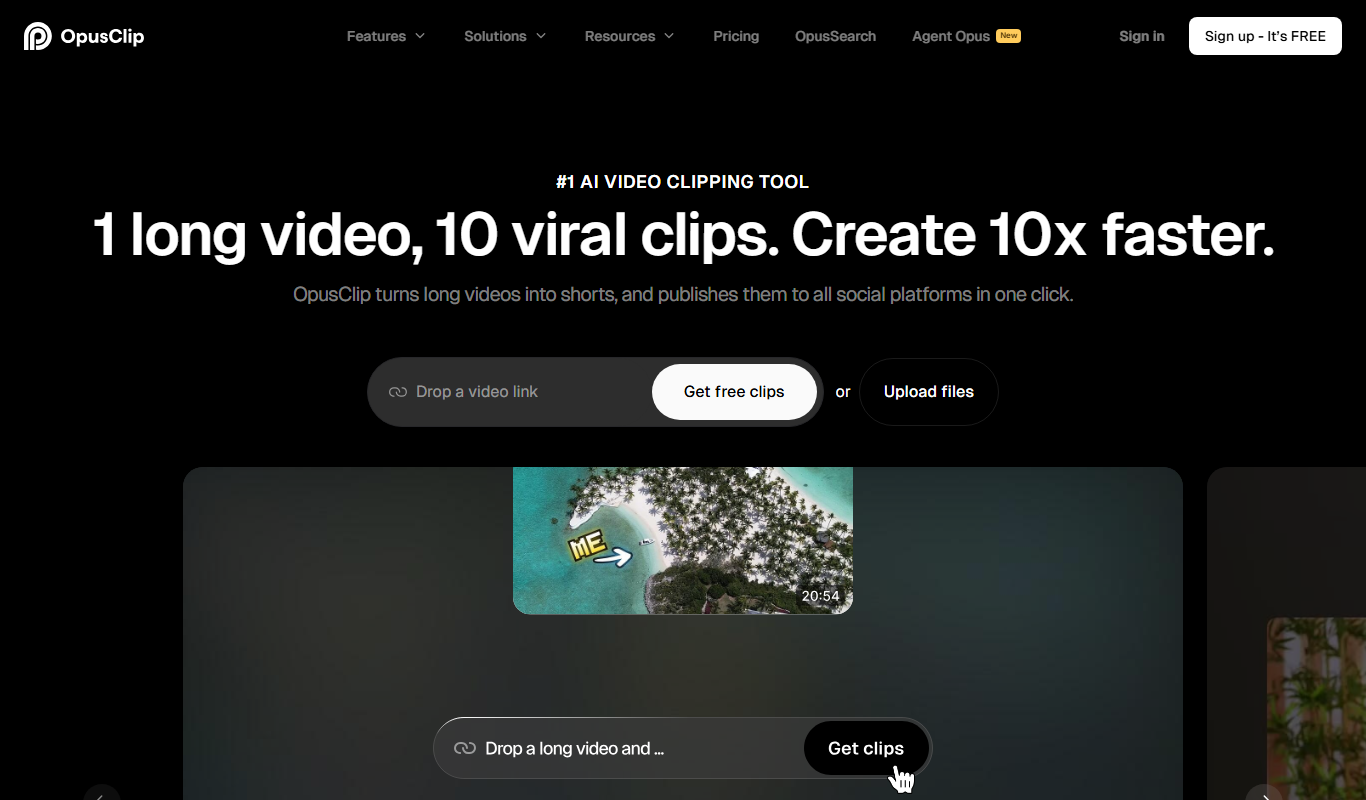
Opus Clip AI
Opus Clip AI is an AI-driven video editing tool that automatically generates short highlight clips from longer videos, simplifying content repurposing for social media.

Subscription
Sell The Trend
Sell The Trend is a dropshipping product research and automation platform that helps e-commerce entrepreneurs find trending products, analyze market trends, and automate store management, primarily integrating with Shopify.

Free Trial
DataSky AI Box
DataSky AI Box is an AI-powered platform by OpenDataSky that provides businesses with advanced data analytics, interactive visualizations, and automated reporting to simplify data-driven decision-making.

Freemium
AutoReels.Ai
AutoReels.Ai is an AI-driven video editing platform that automatically creates short social media reels from longer videos, helping users save time and optimize content for platforms like Instagram and TikTok.

Freemium
newormedia.com
Newormedia is an AI-powered platform that generates marketing and SEO content in English and Chinese, offering templates and SEO optimization tools to streamline content creation.

Freemium
Spikes Studio
Spikes Studio is an AI-driven video editing tool that automates the creation of social media optimized videos by clipping, captioning, and formatting content efficiently.

Free Trial
PlanPost AI – Best AI Content Generator
PlanPost AI is an AI-driven platform that generates and helps schedule social media and marketing content, designed to streamline content creation for marketers and small businesses.