

From my experience with PlanPost AI, it stands out for simplifying social media content creation through AI, making it accessible even for users without extensive marketing expertise. The platform’s focus on multi-platform support and content calendar planning helps streamline marketing workflows effectively. However, it currently offers limited direct posting integrations, which means some manual steps remain. Overall, if you need a straightforward AI tool to generate and organize social media and marketing content, PlanPost AI delivers practical value with an easy-to-use interface.
PlanPost AI Content Generator for Social Media and Marketing Automation
PlanPost AI is an AI-driven platform that generates and helps schedule social media and marketing content, designed to streamline content creation for marketers and small businesses.
- Best for
- Social Media Content Creation
- Key capability
- AI-Powered Content Generation
Your actions
Save PlanPost AI – Best AI Content Generator, follow its updates and vote on it — everything stays in your account.
Sign in or create a free account

What is PlanPost AI – Best AI Content Generator?
PlanPost AI is an AI-powered content generation platform designed to help marketers, social media managers, and small businesses create high-quality social media posts and marketing content efficiently. It leverages artificial intelligence to automate content creation, enabling users to plan, generate, and schedule posts with minimal effort.
Key features of PlanPost AI – Best AI Content Generator
The tool offers AI-driven content generation tailored for social media and marketing needs, content calendar planning, multi-platform support, and user-friendly interfaces to streamline marketing workflows.
AI-Powered Content Generation
Automatically create engaging social media posts and marketing copy using advanced AI models.
Multi-Platform Support
Generate content optimized for various social media platforms including Facebook, Instagram, LinkedIn, and Twitter.
Content Calendar Planning
Organize and schedule your posts with an integrated content calendar.
User-Friendly Interface
Intuitive design that simplifies content creation and management for users of all skill levels.
Pros and cons of PlanPost AI – Best AI Content Generator
Pros
- Simplifies social media content creation with AI
- Supports multiple popular social platforms
- User-friendly and easy to navigate
- Offers a free trial to test features
Cons
- Limited direct posting integrations
- Primarily supports English language content
Key use cases for PlanPost AI – Best AI Content Generator
Social Media Content Creation
Generate engaging posts for platforms like Facebook, Instagram, LinkedIn, and Twitter quickly using AI.
Marketing Campaign Planning
Automate the creation of marketing content to streamline campaign workflows and maintain consistent messaging.
Content Scheduling and Management
Plan and organize content calendars with AI-generated suggestions to optimize posting schedules.
Small Business Marketing Support
Help small businesses create professional marketing content without needing extensive copywriting resources.
How PlanPost AI – Best AI Content Generator works
- 1
Sign Up
Create an account on PlanPost AI’s website to access the platform.
- 2
Input Content Requirements
Provide details about your brand, target audience, and content goals.
- 3
Generate Content
Use AI to create social media posts and marketing copy tailored to your inputs.
- 4
Review and Edit
Customize the generated content as needed to fit your brand voice.
- 5
Schedule and Publish
Plan your content calendar and schedule posts directly or export for manual posting.
Who is using PlanPost AI – Best AI Content Generator
Social media managers
Small business owners
Marketing agencies
Content creators
Digital marketers
PlanPost AI – Best AI Content Generator pricing
Free Trial
$0 for limited use
Try the platform with limited features and content generation capacity.
Pro
$29/month
Full access to all features, higher content generation limits, and priority support.
Plans and prices are as published by the vendor and can change. Check the official site before you buy. Open the pricing page (opens in a new tab)
Frequently asked questions about PlanPost AI – Best AI Content Generator
Yes, after the AI generates content, you can edit and tailor it to fit your brand voice.
It supports content generation for Facebook, Instagram, LinkedIn, and Twitter.
Yes, PlanPost AI offers a free trial with limited features to test the platform.
The platform includes content calendar planning, but direct posting depends on integrations; users can export content for manual posting.
It depends on your specific needs and how you plan to use the tool. The official website and documentation are the best sources for the latest details.
Yes, it can help with that use case depending on how you configure it and what features are available. You’ll get the best results with clear inputs and a defined goal.
Some tools offer a free plan or trial with limited features. Availability can vary, so confirm on the official website.
Yes, it can help with that use case depending on how you configure it and what features are available. You’ll get the best results with clear inputs and a defined goal.
Sign in to review this tool.
Sign In to ReviewNo reviews yet
Be the first to share how this tool worked for you.
Ask about pricing, limits, or how it compares — or answer someone else.
Sign In to AskNo questions yet
Have a question about using or paying for this tool? Be the first to ask.
Featured on TiorAI



More AI Ad Generator tools
Other tools in the same category, for when this one is not quite the fit.

Freemium
HypeAuditor
HypeAuditor is an influencer marketing analytics platform that helps brands find authentic influencers, analyze audience demographics, detect fake followers, and track campaign performance across social media platforms.
Freemium
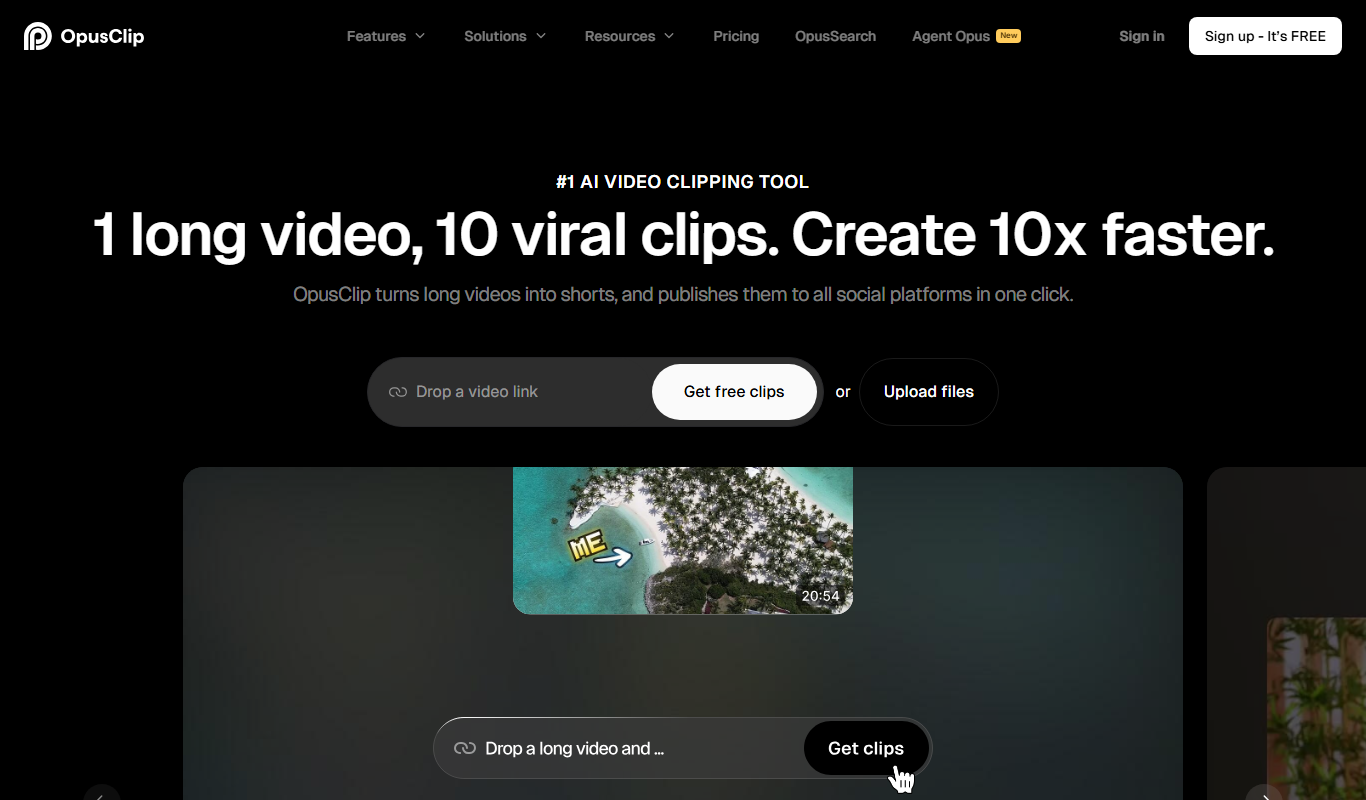
Opus Clip AI
Opus Clip AI is an AI-driven video editing tool that automatically generates short highlight clips from longer videos, simplifying content repurposing for social media.

Subscription
Sell The Trend
Sell The Trend is a dropshipping product research and automation platform that helps e-commerce entrepreneurs find trending products, analyze market trends, and automate store management, primarily integrating with Shopify.

Free Trial
DataSky AI Box
DataSky AI Box is an AI-powered platform by OpenDataSky that provides businesses with advanced data analytics, interactive visualizations, and automated reporting to simplify data-driven decision-making.

Free
Fakeface
Fakeface is a free online AI tool that instantly generates realistic human faces using GAN technology, providing diverse, high-resolution synthetic portraits for various uses without requiring sign-up.

Freemium
AutoReels.Ai
AutoReels.Ai is an AI-driven video editing platform that automatically creates short social media reels from longer videos, helping users save time and optimize content for platforms like Instagram and TikTok.

Freemium
newormedia.com
Newormedia is an AI-powered platform that generates marketing and SEO content in English and Chinese, offering templates and SEO optimization tools to streamline content creation.

Freemium
Spikes Studio
Spikes Studio is an AI-driven video editing tool that automates the creation of social media optimized videos by clipping, captioning, and formatting content efficiently.