

From my experience with AutoReels.Ai, I found it excels at automating the tedious process of creating social media reels from longer videos. The AI-driven clipping and scene detection save significant time, making it ideal for marketers and content creators who need to publish frequently. While it offers useful customization, it doesn’t replace full manual editing for highly tailored videos. The free plan’s watermark can be limiting, but the Pro subscription unlocks full potential. Overall, if you want to streamline short-form video production for platforms like Instagram and TikTok, AutoReels.Ai delivers efficient and practical results.
AutoReels.Ai Video Editing AI Tool for Automated Social Media Reels
AutoReels.Ai is an AI-driven video editing platform that automatically creates short social media reels from longer videos, helping users save time and optimize content for platforms like Instagram and TikTok.
- Best for
- Social Media Content Creation
- Key capability
- AI-Powered Video Clipping

Do you recommend this tool?
What is AutoReels.Ai?
AutoReels.Ai is an AI-powered video editing platform designed to automate the creation of short-form videos, such as social media reels and clips. It leverages artificial intelligence to analyze longer videos and automatically generate engaging, shareable content optimized for platforms like Instagram, TikTok, and YouTube. This tool helps content creators, marketers, and businesses efficiently repurpose video content without manual editing.
Key features of AutoReels.Ai
AutoReels.Ai offers automated video clipping, smart scene detection, customizable templates, and social media optimization features. It streamlines the video editing workflow by using AI to identify key moments and create polished reels quickly.
AI-Powered Video Clipping
Automatically extracts the most engaging parts of your videos without manual editing.
Social Media Optimization
Creates videos formatted specifically for platforms like Instagram Reels, TikTok, and YouTube Shorts.
Customizable Templates
Offers templates and branding options to personalize your reels.
Fast Processing
Delivers quick video generation to speed up content publishing.
Pros and cons of AutoReels.Ai
Pros
- Automates time-consuming video editing tasks
- Optimizes videos specifically for popular social platforms
- User-friendly interface with quick video generation
Cons
- Limited customization options compared to manual editors
- Free plan videos include watermark
Key use cases for AutoReels.Ai
Social Media Content Creation
Automatically generate engaging short-form videos optimized for platforms like Instagram Reels, TikTok, and YouTube Shorts.
Video Repurposing
Transform long videos into multiple short clips to maximize content reach and engagement.
Marketing Campaigns
Create quick promotional reels to boost brand visibility and audience interaction.
Content Automation
Save time by automating the video editing process with AI-powered tools.
How AutoReels.Ai works
- 1
Upload Video
Start by uploading your long-form video content to the AutoReels.Ai platform.
- 2
AI Analysis
The AI engine analyzes the video to detect highlights, scenes, and engaging segments.
- 3
Generate Reels
AutoReels.Ai automatically creates short clips or reels optimized for social media.
- 4
Customize and Export
Users can customize the generated reels with templates, captions, and branding before exporting.
Who is using AutoReels.Ai
Social media marketers
Content creators and influencers
Small businesses
Digital marketing agencies
Video editors seeking automation
AutoReels.Ai pricing
Free
$0/month
Basic access with limited video exports and watermark on videos.
Pro
$29/month
Unlimited exports, no watermarks, access to premium templates and faster processing.
Plans and prices are as published by the vendor and can change. Check the official site before you buy. Open the pricing page (opens in a new tab)
Frequently asked questions about AutoReels.Ai
Yes, the platform supports long-form videos and automatically extracts short clips from them.
Yes, videos exported on the free plan include an AutoReels.Ai watermark.
AutoReels.Ai creates videos optimized for Instagram Reels, TikTok, YouTube Shorts, and similar platforms.
Yes, users can add captions, select templates, and apply branding before exporting.
It depends on your specific needs and how you plan to use the tool. The official website and documentation are the best sources for the latest details.
It depends on your specific needs and how you plan to use the tool. The official website and documentation are the best sources for the latest details.
Yes, it can help with that use case depending on how you configure it and what features are available. You’ll get the best results with clear inputs and a defined goal.
Sign in to review this tool.
Sign In to ReviewNo reviews yet
Be the first to share how this tool worked for you.
Ask about pricing, limits, or how it compares — or answer someone else.
Sign In to AskNo questions yet
Have a question about using or paying for this tool? Be the first to ask.
Featured on TiorAI



More AI Ad Generator tools
Other tools in the same category, for when this one is not quite the fit.

Free Trial
Adpollo
Adpollo is an AI-driven platform that helps marketers create, manage, and optimize Facebook and Instagram ads by generating ad creatives and providing performance analytics.
Freemium
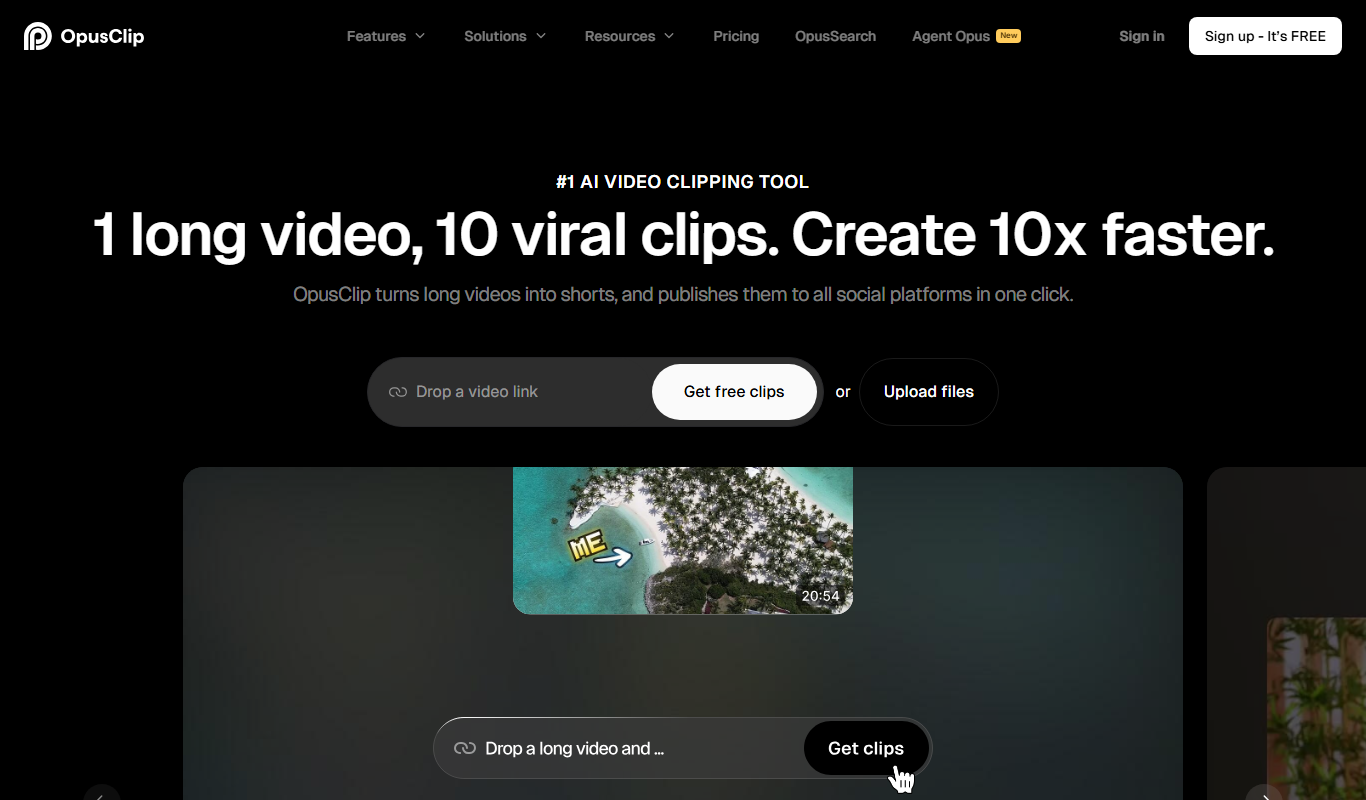
Opus Clip AI
Opus Clip AI is an AI-driven video editing tool that automatically generates short highlight clips from longer videos, simplifying content repurposing for social media.

Free
Drafts AI
Drafts AI is an AI-powered writing assistant that helps users generate content drafts, improve grammar and style, and enhance writing clarity through a web app and Chrome extension.

Subscription
Sell The Trend
Sell The Trend is a dropshipping product research and automation platform that helps e-commerce entrepreneurs find trending products, analyze market trends, and automate store management, primarily integrating with Shopify.

Free Trial
DataSky AI Box
DataSky AI Box is an AI-powered platform by OpenDataSky that provides businesses with advanced data analytics, interactive visualizations, and automated reporting to simplify data-driven decision-making.

Free Trial
INSIVER
INSIVER is an AI-powered writing assistant that helps marketers and content creators generate high-quality, SEO-optimized content for blogs, social media, emails, and ads.

Freemium
MetaMuse
MetaMuse is an AI-powered marketing assistant that automates content creation, SEO optimization, and marketing strategy development to help businesses improve their marketing efforts.

Free
Etereel
Etereel is a free web-based AI art generator that creates unique digital artwork from text prompts without requiring sign-up or payment.