

Regex Tester
Test regular expressions with live match highlighting and group capture.
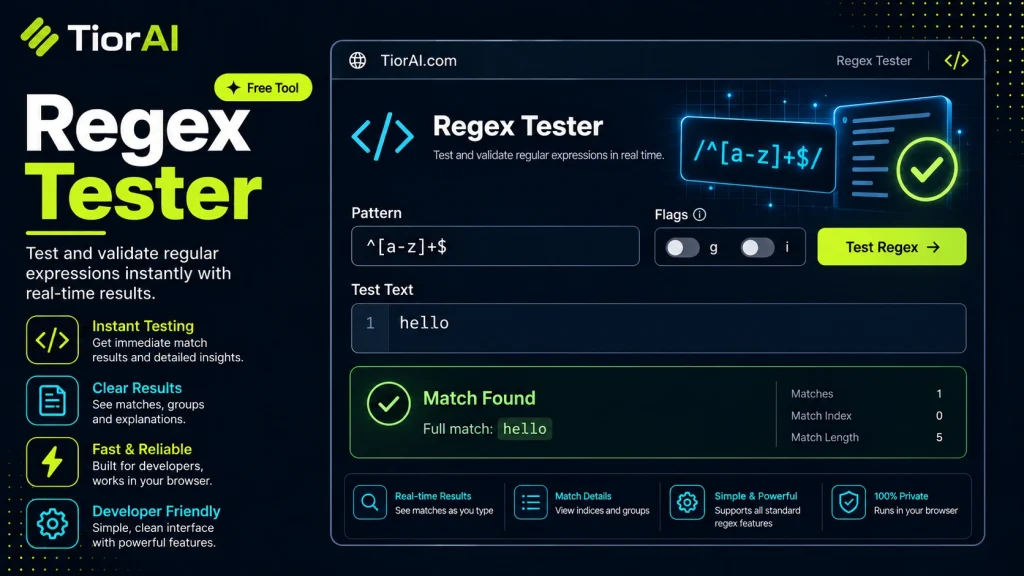
How to use it
- Paste or Enter Your Input Paste your code, text, or data into the input field. The tool supports large inputs without performance issues.
- Process and Analyze Click the action button or let the tool auto-process your input. Results appear in real time with highlighted details.
- Copy or Download the Output Review the results and copy the output to clipboard or download as a file for use in your project.
Tip For large inputs, process in sections to validate intermediate results and catch errors early.
Understanding Regular Expressions (Regex)
Regular expressions, commonly known as regex, are sequences of characters that define search patterns. They are primarily used for string matching and manipulation tasks such as searching, replacing, and validating text. Regex is a powerful tool embedded in many programming languages, text editors, and command-line utilities.
At its core, a regex pattern describes a set of strings. For example, the pattern d{3}-d{2}-d{4} matches strings formatted like a US Social Security number (e.g., 123-45-6789). Regex syntax includes literals, character classes, quantifiers, anchors, and groups, allowing developers to create complex matching rules.
Why Regex is Important for Developers
Developers use regex to solve common problems such as:
- Input validation: Ensuring user input matches expected formats (emails, phone numbers, dates).
- Data extraction: Pulling specific information from large text blocks or logs.
- Text transformation: Reformatting strings or replacing substrings efficiently.
Regex is standardized by the ECMAScript specification for JavaScript and by POSIX standards for Unix-like systems. However, implementations vary slightly across languages, so testing regex patterns in the target environment is crucial.
How Developers Use Regex in Real Projects
In web development, regex is often used to validate form inputs before submission, improving user experience and reducing server load. Backend systems use regex to parse logs or configuration files. Data scientists apply regex to clean and preprocess textual data. Because regex syntax can be cryptic, developers rely on regex testers to build, debug, and optimize their patterns interactively.
What is Regex and Why Does it Matter?
Regular expressions (regex) are a concise way to describe patterns in text. They allow developers to search, validate, and manipulate strings efficiently. Regex is embedded in many programming languages and tools, making it a fundamental skill for developers working with text data.
Regex patterns use a combination of literals and special characters to define what to match. For example, d matches any digit, and + means “one or more” of the preceding element. Together, d+ matches one or more digits in a row.
Because regex syntax can be complex and varies slightly between languages, developers often use regex testers to build and verify their patterns interactively. This helps avoid bugs and ensures the regex behaves as intended before integrating it into applications.
When to Use a Regex Tester
- Input Validation: Quickly check if your regex correctly validates emails, phone numbers, or other user inputs.
- Data Extraction: Test patterns that extract dates, IDs, or other structured data from unstructured text.
- Debugging: Identify why a regex is not matching expected strings or is matching too much.
- Learning: Experiment with regex syntax and see immediate feedback to understand how different constructs work.
Common Mistakes to Avoid
- Greedy Matching: Using quantifiers like
*or+without care can cause the regex to match more text than intended, leading to unexpected results. - Unescaped Special Characters: Forgetting to escape characters like
.,?, orcan cause syntax errors or incorrect matches. - Ignoring Language Differences: Assuming a regex pattern works the same in all languages can cause bugs. Always test in the target environment or use a tester that supports the specific regex flavor.
Technical Context
Regex is standardized in various ways. JavaScript follows the ECMAScript specification, while many Unix tools adhere to POSIX regex standards. Some languages support extended features like lookaheads, lookbehinds, or named capture groups, which may not be available everywhere.
Because of these differences, regex testers often let you select the regex engine or language flavor to ensure compatibility. This is crucial for developers working across multiple platforms or languages.
Common use cases
- Validating an Email Address
- Extracting Dates in YYYY-MM-DD Format
Frequently asked questions
Reviews and questions
Whether this tool gave people the answer they needed, and what they asked about it.
Sign in to review this tool.
Sign In to ReviewNo reviews yet
Be the first to say whether this tool gave you what you needed.
Ask how to read the result, or what the tool does with an edge case — or answer someone else.
Sign In to AskNo questions yet
Not sure how to read a result? Be the first to ask.
AI tools related to this topic
Tools from the TiorAI directory that work on the same kind of job.

ChatGPT
ChatGPT is an AI chatbot by OpenAI powered by GPT-4o. It handles writing, coding, research, data analysis, and natural conversation. Free tier available, Plus at $20/month.