

PHP Formatter
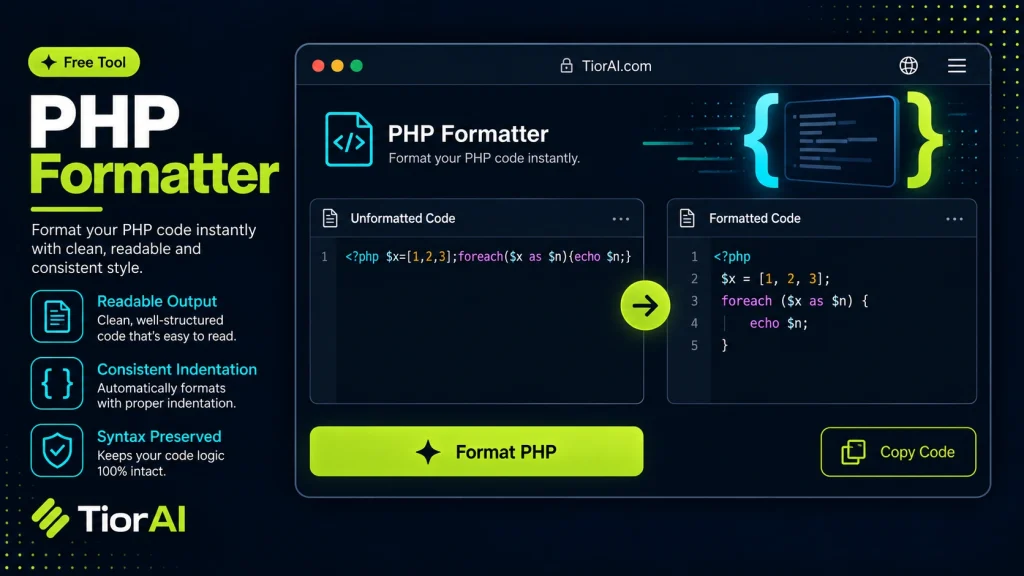
Re-indent PHP code based on braces and normalize spacing for cleaner, more readable output.
How to use it
- Paste or Enter Your Input Paste your code, text, or data into the input field. The tool supports large inputs without performance issues.
- Process and Analyze Click the action button or let the tool auto-process your input. Results appear in real time with highlighted details.
- Copy or Download the Output Review the results and copy the output to clipboard or download as a file for use in your project.
Tip Keyboard shortcut: Ctrl+V to paste input, then Ctrl+C to copy output - saves time in repetitive workflows.
Understanding PHP Formatting and Its Importance
PHP is a widely used server-side scripting language designed primarily for web development. As PHP codebases grow in size and complexity, maintaining readable and consistent code becomes crucial. This is where PHP formatting comes into play. PHP formatting refers to the process of organizing PHP source code according to a set of style rules, including indentation, spacing, line breaks, and brace placement.
Unformatted or poorly formatted code can be difficult to read, debug, and maintain. It increases the likelihood of introducing errors and slows down collaboration among developers. Consistent formatting improves code clarity, making it easier to understand the logic and flow.
PHP formatters automate this process by parsing the PHP code and reformatting it according to predefined or customizable style guidelines. These tools typically follow widely accepted standards such as the PHP Standard Recommendation (PSR-12), which defines a coding style guide for PHP to promote uniformity across projects.
Developers use PHP formatters in various stages of development:
- During coding: To ensure new code adheres to style guidelines before committing.
- Code reviews: To reduce style-related comments and focus on logic.
- Legacy code refactoring: To clean up inconsistent formatting in older projects.
By integrating PHP formatters into development workflows, teams can maintain high code quality and reduce technical debt. Many integrated development environments (IDEs) and continuous integration (CI) pipelines support automatic PHP formatting, making it a seamless part of the development lifecycle.
What is PHP Formatting?
PHP formatting is the practice of organizing PHP code according to consistent style rules. This includes proper indentation, spacing, line breaks, and brace placement. Proper formatting improves code readability, making it easier to understand, debug, and maintain.
As PHP projects grow, inconsistent formatting can lead to confusion and errors. Developers use formatting tools to automate the process of applying style guidelines, ensuring uniformity across the codebase.
When to Use a PHP Formatter
- Before committing code to version control to maintain consistent style.
- When integrating legacy PHP code to standardize formatting.
- During code reviews to reduce style-related feedback.
- As part of automated build or continuous integration pipelines.
- In team environments to ensure uniform code appearance.
Common Mistakes to Avoid
- Applying a formatter without understanding the coding standard, which can cause unexpected formatting results.
- Trying to format code that contains syntax errors, which may cause the formatter to fail.
- Not reviewing the formatted output, potentially missing subtle changes that affect code behavior.
Technical Context
PHP formatters parse the code syntax tree and rewrite the source code according to style rules, often based on standards like PSR-12. These standards define conventions for indentation, line length, brace placement, and more to promote consistency across PHP projects.
Many PHP formatters are available as command-line tools, IDE plugins, or online utilities. Integrating formatting into development workflows helps maintain code quality and reduces technical debt.
Common use cases
- Formatting messy PHP code for readability
- Standardizing brace placement and spacing
Frequently asked questions
Reviews and questions
Whether this tool gave people the answer they needed, and what they asked about it.
Sign in to review this tool.
Sign In to ReviewNo reviews yet
Be the first to say whether this tool gave you what you needed.
Ask how to read the result, or what the tool does with an edge case — or answer someone else.
Sign In to AskNo questions yet
Not sure how to read a result? Be the first to ask.
AI tools related to this topic
Tools from the TiorAI directory that work on the same kind of job.

ChatGPT
ChatGPT is an AI chatbot by OpenAI powered by GPT-4o. It handles writing, coding, research, data analysis, and natural conversation. Free tier available, Plus at $20/month.