

Dictanote Speech to Text App for Note Taking and Transcription
Dictanote is a web and Chrome extension tool that converts speech to text in real-time, allowing users to take and organize notes efficiently using voice dictation.
- Best for
- Voice Typing and Dictation
- Key capability
- Real-Time Speech Recognition
Save Dictanote, follow its updates and vote on it — everything stays in your account.
Sign in or create a free account

What is Dictanote?
Dictanote is a web-based speech-to-text application designed to help users take notes and transcribe speech efficiently. It combines voice recognition technology with a rich text editor, allowing users to dictate content directly into editable notes. The tool supports real-time transcription and offers features to organize and manage notes, making it useful for students, professionals, and anyone looking to speed up their writing process.
Key features of Dictanote
Dictanote offers real-time speech recognition, a rich text editor for formatting notes, support for multiple languages (primarily English), and the ability to organize notes into folders. It also provides a Chrome extension for easy access and integration with browsers, enhancing productivity and convenience.
Real-Time Speech Recognition
Converts spoken words into text instantly with high accuracy.
Rich Text Editor
Allows formatting of notes including bold, italics, lists, and more.
Chrome Extension
Provides quick access and integration with the browser for seamless note-taking.
Note Organization
Organize notes into folders and manage them efficiently.
Pros and cons of Dictanote
Pros
- Easy to use with intuitive interface
- Real-time accurate speech-to-text conversion
- Rich text editing capabilities
- Free tier available for basic use
Cons
- Requires internet connection to function
- No dedicated mobile app
Key use cases for Dictanote
Voice Typing and Dictation
Convert spoken words into text in real-time for faster note-taking and writing.
Note Taking and Organization
Create, edit, and organize notes efficiently with speech-to-text and text editing features.
Transcription of Audio
Transcribe recorded audio or live speech into editable text documents.
Multitasking and Productivity
Use voice commands and dictation to increase productivity while working on other tasks.
How Dictanote works
- 1
Access Dictanote
Open the Dictanote web app or install the Chrome extension to start using the tool.
- 2
Start Dictation
Click the microphone icon to begin voice typing; speak clearly to convert speech to text in real-time.
- 3
Edit and Format Notes
Use the rich text editor to format, edit, and organize your notes as needed.
- 4
Save and Organize
Save your notes and organize them into folders for easy retrieval and management.
Who is using Dictanote
Dictanote pricing
Free
$0/month
Basic access with speech-to-text and note-taking features.
Pro
$8/month, or $5/month billed yearly
Enhanced features including longer dictation sessions and priority support.
Plans and prices are as published by the vendor and can change. Check the official site before you buy. Open the pricing page (opens in a new tab)
Frequently asked questions about Dictanote
Yes, dictation is supported in 50+ languages.
Dictanote requires an internet connection as it relies on web-based speech recognition services.
Currently, Dictanote is available as a web app and Chrome extension; there is no dedicated mobile app.
It depends on your specific needs and how you plan to use the tool. The official website and documentation are the best sources for the latest details.
Yes, it can help with that use case depending on how you configure it and what features are available. You’ll get the best results with clear inputs and a defined goal.
Yes, it can help with that use case depending on how you configure it and what features are available. You’ll get the best results with clear inputs and a defined goal.
Conclusion
Clicking the microphone icon starts voice typing, converting speech to text in real-time. The text lands in a rich text editor with formatting such as bold, italics and lists, and notes can be saved into folders. It runs as a web app or a Chrome extension, with dictation supported in 50+ languages.
It is designed for students, writers and journalists, and people with accessibility needs. Basic speech-to-text and note-taking are free, and Pro costs $8/month or $5/month billed yearly.
Sources
Sign in to review this tool.
Sign In to ReviewNo reviews yet
Be the first to share how this tool worked for you.
Ask about pricing, limits, or how it compares — or answer someone else.
Sign In to AskNo questions yet
Have a question about using or paying for this tool? Be the first to ask.
Featured on TiorAI



Alternative Tools
Explore similar AI tools that might fit your needs
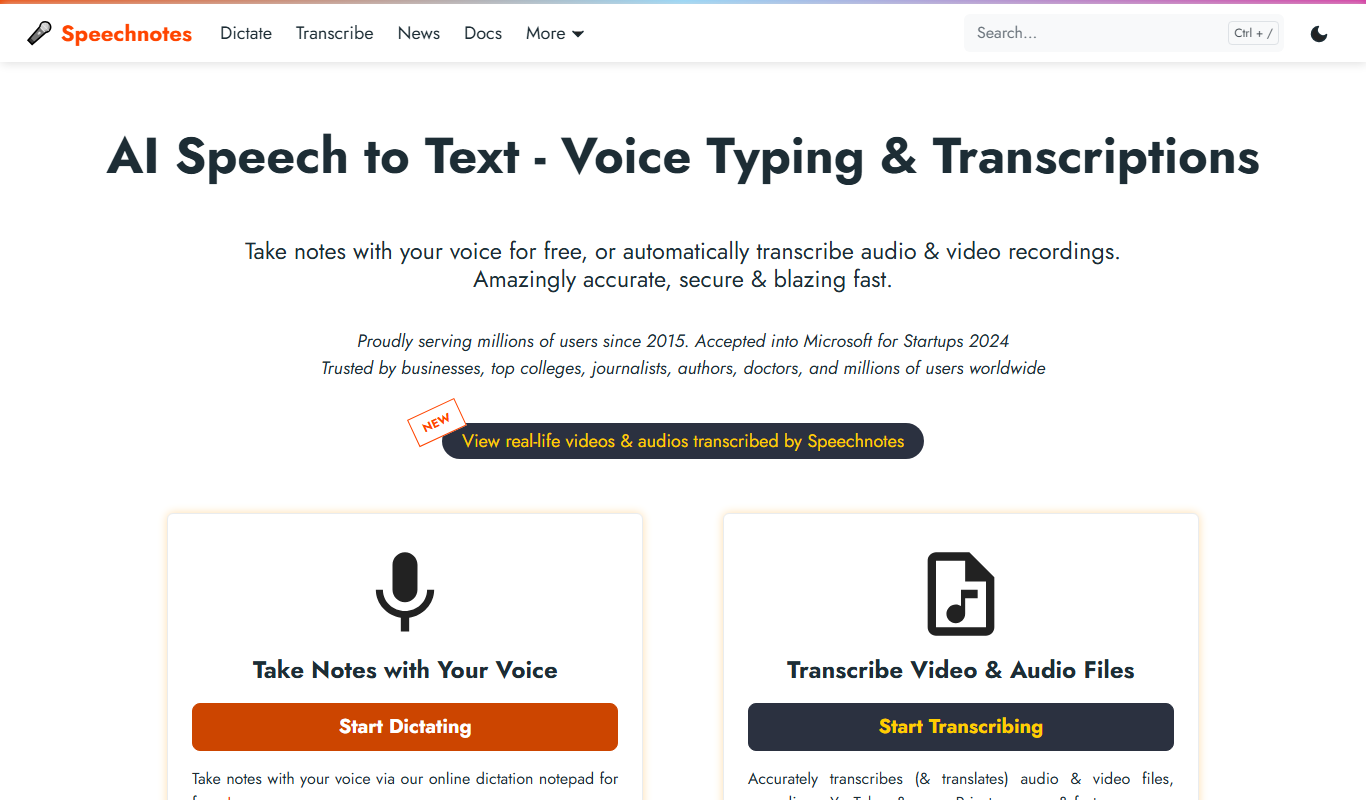
Speechnotes
Speechnotes is an AI-powered speech-to-text application that converts spoken language into text in real time, supporting multiple languages and voice commands for punctuation.
More Note-taking tools
Other tools in the same category, for when this one is not quite the fit.

Craft
Craft is a note-taking and documentation app designed for individuals and teams, offering nested pages, real-time collaboration, and multimedia embedding to enhance productivity.
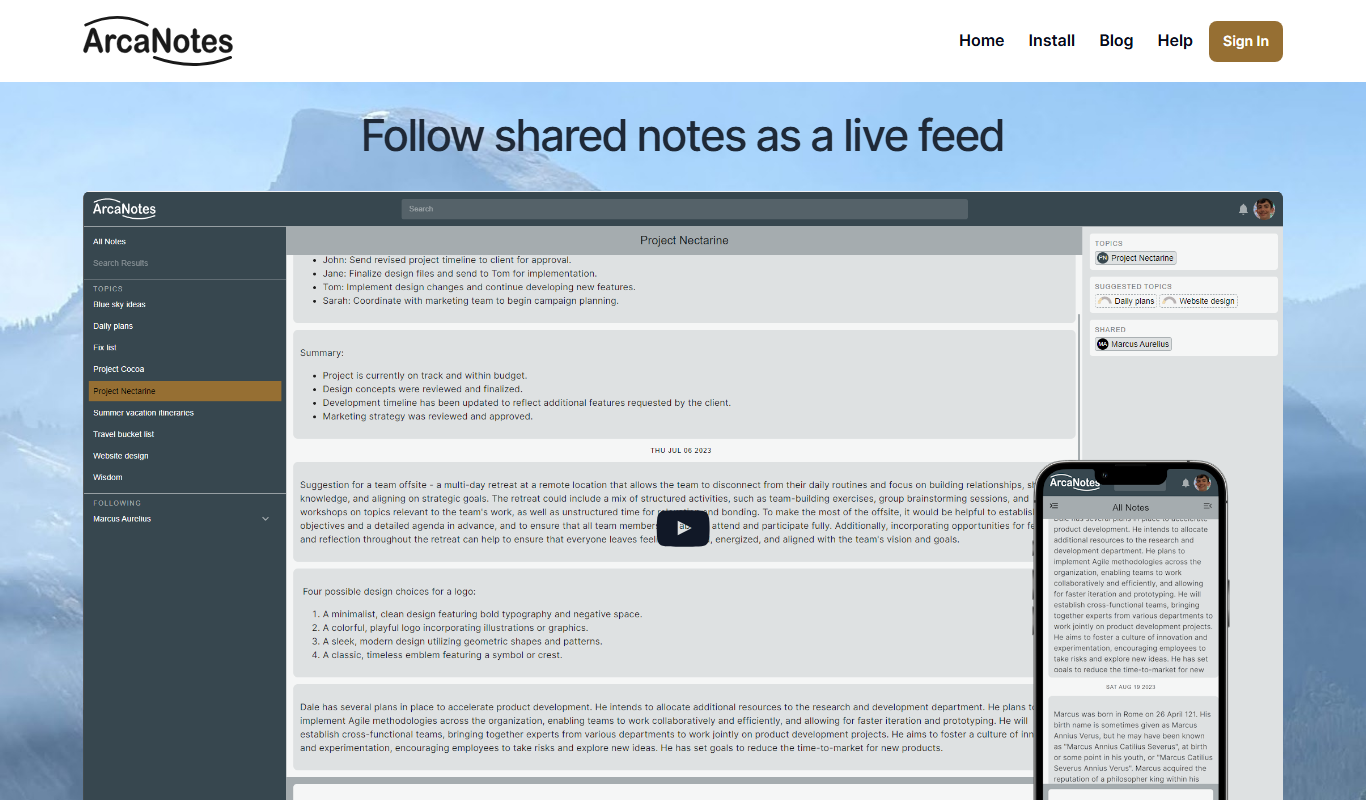
ArcaNotes
ArcaNotes is an AI-driven note-taking app that helps users organize, link, and summarize notes efficiently across devices with collaboration features.

AudioNotes
AudioNotes is an app that records audio and automatically transcribes it into text notes, helping users capture spoken information efficiently.

Audio Notes AI
Audio Notes AI is a web-based tool that uses artificial intelligence to transcribe audio recordings into editable text notes, helping users save time and organize spoken information efficiently.

EasyNoteAI
EasyNoteAI is an AI-driven tool that automates note taking and summarization, helping users quickly capture and organize information from meetings, lectures, and content.
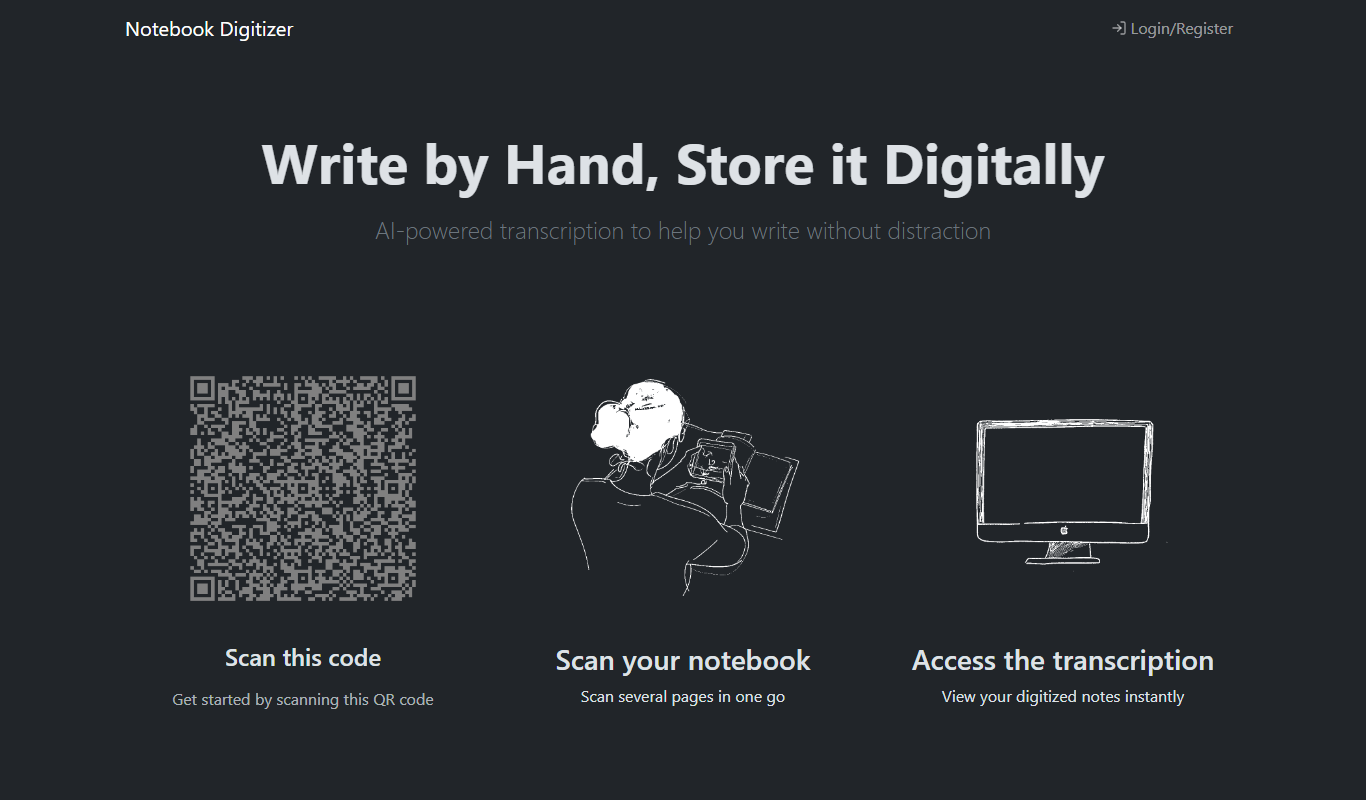
Notebook Digitizer
Notebook Digitizer is an app that converts handwritten notes into editable digital text using AI-powered OCR technology, supporting multiple languages and cloud sync.

Znote AI
Znote is a free, local Markdown editor for Windows, Mac and Linux where you can ask your notes with AI, run code blocks inline, connect tools through MCP and version notes with git.
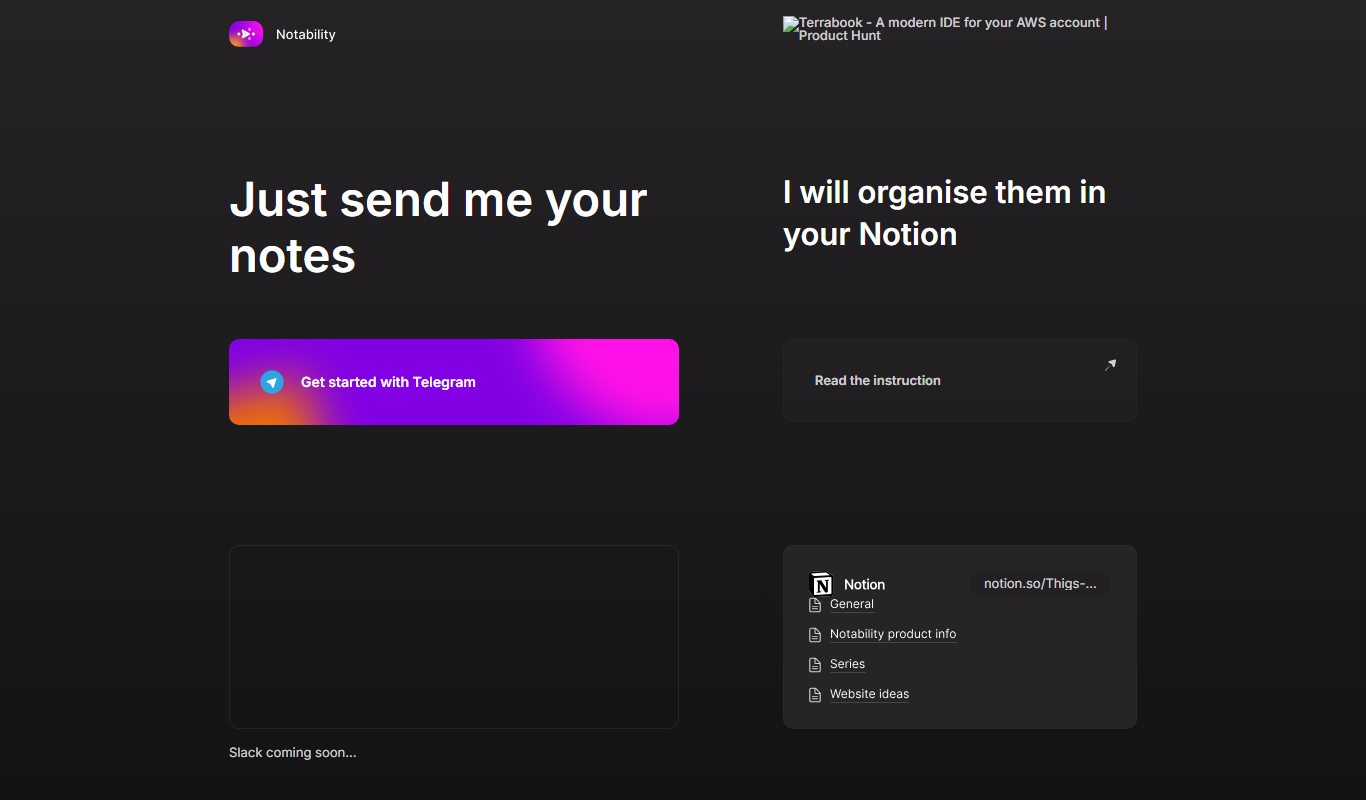
Notability
Notability is a note-taking app with handwriting, audio and AI features, available on Android as well as iOS and macOS.