

From my experience with AudioNotes, I found it excels at simplifying the process of capturing spoken information and converting it into editable text quickly. The real-time transcription feature is particularly helpful for students and professionals who need to document meetings or lectures without distraction. However, the reliance on an internet connection for transcription and limited language support are practical considerations. Overall, if you want a straightforward voice-to-text note-taking app that syncs across devices, AudioNotes delivers reliable and user-friendly functionality.
AudioNotes App for Efficient Voice-to-Text Note Taking and Transcription
AudioNotes is an app that records audio and automatically transcribes it into text notes, helping users capture spoken information efficiently.
- Best for
- Meeting Notes
- Key capability
- Real-Time Speech-to-Text
Your actions

Do you recommend this tool?
What is AudioNotes?
AudioNotes is a productivity app designed to simplify note taking by allowing users to record audio and automatically convert it into text. It combines voice recording with real-time transcription, making it easier to capture spoken information and organize it as searchable, editable notes. This tool is ideal for professionals, students, and anyone who needs to document conversations, lectures, or ideas without manual typing.
Key features of AudioNotes
AudioNotes offers seamless audio recording, automatic speech-to-text transcription, note organization, and export options. It supports syncing across devices and provides a user-friendly interface to manage voice notes efficiently.
Real-Time Speech-to-Text
Converts spoken words into text instantly during recording.
High-Quality Audio Recording
Captures clear audio to ensure accurate transcription.
Searchable Notes
Transcribed notes are fully searchable for quick information retrieval.
Multi-Platform Sync
Syncs notes across web, iOS, and Android devices.
Export Options
Supports exporting notes as text files, PDFs, or sharing via email.
Pros and cons of AudioNotes
Pros
- Easy to use with intuitive interface
- Real-time transcription saves time
- Cross-device synchronization
- Supports exporting notes in multiple formats
Cons
- Limited language support (English only)
- Transcription requires internet connection
Key use cases for AudioNotes
Meeting Notes
Record meetings and automatically transcribe spoken content into searchable text notes.
Lecture Transcription
Students can capture lectures by recording audio and converting it into text for easy review.
Idea Capture
Quickly record and transcribe ideas or reminders on the go without typing.
Interview Documentation
Journalists and researchers can record interviews and get accurate transcripts for reference.
Accessibility Aid
Helps users who prefer or require audio input to create written notes efficiently.
How AudioNotes works
- 1
Record Audio
Use the app to capture voice recordings directly from your device.
- 2
Automatic Transcription
The app processes the audio and converts speech into editable text notes.
- 3
Edit and Organize
Review, edit, and organize your transcribed notes within the app.
- 4
Export and Share
Export notes in various formats or share them with others easily.
Who is using AudioNotes
Students
Professionals
Journalists
Researchers
Content creators
AudioNotes pricing
Free
$0/month
Basic recording and transcription with limited minutes per month.
Premium
$9.99/month
Unlimited transcription, priority support, and advanced export features.
Plans and prices are as published by the vendor and can change. Check the official site before you buy. Open the pricing page (opens in a new tab)
Frequently asked questions about AudioNotes
Currently, AudioNotes supports transcription in English only.
Audio recording works offline, but transcription requires an internet connection.
Accuracy depends on audio quality and clarity of speech; typically, it achieves high accuracy in quiet environments.
The free plan has monthly limits on transcription minutes; premium users have no such limits.
It depends on your specific needs and how you plan to use the tool. The official website and documentation are the best sources for the latest details.
Yes, it can help with that use case depending on how you configure it and what features are available. You’ll get the best results with clear inputs and a defined goal.
Yes, it can help with that use case depending on how you configure it and what features are available. You’ll get the best results with clear inputs and a defined goal.
Sign in to review this tool.
Sign In to ReviewNo reviews yet
Be the first to share how this tool worked for you.
Ask about pricing, limits, or how it compares — or answer someone else.
Sign In to AskNo questions yet
Have a question about using or paying for this tool? Be the first to ask.
Featured on TiorAI



Alternative Tools
Explore similar AI tools that might fit your needs

Free
Noted
Noted is an AI-powered note-taking app that records audio and provides synchronized transcription and note organization, available on iOS and macOS.
More Note-taking tools
Other tools in the same category, for when this one is not quite the fit.

Free
Clipto
Clipto is a multi-platform note-taking app that offers cloud sync, rich text editing, offline access, and collaboration features, suitable for personal and team productivity.

Free
Dictanote
Dictanote is a web and Chrome extension tool that converts speech to text in real-time, allowing users to take and organize notes efficiently using voice dictation.

Freemium
Audio Notes AI
Audio Notes AI is a web-based tool that uses artificial intelligence to transcribe audio recordings into editable text notes, helping users save time and organize spoken information efficiently.
Free
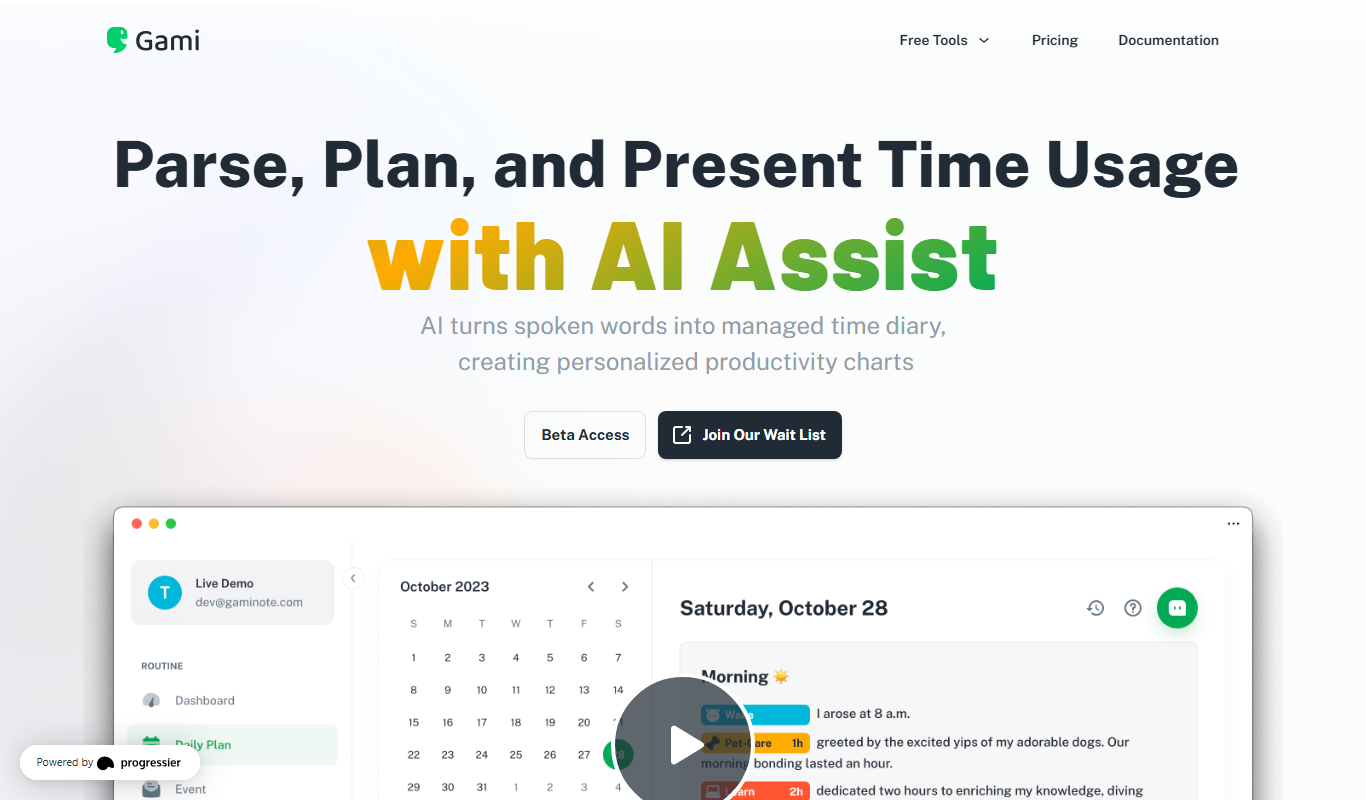
Gami
Gami Note is a productivity app that gamifies note-taking and task management to help users stay focused and motivated by rewarding their progress.

Free
Notely
Notely AI is a web-based note-taking application that uses artificial intelligence to create concise summaries and supports real-time collaboration via its web platform and Chrome extension.
Freemium
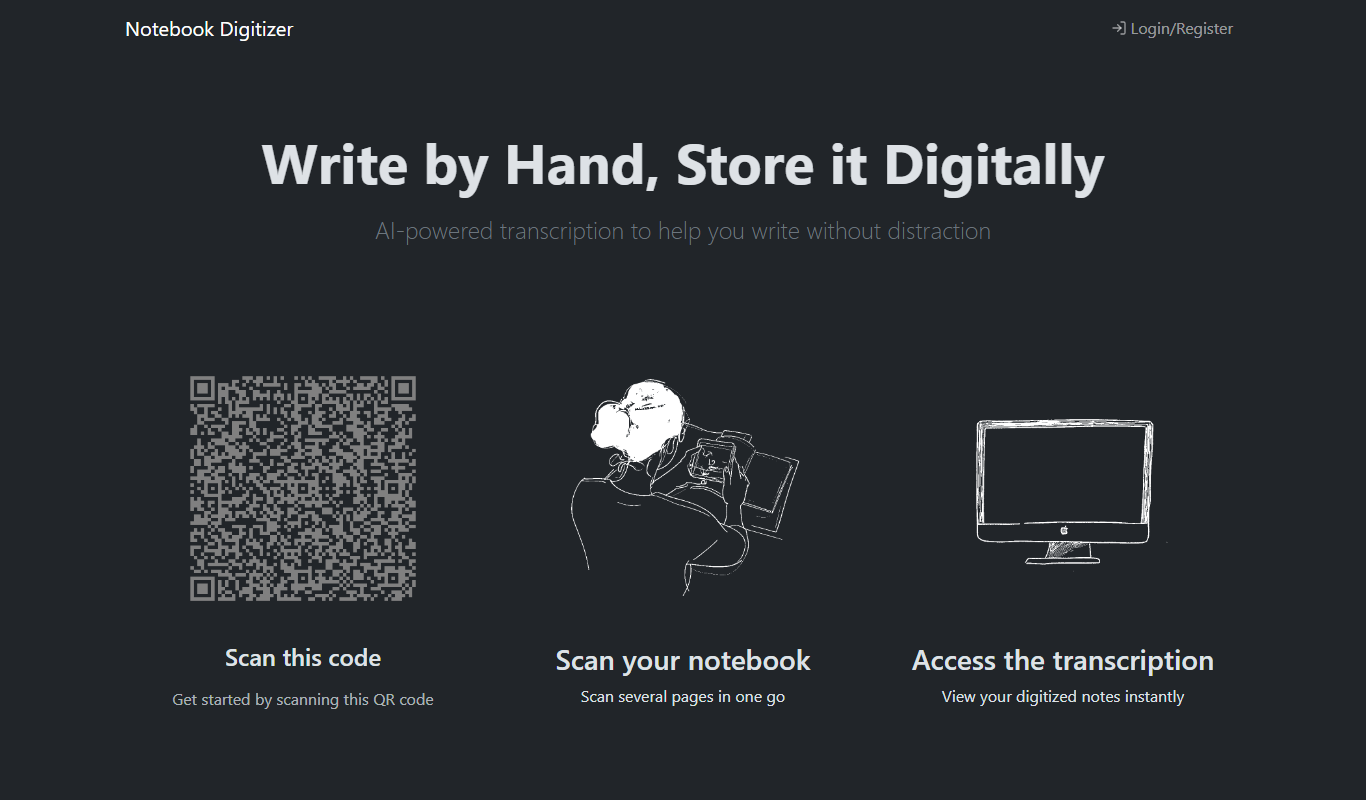
Notebook Digitizer
Notebook Digitizer is an app that converts handwritten notes into editable digital text using AI-powered OCR technology, supporting multiple languages and cloud sync.
Freemium
EchoScribe
EchoScribe is an AI-driven transcription and note-taking tool that converts audio recordings into accurate, editable text with features like speaker identification and multi-language support.

Freemium
SmartNote AI
SmartNote AI is an AI-powered platform that helps users capture, organize, and connect notes with intelligent summaries and collaboration features across web and mobile devices.