

Audio Notes AI - AI-Powered Voice Transcription and Note Taking Tool
Audio Notes AI is a web-based tool that uses artificial intelligence to transcribe audio recordings into editable text notes, helping users save time and organize spoken information efficiently.
- Best for
- Meeting Transcriptions
- Key capability
- Real-Time Transcription
Save Audio Notes AI, follow its updates and vote on it — everything stays in your account.
Sign in or create a free account
What is Audio Notes AI?
Audio Notes AI is a web-based application that leverages artificial intelligence to convert audio recordings into accurate, editable text notes. Designed to streamline the process of capturing spoken information, it helps users save time and improve productivity by automating transcription and note-taking tasks.
Key features of Audio Notes AI
The tool offers real-time voice transcription, audio file uploads for batch processing, searchable transcripts, and organized note management. It supports clear playback controls and allows users to export notes in multiple formats.
Real-Time Transcription
Instantly converts spoken words into text as you speak or upload audio.
Audio Upload Support
Supports multiple audio formats for transcription of existing recordings.
Searchable Transcripts
Enables quick searching within transcriptions to find key information.
Note Organization
Allows categorization and tagging of notes for efficient management.
Export Options
Share any note as a public link; Pro users can download notes as Markdown.
Pros and cons of Audio Notes AI
Pros
- Accurate and fast AI-powered transcription
- User-friendly web interface with easy audio upload
- Searchable and editable transcripts
- Multiple export options
- Flexible pricing plans including a free tier
Cons
- No native app download; it installs as a PWA from the browser
- Free plan has restricted transcription minutes
Key use cases for Audio Notes AI
Meeting Transcriptions
Automatically transcribe meetings and generate accurate notes to improve team collaboration.
Lecture and Seminar Notes
Capture spoken content from lectures or seminars and convert it into searchable, editable text.
Interview Documentation
Record and transcribe interviews for easy reference and analysis.
Personal Voice Notes
Convert personal voice memos into organized text notes for better task management.
Content Creation
Use transcriptions as a base for creating articles, blogs, or other written content.
How Audio Notes AI works
- 1
Record or Upload Audio
Users can either record audio directly within the platform or upload pre-recorded audio files.
- 2
AI Transcription
The AI engine processes the audio to generate an accurate text transcription.
- 3
Edit and Organize Notes
Users can review, edit, and organize the transcribed notes within the interface.
- 4
Export or Share
Final notes can be exported in various formats or shared with collaborators.
Who is using Audio Notes AI
Audio Notes AI pricing
Free
$0/month
Free forever: max recording 6 min, 20 voice notes / month, 30 AI rewrites / month, 30+ languages, 3 AI rewrite formats.
Pro
$15/mo billed monthly
7-day free trial, no card required: max recording 30 min, 400 voice notes / month, 600 AI rewrites / month, 7 AI rewrite formats, calendar hand-off, combine notes, export notes.
Plans and prices are as published by the vendor and can change. Check the official site before you buy. Open the pricing page (opens in a new tab)
Frequently asked questions about Audio Notes AI
It supports common audio formats including MP3, WAV, and M4A.
The free plan has a limited number of transcription minutes per month, while paid plans offer higher limits.
Yes, the platform allows you to review and edit transcriptions for accuracy.
It supports 30+ languages, including English, Spanish, Hindi and French, and transcribes in your language.
It depends on your specific needs and how you plan to use the tool. The official website and documentation are the best sources for the latest details.
Yes, it can help with that use case depending on how you configure it and what features are available. You’ll get the best results with clear inputs and a defined goal.
Yes, it can help with that use case depending on how you configure it and what features are available. You’ll get the best results with clear inputs and a defined goal.
Pricing depends on the plan and included features. For the most accurate and up-to-date details, check the official pricing page.
Conclusion
A voice recording, spoken live or uploaded as an existing audio file, becomes a clean transcript in seconds. The AI then rewrites it into formats such as a note, a list or action items, and Pro adds email, journal, meeting summary and LinkedIn post formats. Reminders spoken aloud are auto-tagged as action items, and on Pro an action item can become a calendar event in one tap. Recording works in 30+ languages, and with no app download needed it installs as a PWA on iPhone, Android, Mac or Windows from the browser.
Business professionals, students and journalists are among the intended users. The free plan caps recording at 6 minutes and allows 20 voice notes a month, while Pro raises those limits and adds calendar hand-off, combining notes and Markdown export. Sharing any note as a public link stays free for everyone.
Sources
Sign in to review this tool.
Sign In to ReviewNo reviews yet
Be the first to share how this tool worked for you.
Ask about pricing, limits, or how it compares — or answer someone else.
Sign In to AskNo questions yet
Have a question about using or paying for this tool? Be the first to ask.
Featured on TiorAI



More AI Transcription tools
Other tools in the same category, for when this one is not quite the fit.

Transkriptor
Transkriptor is an AI-driven transcription tool that converts audio and video files into editable text with multi-language support and speaker identification, accessible via web and API.

Transcripo
Transcripo is an AI-driven transcription tool that converts audio and video files into accurate, editable text transcripts via a secure web platform.

transkrip.xyz
transkrip.xyz is an AI-driven online platform that converts audio and video files into text transcripts and subtitles quickly and accurately, supporting multiple languages including English and Indonesian.

audio2text
Audio2Text is an online speech-to-text converter that automatically transcribes audio files into text in multiple languages, accessible via a web browser with free and pay-as-you-go pricing.

Transcript LOL
Transcript LOL is a web-based AI tool that transcribes audio and video files and generates summaries.

Smart Dictate
Smart Dictate is an AI-powered dictation tool for the web that understands context, technical terms and industry jargon for accurate voice-to-text across all websites.

File Transcribe
File Transcribe is an online tool for students, journalists and creators that turns audio or video uploads into editable transcripts for export, free to try.
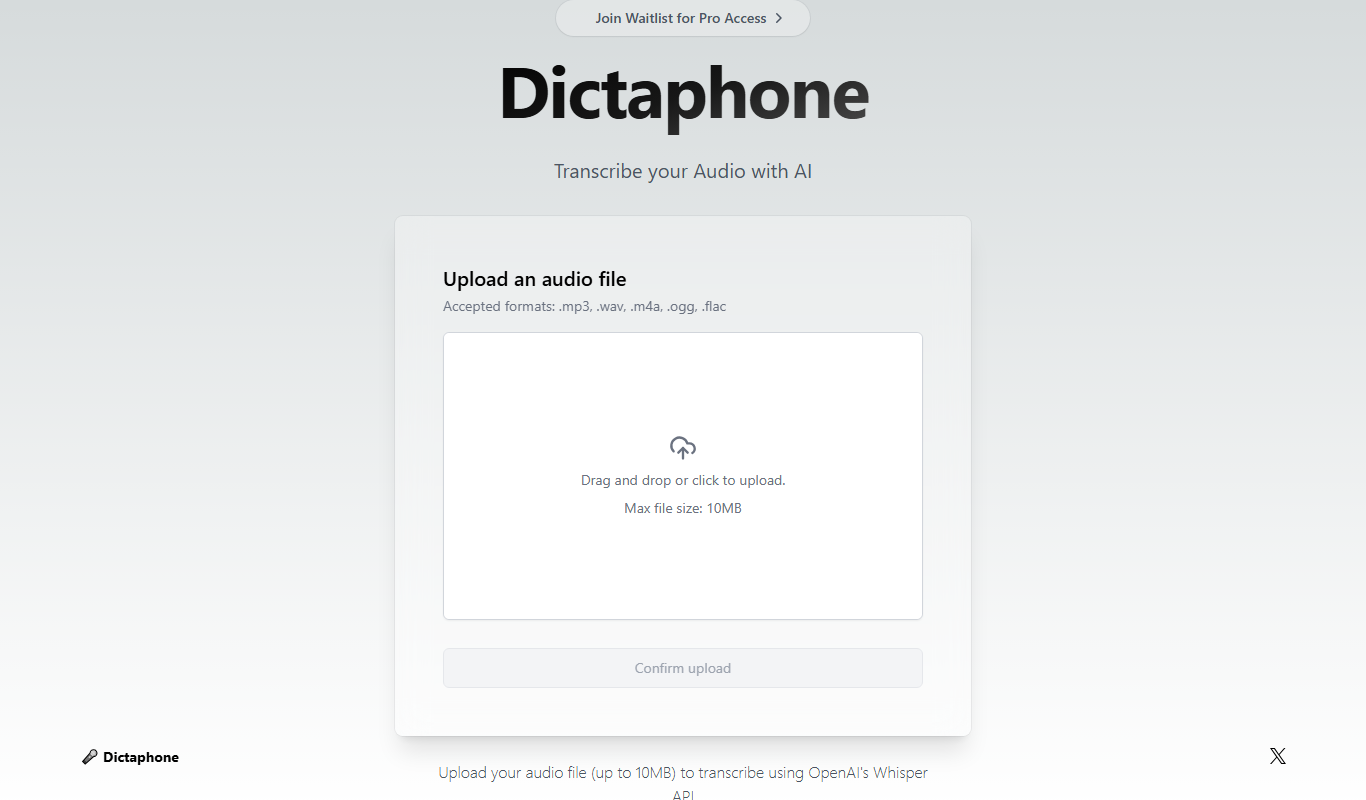
Dictaphone
Dictaphone is an AI-powered transcription service that converts audio recordings into editable text transcripts with features like speaker identification and multi-format export.