

Dictaphone AI Transcription Tool for Accurate Voice-to-Text Conversion
Dictaphone is an AI-powered transcription service that converts audio recordings into editable text transcripts with features like speaker identification and multi-format export.
- Best for
- Meeting Transcriptions
- Key capability
- Real-Time Transcription
Save Dictaphone, follow its updates and vote on it — everything stays in your account.
Sign in or create a free account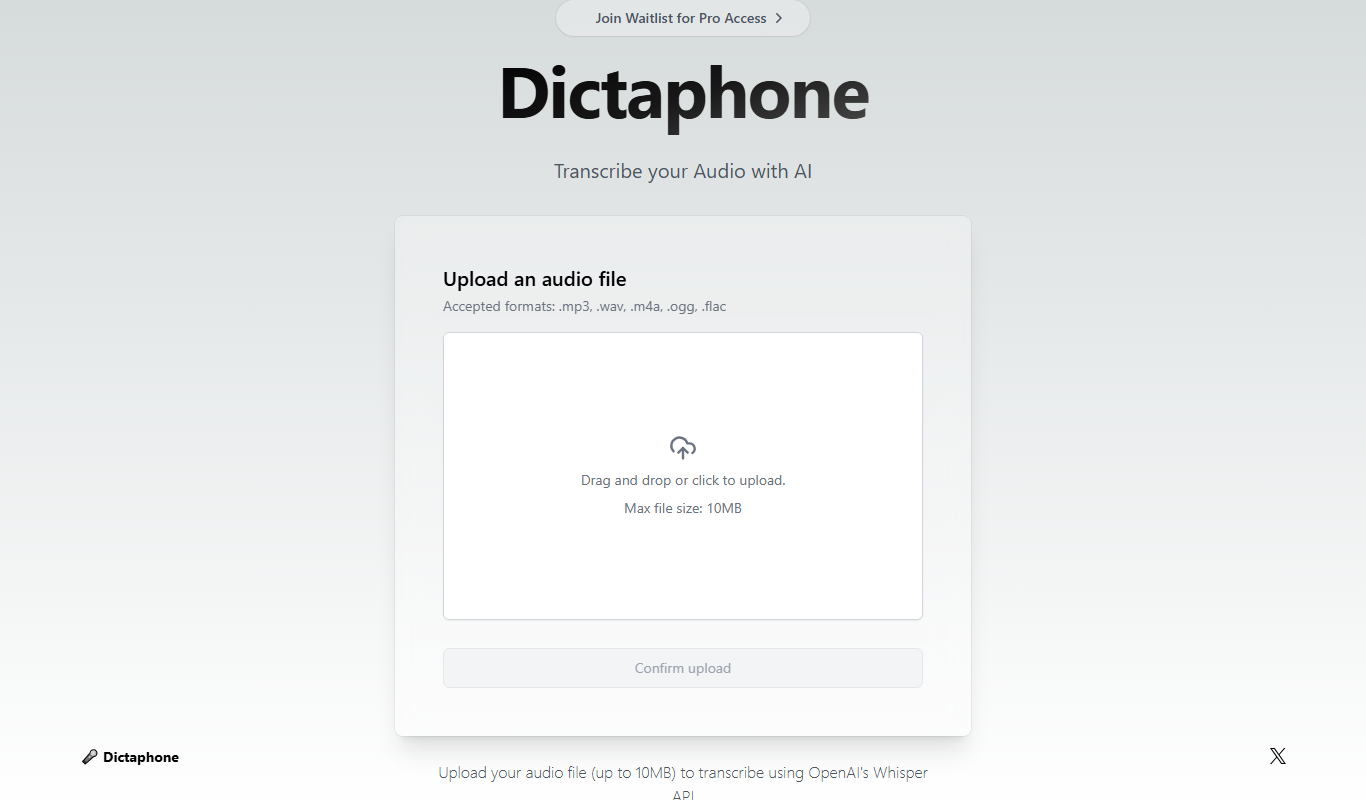
What is Dictaphone?
Dictaphone is an AI-powered transcription tool designed to convert audio and voice recordings into accurate text transcripts. It leverages advanced speech recognition technology to deliver fast and reliable transcriptions, helping users save time and improve productivity in tasks involving spoken content.
Key features of Dictaphone
Dictaphone offers real-time transcription, speaker identification, and easy export options. Its intuitive web interface allows users to upload audio files or record directly, with transcripts generated quickly and editable within the platform.
Real-Time Transcription
Instantly converts speech to text as audio is recorded or uploaded.
Speaker Identification
Automatically distinguishes between different speakers in multi-person recordings.
Multi-Format Export
Supports exporting transcripts in formats like TXT, DOCX, and PDF for versatile use.
User-Friendly Interface
Clean and simple web interface designed for ease of use without technical expertise.
Pros and cons of Dictaphone
Pros
- Accurate AI-powered transcription
- Easy-to-use web interface
- Supports speaker identification
- Multiple export formats
Cons
- Limited language support (English only)
- No mobile app available
Key use cases for Dictaphone
Meeting Transcriptions
Automatically convert meeting audio recordings into accurate text transcripts for easy review and sharing.
Interview Transcriptions
Transcribe interviews quickly to streamline content creation, research, or documentation.
Content Creation
Convert spoken ideas or dictations into text to accelerate writing blogs, articles, or reports.
Accessibility
Provide text versions of audio content to improve accessibility for hearing-impaired users.
How Dictaphone works
- 1
Upload or Record Audio
Users can upload existing audio files or record voice directly through the web interface.
- 2
AI Transcription Processing
The tool processes the audio using AI-driven speech recognition to generate text transcripts.
- 3
Review and Edit Transcript
Users can review the generated transcript, make corrections, and add speaker labels if needed.
- 4
Export or Share
Final transcripts can be exported in multiple formats or shared directly from the platform.
Who is using Dictaphone
Dictaphone pricing
Free
$0/month
Limited transcription minutes per month with basic features.
Plans and prices are as published by the vendor and can change. Check the official site before you buy. Open the pricing page (opens in a new tab)
Frequently asked questions about Dictaphone
Dictaphone supports common audio formats including MP3, WAV, and M4A.
Yes, the platform allows users to review and edit transcripts directly within the interface.
The visible limit is a maximum file size of 10MB per audio file.
It depends on your specific needs and how you plan to use the tool. The official website and documentation are the best sources for the latest details.
Yes, it can help with that use case depending on how you configure it and what features are available. You’ll get the best results with clear inputs and a defined goal.
Yes, it can help with that use case depending on how you configure it and what features are available. You’ll get the best results with clear inputs and a defined goal.
Conclusion
Using OpenAI’s Whisper API, the site transcribes an uploaded audio file and returns accurate results in seconds. Accepted files are mp3, wav, m4a, ogg and flac audio, with a maximum file size of 10MB.
Journalists and researchers can use it to transcribe interviews quickly for research or documentation. Saved transcripts, unlimited transcriptions, live transcription and desktop and mobile apps are announced for a Pro version that is still behind a waitlist.
Sources
Sign in to review this tool.
Sign In to ReviewNo reviews yet
Be the first to share how this tool worked for you.
Ask about pricing, limits, or how it compares — or answer someone else.
Sign In to AskNo questions yet
Have a question about using or paying for this tool? Be the first to ask.
Featured on TiorAI



More AI Productivity Tools tools
Other tools in the same category, for when this one is not quite the fit.
MakerJournal
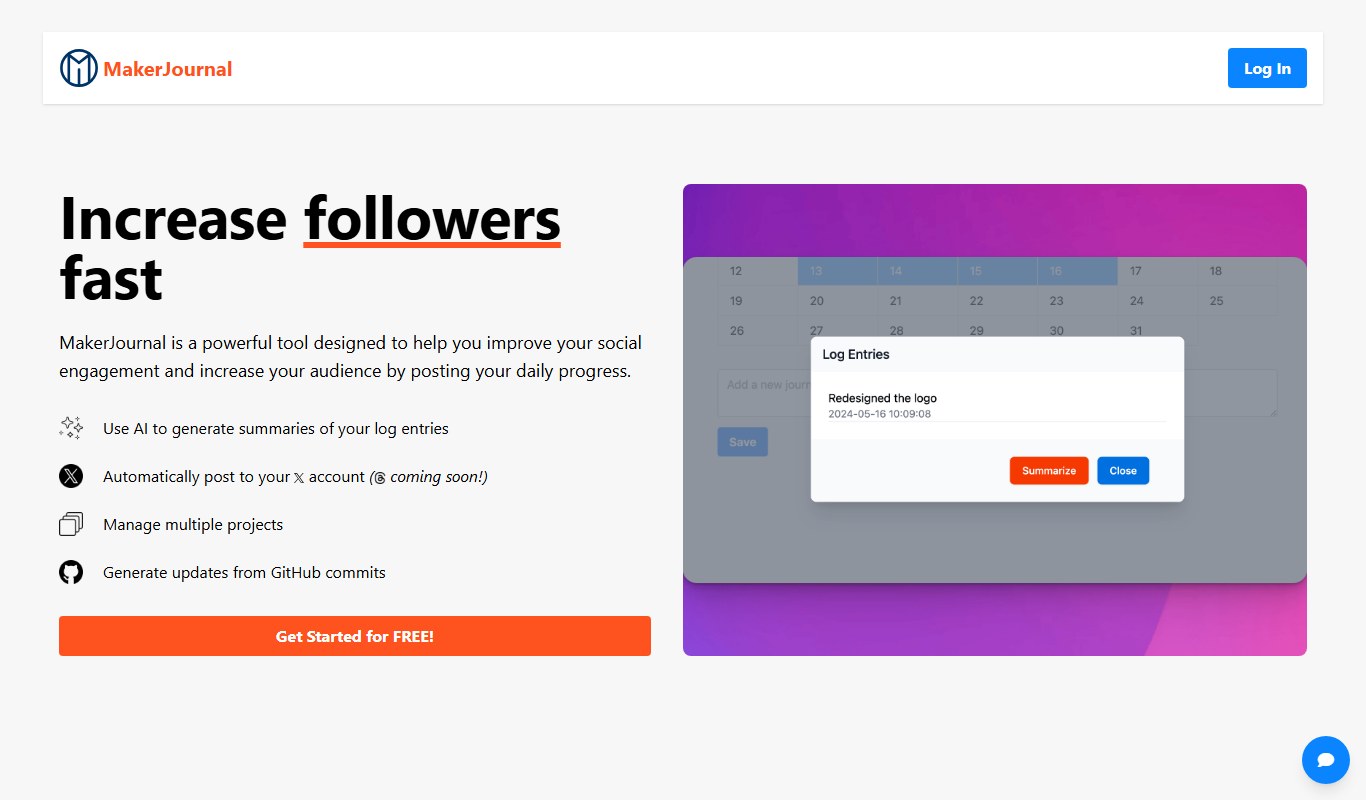
MakerJournal uses AI to turn your progress logs and GitHub commits into summaries that indie makers and solo developers can post to their social accounts.
MyMind
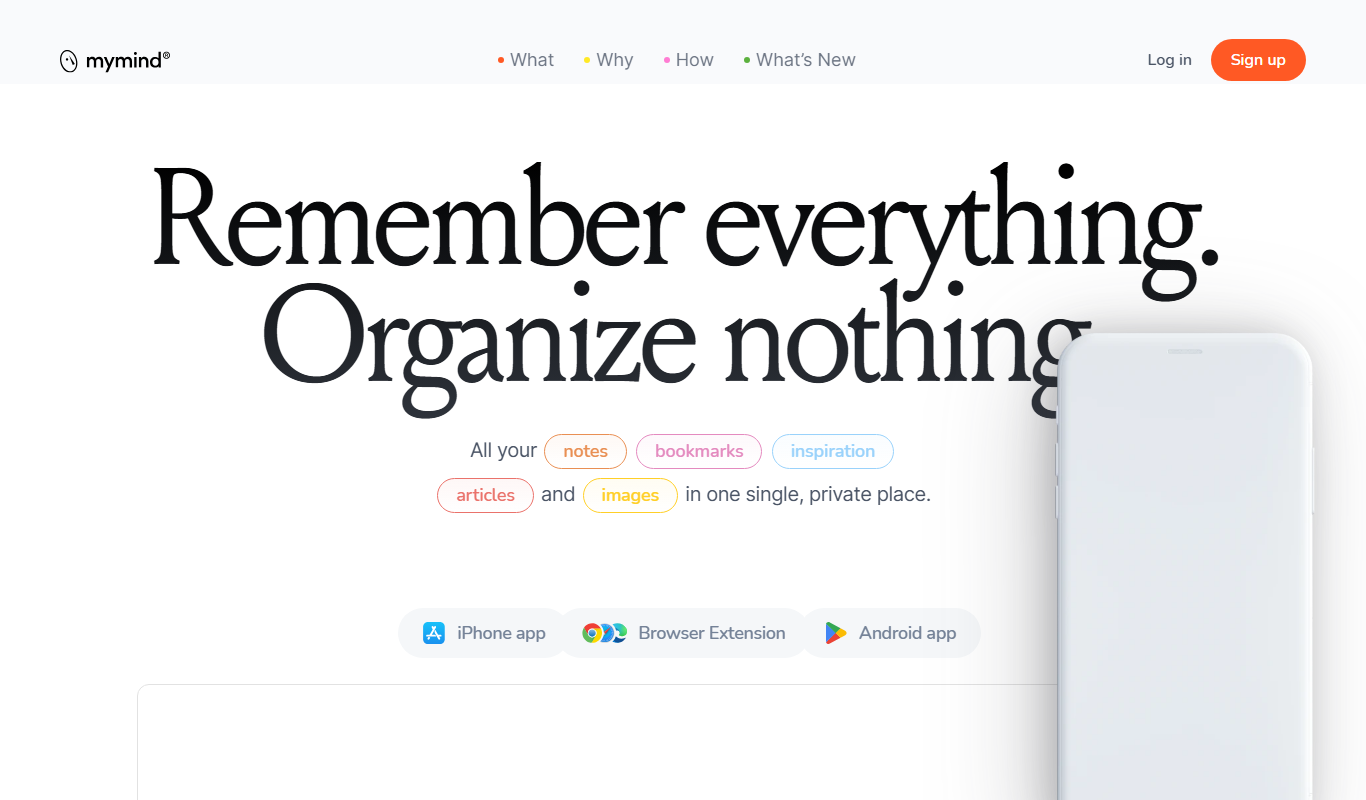
MyMind is an AI-powered digital brain tool that helps users save, organize, and retrieve ideas, notes, and web content with automatic tagging and smart search.

Cleft Notes
Cleft is a voice-first note-taking app for iPhone, iPad and Mac: talk it out, and on-device transcription turns the recording into a structured note you can send to Notion, Apple Notes or Obsidian.

JotBot AI
JotBot AI is an AI writing assistant that writes in your personal style and helps you find and cite sources without leaving your document.

NoFOMO.AI
noFOMO OS is a free web calendar: add the venues you love and its scraper scans their websites every day, pulling every event into one calendar.

Sonnet
Sonnet AI is a meeting assistant and notetaker that records without bots, transcribes, writes custom notes, extracts action items and updates your CRM.
SlaxNote
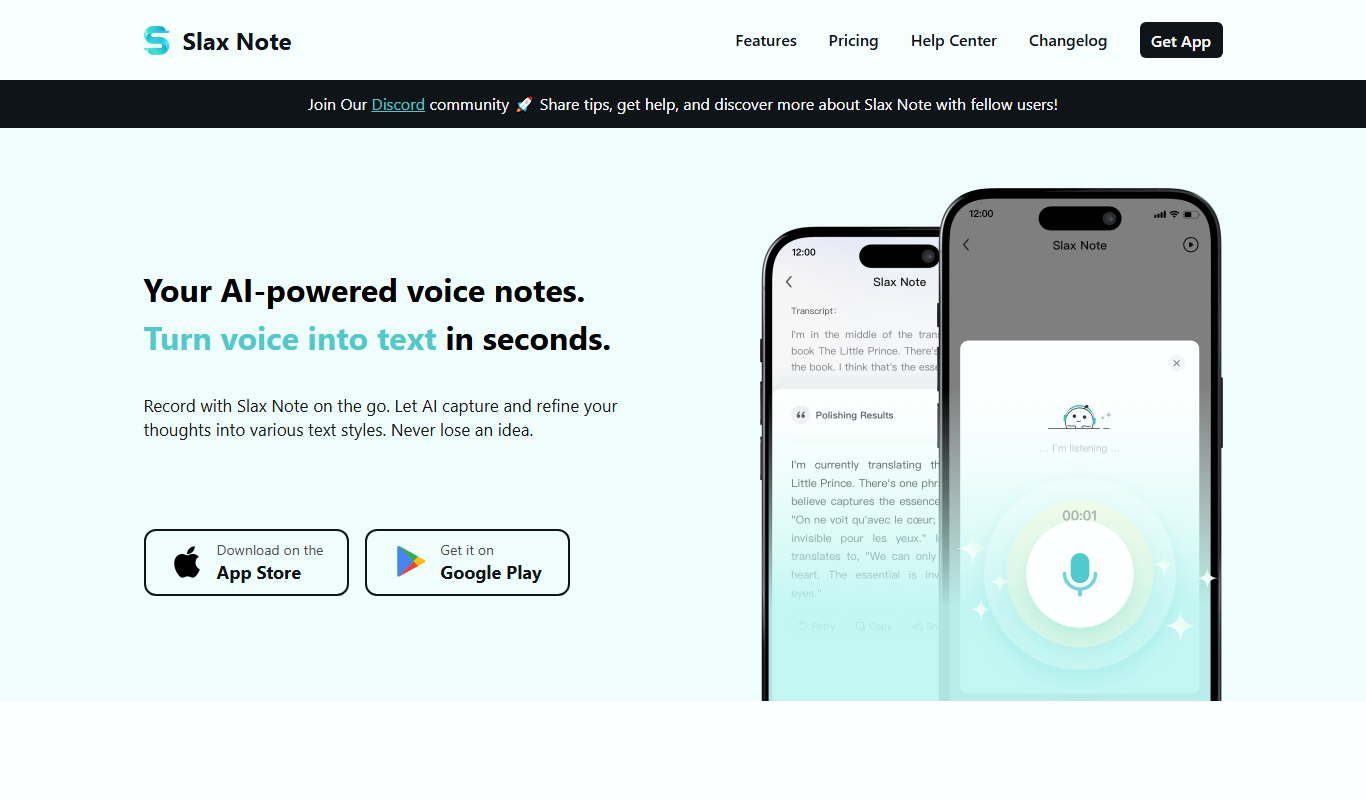
Slax Note is an AI voice notes app: record once, and the prompts you pick turn the speech into a clean note, a tweet or a blog draft. Free to start.

AFAnotes – AI Productivity
AFAnotes blocks distracting app notifications, delivers personalised scheduled summaries and tracks screen time, with Slack and Instagram integration, on iOS and Android.