

From my experience with MyMind, I found it excels at automatically organizing and retrieving ideas with minimal user effort. The AI-powered search is intuitive and fast, making it easy to find saved content without manual tagging. After spending time with the platform, I can say it’s particularly well-suited for knowledge workers and creatives who want a distraction-free, personal digital brain. However, there’s a trade-off: it lacks bulk import and collaboration features, which might limit team use. Overall, if you need a smart, personal knowledge management tool, MyMind delivers solid results.
MyMind Digital Brain for Organizing Ideas and Notes Efficiently
MyMind is an AI-powered digital brain tool that helps users save, organize, and retrieve ideas, notes, and web content with automatic tagging and smart search.
- Best for
- Personal Knowledge Management
- Key capability
- AI-Powered Search
Your actions
Save MyMind, follow its updates and vote on it — everything stays in your account.
Sign in or create a free account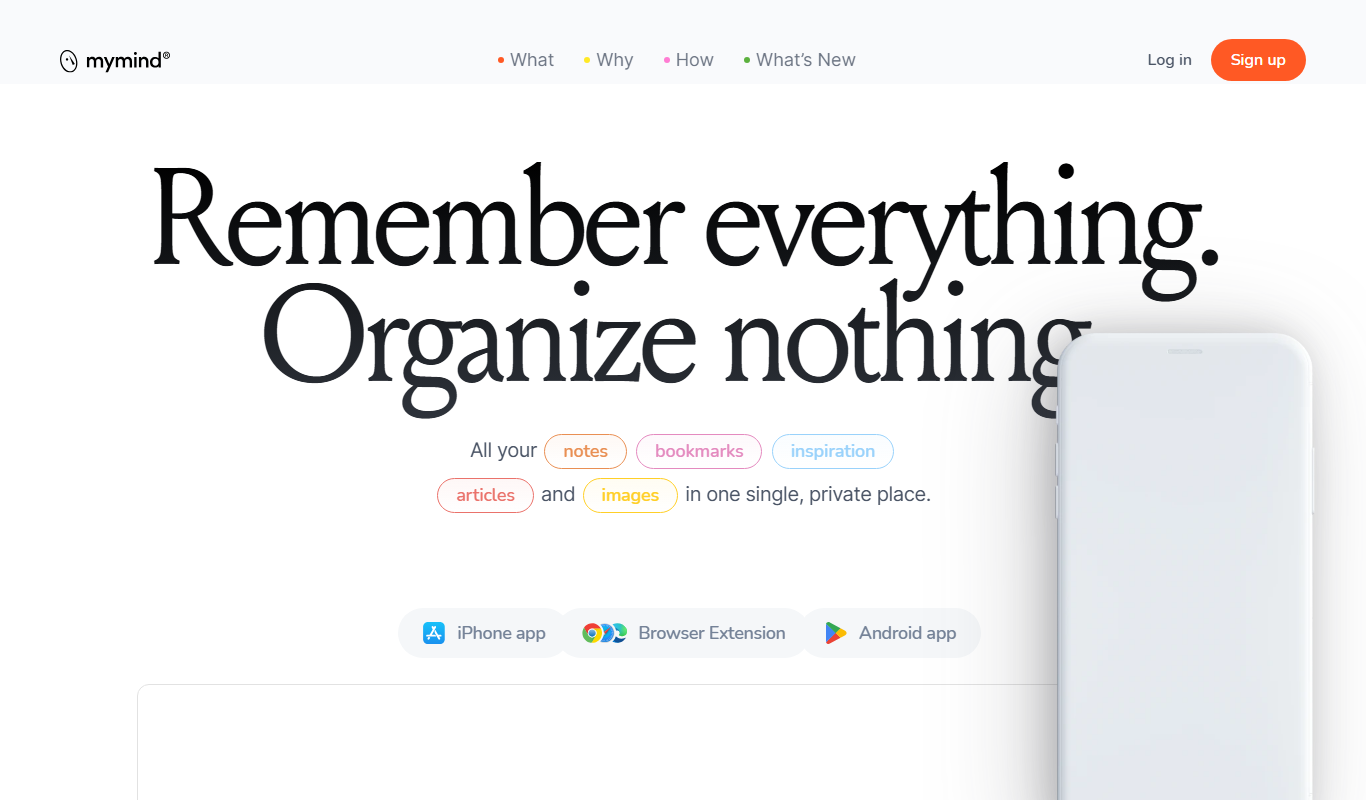
What is MyMind?
MyMind is a digital brain tool designed to help users effortlessly capture, organize, and retrieve their ideas, notes, and web content. It uses AI-powered search and tagging to create a clutter-free, intuitive knowledge management system that adapts to your thinking process.
Key features of MyMind
MyMind offers automatic organization of saved content, AI-driven search capabilities, seamless saving from browsers and mobile devices, and a distraction-free interface to help users focus on their ideas.
AI-Powered Search
Find your notes and saved content instantly using smart, context-aware search.
Automatic Tagging and Organization
Content is automatically categorized and tagged to reduce manual effort.
Cross-Platform Sync
Access your digital brain seamlessly across web, iOS, and Android devices.
Browser Extensions and Mobile Apps
Save content directly from your browser or mobile device with dedicated tools.
Minimalist Interface
A clean, distraction-free environment to focus on your ideas and knowledge.
Pros and cons of MyMind
Pros
- Automatic AI organization reduces manual sorting
- Fast, intuitive search with natural language queries
- Cross-device syncing keeps data accessible everywhere
- Clean, distraction-free user interface
- Easy saving from browsers and mobile apps
Cons
- No bulk import from other note-taking apps
- Limited collaboration or sharing features
- Subscription pricing may be high for casual users
Key use cases for MyMind
Personal Knowledge Management
Store and organize ideas, notes, and web content in a searchable digital brain.
Creative Brainstorming
Capture inspirations and thoughts quickly to revisit and develop later.
Research Organization
Collect and categorize research materials and references for easy retrieval.
Task and Project Planning
Use MyMind to keep track of project ideas and related resources in one place.
How MyMind works
- 1
Create an Account
Sign up on the MyMind website or app to start building your digital brain.
- 2
Save Content
Add notes, links, images, and files manually or via browser extensions and mobile apps.
- 3
Automatic Organization
MyMind uses AI to categorize and tag your saved items without manual sorting.
- 4
Search and Retrieve
Quickly find any saved item using natural language search powered by AI.
Who is using MyMind
Knowledge workers
Students and researchers
Creative professionals
Entrepreneurs and freelancers
Anyone needing personal knowledge management
MyMind pricing
Free Trial
$0 for 7 days
Full access to all features during the trial period.
Subscription
$9.99/month
Continued access to MyMind with unlimited storage and features.
Plans and prices are as published by the vendor and can change. Check the official site before you buy. Open the pricing page (opens in a new tab)
Frequently asked questions about MyMind
Currently, MyMind focuses on saving content directly and does not support bulk import from other note apps.
MyMind uses encryption and secure servers to protect your data privacy.
Some features are available offline, but full functionality requires an internet connection.
Sharing features are limited; MyMind is primarily designed for personal knowledge management.
This tool is designed to help users accomplish its core tasks more efficiently. It is typically used by individuals or teams looking to improve productivity and workflow.
It depends on your specific needs and how you plan to use the tool. The official website and documentation are the best sources for the latest details.
Some tools offer a free plan or trial with limited features. Availability can vary, so confirm on the official website.
Yes, it can help with that use case depending on how you configure it and what features are available. You’ll get the best results with clear inputs and a defined goal.
Sign in to review this tool.
Sign In to ReviewNo reviews yet
Be the first to share how this tool worked for you.
Ask about pricing, limits, or how it compares — or answer someone else.
Sign In to AskNo questions yet
Have a question about using or paying for this tool? Be the first to ask.
Featured on TiorAI



Alternative Tools
Explore similar AI tools that might fit your needs

Free
Evernote
Evernote is a cross-platform note-taking app that helps users capture, organize, and collaborate on notes, tasks, and projects with multi-format support and powerful search.
Free Trial
Roam Research
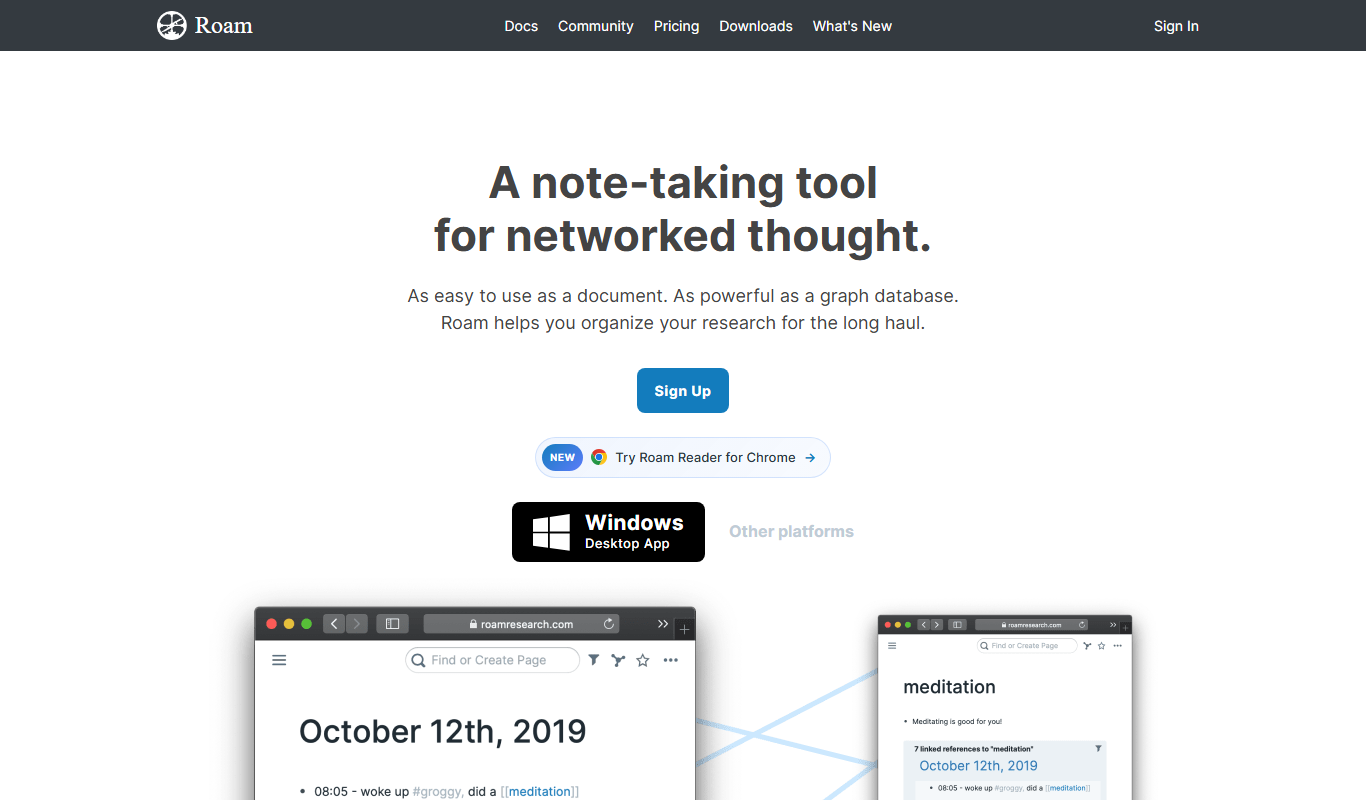
Roam Research is a note-taking and knowledge management tool that uses bidirectional linking and graph visualization to help users organize and connect ideas effectively.
More AI Knowledge Base Tools tools
Other tools in the same category, for when this one is not quite the fit.

Custom Pricing
Glean
Glean is an AI-powered enterprise knowledge management platform that integrates multiple data sources to provide unified search, expert identification, and collaboration tools for organizations.

Free
RAGFlow
RAGFlow is an open-source RAG engine and agent platform that ingests multi-format data, runs hybrid search and builds AI agents in visual workflows, self-hosted or in the cloud.
Free
ArcaNotes
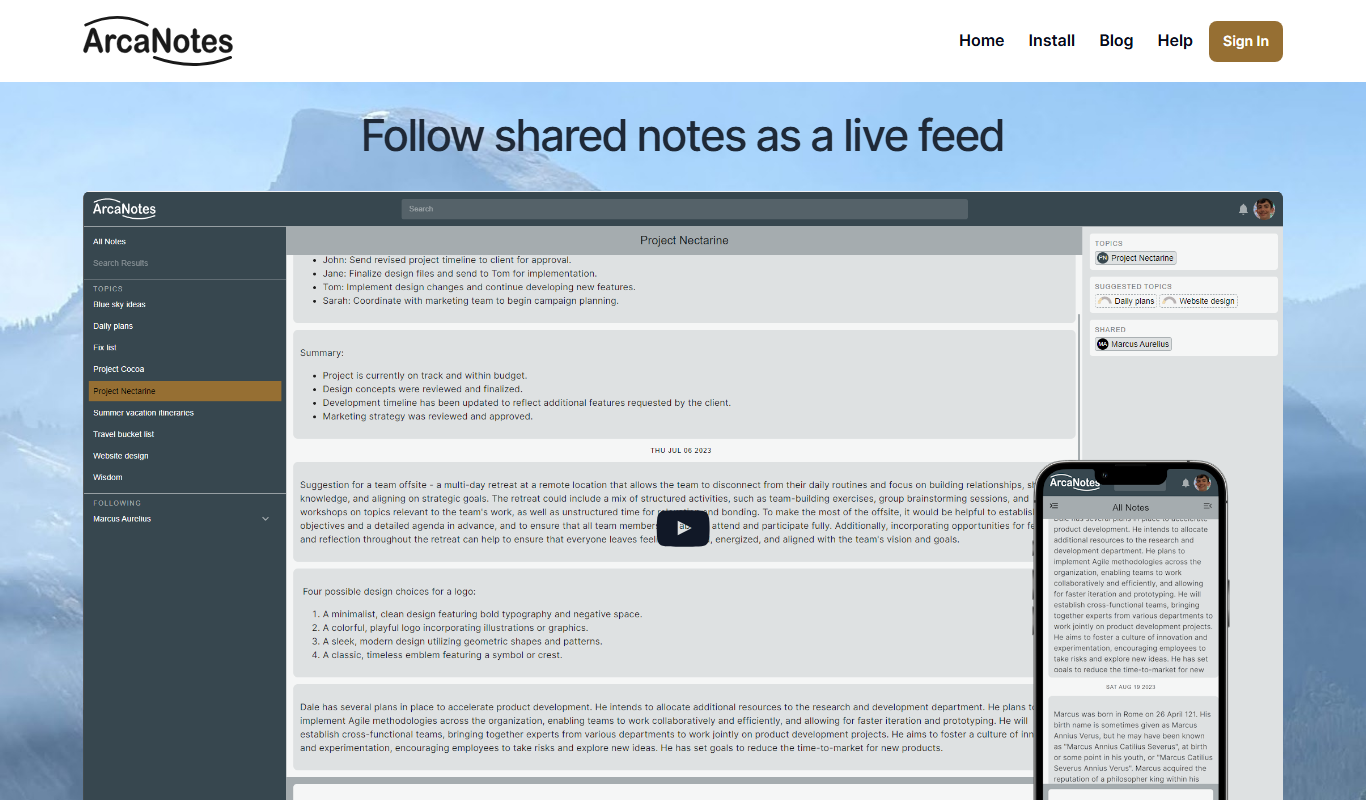
ArcaNotes is an AI-driven note-taking app that helps users organize, link, and summarize notes efficiently across devices with collaboration features.
Custom Pricing
enterprisebot.ai
EnterpriseBot.ai is an AI chatbot platform designed for enterprises to automate customer support and internal workflows through customizable conversational AI deployed across multiple channels.

Free Trial
CloudTruth Config & Secrets AI Copilot
CloudTruth Config & Secrets AI Copilot is a cloud-native platform that centralizes and secures application configuration and secrets management, enhanced with AI to automate and optimize workflows.
Custom Pricing
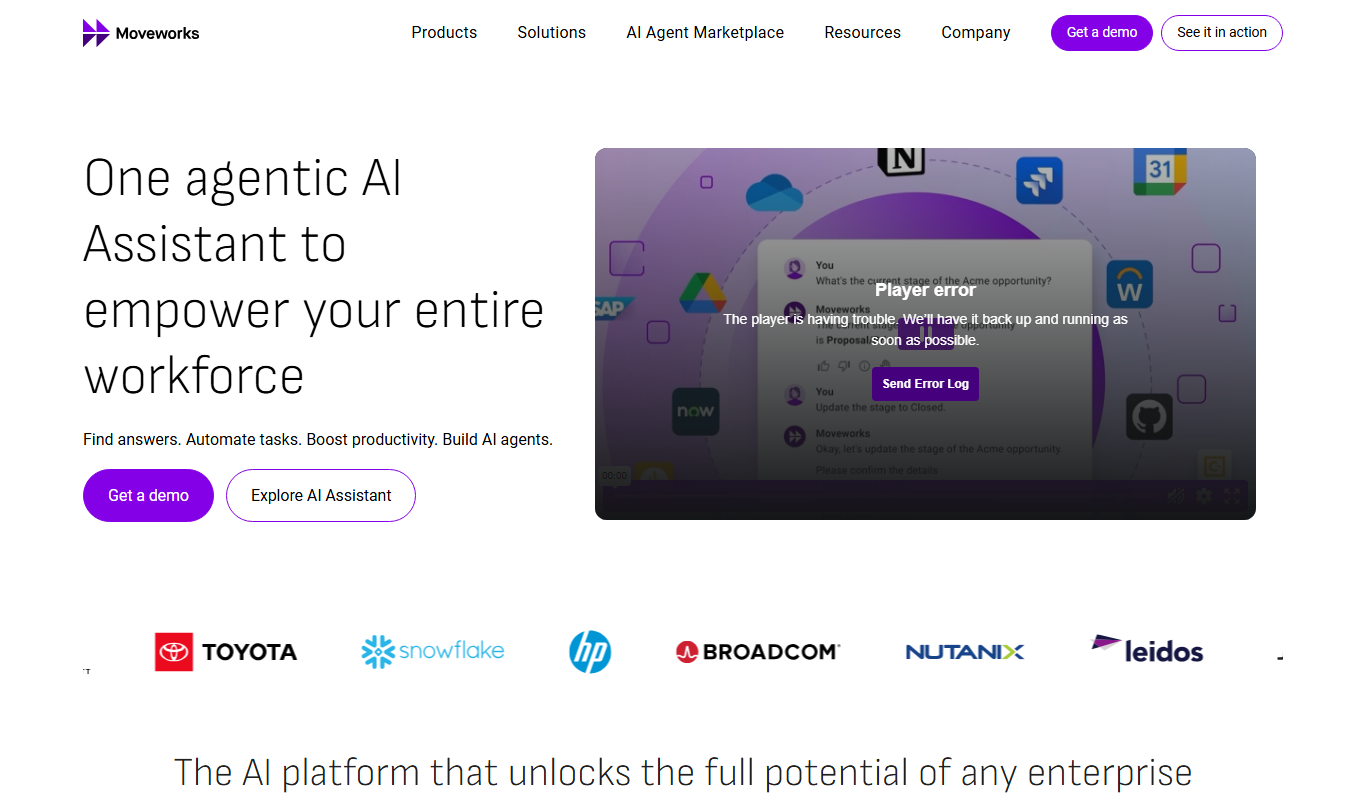
Moveworks
Moveworks is an AI-driven platform that automates IT support by understanding employee requests via chat and resolving issues instantly, reducing helpdesk tickets and improving efficiency.

Custom Pricing
squirro.com
Squirro is an Enterprise GenAI platform for search and knowledge, with custom pricing.

Free
openknowledgemaps.org
Open Knowledge Maps is a free web tool that helps researchers and students discover academic literature through interactive visual maps, clustering related papers and highlighting key concepts for easier exploration.