

EnterpriseBot.ai AI Chatbot Platform for Business Automation and Support
EnterpriseBot.ai is an AI chatbot platform designed for enterprises to automate customer support and internal workflows through customizable conversational AI deployed across multiple channels.
- Best for
- Customer Support Automation
- Key capability
- Natural Language Processing
Save enterprisebot.ai, follow its updates and vote on it — everything stays in your account.
Sign in or create a free account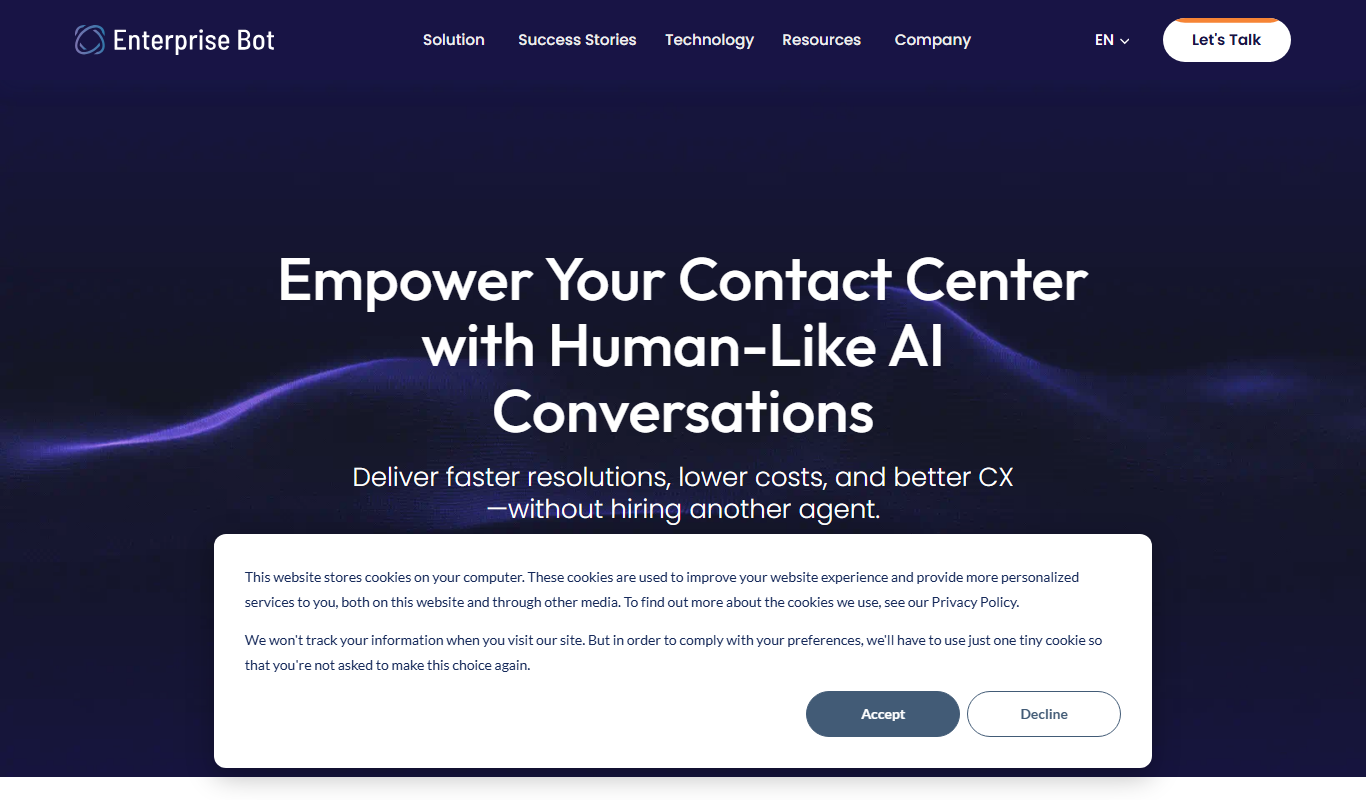
What is enterprisebot.ai?
EnterpriseBot.ai is an AI-powered chatbot platform designed to help businesses automate customer interactions and internal processes. It leverages conversational AI to create intelligent chatbots that can handle customer support, lead generation, and workflow automation across multiple channels. The platform focuses on enterprise-grade solutions tailored to complex business needs.
Key features of enterprisebot.ai
EnterpriseBot.ai offers features such as natural language understanding, multi-channel deployment, integration with business systems, customizable workflows, and analytics to monitor chatbot performance. It enables businesses to reduce operational costs and enhance user engagement through AI-driven automation.
Natural Language Processing
Enables the chatbot to understand and respond to user queries in a conversational manner.
Multi-Channel Support
Deploy chatbots on websites, messaging platforms, and via APIs for broad user reach.
Custom Workflow Builder
Design tailored conversation flows and automate complex business processes.
Integration Capabilities
Seamlessly connect with CRM, ERP, and knowledge management systems.
Analytics Dashboard
Track chatbot interactions, user satisfaction, and operational metrics.
Pros and cons of enterprisebot.ai
Pros
- Highly customizable for complex enterprise needs
- Supports multi-channel deployment
- Strong integration with business systems
- Focus on automating both customer-facing and internal processes
Cons
- Pricing is not transparent and requires direct contact
- Limited language support currently
- No publicly available free trial
Key use cases for enterprisebot.ai
Customer Support Automation
Automate responses to customer inquiries, reducing wait times and improving service efficiency.
Internal Business Process Automation
Streamline internal workflows by automating repetitive tasks and providing employees with AI-powered assistance.
Lead Generation and Qualification
Engage website visitors with conversational AI to capture and qualify leads automatically.
Knowledge Base Integration
Integrate with existing knowledge bases to provide instant, accurate answers to user questions.
Multi-Channel Engagement
Deploy chatbots across multiple channels such as websites, messaging apps, and APIs for consistent communication.
How enterprisebot.ai works
- 1
Consultation and Onboarding
Engage with the EnterpriseBot.ai team to understand your business needs and define chatbot objectives.
- 2
Bot Design and Customization
Customize chatbot workflows, conversation flows, and integrations to align with your processes.
- 3
Integration
Connect the chatbot with your existing systems such as CRM, knowledge bases, and communication channels.
- 4
Deployment
Launch the chatbot across selected platforms including websites and messaging apps.
- 5
Monitoring and Optimization
Use analytics and feedback to continuously improve chatbot performance and user experience.
Who is using enterprisebot.ai
enterprisebot.ai pricing
Enterprise Custom
Contact for pricing
Tailored pricing based on business size, features, and deployment scope.
Plans and prices are as published by the vendor and can change. Check the official site before you buy. Open the pricing page (opens in a new tab)
Frequently asked questions about enterprisebot.ai
Yes, EnterpriseBot.ai offers integration capabilities with popular CRM and business systems to streamline workflows.
Yes, the platform supports deployment across websites, messaging apps, and APIs for consistent multi-channel engagement.
EnterpriseBot.ai typically offers custom demos and consultations; specific trial options should be discussed with their sales team.
Currently, the platform primarily supports English.
This tool is designed to help users accomplish its core tasks more efficiently. It is typically used by individuals or teams looking to improve productivity and workflow.
Integration support depends on the tool and its available connectors or API. Check the official documentation or integrations page to confirm what is supported.
Yes, it can help with that use case depending on how you configure it and what features are available. You’ll get the best results with clear inputs and a defined goal.
Pricing depends on the plan and included features. For the most accurate and up-to-date details, check the official pricing page.
Conclusion
Projects start with the vendor team, which works with the business to understand its needs and define chatbot objectives. Conversation flows and integrations are then customized and connected to existing systems such as CRM and knowledge bases. The chatbot then launches across selected platforms including websites and messaging apps.
Coverage spans customer support, lead generation and workflow automation, with chat, voice, email and agent assist also offered. The platform focuses on enterprise-grade solutions for complex business needs, used by customer support teams and IT and automation specialists. Pricing is tailored to business size, features and deployment scope and is available only by contacting the company.
Sources
Sign in to review this tool.
Sign In to ReviewNo reviews yet
Be the first to share how this tool worked for you.
Ask about pricing, limits, or how it compares — or answer someone else.
Sign In to AskNo questions yet
Have a question about using or paying for this tool? Be the first to ask.
Featured on TiorAI



More AI Chatbot & Conversational Tools tools
Other tools in the same category, for when this one is not quite the fit.

Custom GPTs Store
Custom GPTs Store is a free online marketplace where users can discover, share, and access custom-built GPT chatbots tailored for specific tasks and industries.
pdf2gpt
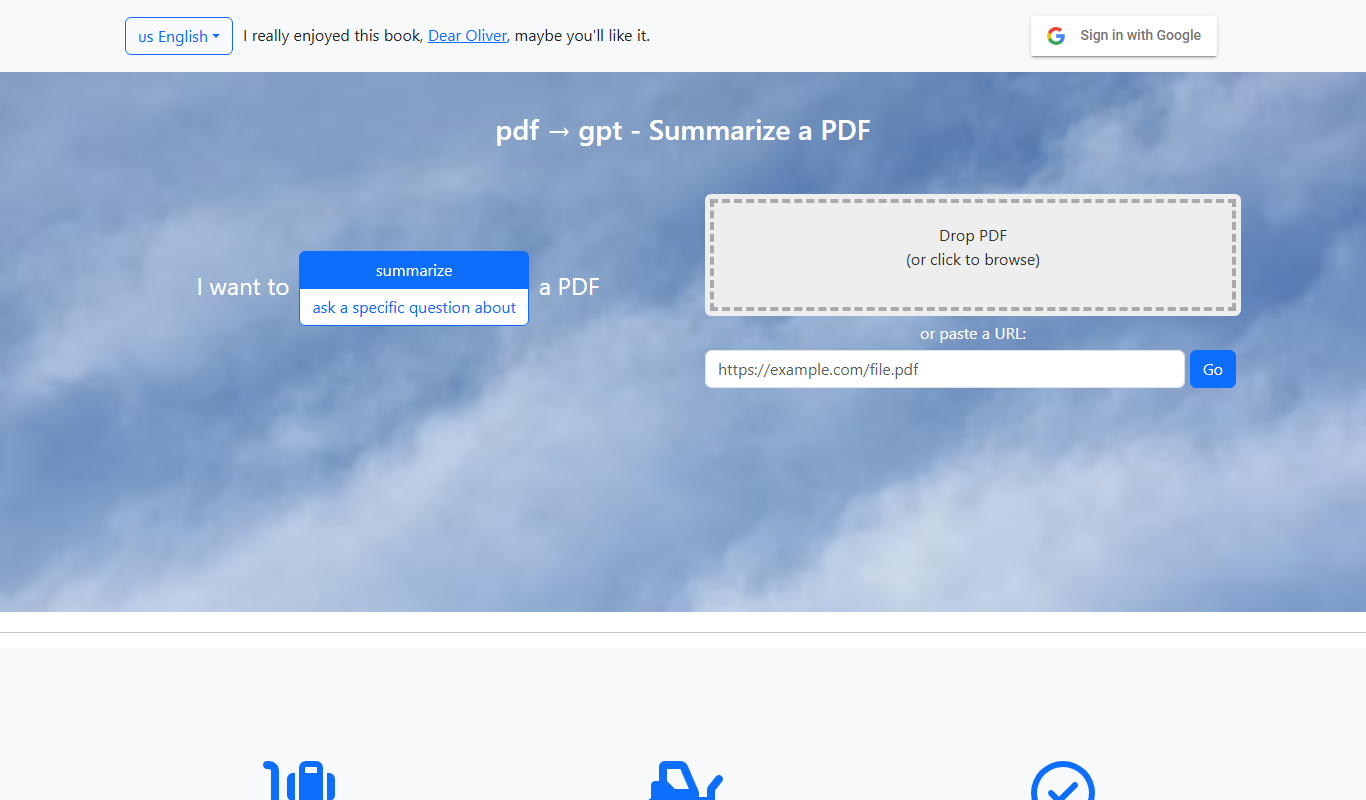
pdf2gpt summarizes large PDF files by splitting them into parts, with a table of contents and a summary for each section.

PDF GPT
PDF GPT is an AI chatbot tool that enables users to upload PDF documents and interactively ask questions or get summaries using natural language processing powered by GPT models.

Quiksbot
Quiksbot is an AI-powered no-code chatbot platform designed to automate customer support and lead generation on websites.

IvyQuantum
IvyQuantum is an AI chatbot platform by Ivy.ai that automates customer support and engagement using natural language understanding, primarily serving higher education and enterprise sectors.
Flochat
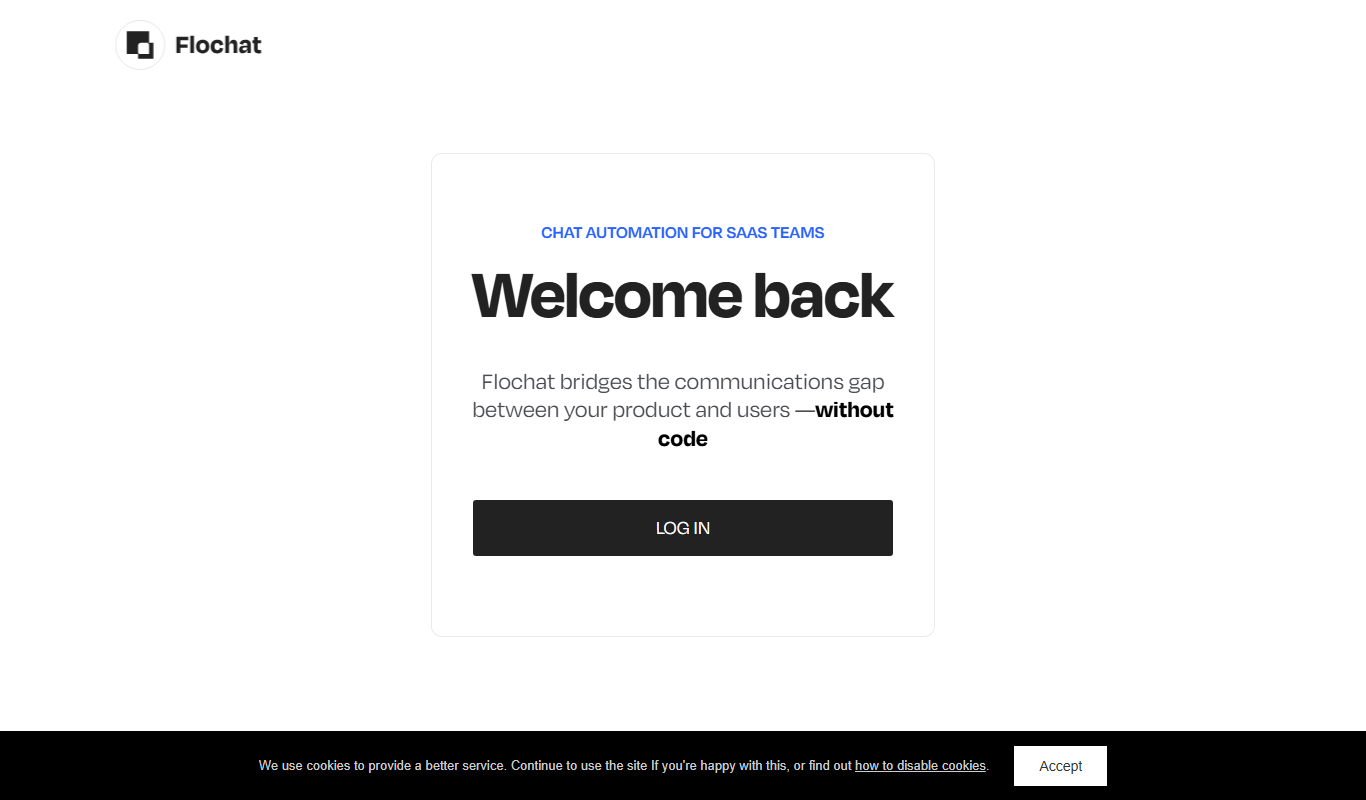
Flochat automates conversations and user journeys for SaaS teams, with an omnichannel inbox.
Botsify
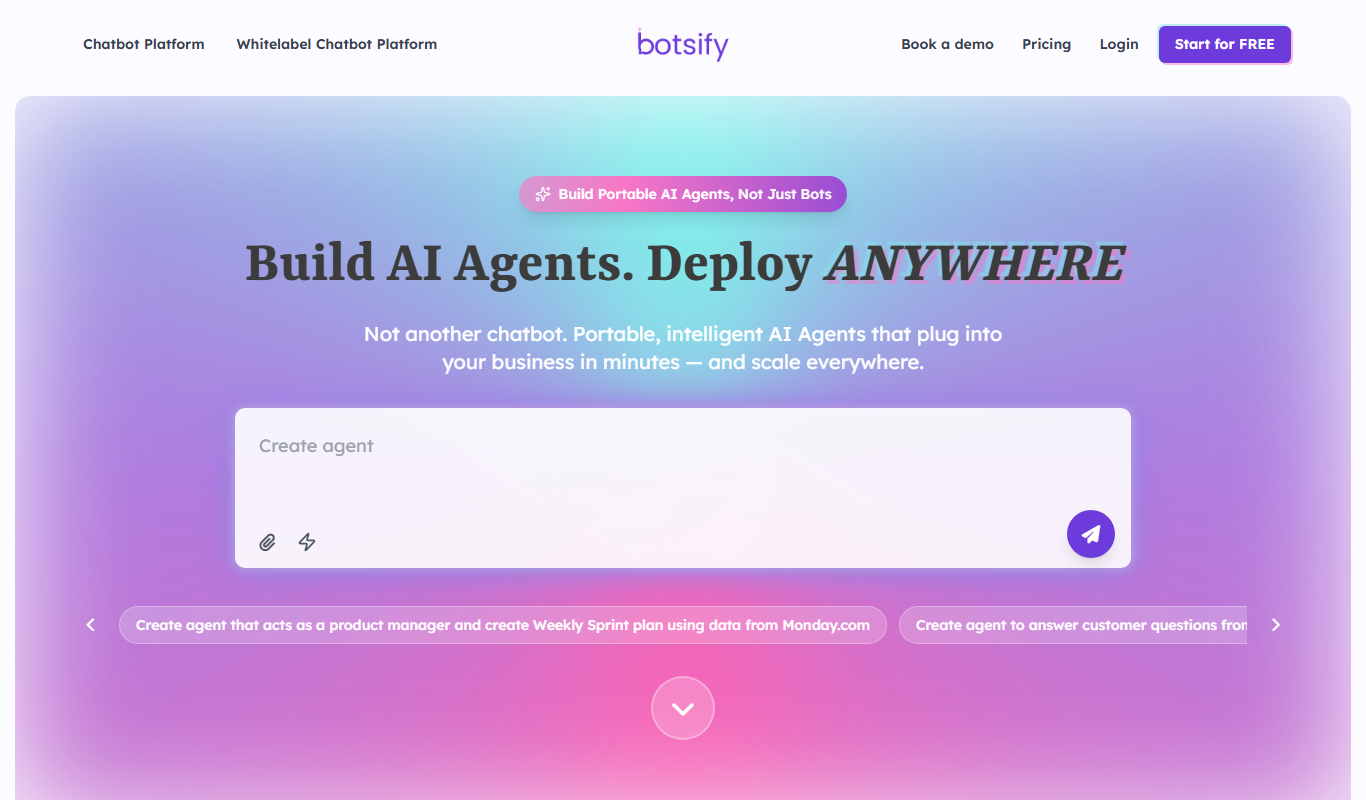
Botsify is a white-label platform for building and reselling AI chatbots and AI agents under your own brand, with client management and platform customization for agencies.
Tiledesk
Tiledesk is an open-source AI chatbot and live chat platform that helps businesses automate customer support, engage visitors across multiple messaging channels, and integrate with helpdesk systems.