

IvyQuantum AI Chatbot Platform for Customer Support and Automation
IvyQuantum is an AI chatbot platform by Ivy.ai that automates customer support and engagement using natural language understanding, primarily serving higher education and enterprise sectors.
- Best for
- Customer Support Automation
- Key capability
- Natural Language Understanding
Save IvyQuantum, follow its updates and vote on it — everything stays in your account.
Sign in or create a free account

What is IvyQuantum?
IvyQuantum is an AI-powered chatbot platform developed by Ivy.ai that enables organizations to automate customer support and engagement through conversational AI. It is designed to understand natural language queries and provide instant, accurate responses, helping to reduce support costs and improve user satisfaction. IvyQuantum is widely used in sectors like higher education to streamline communication and provide self-service options.
Key features of IvyQuantum
The platform offers natural language processing, customizable chatbot workflows, integration capabilities with existing systems, analytics dashboards, and multi-channel deployment options to deliver seamless conversational experiences.
Natural Language Understanding
Interprets user queries in everyday language for accurate and relevant responses.
Customizable Workflows
Design tailored conversation paths to meet specific organizational requirements.
Multi-Channel Support
Deploy chatbots across websites, mobile apps, and messaging platforms.
Analytics and Reporting
Gain insights into user interactions and chatbot effectiveness to inform improvements.
Integration Capabilities
Connect with CRM, ticketing systems, and other enterprise software for seamless operations.
Pros and cons of IvyQuantum
Pros
- Highly customizable chatbot workflows
- Strong focus on higher education sector
- Robust natural language understanding
- Comprehensive analytics dashboard
Cons
- Pricing is not transparent and requires contact
- Limited language support beyond English
- Primarily web-based with no dedicated mobile app
Key use cases for IvyQuantum
Customer Support Automation
Automate responses to common customer inquiries, reducing wait times and support costs.
Higher Education Support
Provide students and staff with instant answers to FAQs related to admissions, financial aid, and campus services.
Conversational Self-Service
Enable users to self-serve through natural language interactions, improving user experience and operational efficiency.
Lead Qualification
Engage website visitors with conversational AI to capture and qualify leads automatically.
24/7 Availability
Offer round-the-clock assistance to users without the need for human agents.
How IvyQuantum works
- 1
Integration Setup
Connect IvyQuantum with your website or communication channels via API or widgets.
- 2
Customize Chatbot
Configure chatbot responses, workflows, and knowledge base tailored to your organization’s needs.
- 3
Deploy and Engage
Launch the chatbot to interact with users, answering questions and guiding them through processes.
- 4
Monitor and Optimize
Use analytics to track chatbot performance and continuously improve response accuracy.
Who is using IvyQuantum
IvyQuantum pricing
Custom Enterprise
Contact for pricing
Tailored solutions and pricing based on organizational needs and scale.
Plans and prices are as published by the vendor and can change. Check the official site before you buy. Open the pricing page (opens in a new tab)
Frequently asked questions about IvyQuantum
IvyQuantum is widely used in higher education but also serves other sectors requiring customer support automation.
Currently, IvyQuantum primarily supports English.
Yes, it offers integration capabilities with various enterprise software including CRM and ticketing systems.
Ivy.ai typically offers demos and custom pricing; contact their sales team for trial options.
This tool is designed to help users accomplish its core tasks more efficiently. It is typically used by individuals or teams looking to improve productivity and workflow.
Integration support depends on the tool and its available connectors or API. Check the official documentation or integrations page to confirm what is supported.
It depends on your specific needs and how you plan to use the tool. The official website and documentation are the best sources for the latest details.
Conclusion
Developed by Ivy.ai, IvyQuantum connects to a website or other communication channels via API or widgets, and each organization configures its responses, workflows and knowledge base. Once launched, the chatbot answers user questions and guides people through processes, while analytics track its performance. Chatbots can be deployed across websites, mobile apps and messaging platforms.
Higher education is where it is widely used, giving students and staff instant answers on admissions, financial aid and campus services. Outside campuses, it connects with CRM and ticketing systems and can engage website visitors to capture and qualify leads. Pricing is custom and tailored to organizational needs and scale, and demos go through the sales team.
Sources
Sign in to review this tool.
Sign In to ReviewNo reviews yet
Be the first to share how this tool worked for you.
Ask about pricing, limits, or how it compares — or answer someone else.
Sign In to AskNo questions yet
Have a question about using or paying for this tool? Be the first to ask.
Featured on TiorAI



More AI Chat Generator tools
Other tools in the same category, for when this one is not quite the fit.

Chatroulette
Chatroulette is a free web-based platform that pairs users randomly for live video chats with strangers worldwide, requiring no registration and supporting multiple languages.

CustomGPT
CustomGPT is a no-code AI chat generator platform that lets you build personalized AI chatbots trained on your own data, suitable for customer support, content generation, and internal knowledge assistance.

Genius
Genius is a free platform offering song lyrics and community-driven annotations that explain the meaning behind music, with artist participation and mobile app support.

Baidu Wenxin
Baidu Wenxin is an AI-powered platform by Baidu that offers advanced Chinese language conversational AI, content generation, and copywriting tools accessible via web and API.

ChatExcel
ChatExcel is an AI-powered chat tool that allows users to analyze, automate, and generate insights from Excel spreadsheets using natural language commands without needing complex formulas.

Haptik
Haptik is an AI-powered conversational platform that enables businesses to build chatbots and voice assistants for automating customer service and enhancing engagement across multiple channels.

Seneca Learning
Seneca Learning is an AI-powered online platform that helps students revise school subjects through interactive quizzes, summaries, and personalized learning paths aligned with UK curricula.
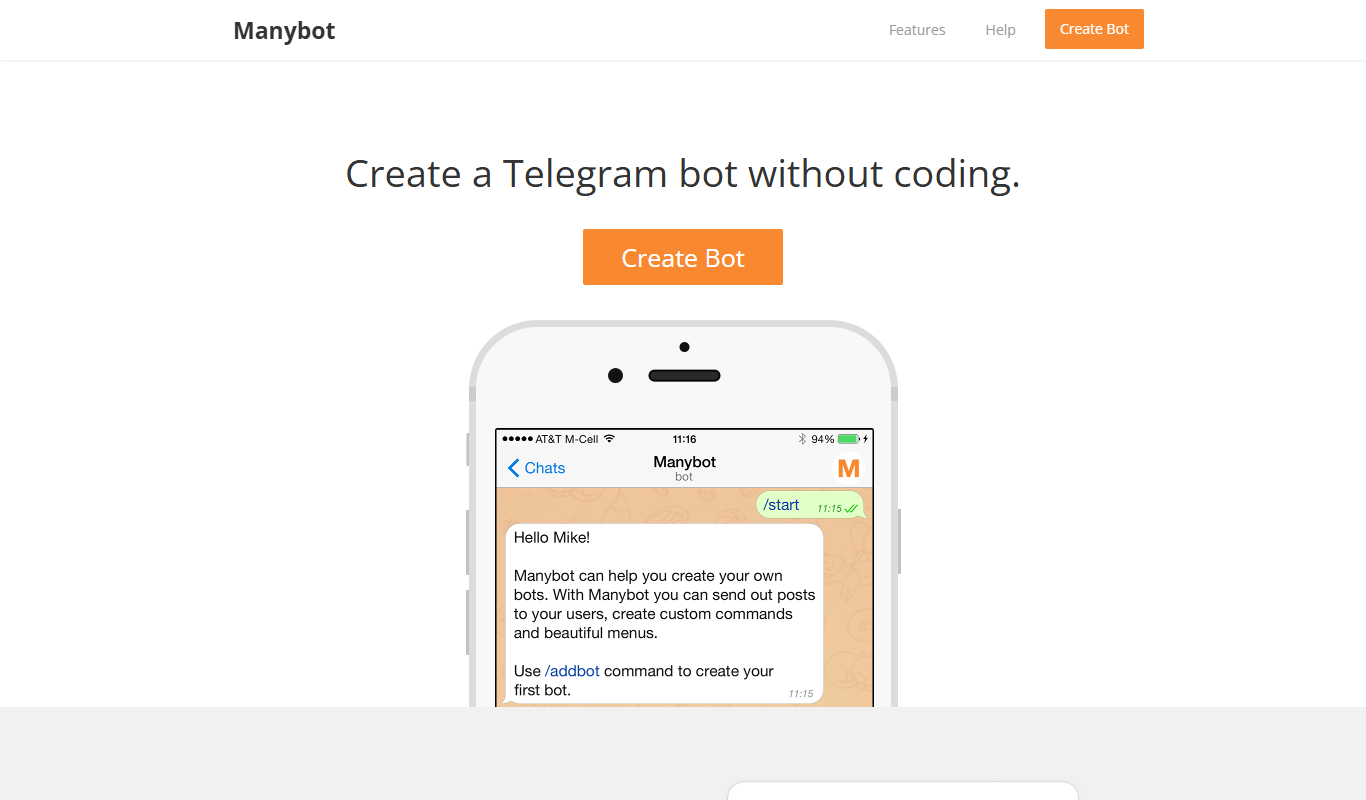
ManyBot
ManyBot is a no-code platform that enables users to create and manage Telegram chatbots for marketing, customer support, and automation without programming skills.