

From my experience with Moveworks, I found it excels at automating routine IT support tasks through natural language chatbots, significantly reducing helpdesk ticket volume. After spending time with the platform, I can say it’s particularly well-suited for large enterprises that rely on Slack or Microsoft Teams and want to streamline employee service requests. However, there’s a trade-off: the solution is primarily designed for enterprise-scale deployments with custom pricing, which may not be accessible for smaller organizations. Overall, if you need AI-driven IT support automation integrated with your existing systems, Moveworks delivers robust and scalable results.
AI-Powered IT Support Automation Platform for Enterprise Helpdesks
Moveworks is an AI-driven platform that automates IT support by understanding employee requests via chat and resolving issues instantly, reducing helpdesk tickets and improving efficiency.
- Best for
- Automated IT Support
- Key capability
- Natural Language Understanding
Your actions
Save Moveworks, follow its updates and vote on it — everything stays in your account.
Sign in or create a free account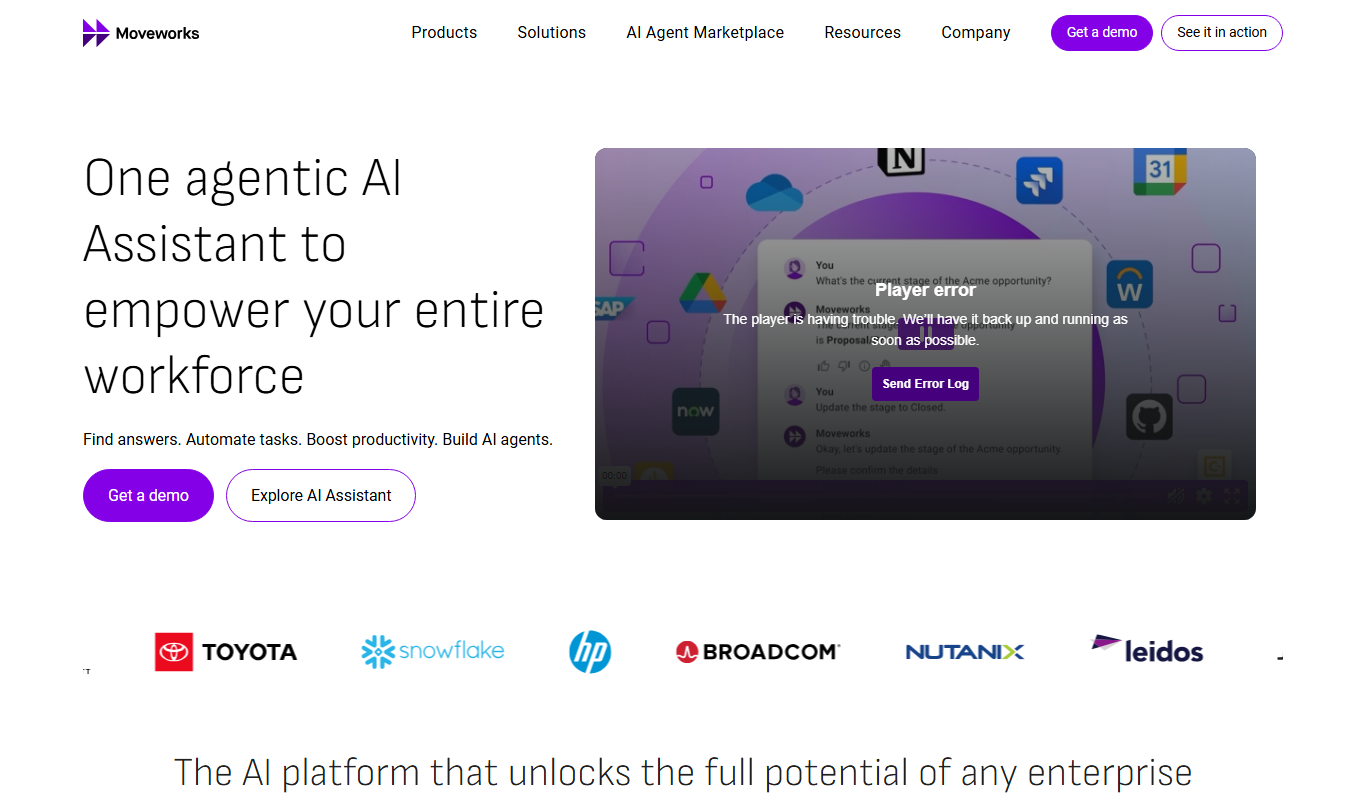
What is Moveworks?
Moveworks is an AI-powered platform designed to automate IT support and employee service requests within enterprises. Leveraging advanced natural language processing and machine learning, it understands employee queries and resolves issues instantly without human intervention. The platform integrates with existing IT service management systems and communication tools to streamline workflows, reduce ticket volume, and improve employee productivity.
Key features of Moveworks
Moveworks offers automated ticket resolution, AI chatbots for natural language support, seamless integration with enterprise IT systems, multichannel communication support, and real-time analytics to monitor IT support performance.
Natural Language Understanding
Advanced AI interprets employee requests in everyday language for accurate issue identification.
Automated Ticket Resolution
Automatically resolves common IT problems without human intervention, reducing workload.
Multichannel Support
Supports requests via chat platforms like Slack and Microsoft Teams for easy employee access.
Enterprise System Integrations
Connects with ITSM, HR, and cloud systems to automate workflows and data retrieval.
Real-Time Analytics
Provides insights into support performance and automation effectiveness.
Pros and cons of Moveworks
Pros
- Significantly reduces IT helpdesk ticket volume
- Improves employee productivity with instant support
- Seamless integration with enterprise IT systems
- Supports multiple communication channels
- Continuously learns to improve automation accuracy
Cons
- Pricing is custom and may be expensive for smaller organizations
- Primarily designed for enterprise-scale deployments
- Limited language support beyond English
Key use cases for Moveworks
Automated IT Support
Provides AI-driven resolution of common IT issues through natural language understanding and automation.
Employee Service Requests
Enables employees to submit and resolve service requests instantly via chat interfaces without human intervention.
Ticket Deflection
Reduces helpdesk ticket volume by automatically resolving issues and answering FAQs.
Integration with Enterprise Systems
Connects with existing ITSM tools, HR systems, and cloud services to automate workflows and data retrieval.
Multichannel Support
Supports employee requests via chat platforms like Slack and Microsoft Teams, enhancing accessibility.
How Moveworks works
- 1
Employee Submits Request
An employee types a question or issue into a chat interface like Slack or Microsoft Teams.
- 2
AI Understands Query
Moveworks uses natural language processing to interpret the request and identify the problem.
- 3
Automated Resolution
The platform executes automated workflows or provides instant answers to resolve the issue.
- 4
Ticket Creation if Needed
If the AI cannot resolve the issue, it creates a ticket in the ITSM system for human agents.
- 5
Continuous Learning
The AI learns from interactions to improve future responses and automation accuracy.
Who is using Moveworks
Large enterprises with complex IT environments
IT service management teams
HR departments managing employee requests
Organizations using Slack or Microsoft Teams
Companies seeking AI-driven automation for IT support
Moveworks pricing
Custom Enterprise Pricing
Contact for pricing
Pricing tailored to enterprise needs based on scale and integrations.
Plans and prices are as published by the vendor and can change. Check the official site before you buy. Open the pricing page (opens in a new tab)
Frequently asked questions about Moveworks
Moveworks can handle password resets, software installations, access requests, and common troubleshooting tasks.
Moveworks supports chat platforms such as Slack and Microsoft Teams, as well as web interfaces.
Yes, it integrates with popular ITSM platforms like ServiceNow and Jira Service Management.
Moveworks primarily targets medium to large enterprises due to its integration and customization capabilities.
Yes, it can help with that use case depending on how you configure it and what features are available. You’ll get the best results with clear inputs and a defined goal.
Integration support depends on the tool and its available connectors or API. Check the official documentation or integrations page to confirm what is supported.
Yes, it can help with that use case depending on how you configure it and what features are available. You’ll get the best results with clear inputs and a defined goal.
Sign in to review this tool.
Sign In to ReviewNo reviews yet
Be the first to share how this tool worked for you.
Ask about pricing, limits, or how it compares — or answer someone else.
Sign In to AskNo questions yet
Have a question about using or paying for this tool? Be the first to ask.
Featured on TiorAI



More AI Automation & Workflow Tools tools
Other tools in the same category, for when this one is not quite the fit.

Custom Pricing
koncert.com
Koncert is a sales engagement platform that helps B2B sales teams automate outbound prospecting and multi-channel outreach to increase efficiency and pipeline growth.

Freemium
Vidnoz AI
Vidnoz AI is a web-based platform that uses artificial intelligence to help users create marketing and social media videos quickly by automating video generation from text and media inputs.

Free Trial
Oyeeah all-in-one AI Platform
Oyeeah is a web-based all-in-one AI platform that helps businesses automate content creation, marketing tasks, and customer engagement through AI writing assistants, chatbots, and SEO tools.

Free Trial
Journeai
Journeai is an AI-powered software that automatically maps customer journeys across multiple marketing channels, providing real-time analytics and insights to optimize marketing strategies.

Freemium
Meoweler
Meoweler is an AI chatbot platform that helps businesses automate customer support and engagement through no-code chatbot creation and natural language processing.

Contact for pricing
QUINETICS
Quinetics is an AI platform that provides businesses with advanced data analytics, workflow automation, and custom machine learning model development to optimize operations and decision-making.

Free Trial
Parny
Parny is an AI chatbot platform that helps businesses automate customer support and engagement through easy-to-build conversational bots with API integration and analytics.

Free
Its Bot
Its Bot is an AI-powered chatbot platform that enables businesses to automate customer interactions across multiple channels using a no-code builder and AI natural language processing.