

Notebook Digitizer App for Converting Handwritten Notes to Digital Text
Notebook Digitizer is an app that converts handwritten notes into editable digital text using AI-powered OCR technology, supporting multiple languages and cloud sync.
- Best for
- Academic Note Digitization
- Key capability
- High-Accuracy Handwriting Recognition
Save Notebook Digitizer, follow its updates and vote on it — everything stays in your account.
Sign in or create a free account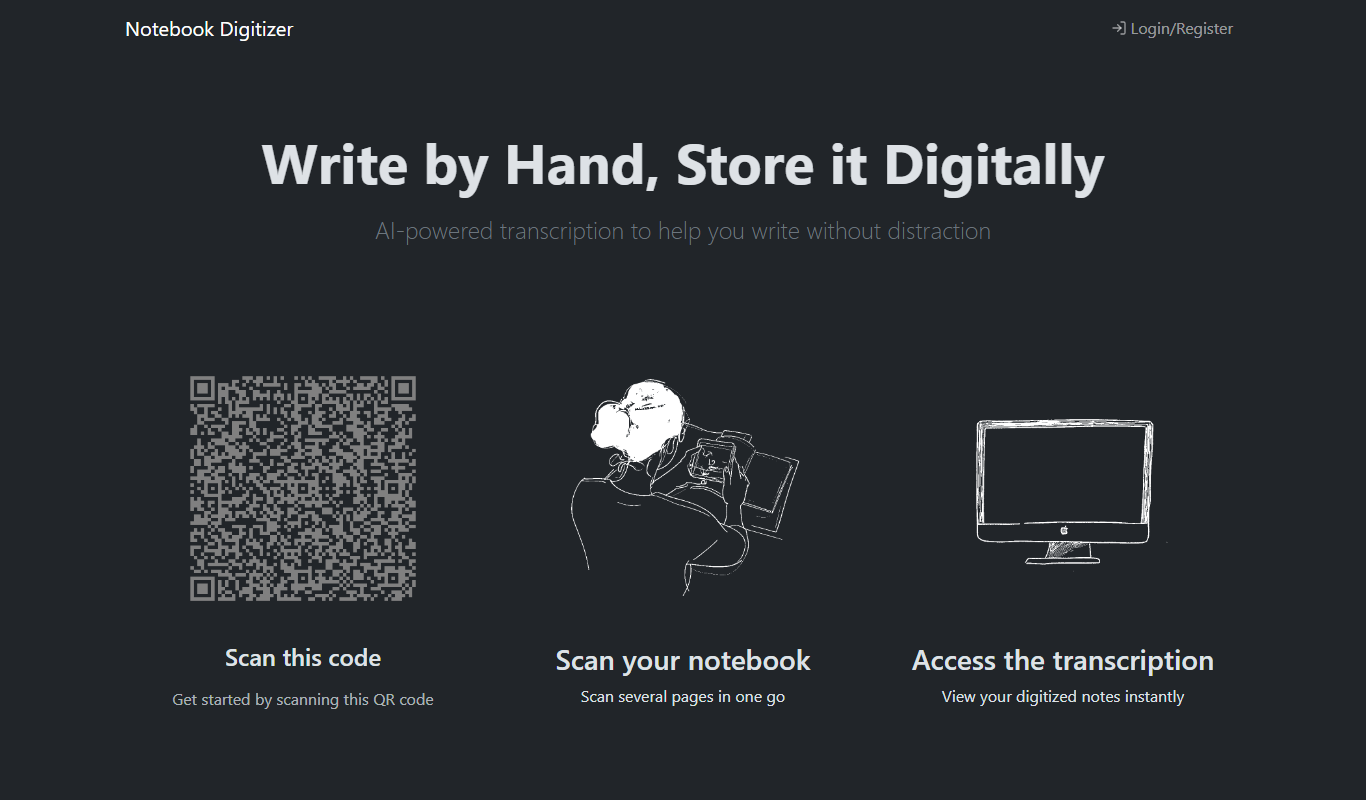
What is Notebook Digitizer?
Notebook Digitizer is a productivity application designed to convert handwritten notes from physical notebooks into editable, searchable digital text. It uses advanced OCR and handwriting recognition technology to accurately capture and digitize notes, making them easier to organize, edit, and share across devices.
Key features of Notebook Digitizer
The tool offers seamless note scanning, handwriting recognition with high accuracy, multi-language support, cloud synchronization, and export options to popular formats like PDF and DOCX.
High-Accuracy Handwriting Recognition
Utilizes AI-powered OCR to accurately convert diverse handwriting styles into editable text.
Multi-Language Support
Supports recognition in multiple languages including English, Spanish, French, and German.
Cloud Sync and Backup
Automatically syncs digitized notes across devices with secure cloud storage.
Export Options
Allows exporting notes as PDF, DOCX, or plain text files for versatile use.
User-Friendly Interface
Clean and intuitive UI designed for quick note capture and easy navigation.
Pros and cons of Notebook Digitizer
Pros
- Accurate handwriting recognition across multiple languages
- Easy-to-use interface for quick note digitization
- Cloud sync enables access across devices
- Flexible export options for various workflows
Cons
- OCR accuracy may vary with very messy handwriting
- Page scans are paid with credit packages (1 credit = 1 page scan)
Key use cases for Notebook Digitizer
Academic Note Digitization
Students can convert handwritten lecture notes into searchable digital text for easier study and organization.
Professional Meeting Notes
Professionals can quickly digitize handwritten meeting notes to share and archive efficiently.
Creative Brainstorming Capture
Creative teams can preserve handwritten ideas and sketches digitally for collaboration and refinement.
Personal Journal Archiving
Users can convert personal handwritten journals into digital formats for backup and easy access.
How Notebook Digitizer works
- 1
Capture Notes
Use the app to take photos or upload scans of your handwritten notes.
- 2
Process with OCR
The app analyzes the images using handwriting recognition algorithms to convert them into digital text.
- 3
Edit and Organize
Review the digitized notes, make corrections if needed, and organize them into folders or tags.
- 4
Export and Share
Export your notes in various formats or share them directly via email or cloud services.
Who is using Notebook Digitizer
Notebook Digitizer pricing
20 credits
$1
Credit package, 5 cents per page; 1 credit = 1 page scan.
100 credits
$3
Credit package, 3 cents per page.
500 credits
$8
Credit package, 1.6 cents per page.
1000 credits
$10
Credit package, 1 cent per page.
Plans and prices are as published by the vendor and can change. Check the official site before you buy. Open the pricing page (opens in a new tab)
Frequently asked questions about Notebook Digitizer
It supports a wide range of handwriting styles, including cursive and print, with AI improving accuracy over time.
Basic note capture is possible offline, but OCR processing and cloud sync require an internet connection.
Yes, Notebook Digitizer uses encryption and secure servers to protect your data privacy.
You can export notes as PDF, DOCX, or plain text files.
It depends on your specific needs and how you plan to use the tool. The official website and documentation are the best sources for the latest details.
Yes, it can help with that use case depending on how you configure it and what features are available. You’ll get the best results with clear inputs and a defined goal.
Yes, it can help with that use case depending on how you configure it and what features are available. You’ll get the best results with clear inputs and a defined goal.
Conclusion
Pages are captured by scanning: the site shows a QR code to get started, several notebook pages can be scanned in one go, and the digitized notes are then available to view instantly. AI and computer vision turn the handwritten notes into editable, searchable digital text. It started as a personal project for people who like writing in paper journals but want to keep their entries digitally.
Students can use it to convert handwritten lecture notes, and professionals to digitize handwritten meeting notes. OCR accuracy may vary with very messy handwriting. There is no subscription: scans are paid with credit packages, and 1 credit covers 1 page scan.
Sources
Sign in to review this tool.
Sign In to ReviewNo reviews yet
Be the first to share how this tool worked for you.
Ask about pricing, limits, or how it compares — or answer someone else.
Sign In to AskNo questions yet
Have a question about using or paying for this tool? Be the first to ask.
Featured on TiorAI



Alternative Tools
Explore similar AI tools that might fit your needs

Evernote
Evernote is a cross-platform note-taking app that helps users capture, organize, and collaborate on notes, tasks, and projects with multi-format support and powerful search.
More AI Productivity Tools tools
Other tools in the same category, for when this one is not quite the fit.

PromptPoint
PromptPoint is a web platform that helps users create, manage, and optimize AI prompts to improve the quality and relevance of AI-generated content, with features for collaboration and analytics.

The GPT Repo
The GPT Repo is a community directory of custom GPTs submitted by users.

AI Consulting for Finance Teams
GenFinance AI provides specialized AI consulting services designed to help finance teams improve financial analysis, forecasting, risk management, and automation through tailored AI solutions.
Time Champ
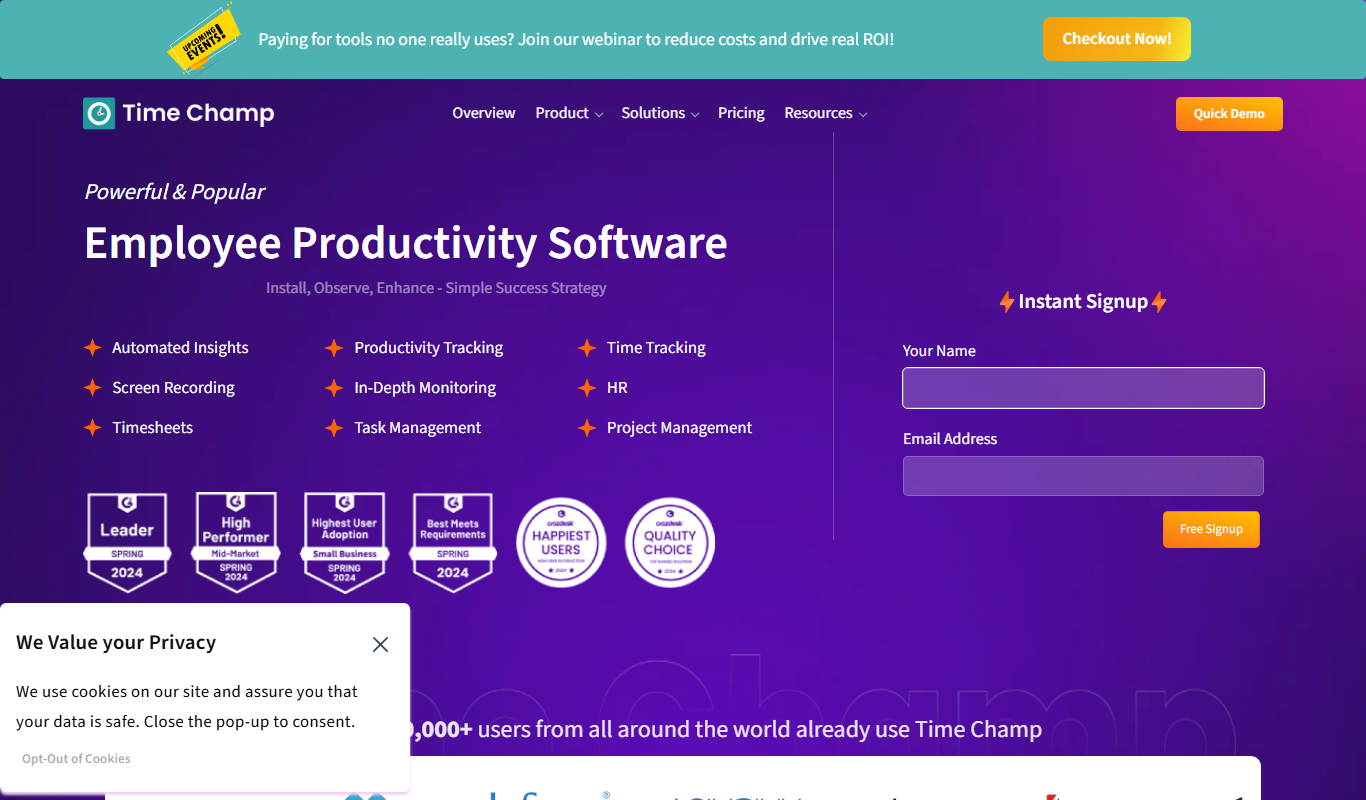
Time Champ is a multi-platform time tracking and employee monitoring software that helps businesses track work hours, manage projects, and analyze productivity with features like automatic tracking, screenshots, and timesheet automation.

Powerpresent AI
Powerpresent AI is a web-based tool that uses artificial intelligence to automatically generate professional presentation slides from user input, offering customizable templates and easy editing.

WorkPPT
WorkPPT is a web-based presentation tool by SoftTooler that uses AI to help users create and customize professional slides quickly, supporting collaboration and export in PPTX and PDF formats.

Pi by DeepVinci
Pi by DeepVinci is an AI presentation tool that creates slides from a sentence, an uploaded document or a connected knowledge base.

AI Slide Studio
AI Slide Studio is a web-based tool that uses artificial intelligence to automatically generate and design presentation slides from text input, helping users create professional slide decks quickly and easily.