

Notability AI Note-Taking App with Handwriting and Audio Sync Features
Notability is a note-taking app with handwriting, audio and AI features, available on Android as well as iOS and macOS.
- Best for
- Academic Note-Taking
- Key capability
- Handwriting and Typing
Save Notability, follow its updates and vote on it — everything stays in your account.
Sign in or create a free account
What is Notability?
Notability is a note-taking app with handwriting, audio and AI features. It is available on iOS and macOS, and since 2026 on Android through Google Play.
Key features of Notability
Notability offers multi-modal note-taking with handwriting and typing, audio recording synced to notes, PDF annotation, AI-powered handwriting search, and seamless cloud syncing across Apple devices.
Handwriting and Typing
Combine handwritten notes with typed text in a flexible, easy-to-use interface.
Audio Recording with Playback Sync
Record audio while taking notes; tap any word to hear what was said at that moment.
PDF Annotation
Import PDFs and annotate with highlights, drawings, and text.
AI Handwriting Recognition
Search handwritten notes quickly using AI-powered recognition technology.
Cloud Sync and Backup
Sync notes across iPhone, iPad, and Mac via iCloud for seamless access.
Pros and cons of Notability
Pros
- Intuitive interface combining handwriting, typing, and audio
- Powerful audio sync feature for lectures and meetings
- Robust PDF annotation tools
- AI-powered handwriting search improves productivity
- Seamless syncing across Apple devices
Cons
- Subscription pricing may deter casual users
Key use cases for Notability
Academic Note-Taking
Students can take handwritten or typed notes, record lectures, and sync audio with notes for better study sessions.
Professional Meeting Notes
Professionals can annotate PDFs, organize meeting notes, and share them easily with teams.
Creative Brainstorming
Users can sketch ideas, combine handwriting with typed text, and organize thoughts visually.
Document Annotation
Annotate PDFs and documents with highlights, drawings, and comments for review or collaboration.
How Notability works
- 1
Create or Import Notes
Start a new note by typing, handwriting, or importing PDFs and documents.
- 2
Record Audio
Record lectures or meetings while taking notes; audio syncs with your handwriting or typed text.
- 3
Annotate and Organize
Highlight, draw, and add comments to notes or PDFs; organize notes into subjects and dividers.
- 4
Search and Share
Use AI-powered handwriting recognition to search notes; export or share notes in various formats.
Who is using Notability
Notability pricing
Free
$0
Basic note-taking features with limited access to advanced tools.
Lite
$11.99/year
Full access to all features including unlimited notes, audio recording, and PDF annotation.
Plans and prices are as published by the vendor and can change. Check the official site before you buy. Open the pricing page (opens in a new tab)
Frequently asked questions about Notability
Yes, Notability is available on Android as well as iOS and macOS.
Yes, Notability uses iCloud to sync notes across your Apple devices automatically.
Yes, it uses AI to recognize and search handwritten notes.
Yes, you can record audio that syncs with your notes for playback.
Yes, it can help with that use case depending on how you configure it and what features are available. You’ll get the best results with clear inputs and a defined goal.
It depends on your specific needs and how you plan to use the tool. The official website and documentation are the best sources for the latest details.
Yes, it can help with that use case depending on how you configure it and what features are available. You’ll get the best results with clear inputs and a defined goal.
Some tools offer a free plan or trial with limited features. Availability can vary, so confirm on the official website.
Conclusion
Handwriting, typed text and audio recording sit in the same note, and a tap on any word lets the user hear what was said at that moment. PDFs can be imported and annotated with highlights, drawings and text. Handwritten notes are searchable through AI-powered recognition.
Apple hardware is no longer the only option: since 2026 the app has also been available on Android through Google Play, alongside iOS and macOS. On Apple devices, notes sync automatically through iCloud. A free tier covers basic note-taking features, and the paid plan at $11.99/year is called Lite. Students and educators, researchers and business professionals are the main groups it serves.
Sources
Sign in to review this tool.
Sign In to ReviewNo reviews yet
Be the first to share how this tool worked for you.
Ask about pricing, limits, or how it compares — or answer someone else.
Sign In to AskNo questions yet
Have a question about using or paying for this tool? Be the first to ask.
Featured on TiorAI



Alternative Tools
Explore similar AI tools that might fit your needs

Evernote
Evernote is a cross-platform note-taking app that helps users capture, organize, and collaborate on notes, tasks, and projects with multi-format support and powerful search.
More AI Education & Learning Tools tools
Other tools in the same category, for when this one is not quite the fit.

AI Math Solver Powered by Math GPT Free Online
AI Math Solver Powered by Math GPT is an online AI math solver powered by GPT-4o that gives step-by-step solutions to math equations and word problems submitted as text, images, PDFs or CSV files.

testportal.net
Testportal.net is an online exam platform that enables secure test creation, automated grading, and remote proctoring for educational and corporate assessments.

AIQuizGen
AIQuizGen is an AI-powered platform that automates quiz creation by generating questions from user-provided content, supporting multiple question types and easy sharing.
Quizify
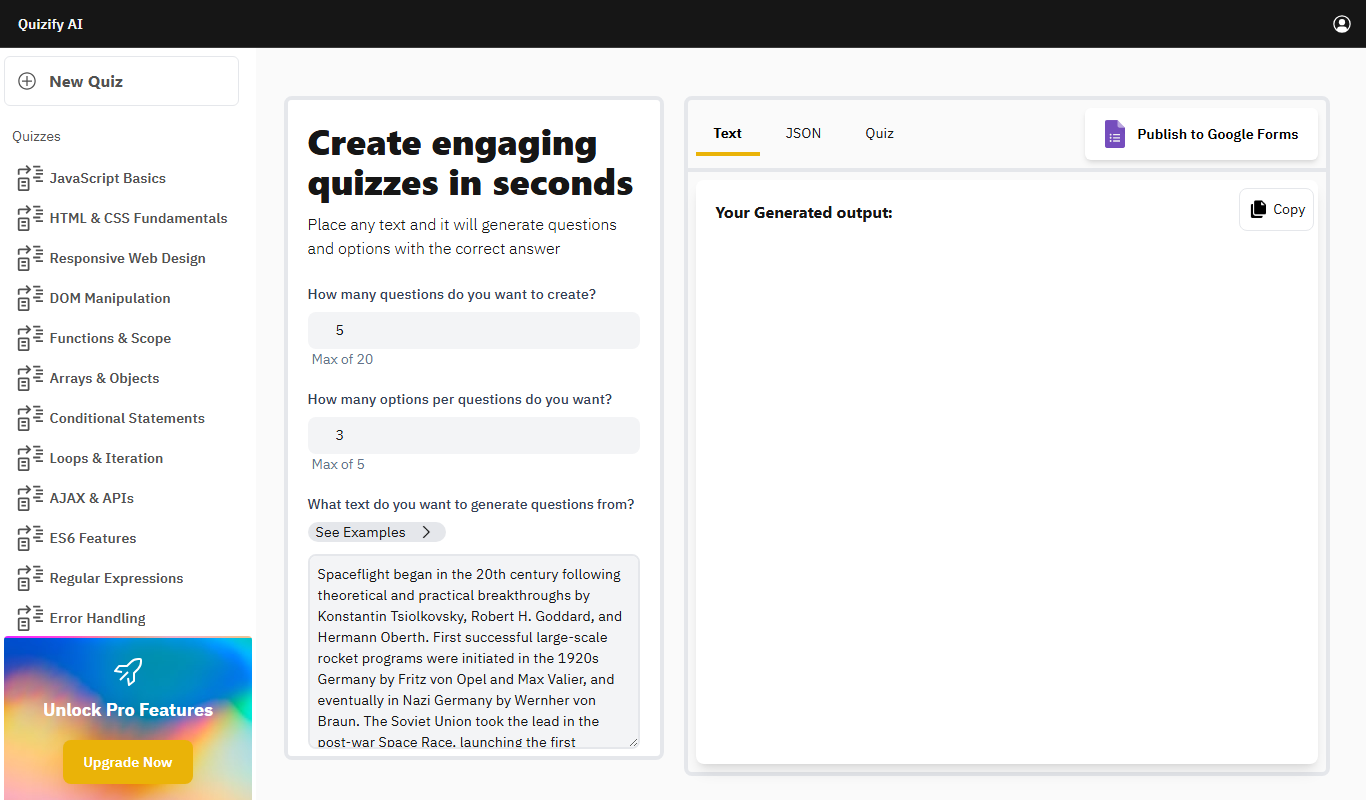
Quizify is an AI-powered quiz generator for educators that turns any text into questions and answer options and can publish them to Google Forms.
ReadTheory
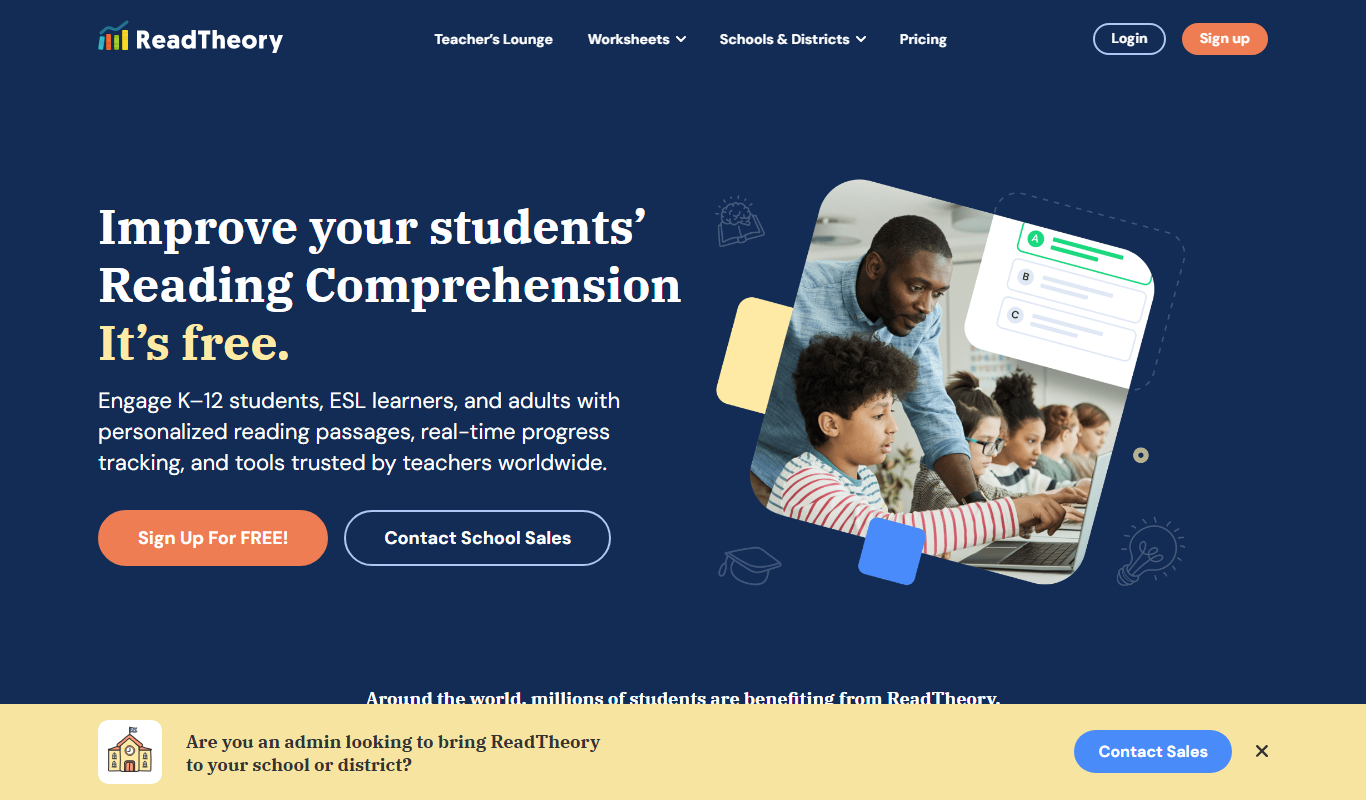
ReadTheory is an adaptive online platform that helps students improve reading comprehension through personalized exercises and allows teachers to track progress with detailed reports.

Quizbot.ai
Quizbot.ai is an AI-driven platform that helps users create interactive quizzes by generating questions from input content, enabling quick and engaging assessments.

Questgen.ai
Questgen.ai is an AI-based platform that automatically generates multiple-choice, true/false, and short answer questions from text to assist educators and content creators in building assessments quickly.
SuperQuiz
SuperQuiz generates custom multiplayer quizzes with AI so you can play with your team, family and friends, with answers given by scanning a QR code.