

Quizify - Online Quiz Maker for Interactive Learning and Assessments
Quizify is an AI-powered quiz generator for educators that turns any text into questions and answer options and can publish them to Google Forms.
- Best for
- Educational Assessments
- Key capability
- Questions from Any Text
Save Quizify, follow its updates and vote on it — everything stays in your account.
Sign in or create a free account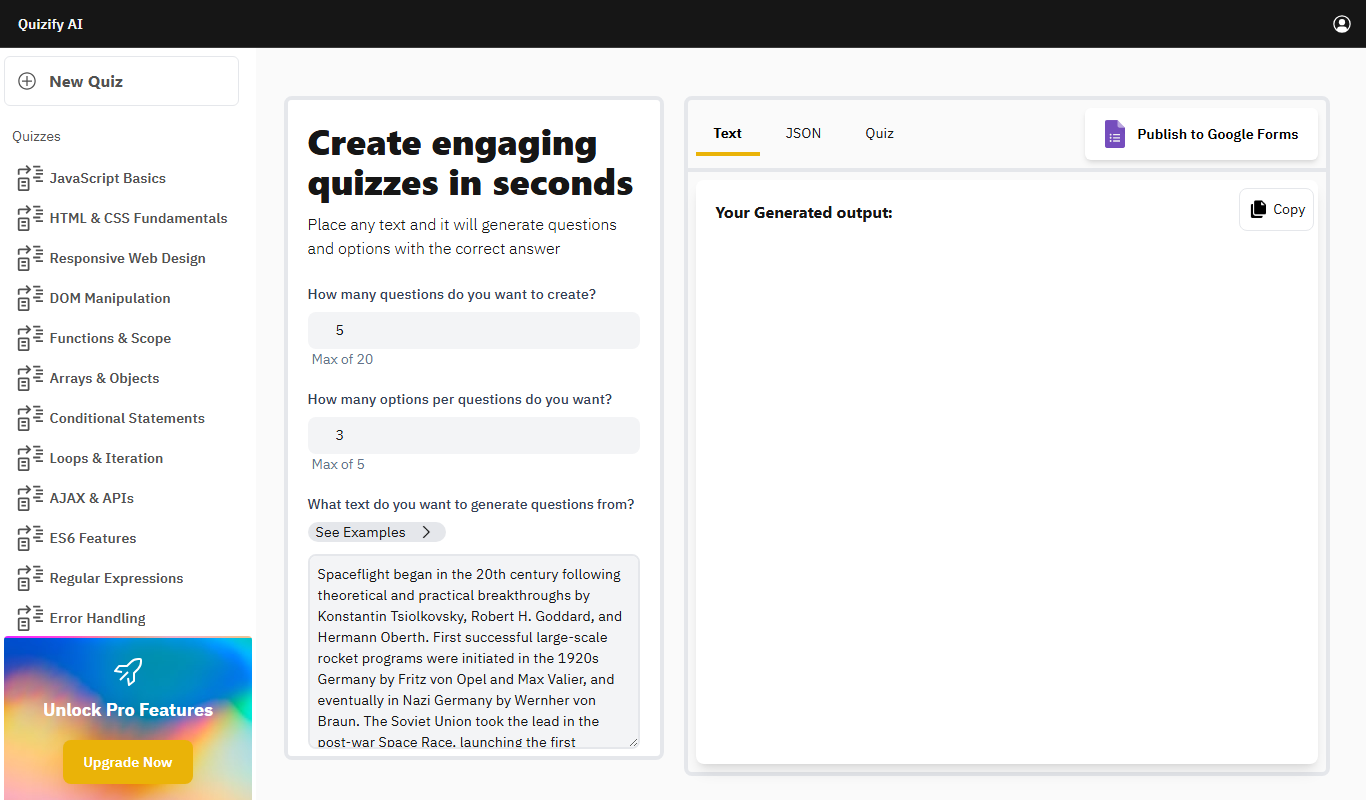
What is Quizify?
Quizify is an AI-powered quiz generator that simplifies assessment creation for educators. You paste any text and it generates questions and answer options with the correct answer, which can be published to Google Forms.
Key features of Quizify
Quizify generates questions and answer options with the correct answer from pasted text, lets you set the number of questions and options, adapts the level with a student persona and shows the correct answer for each question.
Questions from Any Text
Paste any text and the AI generates questions and options with the correct answer.
Student Persona
Pitch the quiz at early childhood, elementary, middle school, high school or college level.
Google Forms Export
Publish the generated quiz to Google Forms, or copy it as text or JSON.
Responsive Design
Quizzes are optimized for all devices including desktops, tablets, and smartphones.
Secure and Private
Data is protected with encryption and privacy controls to ensure participant confidentiality.
Pros and cons of Quizify
Pros
- User-friendly interface with drag-and-drop quiz builder
- Real-time analytics provide actionable insights
- Responsive design works well on all devices
- Flexible pricing plans including a free tier
Cons
- Limited language support (English only)
- No dedicated mobile app available
Key use cases for Quizify
Educational Assessments
Create quizzes to evaluate student understanding and track learning progress.
Employee Training
Design interactive quizzes to reinforce training materials and assess employee knowledge.
Market Research
Use quizzes to gather customer feedback and insights in an engaging format.
Event Engagement
Engage audiences during webinars or live events with real-time quizzes.
How Quizify works
- 1
Sign Up
Register for a free account on Quizify’s website to access the quiz creation tools.
- 2
Paste Text
Paste the text to generate questions from and choose how many questions and options per question you want.
- 3
Set the Student Persona
Choose the student level, from early childhood to college, and generate the quiz.
- 4
Export
Copy the output as text or JSON, open it in the AI editor, or publish it to Google Forms.
- 5
Analyze Results
Access detailed reports and analytics to evaluate participant responses and performance.
Who is using Quizify
Quizify pricing
Free
$0/month
Generate quizzes from pasted text, with up to 20 questions and up to 5 options per question.
Pro
$15/month
Unlocks advanced settings such as Explain answer and Custom Prompt.
Enterprise
Custom pricing
Tailored solutions with dedicated support, API access, and unlimited responses.
Plans and prices are as published by the vendor and can change. Check the official site before you buy. Open the pricing page (opens in a new tab)
Frequently asked questions about Quizify
Yes, quizzes can be generated for free from pasted text with up to 20 questions and up to 5 options per question; advanced settings require the Pro upgrade.
Quizify generates questions with answer options and marks the correct answer.
Yes, many businesses use Quizify to create engaging training assessments and track employee progress.
Generated quizzes can be published to Google Forms or copied as text or JSON.
It depends on your specific needs and how you plan to use the tool. The official website and documentation are the best sources for the latest details.
Some tools offer a free plan or trial with limited features. Availability can vary, so confirm on the official website.
Yes, it can help with that use case depending on how you configure it and what features are available. You’ll get the best results with clear inputs and a defined goal.
Yes, it can help with that use case depending on how you configure it and what features are available. You’ll get the best results with clear inputs and a defined goal.
Conclusion
Any block of text can be pasted in, and the AI turns it into questions with answer options and the correct answer marked. The number of questions and the options per question can be set up to a fixed maximum, and a student persona pitches the quiz at levels from early childhood to college. Results come out as text or JSON, can be opened in an AI editor, or can be published straight to Google Forms.
The generator is aimed at educators who need assessments quickly. Advanced settings such as explained answers and a custom prompt are part of the Pro upgrade.
Sources
Sign in to review this tool.
Sign In to ReviewNo reviews yet
Be the first to share how this tool worked for you.
Ask about pricing, limits, or how it compares — or answer someone else.
Sign In to AskNo questions yet
Have a question about using or paying for this tool? Be the first to ask.
Featured on TiorAI



Alternative Tools
Explore similar AI tools that might fit your needs
Typeform
Typeform is an online platform that enables users to create interactive, conversational forms and surveys to collect data, feedback, and leads with customizable templates and logic jumps.
Kahoot
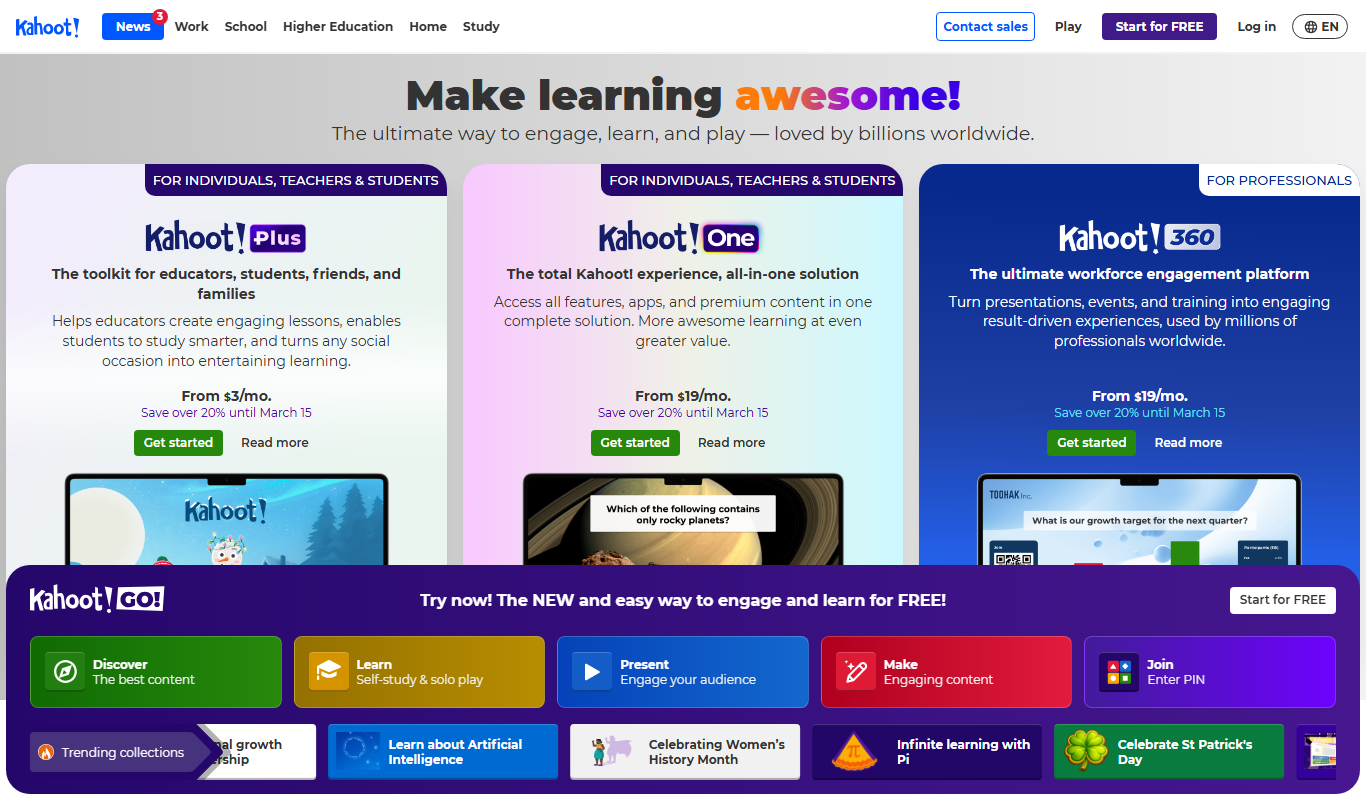
Kahoot is a game-based learning platform that enables users to create and play interactive quizzes and games to boost engagement in education, training, and events.
More AI Education & Learning Tools tools
Other tools in the same category, for when this one is not quite the fit.

AI Math Solver Powered by Math GPT Free Online
AI Math Solver Powered by Math GPT is an online AI math solver powered by GPT-4o that gives step-by-step solutions to math equations and word problems submitted as text, images, PDFs or CSV files.

testportal.net
Testportal.net is an online exam platform that enables secure test creation, automated grading, and remote proctoring for educational and corporate assessments.

AIQuizGen
AIQuizGen is an AI-powered platform that automates quiz creation by generating questions from user-provided content, supporting multiple question types and easy sharing.
ReadTheory
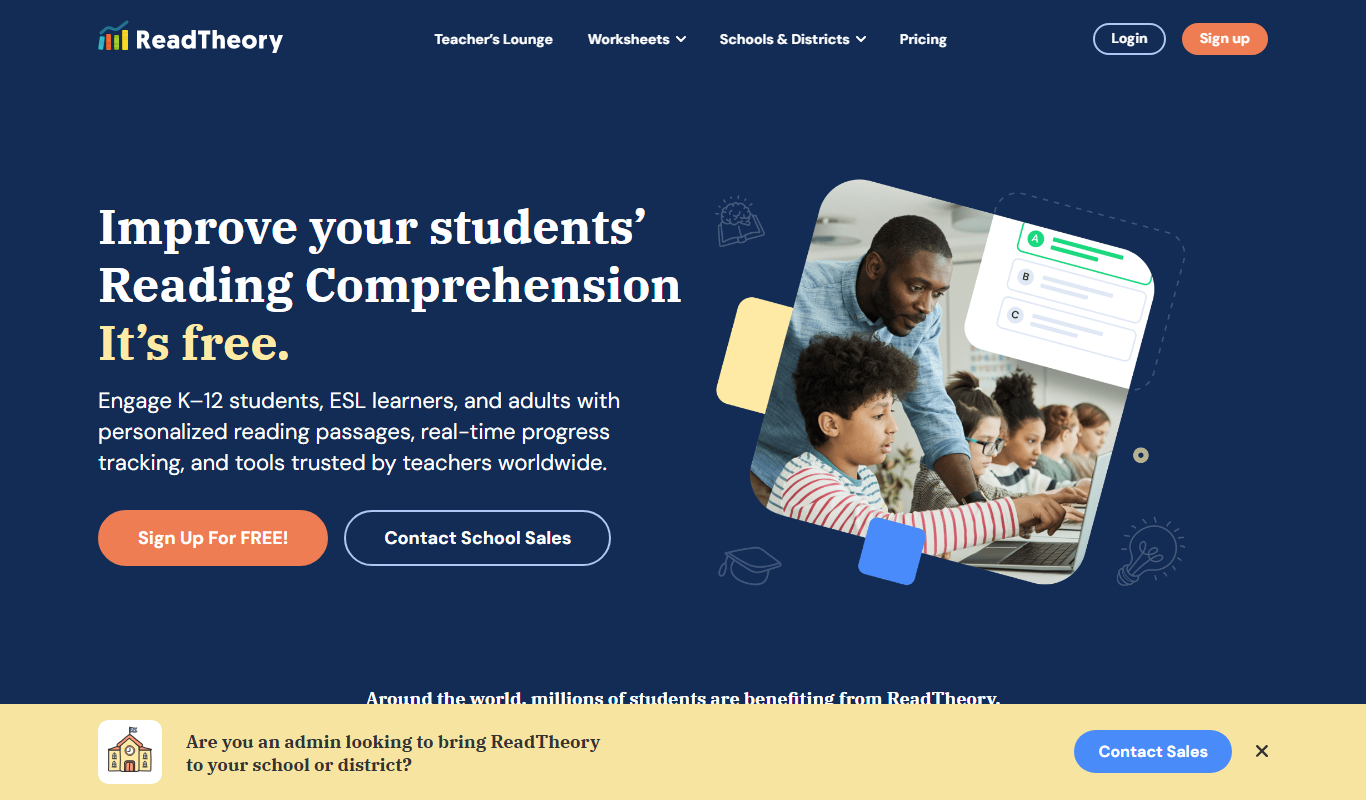
ReadTheory is an adaptive online platform that helps students improve reading comprehension through personalized exercises and allows teachers to track progress with detailed reports.

Quizbot.ai
Quizbot.ai is an AI-driven platform that helps users create interactive quizzes by generating questions from input content, enabling quick and engaging assessments.

Questgen.ai
Questgen.ai is an AI-based platform that automatically generates multiple-choice, true/false, and short answer questions from text to assist educators and content creators in building assessments quickly.
SuperQuiz
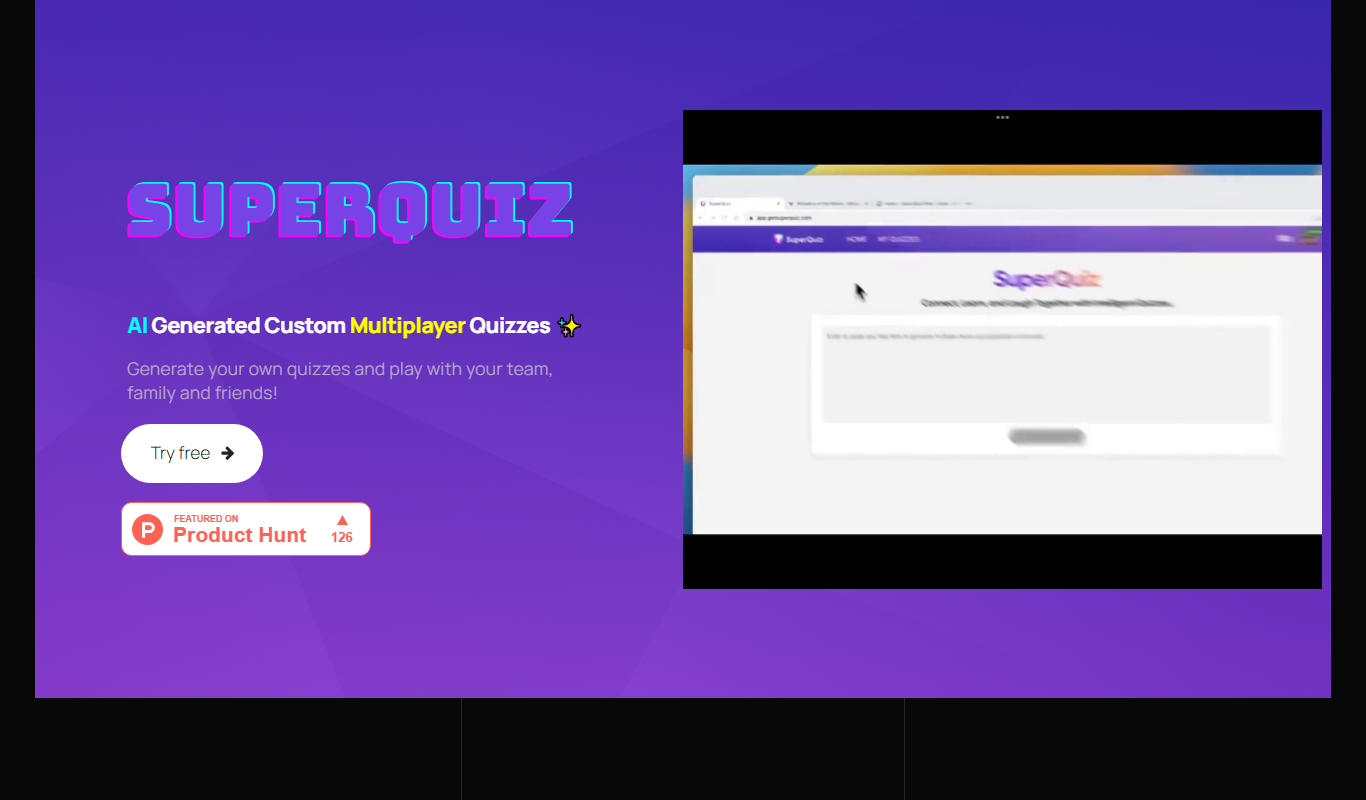
SuperQuiz generates custom multiplayer quizzes with AI so you can play with your team, family and friends, with answers given by scanning a QR code.

Planit Teachers
Planit Teachers generates lesson plans, slide decks, worksheets and marking feedback for primary and secondary teachers, aligned to the National Curriculum.