

TranscriptMate.com - Accurate AI Transcription and Audio to Text Converter
TranscriptMate.com is an AI transcription service for audio and video files with speaker identification, timestamps and multi-language support; the first 15 minutes are free.
- Best for
- Podcast Transcription
- Key capability
- AI-Powered Speech Recognition
Save Transcriptmate.com, follow its updates and vote on it — everything stays in your account.
Sign in or create a free account
What is Transcriptmate.com?
TranscriptMate.com is an AI transcription service that turns audio and video files into accurate text, with speaker identification, timestamps and multi-language support.
Key features of Transcriptmate.com
TranscriptMate offers accurate transcription with speaker identification, summaries, chapters, quotes and timestamps, AI templates for blog, social, newsletter and scripts, and exports in DOCX, PDF, SRT and VTT.
AI-Powered Speech Recognition
Leverages advanced AI to deliver accurate and fast transcription results.
Multiple Audio Format Support
Accepts common audio file types such as MP3, WAV, and M4A for transcription.
User-Friendly Interface
Simple web interface that requires no technical skills to operate.
Pay-as-You-Go Pricing
Flexible pricing model allowing users to pay only for what they transcribe.
Pros and cons of Transcriptmate.com
Pros
- Fast and automated transcription
- Supports multiple audio formats
- No software installation needed
- Flexible pay-as-you-go pricing
- Simple and intuitive user interface
Key use cases for Transcriptmate.com
Podcast Transcription
Convert podcast audio files into accurate text transcripts for publishing or editing.
Meeting Notes
Automatically transcribe meeting recordings to create searchable and shareable notes.
Interview Transcription
Generate text transcripts from interviews for journalism, research, or documentation.
Content Creation
Transform audio content into text to repurpose for blogs, articles, or social media posts.
Accessibility
Provide text versions of audio for accessibility compliance and improved user experience.
How Transcriptmate.com works
- 1
Upload Audio
Users upload their audio file in supported formats directly on the website.
- 2
Automatic Transcription
The AI engine processes the audio and generates a text transcript automatically.
- 3
Review and Download
Users can review the transcript online and download it in text format for further use.
Who is using Transcriptmate.com
Transcriptmate.com pricing
Free Trial
$0
Each file gets 15 minutes of free transcription, no plan or registration required.
Unlimited
$30/mo monthly or $15/mo billed annually
Unlimited file transcription (up to 730 hours of recordings per month), 1 user, job history in the dashboard, editor with an audio player, all AI features without limits, exports in DOCX, PDF, TXT, SRT and VTT, automatic VAT invoices.
Plans and prices are as published by the vendor and can change. Check the official site before you buy. Open the pricing page (opens in a new tab)
Frequently asked questions about Transcriptmate.com
TranscriptMate supports all major audio and video formats including MP3, MP4, WAV, M4A, MOV and AVI.
Yes, new users receive limited free transcription minutes to try the service.
Accuracy depends on audio quality and clarity but generally provides high-quality results using AI.
Yes. In the interactive editor you can jump to any timestamp, rename speakers and fix typos.
It depends on your specific needs and how you plan to use the tool. The official website and documentation are the best sources for the latest details.
Some tools offer a free plan or trial with limited features. Availability can vary, so confirm on the official website.
Yes, it can help with that use case depending on how you configure it and what features are available. You’ll get the best results with clear inputs and a defined goal.
Conclusion
A recording goes in as an audio file, a video file or a YouTube link, and the AI returns a transcript with speakers labelled. In the interactive editor, clicking any word jumps to that moment in the audio, and a speaker renamed once updates across the entire transcript. Exports cover DOCX, PDF, SRT and VTT, and AI templates turn a recording into blog posts, newsletters or podcast show notes.
Podcasters, YouTubers, journalists and researchers are the groups the site addresses first. Each file gets its first 15 minutes transcribed free with no registration, and the only paid option is the Unlimited plan, billed monthly or annually. That plan covers 1 user and up to 730 hours of recordings per month.
Sources
Sign in to review this tool.
Sign In to ReviewNo reviews yet
Be the first to share how this tool worked for you.
Ask about pricing, limits, or how it compares — or answer someone else.
Sign In to AskNo questions yet
Have a question about using or paying for this tool? Be the first to ask.
Featured on TiorAI



More AI Music & Audio Tools tools
Other tools in the same category, for when this one is not quite the fit.

Soundify
Soundify is a free AI generator that creates sound effects from text descriptions, with 5 free generations a day for signed-in users.

AI Song Generator
AI Song Generator is a web tool that creates original songs and lyrics from your genre, mood and topic, with a limited free plan and paid subscriptions.

A.V. Mapping
A.V. Mapping is an AI platform that analyzes your video or photo, recommends licensed music and sound effects from musicians, and handles the music license in one place.

ampedstudio.com
Amped Studio is an online DAW with AI music tools to create beats, record vocals, mix tracks and produce songs in your browser without installation.

Beatoven.ai
Beatoven.ai is an AI-driven platform that generates custom royalty-free music tracks tailored to your project's mood and style, ideal for content creators and marketers.
Endel
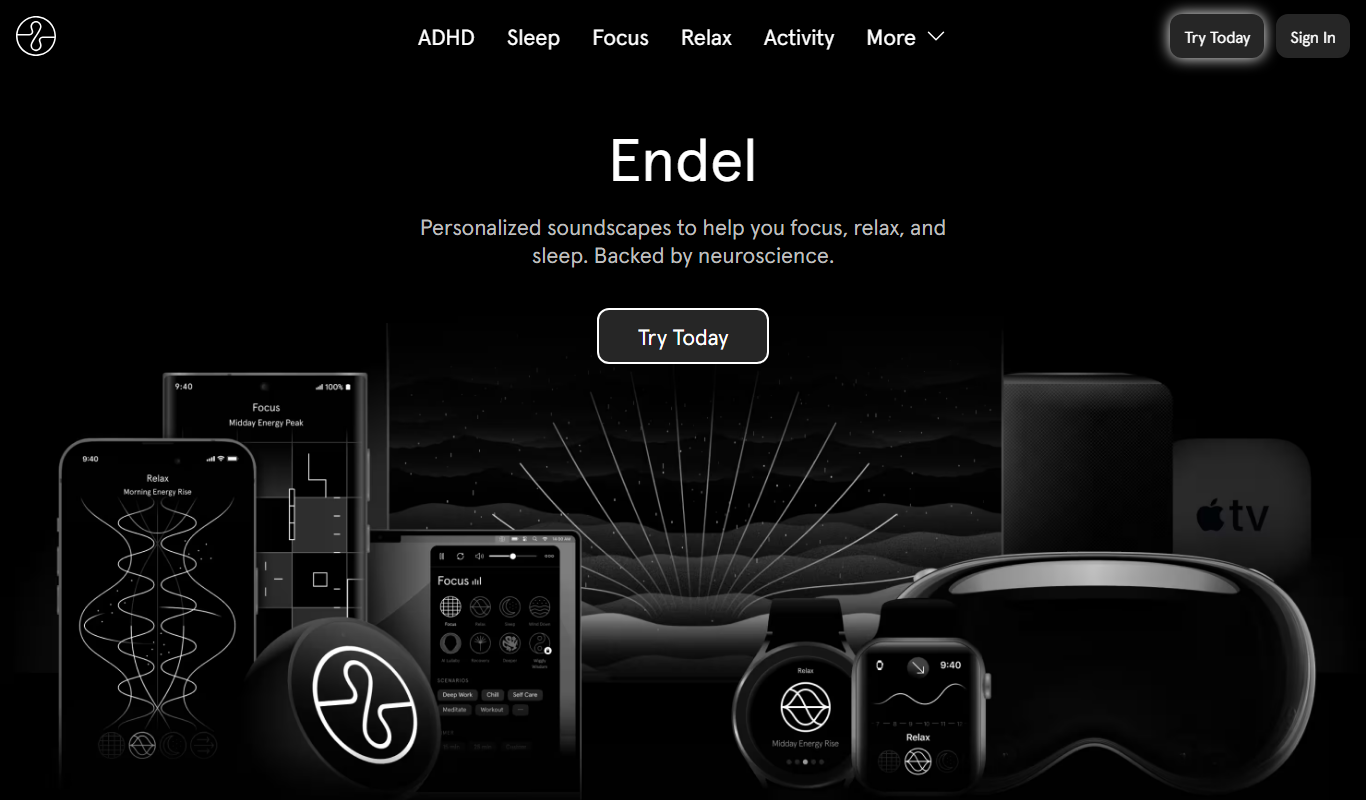
Endel is an AI-driven app that generates adaptive soundscapes tailored to improve focus, relaxation, and sleep by using real-time data such as time, location, and biometric inputs.

SONOTELLER
SONOTELLER.AI is an AI song analyzer that tags lyrics and music (genres, moods, instruments, BPM and key) and autotags music catalogs through its API.

AI Song Generator-Make Song
AI Song Generator-Make Song is an online tool that uses artificial intelligence to create original songs by generating melodies and lyrics based on user inputs such as themes or moods.