

Vocol.AI - GPT-powered voice collaboration platform
Vocol.AI is a GPT-powered voice collaboration platform that turns calls, meetings and courses into transcripts with AI-generated summaries, topics and action items.
- Best for
- Calls and meetings
- Key capability
- Automatic transcription
Save Vocol.AI, follow its updates and vote on it — everything stays in your account.
Sign in or create a free account

What is Vocol.AI?
Vocol.AI is a GPT-powered voice collaboration platform that converts speech into text, with AI-generated summaries, topic highlights and action items, and can translate the transcript into the language of your choice.
Key features of Vocol.AI
Vocol records meeting data and generates multilingual transcription, key topics and summaries automatically; users can search keywords, share highlights and comment with their team.
Automatic transcription
Automatic transcription with language detection, speaker identification and keyword search.
AI-generated summary, topics and action items
AI-generated Summary, AI-generated Topics and AI-generated Action Items for each recording.
Translate multilingual transcript
Translate multilingual transcripts and export transcripts and translations.
Highlight Hub
Catalogue voice and meeting highlights, share, comment and follow your team's best practices in one place.
Meeting integrations
Choose meeting platforms such as Teams or a conference system to automatically record meetings.
Pros and cons of Vocol.AI
Pros
- Supports Chinese, Japanese and English transcription
- AI-generated summaries, topics and action items
- 200 free V-points on registration
- Mobile apps for iOS and Android
- Flexible pricing plans including a free tier
Cons
- Max. length of recording is 180 mins per file
- Transcription limited to English, Chinese and Japanese
- No dedicated desktop or mobile apps
Key use cases for Vocol.AI
Calls and meetings
Transcribe, summarize and identify key topics of calls, interviews and meetings.
Podcasts and online courses
Transcribe and summarize podcasts and online courses.
Team alignment
Team members who did not attend a meeting can quickly understand the status.
Marketing
Produce engaging audio ads and personalized messages with cloned voices.
Education
Develop interactive learning materials with diverse voice options.
How Vocol.AI works
- 1
Register
Register and get 200 V-points for free.
- 2
Record or upload
Record or upload audio and video on your phone or computer.
- 3
Get the transcript
Automatic transcription detects languages and identifies speakers.
- 4
Review AI insights
Read the AI-generated summary, topics and action items.
- 5
Share and collaborate
Leave comments, share the entire file and invite new users.
Who is using Vocol.AI
Vocol.AI pricing
Basic
Free (200 V-points)
For individuals with light usage: 200 V-points on registration, storage 3,000 mins.
Pay As You Go
$16 / 450 V-points, $36 / 1200 V-points, $66 / 2400 V-points
For individuals and small teams with high usage from time to time.
Subscription
$11 (720 V-points/month), $25 (1920 V-points/month), $46 (3840 V-points/month)
For individuals and small teams with regular, heavy usage, billed monthly.
Enterprise
Custom Pricing
For large teams and enterprises that require customization and support.
Plans and prices are as published by the vendor and can change. Check the official site before you buy. Open the pricing page (opens in a new tab)
Frequently asked questions about Vocol.AI
A GPT-powered voice collaboration platform that converts speech into text with AI-generated summaries, topic highlights and action items.
English, Chinese and Japanese.
Every account gets 200 V-points; 1 V-point transcribes a 1-minute recording.
Debit/credit card payments; for a business license, wire transfer is accepted as well.
Yes. Mobile Apps for iOS and Android are listed.
Pricing depends on the plan and included features. For the most accurate and up-to-date details, check the official pricing page.
Yes, it can help with that use case depending on how you configure it and what features are available. You’ll get the best results with clear inputs and a defined goal.
Data handling and security practices vary by provider. Review the official privacy policy to understand how your data is stored and used.
Conclusion
Recordings of calls, interviews, meetings, podcasts or online courses go in, and what comes back is a transcript with an AI-generated summary plus key topics and action items. Language detection and speaker identification run automatically, and transcripts can be translated and exported. Vocol is tailored for users across Asia, with transcription in Chinese, Japanese and English.
The collaboration layer is what separates it from a plain transcriber: a Highlight Hub catalogues meeting highlights so teammates who missed a call can comment and catch up. Meetings on platforms such as Teams can be recorded automatically, and iOS and Android apps sync recordings with the web version. Usage is metered in V-points, one per transcribed minute, with free points on registration and then pay-as-you-go packs, monthly subscriptions or custom enterprise pricing. A single uploaded file can run up to 180 minutes.
Sources
Sign in to review this tool.
Sign In to ReviewNo reviews yet
Be the first to share how this tool worked for you.
Ask about pricing, limits, or how it compares — or answer someone else.
Sign In to AskNo questions yet
Have a question about using or paying for this tool? Be the first to ask.
Featured on TiorAI



More AI Music & Audio Tools tools
Other tools in the same category, for when this one is not quite the fit.

Beatoven.ai
Beatoven.ai is an AI-driven platform that generates custom royalty-free music tracks tailored to your project's mood and style, ideal for content creators and marketers.
Endel
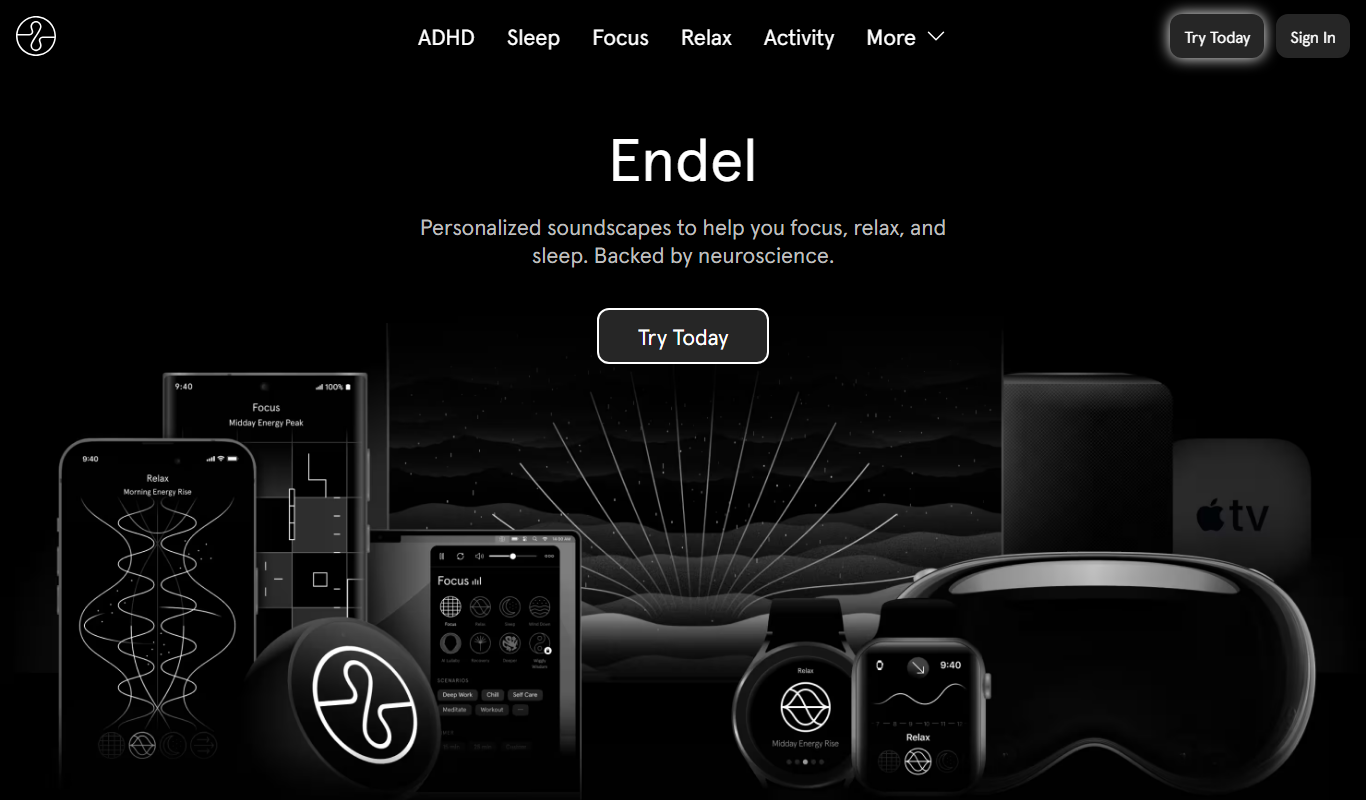
Endel is an AI-driven app that generates adaptive soundscapes tailored to improve focus, relaxation, and sleep by using real-time data such as time, location, and biometric inputs.

SONOTELLER
SONOTELLER.AI is an AI song analyzer that tags lyrics and music (genres, moods, instruments, BPM and key) and autotags music catalogs through its API.

AI Song Generator-Make Song
AI Song Generator-Make Song is an online tool that uses artificial intelligence to create original songs by generating melodies and lyrics based on user inputs such as themes or moods.
Mureka
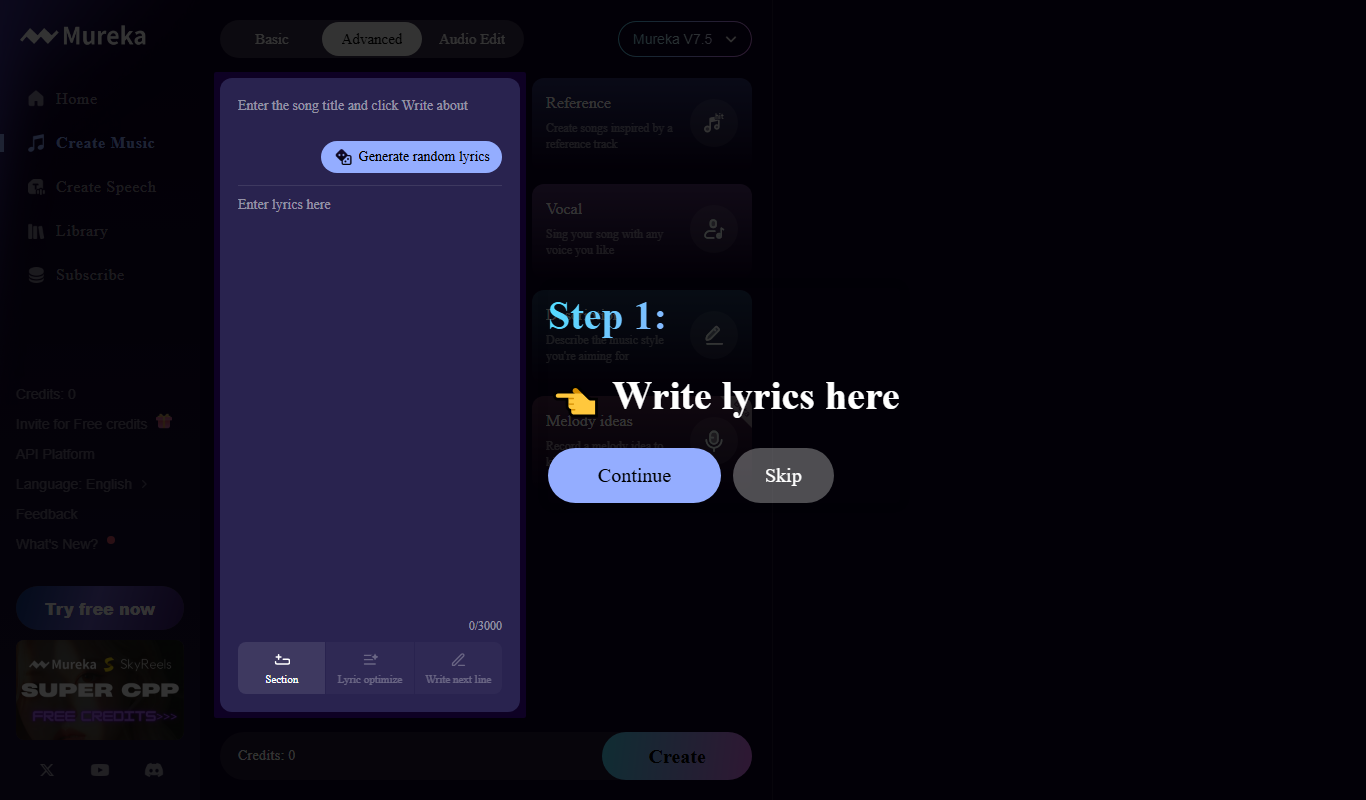
Mureka is an AI music generator that creates full songs, vocals, lyrics and instrumentals from text prompts, with free use and paid subscription plans.
Soundraw
Soundraw is an AI-powered music generator that creates original, royalty-free music tracks customizable by mood, genre, and length, ideal for content creators and marketers.

ChordCreate
ChordCreate is an AI-powered web tool that generates chord progressions from a text prompt, which can then be heard, edited and exported.
AI Music API, Free Cheap AI Music
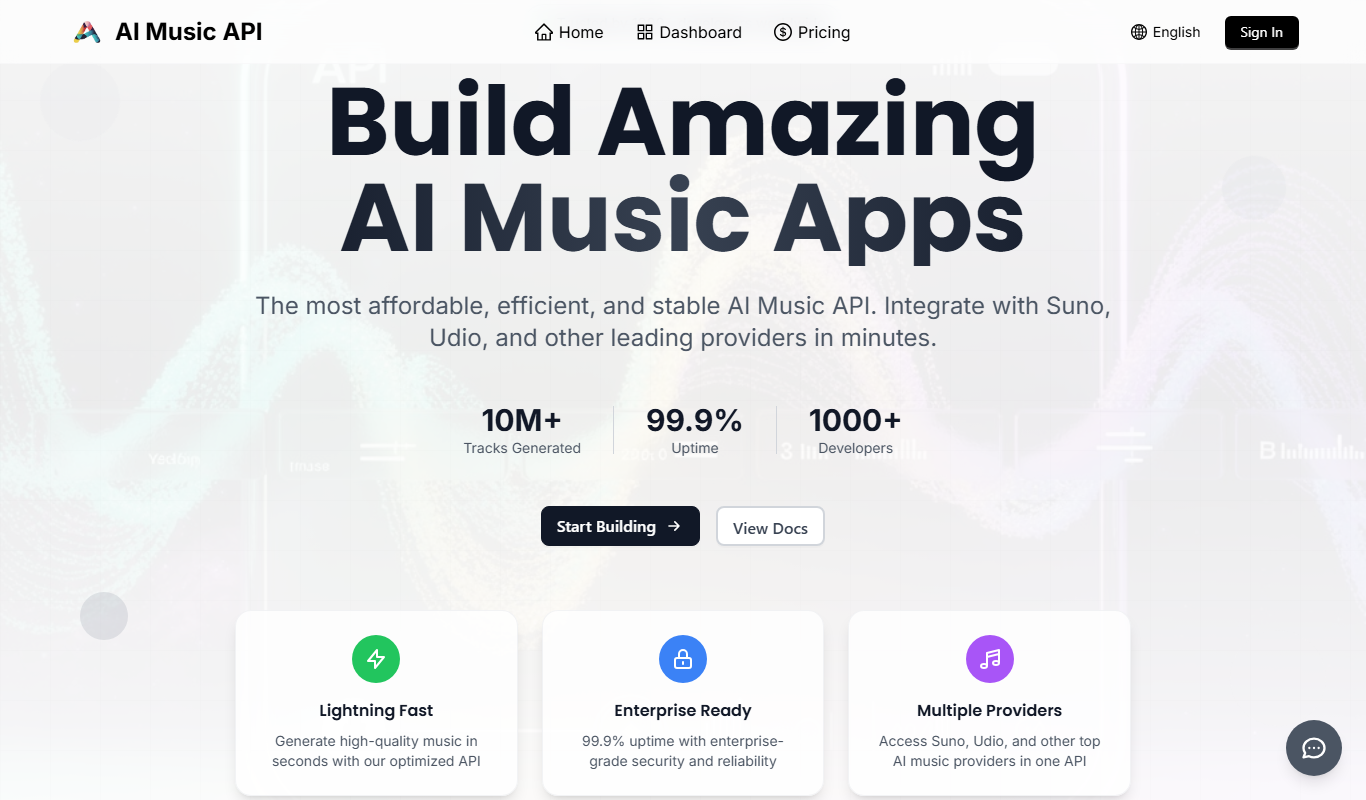
AI Music API is a unified AI music generation API that lets developers access Suno, Udio and other top AI music models through a single REST endpoint, with a free tier and credit-based plans.